




Skip to content
View in the app

A better way to browse. Learn more.

Audi Owners Club (UK)

A full-screen app on your home screen with push notifications, badges and more.

To install this app on iOS and iPadOS
  1. Tap the Share icon in Safari
  2. Scroll the menu and tap Add to Home Screen.
  3. Tap Add in the top-right corner.
To install this app on Android
  1. Tap the 3-dot menu (⋮) in the top-right corner of the browser.
  2. Tap Add to Home screen or Install app.
  3. Confirm by tapping Install.


Sparkysi

Members
  • Joined

  • Last visited

  1. Just to close the post. I finally got round to changing the screen and all sorted. many thanks
  2. Cheers
  3. Hi Steve, Thanks for your reply. I did wonder if it could just be the screen as everything seems to work other than the screen.
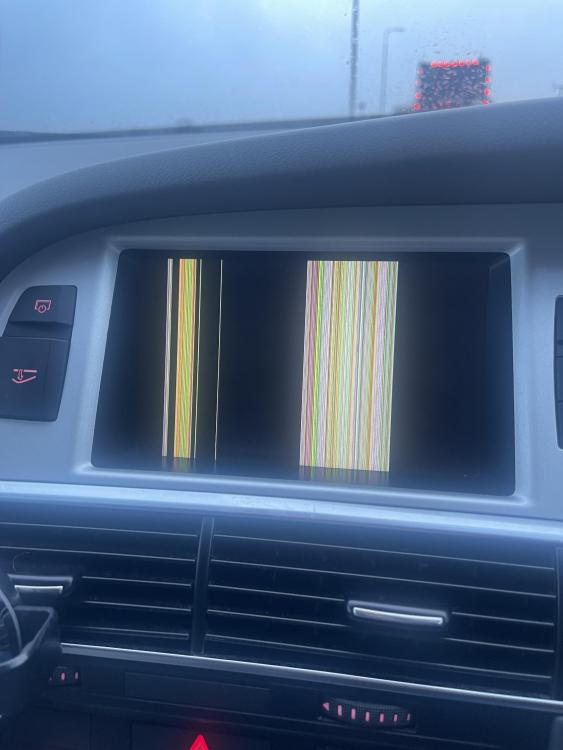
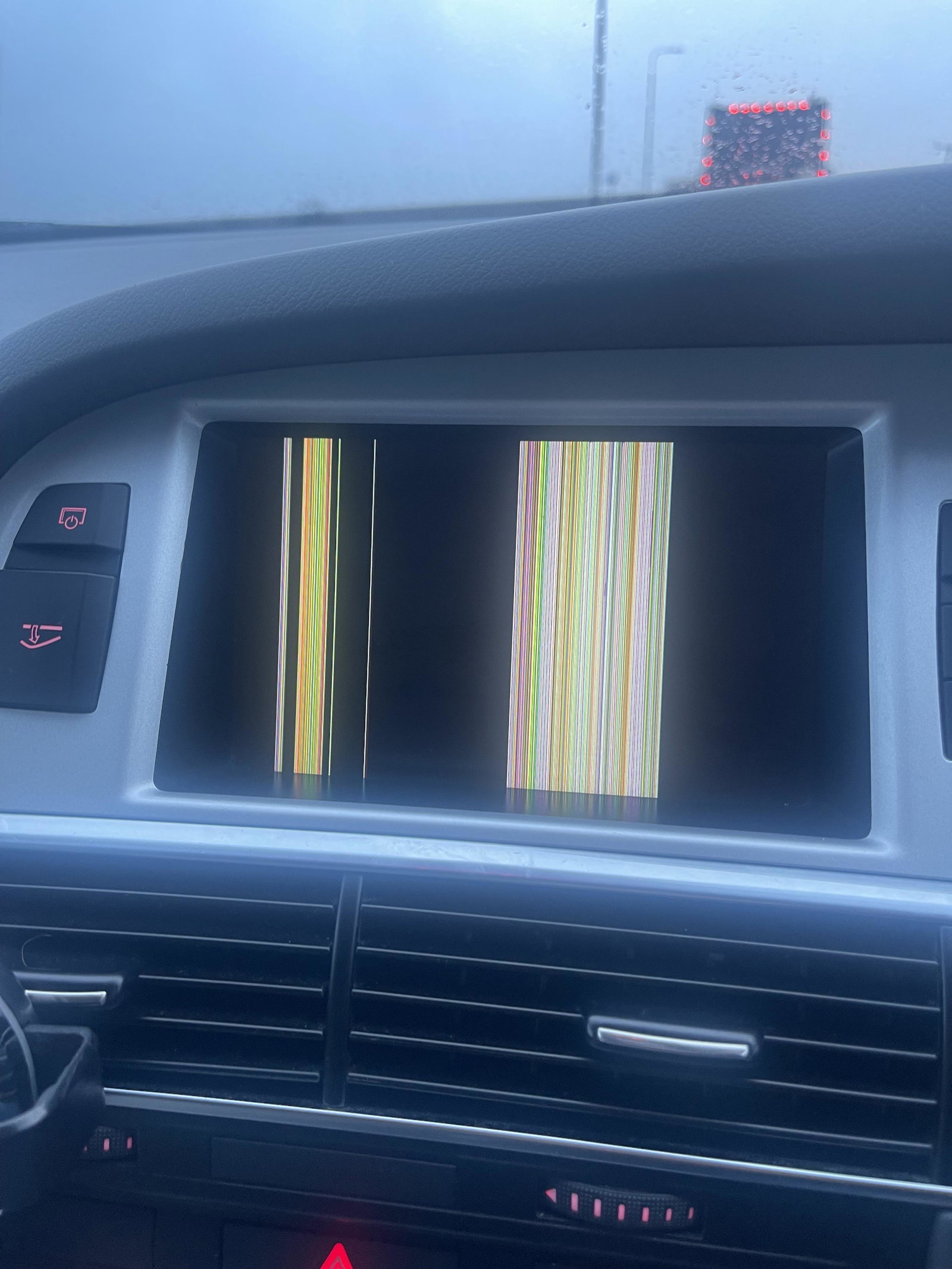
  4. Hi all, thanks in advance for your expertise. Sorry if this has been covered. I have an Audi A6 Allroad 2011. The MMI was displaying correctly until an hour into the drive when the screen just displayed coloured lines. See attached image. Everything still seemed to work, radio, nav etc but screen displayed nothing. Any advice would be great.


Background Picker
Customize Layout

Account

Navigation

Search

Search

Configure browser push notifications

Chrome (Android)
  1. Tap the lock icon next to the address bar.
  2. Tap Permissions → Notifications.
  3. Adjust your preference.
Chrome (Desktop)
  1. Click the padlock icon in the address bar.
  2. Select Site settings.
  3. Find Notifications and adjust your preference.