TeamDefiant
Members
-
Joined
-
Last visited
-
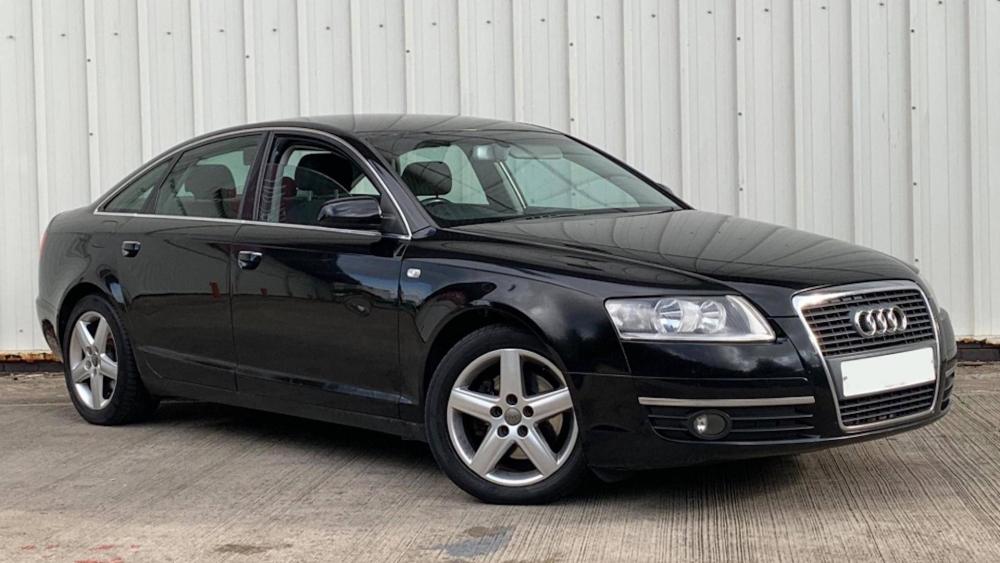
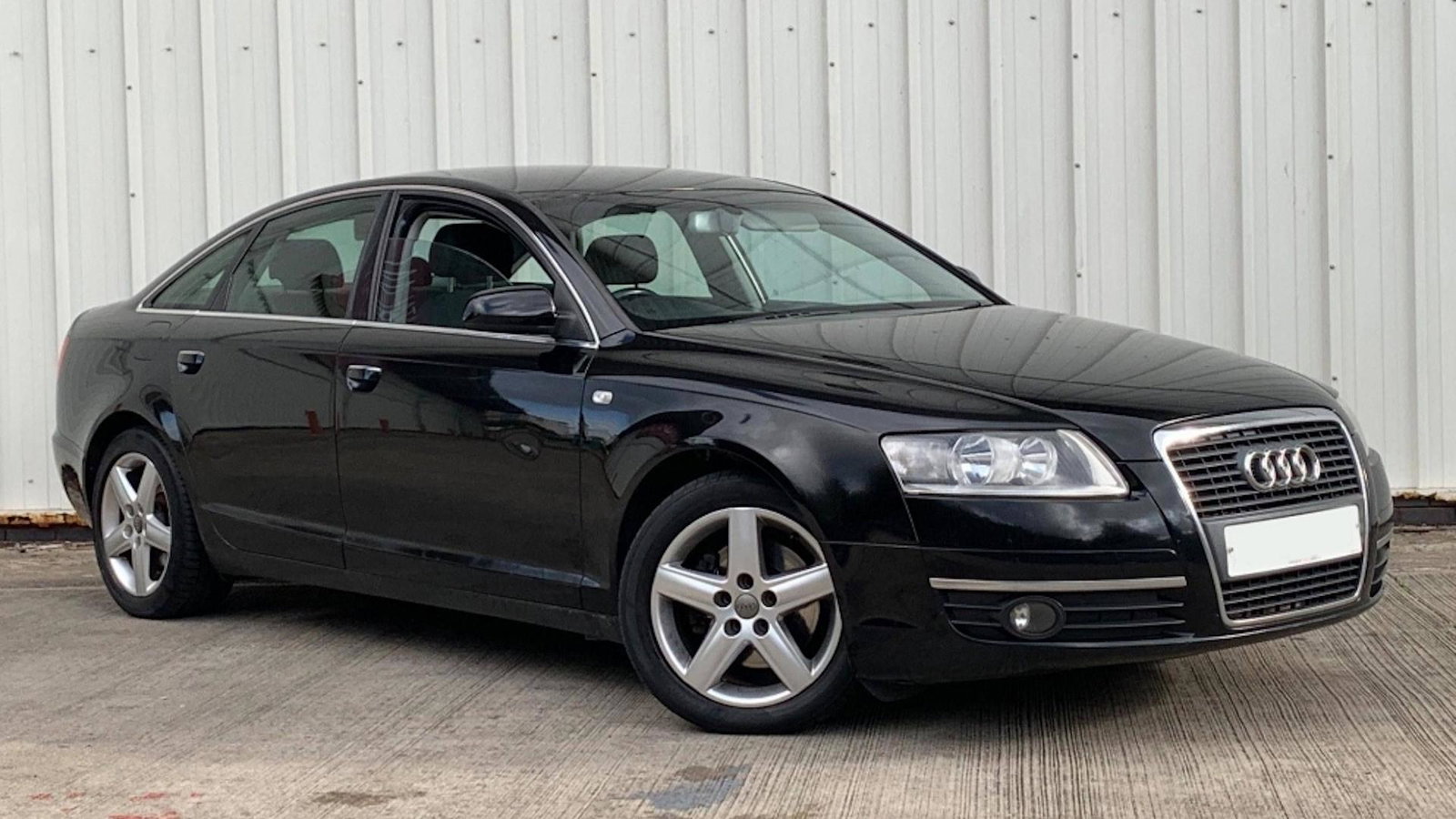
Hello all, I've recently bought the most poverty spec 230k mile A6 in the world! It's a 2.0 TDI, with no bluetooth, no parking sensors, no reversing camera, no leather/electric/heated seats, no map based Sat-Nav! But at least it works, and I quite like it, and it's the cheapest car to run (per mile) of any car I've recently owned! 🙂 (Until diesel prices increase that is.) It is an Audi however, so it does have a check engine light on. It throws codes for an engine mount solenoid, the front passenger door control module (which doesn't unlock the door) and a low battery voltage, so if anyone knows a good place to pickup cheap engine mounts and door control modules let me know! I have made some changes to it, Full oil change, new front brakes, new tyres all round and wind deflectors. I'd love some decent alloys and coil overs in the future, and maybe tint the rear windows. 🙂