alien990
Members
-
Joined
-
Last visited
Everything posted by alien990
-
Hi All My 2003 A4 has developed a fault with the central locking. Auto locking locks doors when you drive off at 10 mph. However once you moving central locking will randomly operate, locking and unlocking the the doors. It will go through several cycles of locking and unlocking then stop. Will start locking and unlocking again anywhere between a few seconds and several minutes. I've had the car to my local Audi tech he has checked wiring which is fine. There are also no fault codes showing up. He has deactivated the auto locking, but doors will still lock randomly at any speed and once they do again they start going through several cycles of locking and unlocking. As you can imagine its driving me mental! To the point were I have removed the fuses for the central locking. So the car no longer locks, which is hardly ideal. Any advice would be gratefully appreciated. Allen.
-
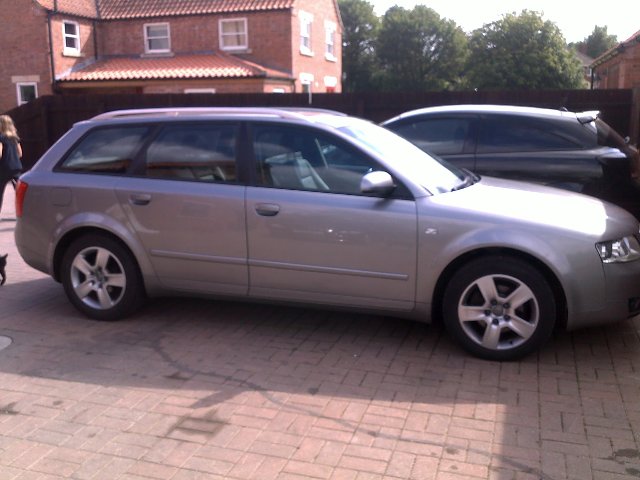
Just joined. From Bangor NI Own a 2003 A4 1.9tdi Avant Allen