Garry1968
Members
-
Joined
-
Last visited
Everything posted by Garry1968
-
I will do that as she is going in next week for a new park assist module cheers again
-
Ok thanks Steve
-
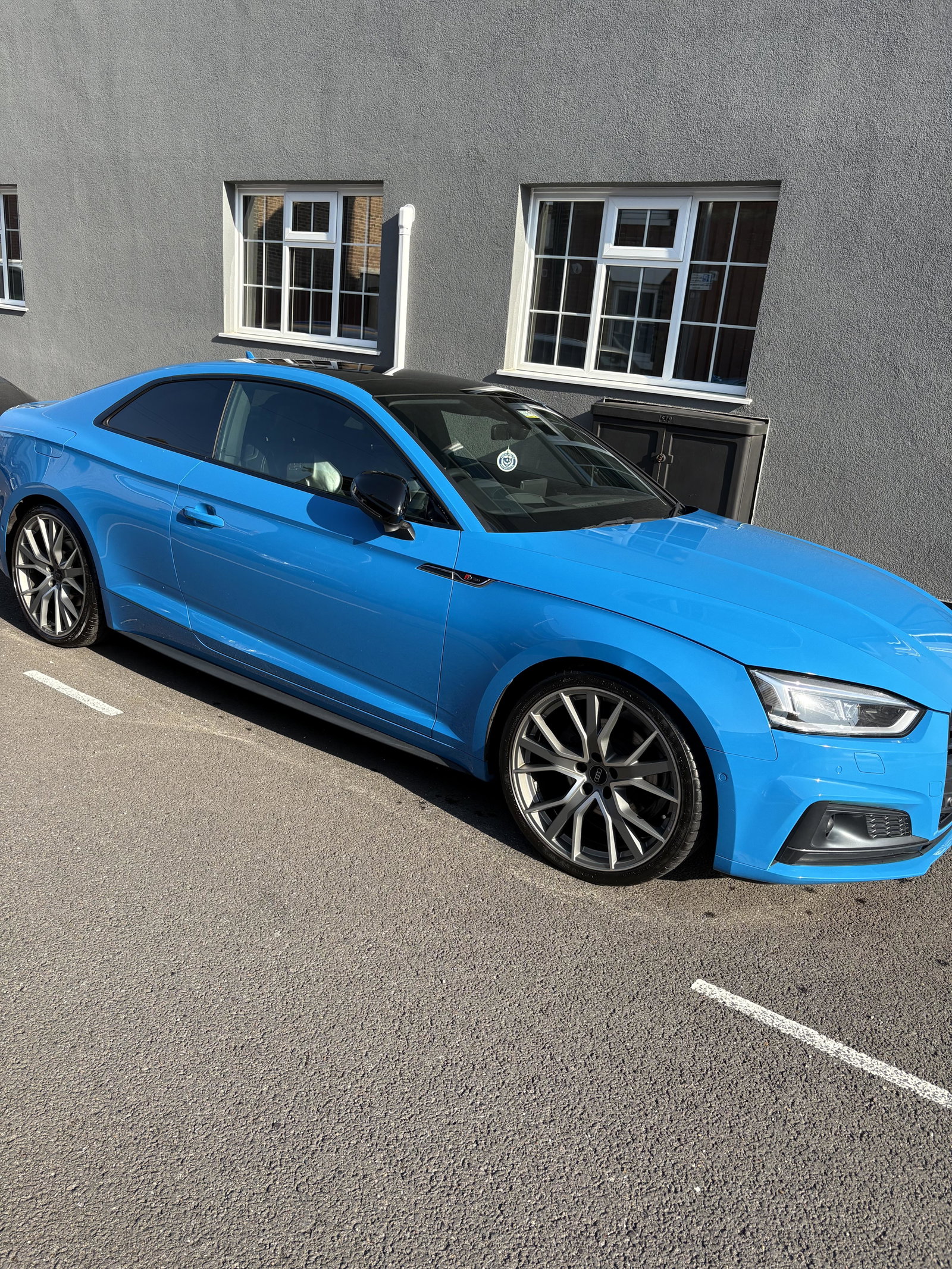
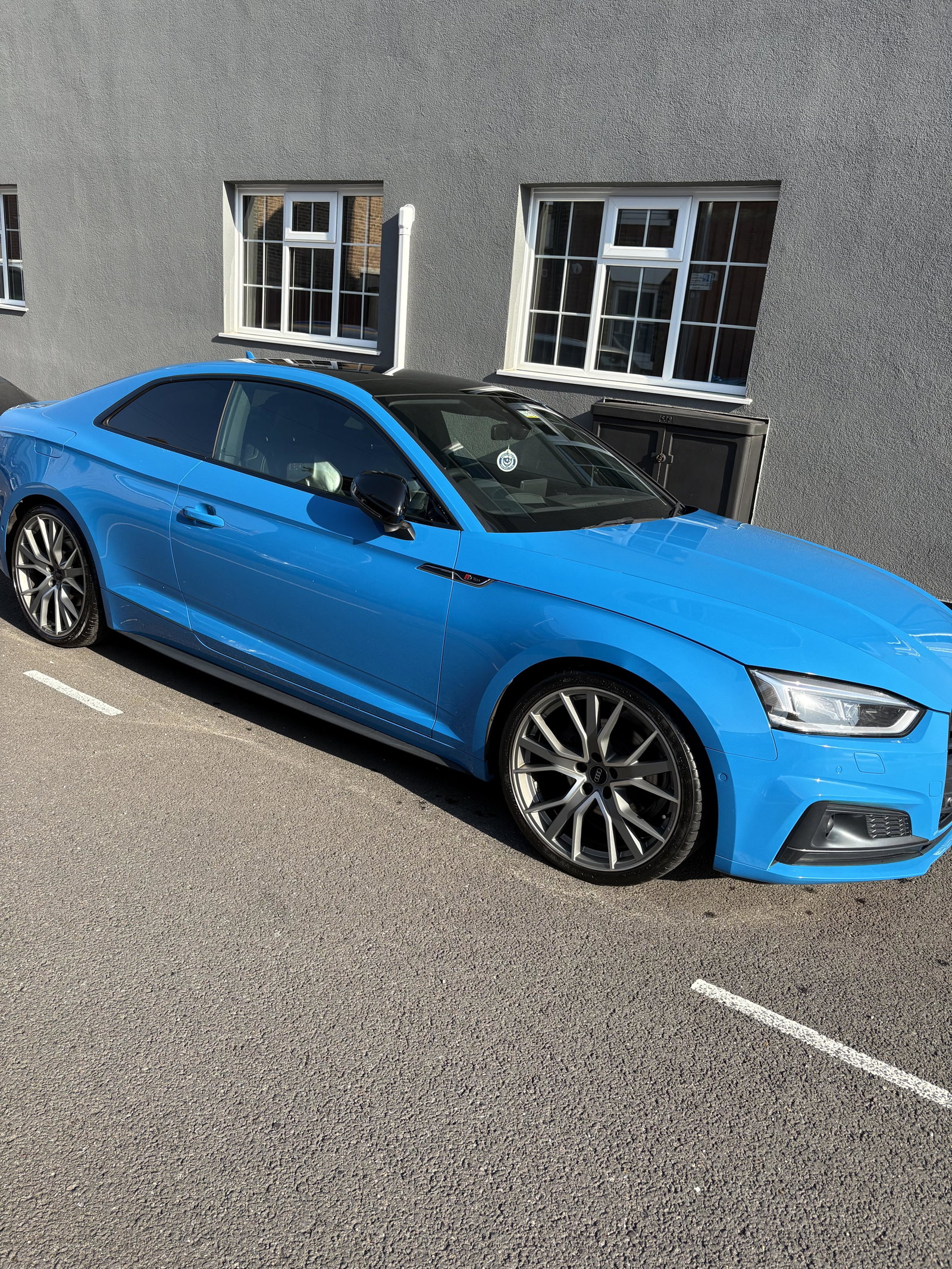
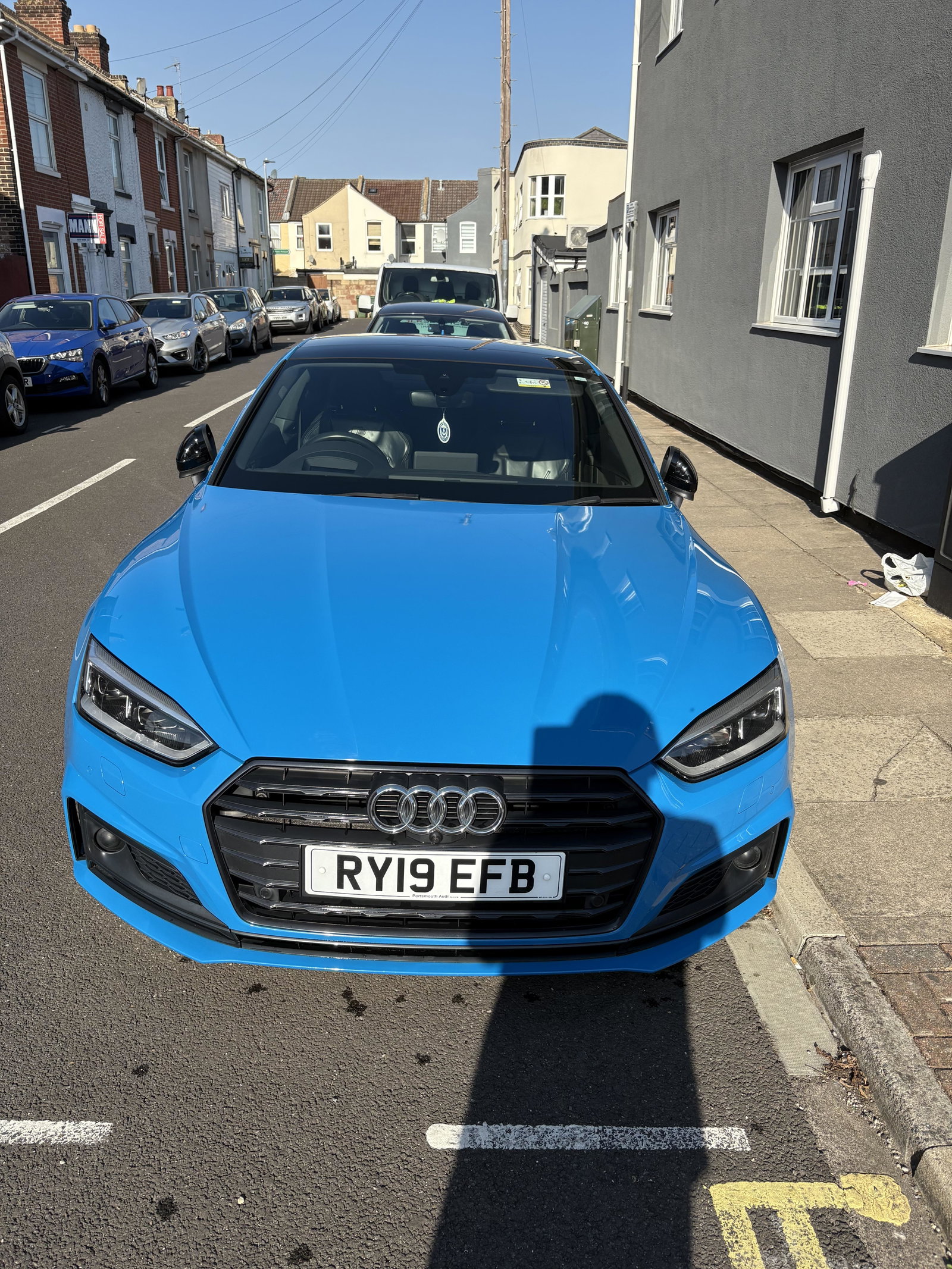
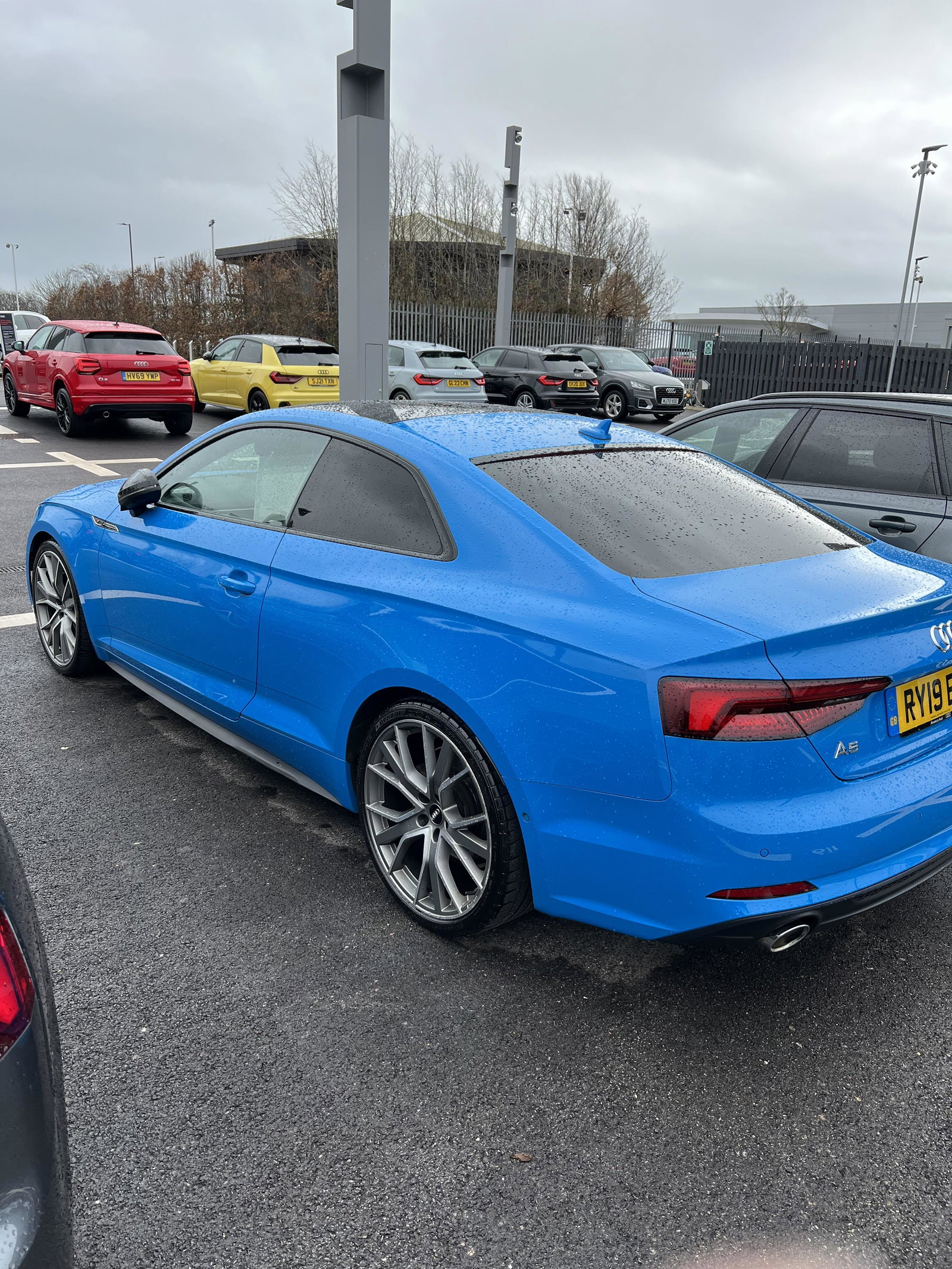
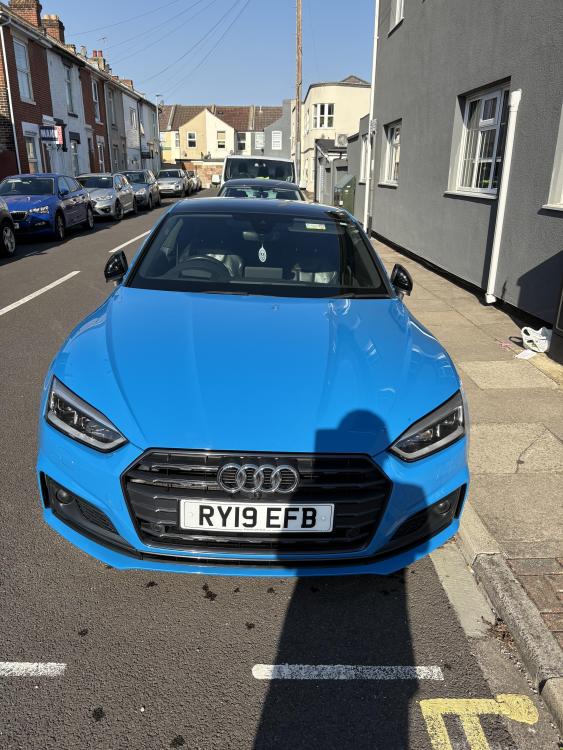
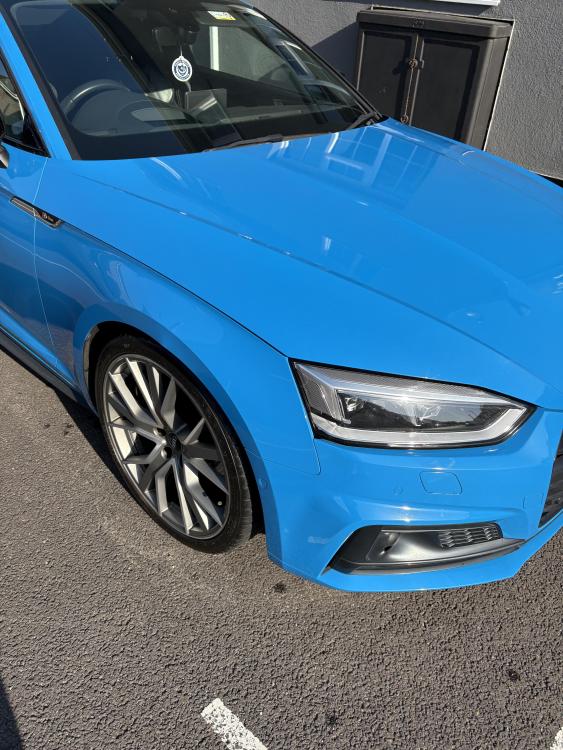
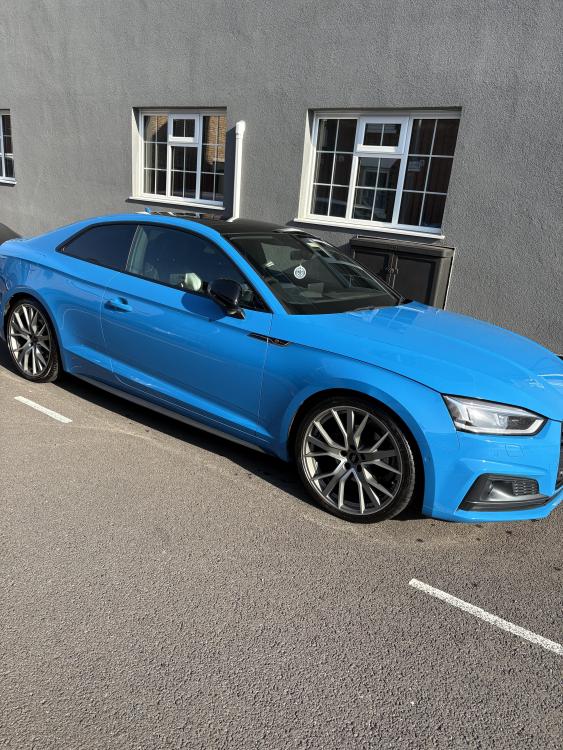
Thanks Steve, the colour really does look great tbh and thanks for the welcome
-
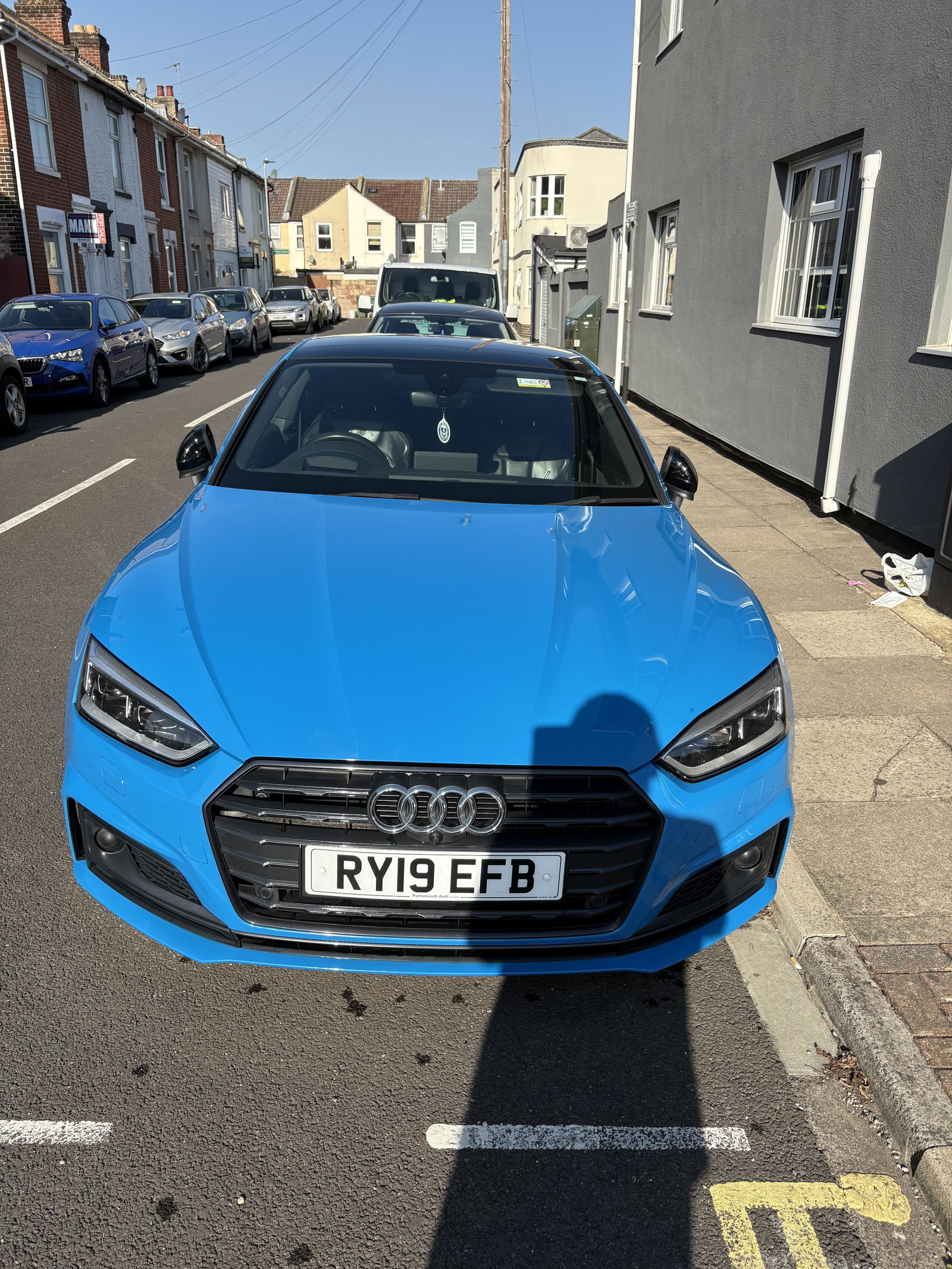
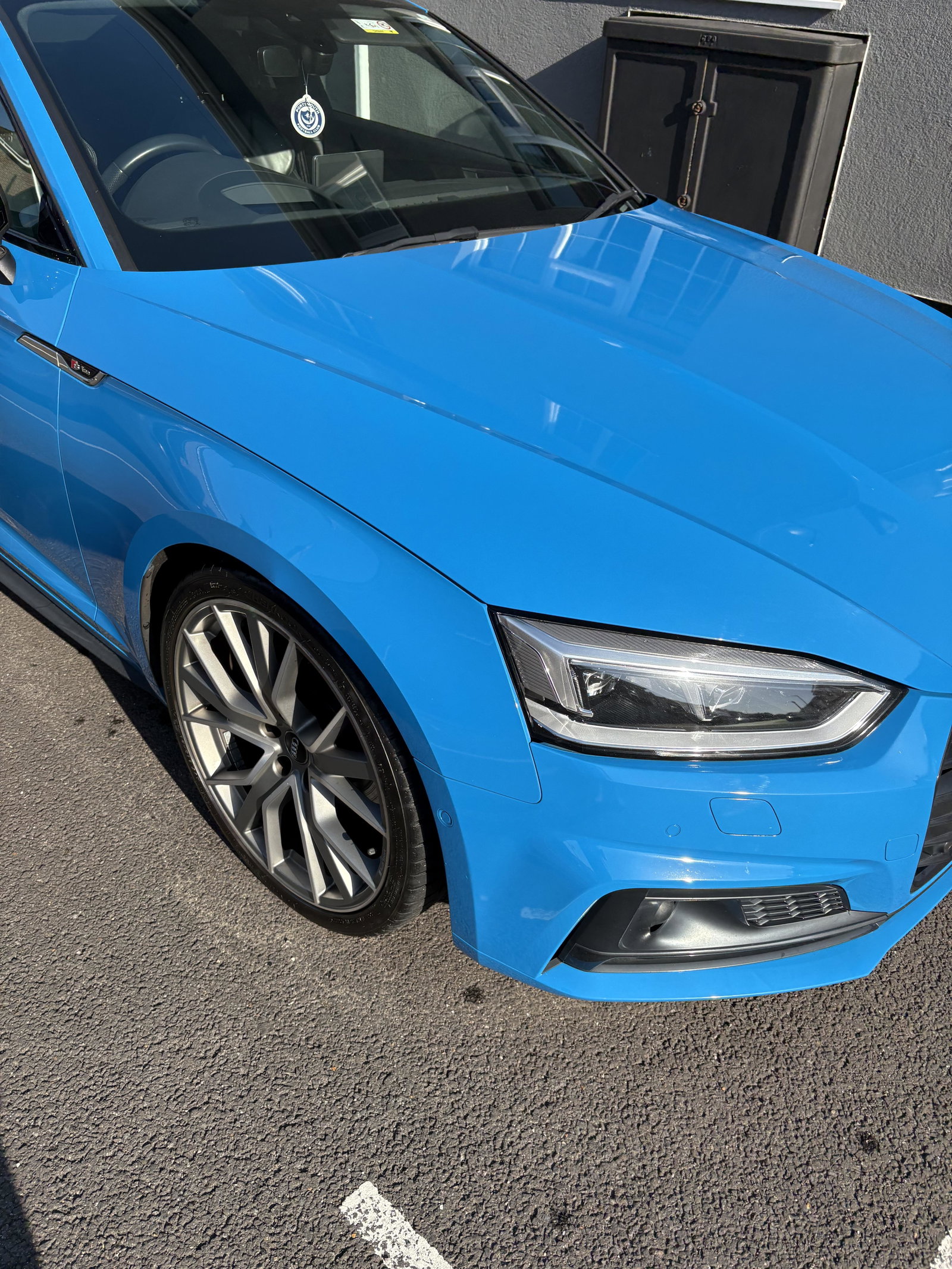
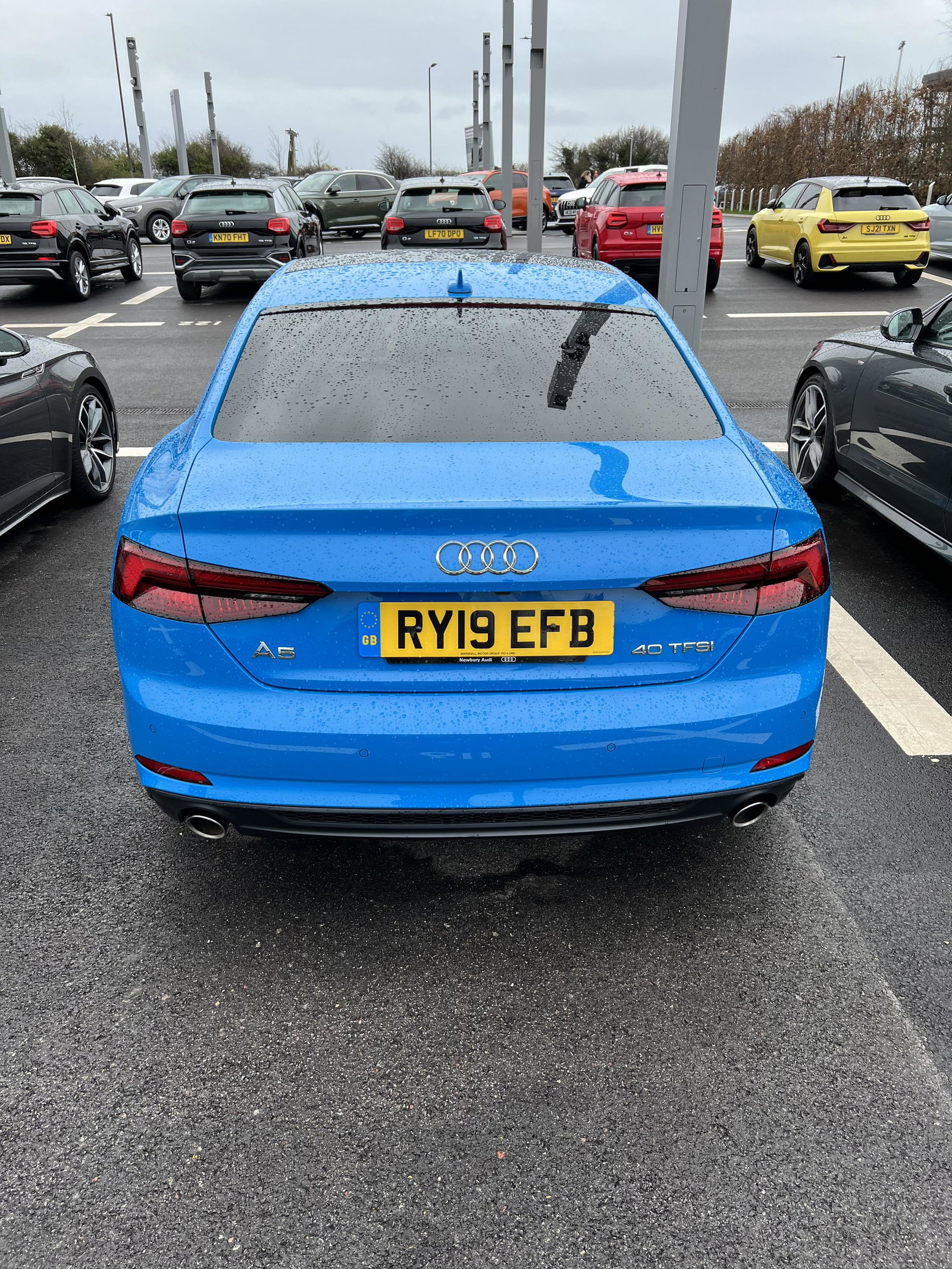
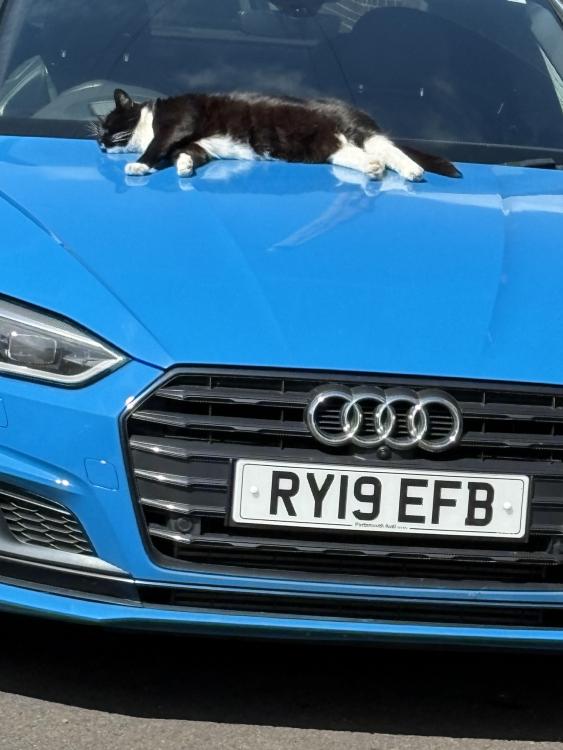
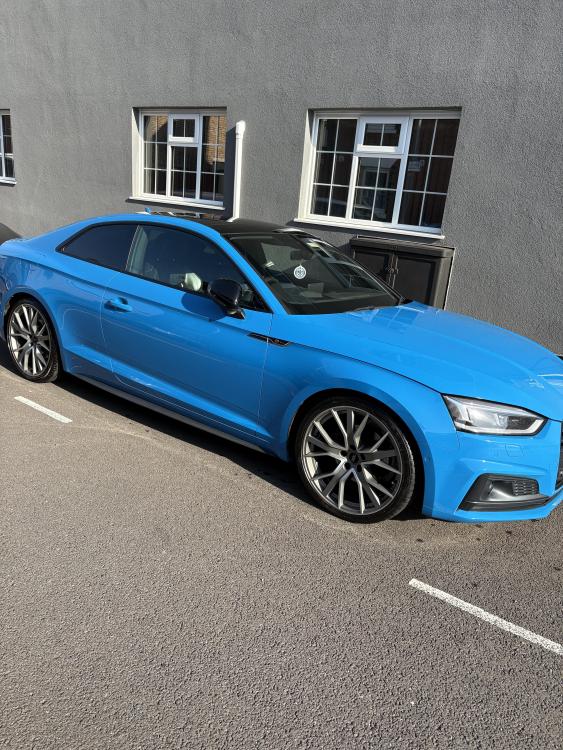
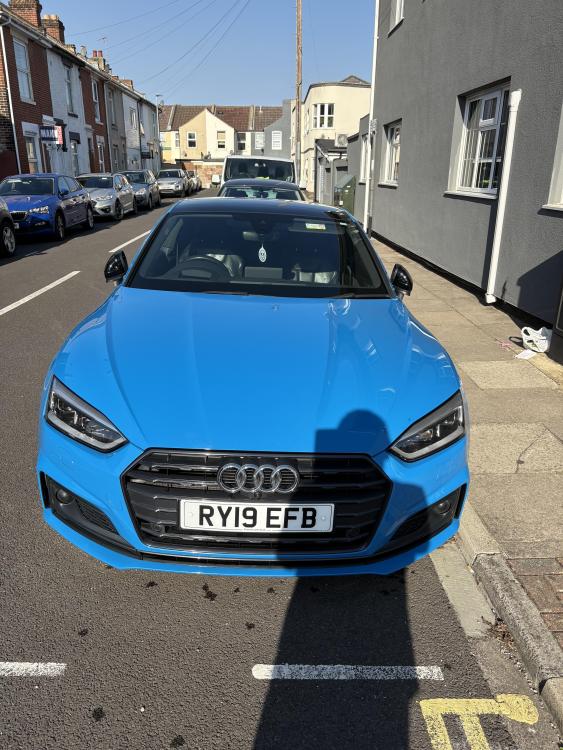
We did have an A5 sline but have upgraded to a beautiful Vorsprung A5 with all the whistles & Bells just saying hello to everyone really and thanks for letting me in
-
Does anyone know if the wiring is in place for a heated steering wheel or does it need separate wiring please 2019 A5 Vorsrung
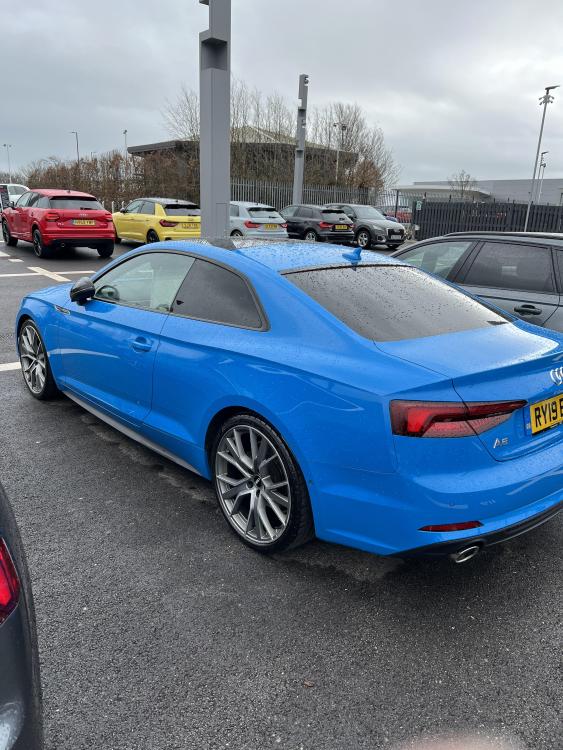
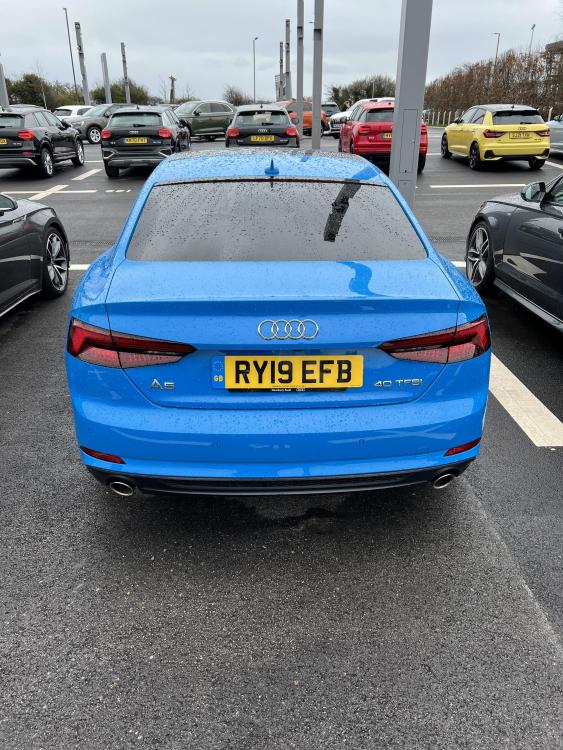
-
Thanks Spartacus that’s exactly what I thought have bought some springs and covers of a well known auction site so let’s hope they fit, thanks for the help
-
Does anybody know about the workings of the headlights washer we got hit in a car park and it appears the drivers side has lost a spring that holds the washer cover in place so keeps opening any help appreciated
-
Has anyone else had issues with the filler cap not unlocking, I have also tried the manual unlock with the ring pull in the boot and STILL it will not budge any suggestions please ?
-
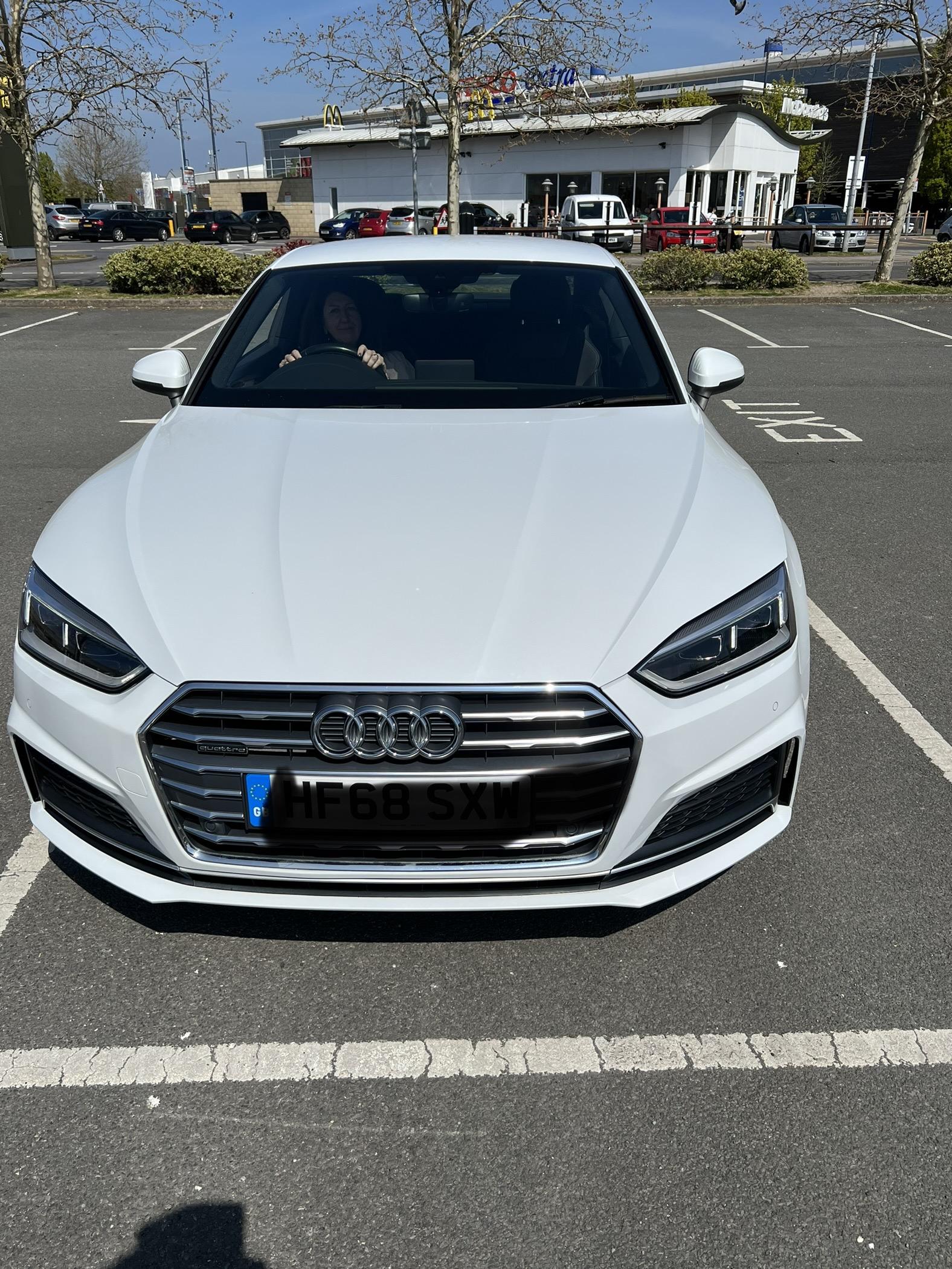
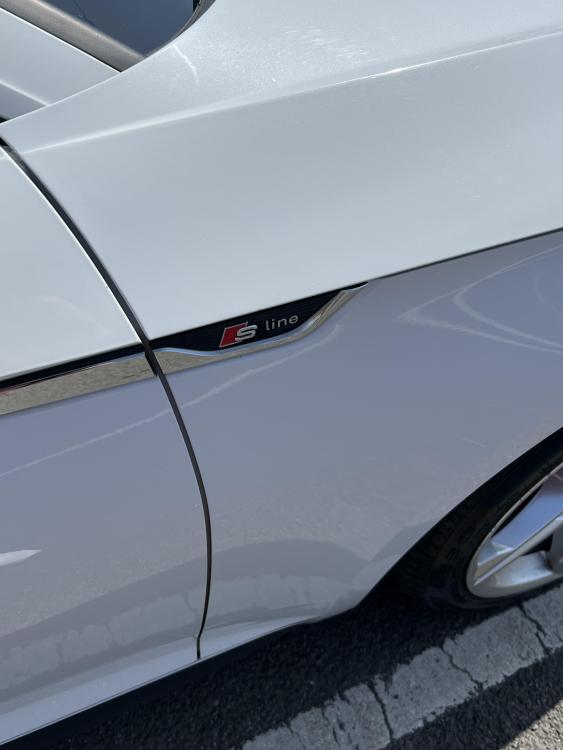
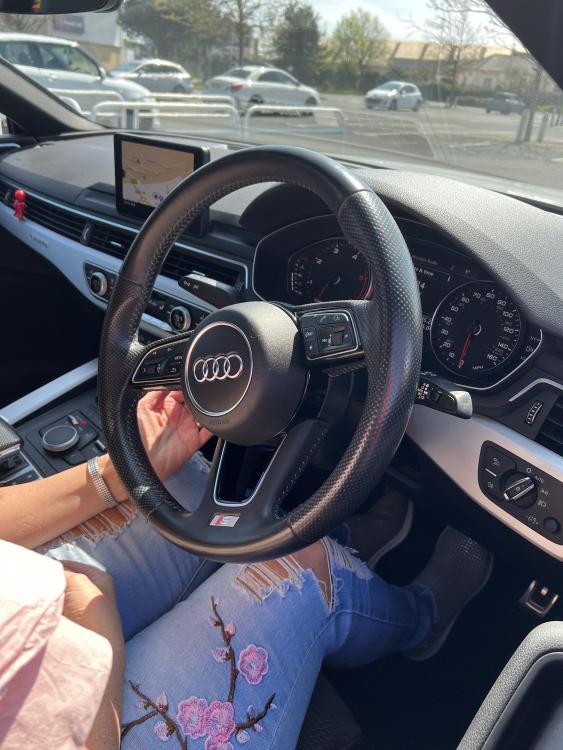
Hi everyone I am Garry from Portsmouth UK and have not long purchased an S-line ultra Quattro and well happy with it
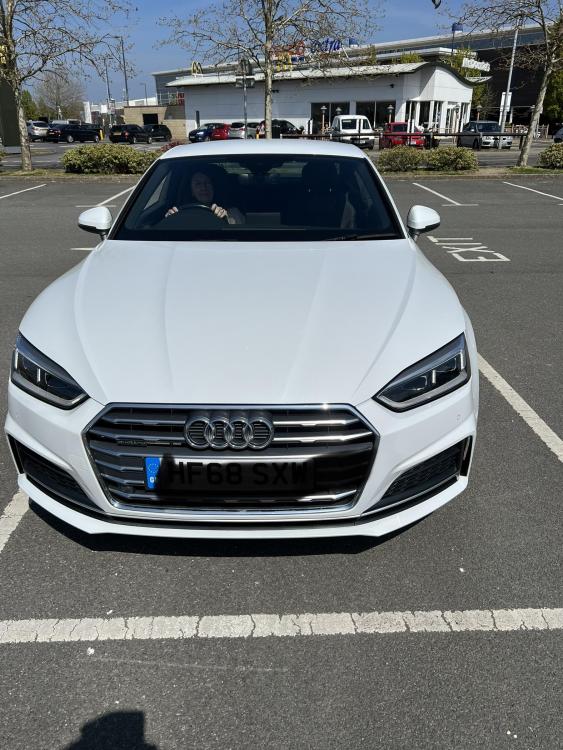
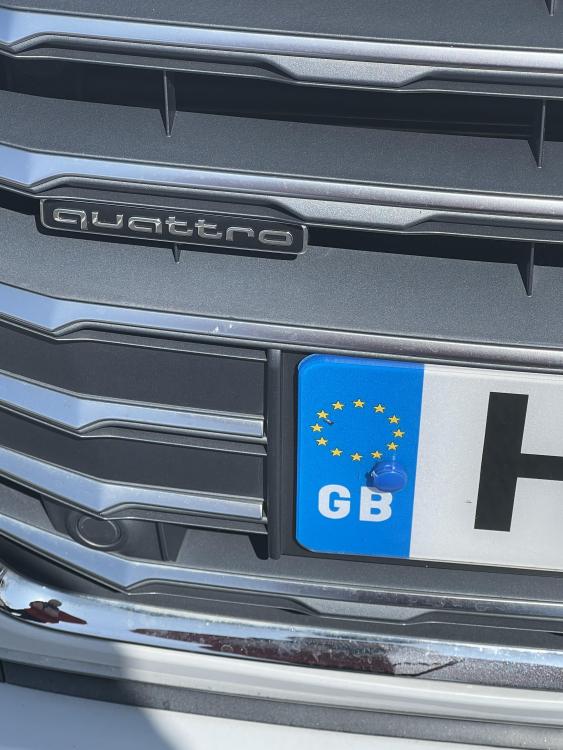
-
Hi all, we have an A5 S-Line ultra and we came to fill up tonight and the the filler flap just would not open ? Has anyone else had this issue and how did you remedy it please ?