





Dave w12
Members
-
Joined
-
Last visited
Everything posted by Dave w12
-
Yes first figures were for the golf vr6 second is for w12 not found on internet the correct one
-
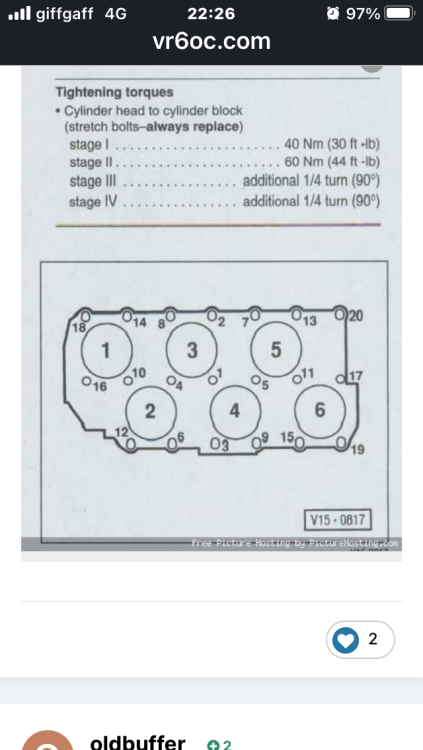
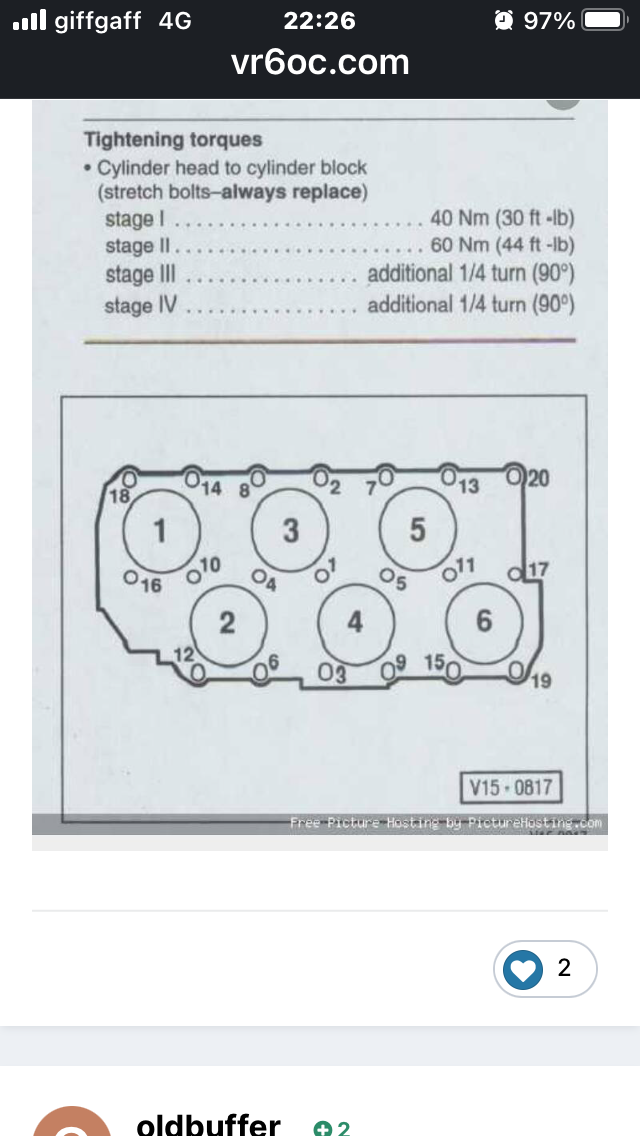
I have been into the garage next to my old work he has software he pays a future for going on my reg number the torque is stage one 30 mm stage two is 50 nm stage 3 is 90 degree stage 4 is 90 degree bolt order is same as picture in this post just make sure you stand side that has 6 bolts down one side I have seen this on screen at garage and can confirm it is correct
-
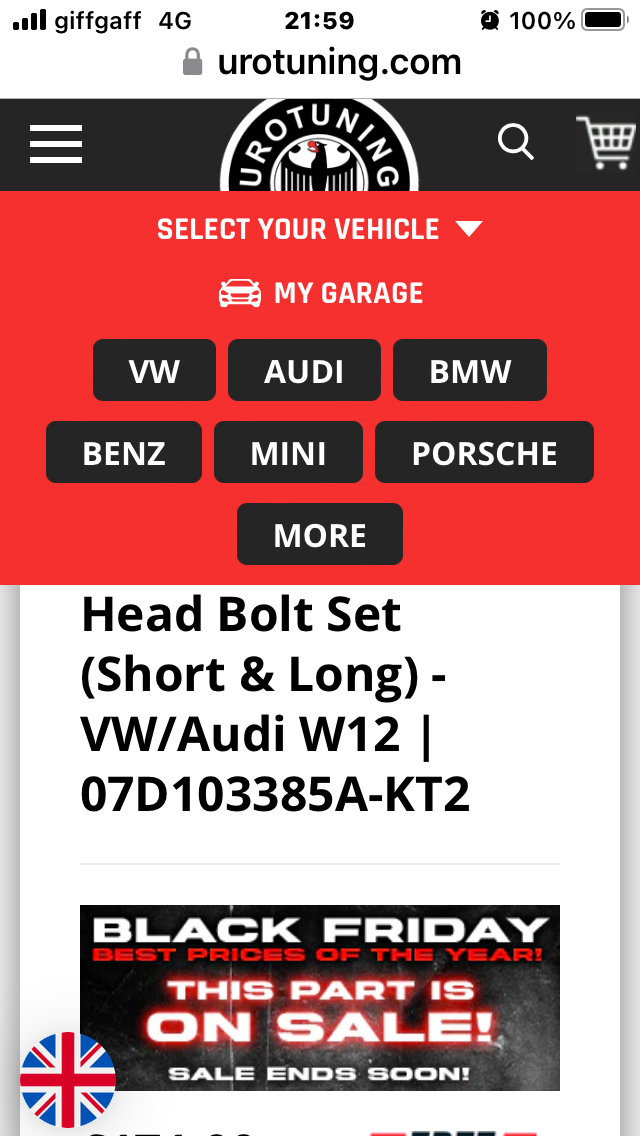
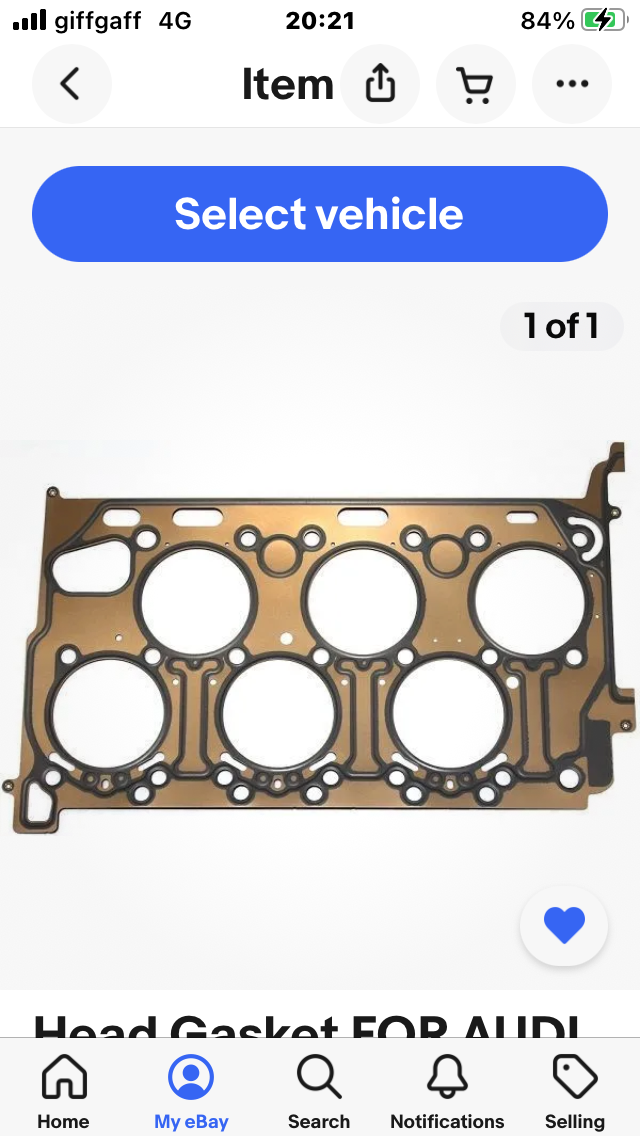
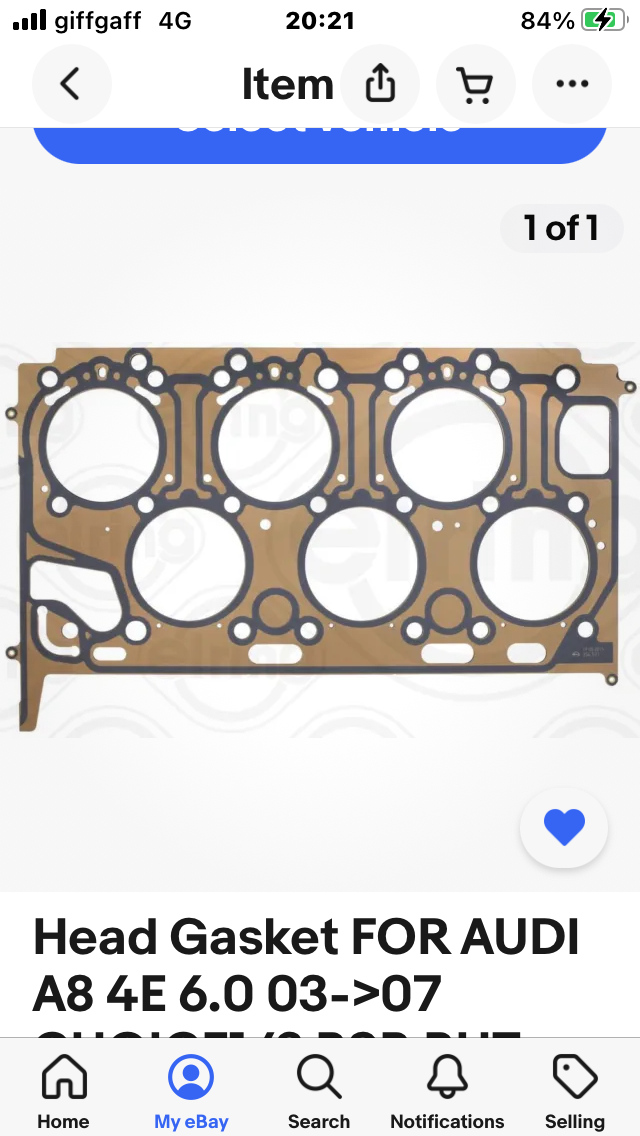
Hi the w12 is basically two vr6 engines joined at the crank the right hand head as you sit in car looking out wind screen is the same head and part number as the 24valve vr6 the head uses same amount and size bolts 13 short 7 long bolts so I draw the conclusion that the torque and order should be the same as engine is modular built for parts of other vehicles in vw Audi group. The w12 was not ment to be rebuilt it was a whole unit exchange but head bolts gaskets and valve stem seal are on market as it shares them with other vehicles so hope torque and order should do the job I needAny one know torque for head bolts is it 40 nm 60 nm then 90 degrees and90 degrees thanks
Account
Navigation
Search
Configure browser push notifications
Chrome (Android)
- Tap the lock icon next to the address bar.
- Tap Permissions → Notifications.
- Adjust your preference.
Chrome (Desktop)
- Click the padlock icon in the address bar.
- Select Site settings.
- Find Notifications and adjust your preference.
Safari (iOS 16.4+)
- Ensure the site is installed via Add to Home Screen.
- Open Settings App → Notifications.
- Find your app name and adjust your preference.
Safari (macOS)
- Go to Safari → Preferences.
- Click the Websites tab.
- Select Notifications in the sidebar.
- Find this website and adjust your preference.
Edge (Android)
- Tap the lock icon next to the address bar.
- Tap Permissions.
- Find Notifications and adjust your preference.
Edge (Desktop)
- Click the padlock icon in the address bar.
- Click Permissions for this site.
- Find Notifications and adjust your preference.
Firefox (Android)
- Go to Settings → Site permissions.
- Tap Notifications.
- Find this site in the list and adjust your preference.
Firefox (Desktop)
- Open Firefox Settings.
- Search for Notifications.
- Find this site in the list and adjust your preference.