


Hammie1982
Established Member
-
Joined
-
Last visited
Everything posted by Hammie1982
-
Dang thats a nice lookin motor... great engines as long as they are looked after. Best of luck with the new motor
-
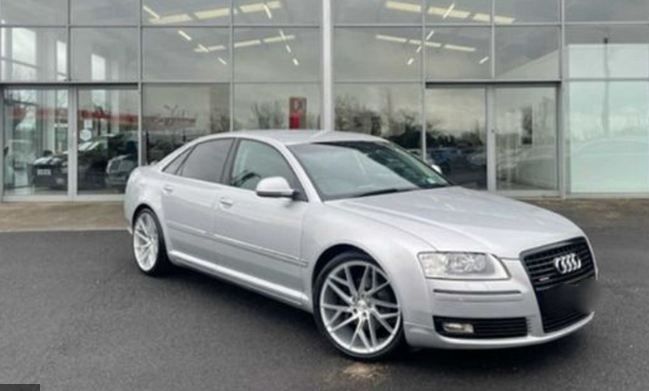
Forgot to add, I havent collected the car yet, I should be collecting it some time next week all being well! This is a photo from the Advert i seen before going looking at it and it just looks even better in the metal. Cannot wait to get this home and make a few subtle alterations to make it feel like my own.
-
Hey Guys, Just bought a 2009 Audi A8. Ive driven A6's and A4's in the past and always liked Audi as a brand. But never took the plunge into buying one for myself. So the last couple of years, ive been driving Commercial vans and Jeeps etc and decided it was time to get myself a bit of comfort. The 3.0 TDI Quatro Sport just fit the bill for what i wanted. Plenty of room for the kids, a bit of style and comfort and not an overly expensive car compared to some others. I think they came at 229bhp, would that be right? Anything i should look out for on them? I was surprised just how responsive and smooth the gearbox was. But i might just get a new filer and oil and possibly just service the gearbox (next time its getting a service anyway) just to be sure. Any advice you can give would be well received, Thanks in advance.

