




Skip to content
View in the app

A better way to browse. Learn more.

Audi Owners Club (UK)

A full-screen app on your home screen with push notifications, badges and more.

To install this app on iOS and iPadOS
  1. Tap the Share icon in Safari
  2. Scroll the menu and tap Add to Home Screen.
  3. Tap Add in the top-right corner.
To install this app on Android
  1. Tap the 3-dot menu (⋮) in the top-right corner of the browser.
  2. Tap Add to Home screen or Install app.
  3. Confirm by tapping Install.

George Valchev

Members
  • Joined

  • Last visited

  1. 14th of August 2023 I might really need to speak to Direct Line ( the insurer at that time )
  2. I’ve already spoken to Autoglass and informed them straight away , will double check with my previous insurance company if it’s recorded there ( good point ) Cheers mate ✊
  3. Oh man ….I can see I am going that way, the thing is genuine Audi windscreen with labor comes nothing cheaper than £1500 Autoglass are responsible for this fault though as they changed and replaced it with the wrong one , will definitely try to make them pay for it …
  4. Apparently, wrongly calibrated windscreen has caused this …weird
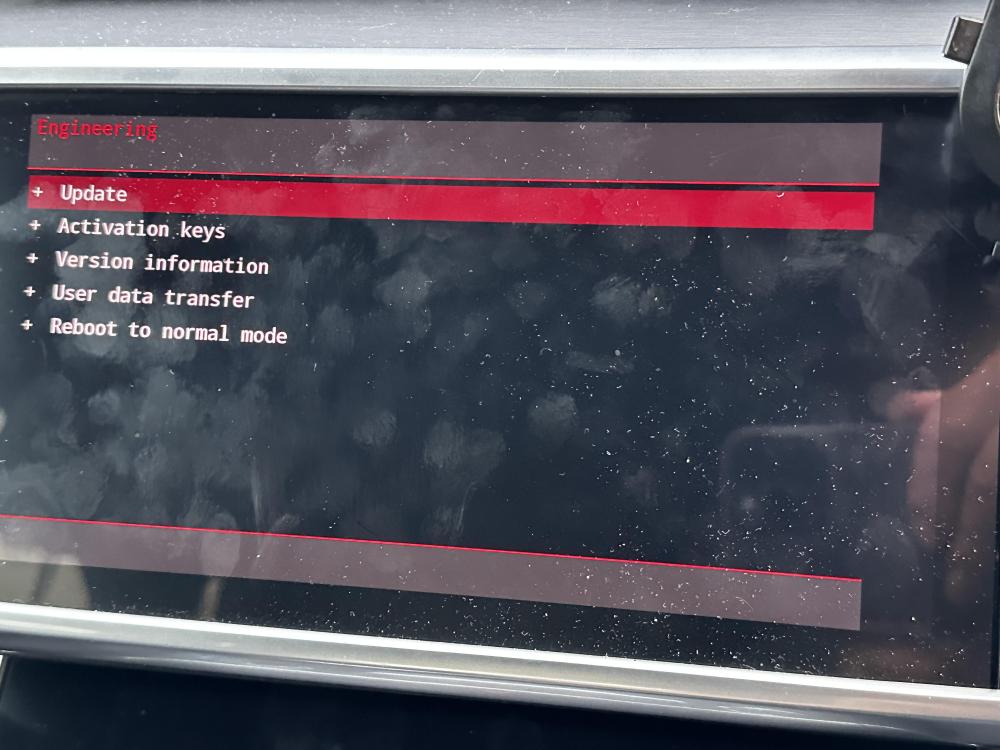
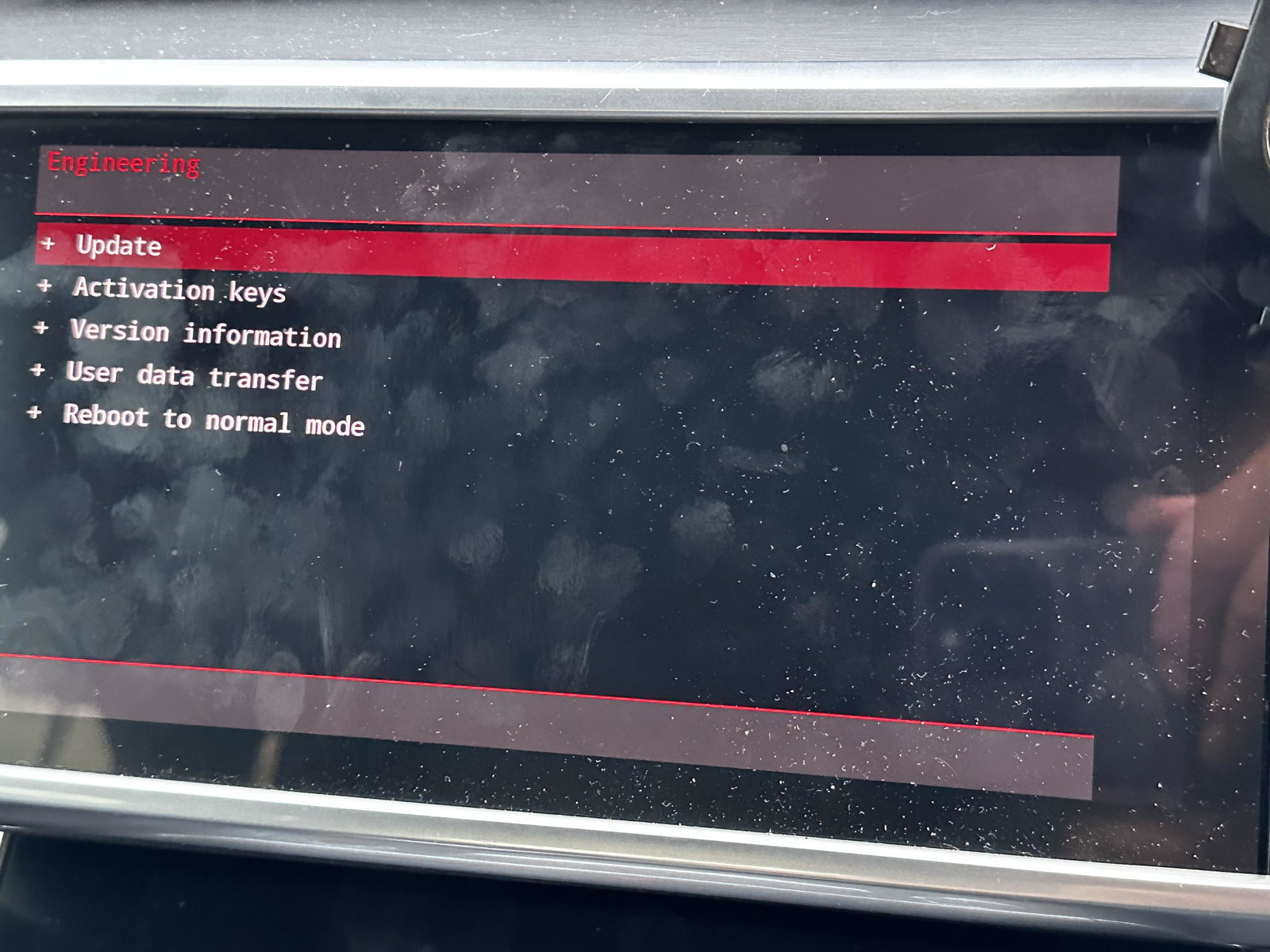
  5. I’ve got my MMI shut down while driving , since then no improvement Any suggestions and recommendations shall be greatly appreciated


Background Picker
Customize Layout

Account

Navigation

Search

Search

Configure browser push notifications

Chrome (Android)
  1. Tap the lock icon next to the address bar.
  2. Tap Permissions → Notifications.
  3. Adjust your preference.
Chrome (Desktop)
  1. Click the padlock icon in the address bar.
  2. Select Site settings.
  3. Find Notifications and adjust your preference.