mike.keats
Members
-
Joined
-
Last visited
Everything posted by mike.keats
-
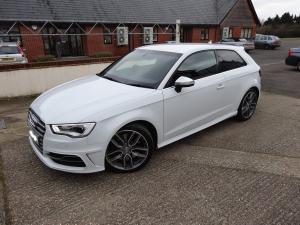
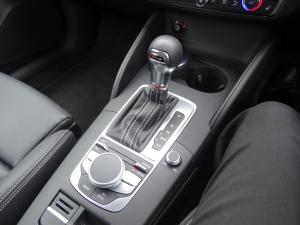
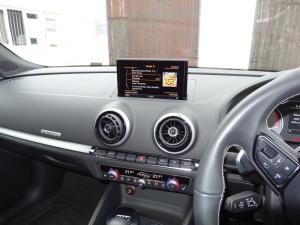
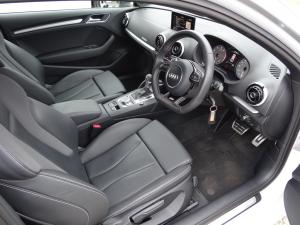
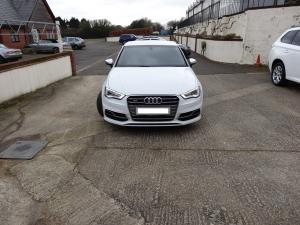
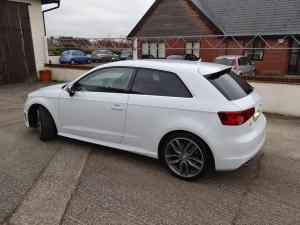
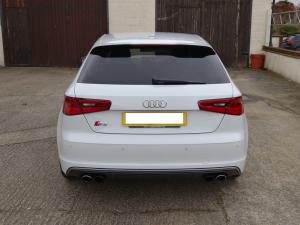
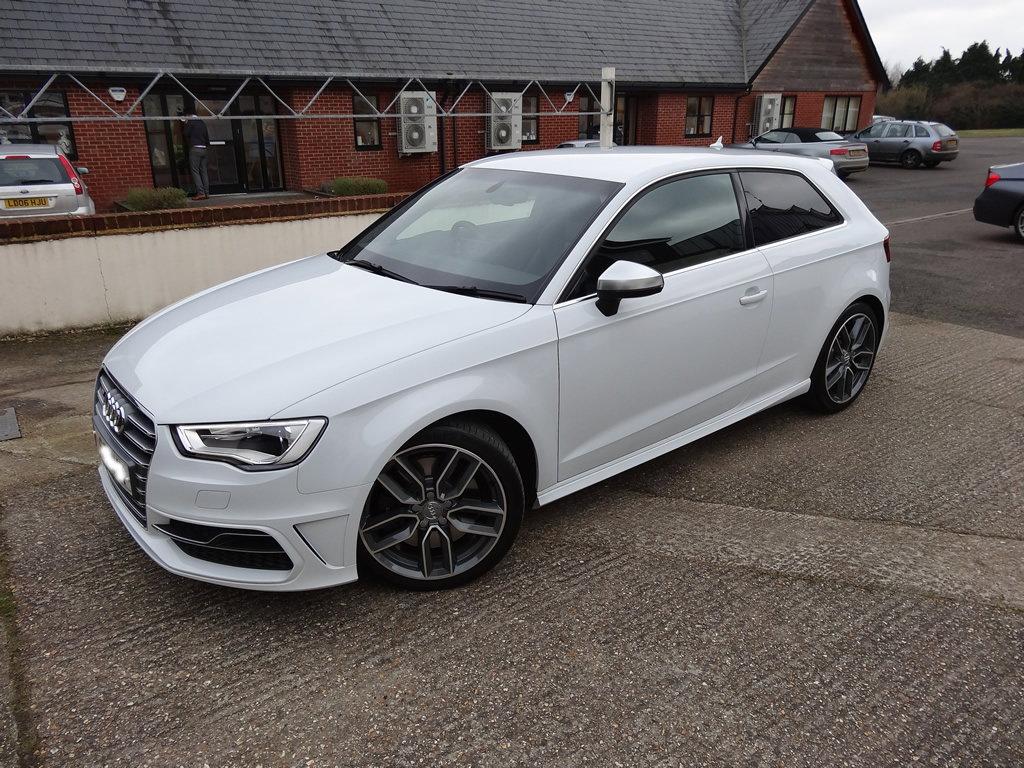
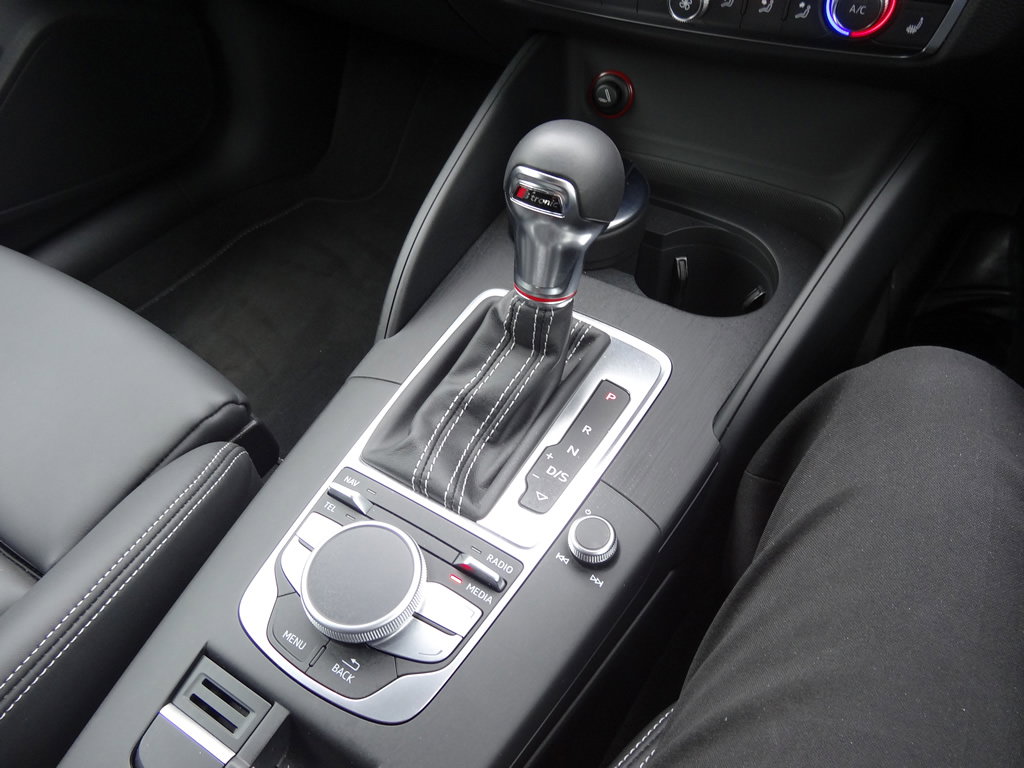
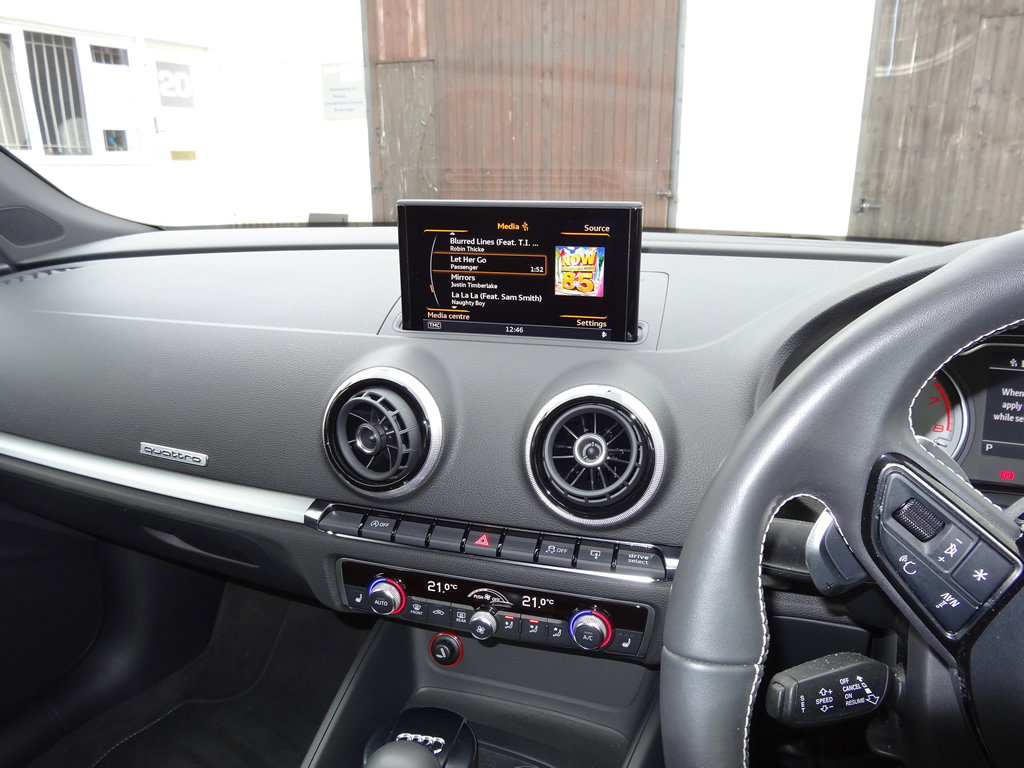
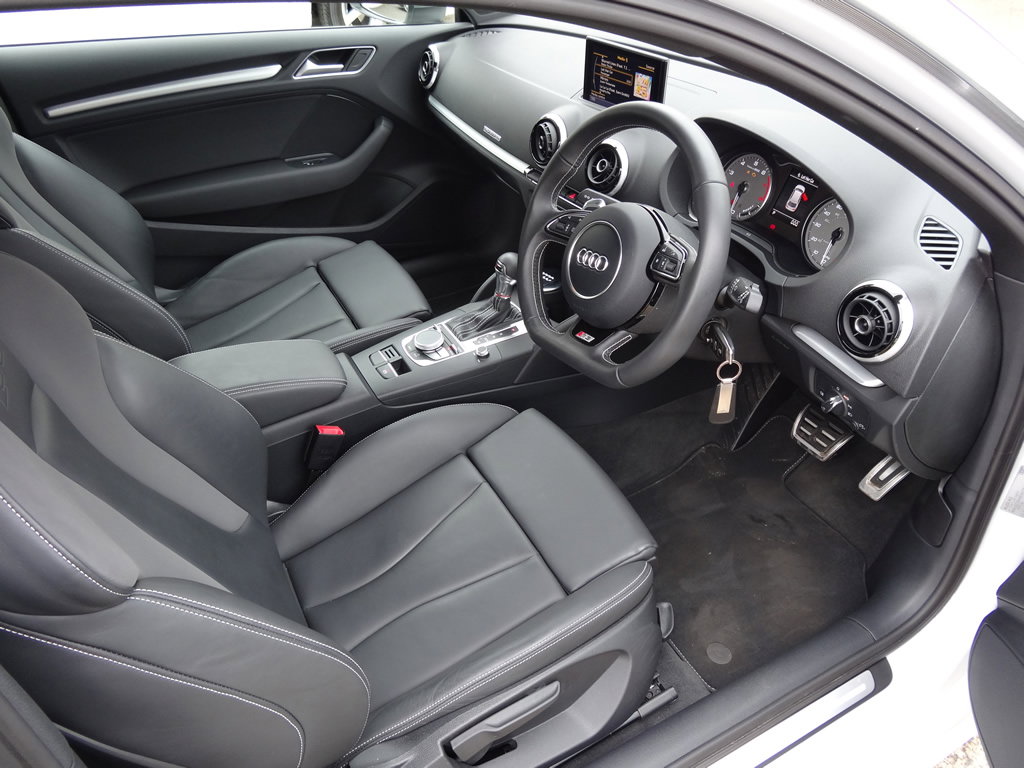
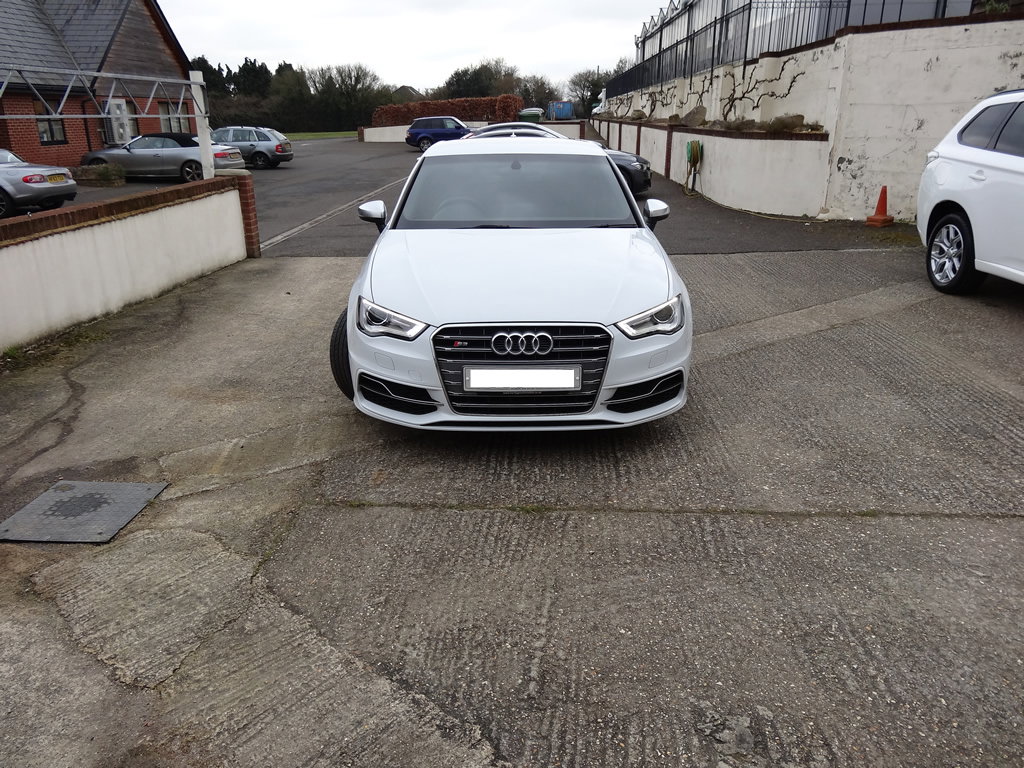
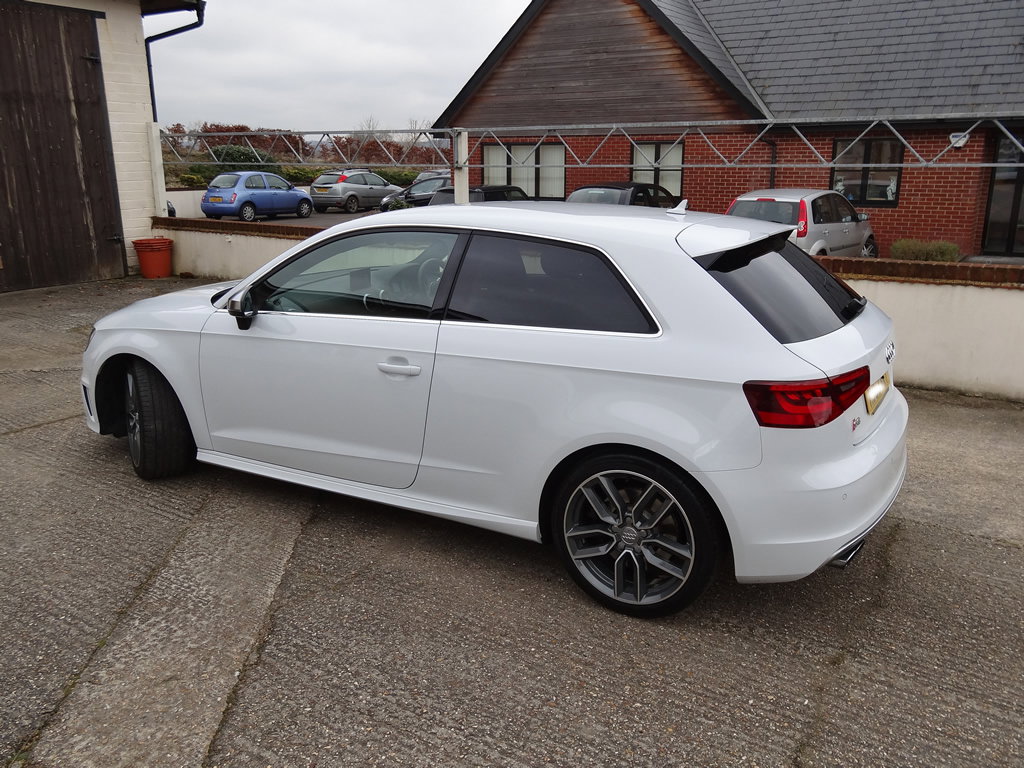
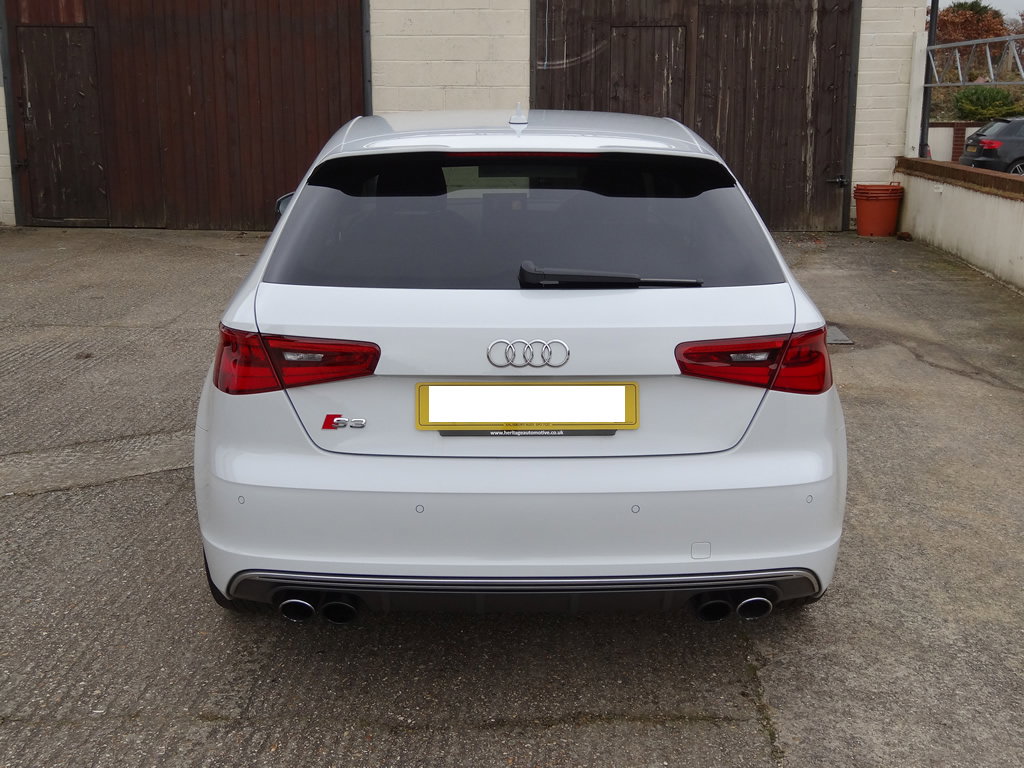
Price: £27795 Metallic Glacier White Black Fine Nappa Leather Upholstery 15000 miles Full dealership service history Contact: Mike - 07876203923 **Only selling due to baby on the way and need more doors :-(** Options: S-Tronic Technology pack (Phone prep-Bluetooth interface, MMI navigation plus, DVD Player) Comfort Pack (Rear parking sensors, auto-dimming rear-view mirror, light and rain sensor package, cruise control) Privacy glass Standard: Four wheel-drive, Drivers knee airbag, Anti-lock Brake System and Electronic Brakeforce Distribution, ESC - Electronic Stability Control + traction control, Anti-slip regulation, 18” x 7.5J ‘5-twin-spoke “Star”’ design anthracite, partly polished alloy wheels, Bluetooth Mobile Phone Integration & Audio Streaming, Dual zone electronic climate control, SD Card Reader For MP3 Playback, ISOFIX child seat preparation+airbag deactivation, Progressive power assisted steering, Remote control central locking, Curtain airbags, Adjustable front armrest, Audi Music Interface (MP3 Player / iPod MMI Integration), Black Fine Nappa leather upholstery,heated front seats 3 spoke flat bottom multi-function leather steering wheel, DAB Digital radio, Space saver spare wheel, 3 point seatbelts on all seats, Height/depth adjustable steering column, 60/40 split folding rear seat, 5 seats.