davidkom955
Members
-
Joined
-
Last visited
-
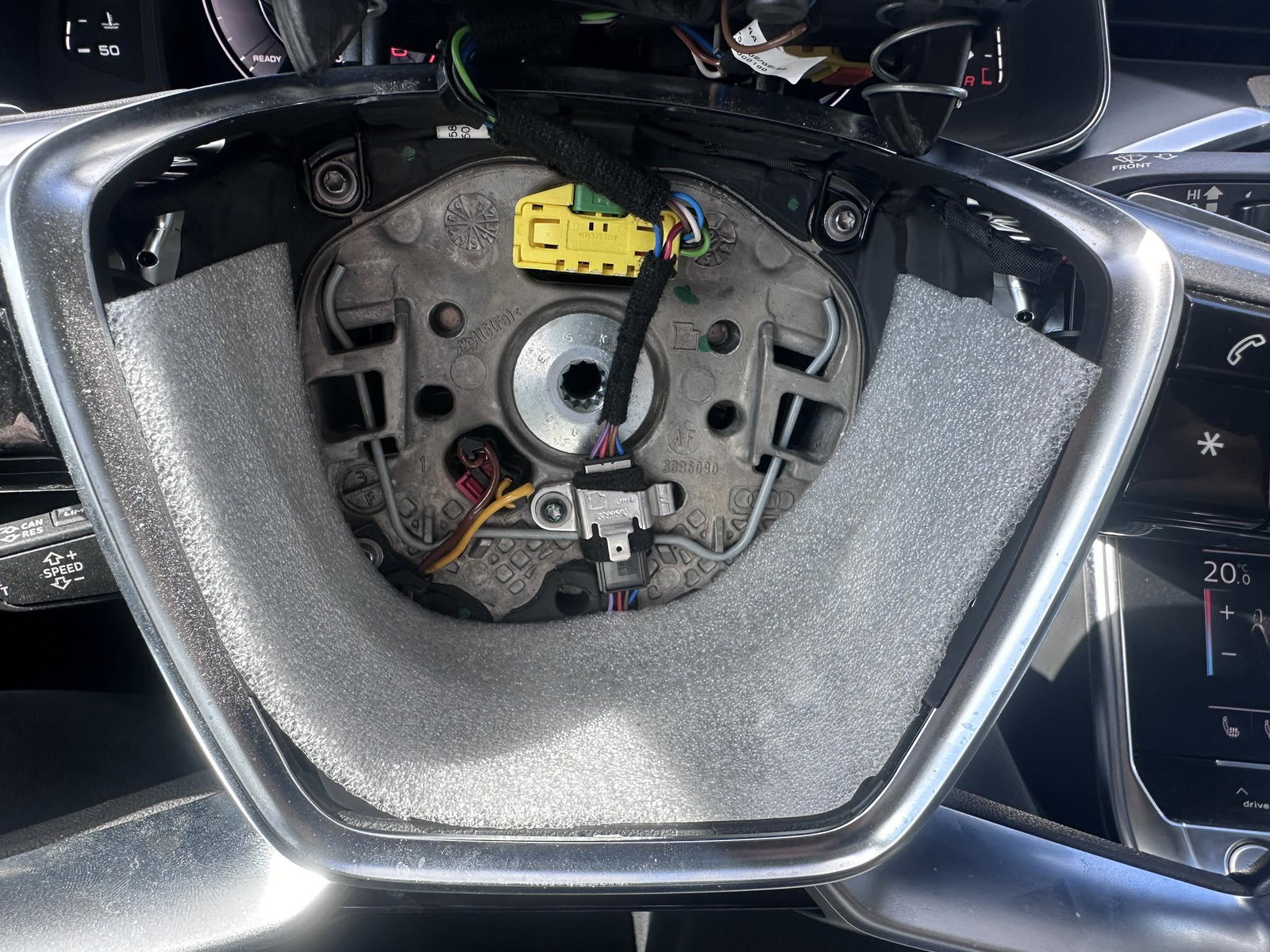
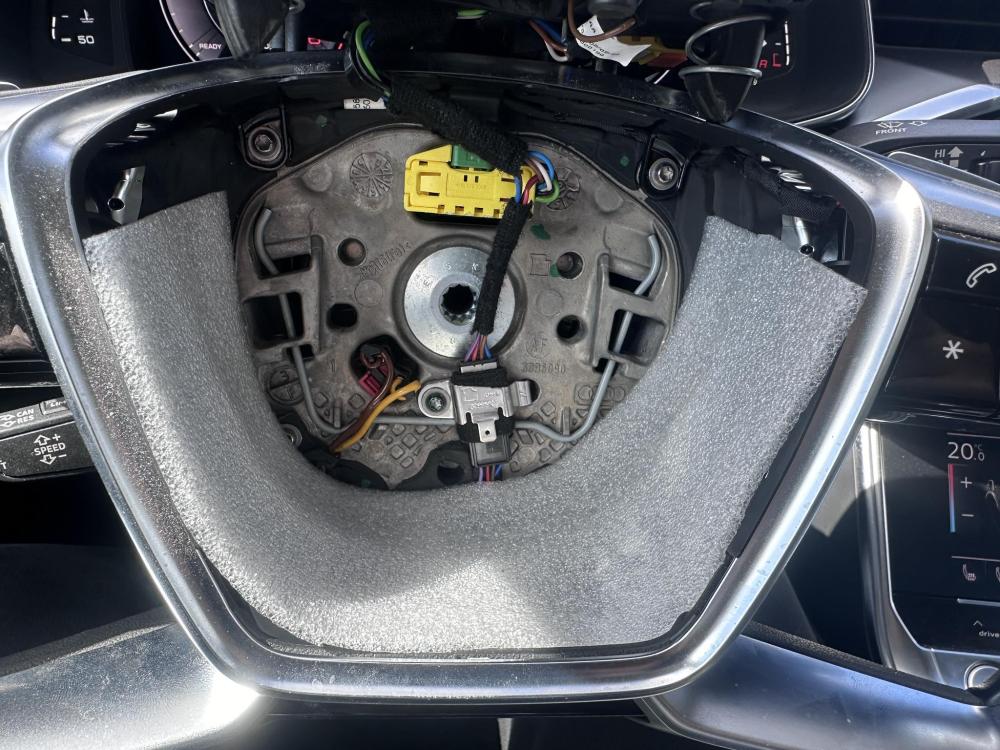
I solved the vibration of the airbag at low revs by lining the space under the airbags with this packing foam. It's quiet for now. 🙂
-
Problem solved, home made 🙂
-
Hello, has anyone managed to solve the known problem with the noises (rattles) emitted by the airbag in the steering wheel? (solution other than replacing airbag for 300E) Thank you for any ideas.
-
In my service they told me that it will be for the replacement of DMS and double clutch (3000 Euro) 😞 They said that they leave earlier with the 2.0TDI I don't know if it's true
-
maybe yes, but the diagnostics doesn't show anything, the engine storage should be electronic, right? anyway, the problem doesn't really show up every time
-
Hello, I own a6 c8 avant 40tdi 150kw 160 thousand km. My problem is that when starting from zero and braking to zero, I feel strong vibrations in the car, but not always. Maybe even a rattling sound when driving on R. And when braking, I feel how the gearbox slightly pushes me forward and I have to press the brake hard. not always either. After the adaptation, the situation has definitely improved, but I think it's still not right. Otherwise, the car shifts and drives beautifully. Only problem when braking and starting (occasionally) My suggestions - DMF, dual clutches, or maybe a clogged throttle?