Beach56
Members
-
Joined
-
Last visited
-
Hello, I cant find them on there but thanks for the heads up, I made sure when i got these they were actually new stock not already a few years old like many have on offer. I Got these for my A8 so thought maybe a popular size to offer to members.
-
Hi, I have 2 new never fitted Vredestien tyres, made in 2024. Cost me £386, getting rid of car so never put them on. Purchased from Oponeo 7/4/25 collection from Bridgwater TA6. £300 or best offer Vredestein Ultrac Vorti+ 265/40R20 104 Y XL, ZR 2,00 pcs 160,84 193,00 20% 321,67 386,00
-
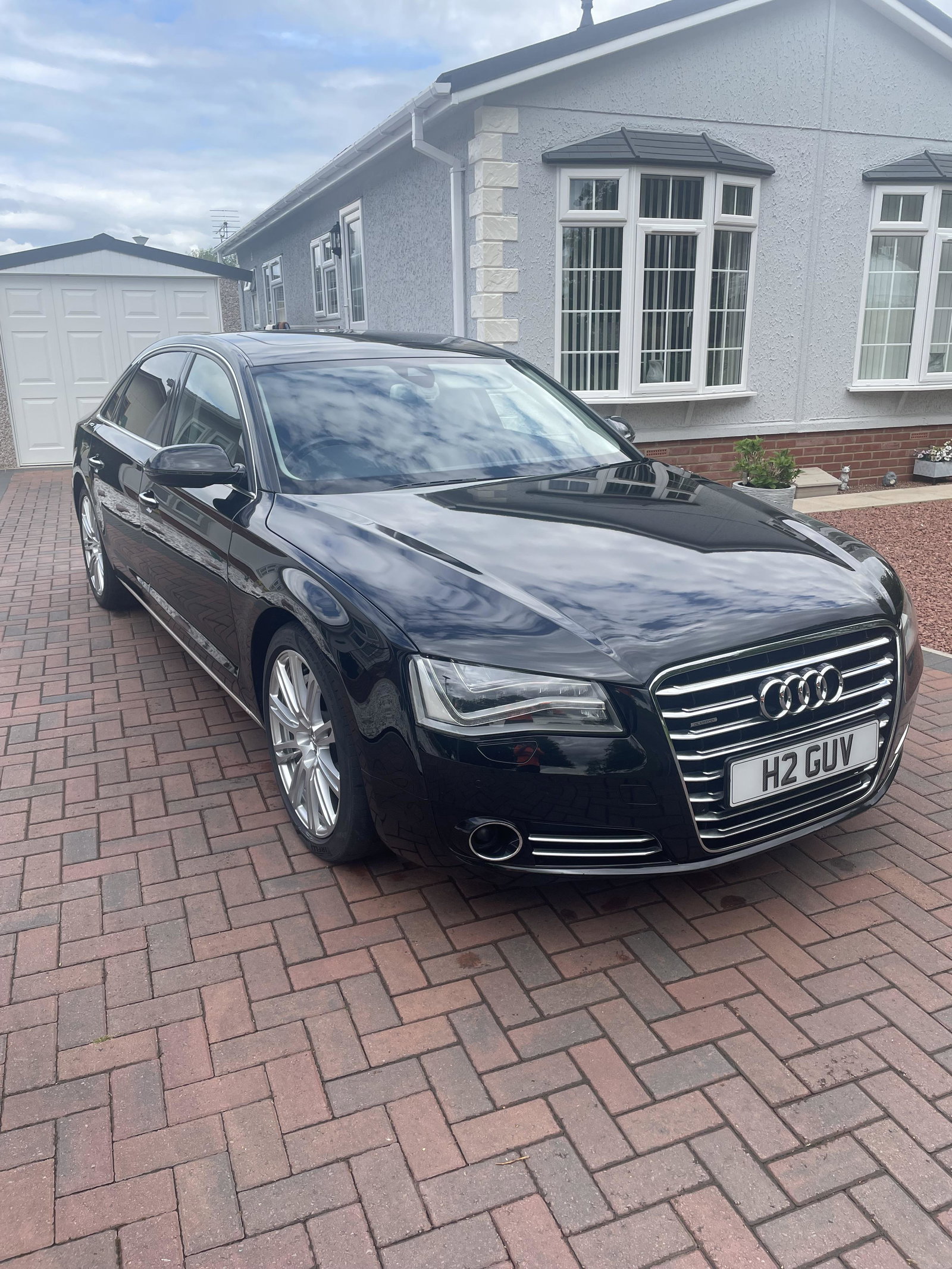
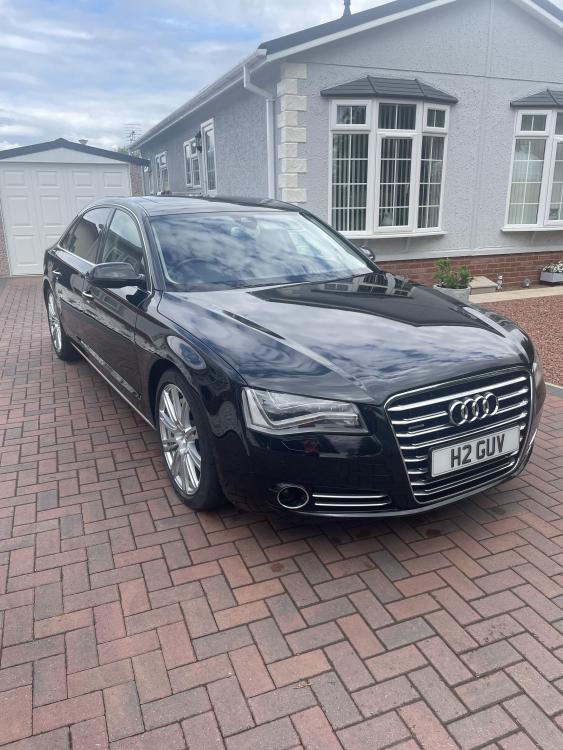
Hi, Selling my 2013 A8 Black 4.0 TFSi, 91,000 miles. In great condition, MOT till October 2025. If any interest i have plenty of pictures. £11250 Im in TA6
-
I will see if i can find out what's sending the info to it before that route to be sure, but sounds likely. I did reset the trip and it went to zero no problem, but stayed zero on trip home.
-
Hi, I have a 2013 A8 D4 4.0tfsi and the odometer and trip meter are no longer going up as i drive, the speedo is working fine. Any idea where to look for the issue? i have scanned for codes and nothing showing up. Thanks in advance for any help