David. vr6
Members
-
Joined
-
Last visited
-
I have located them and had a little play around with them but no chance however have done an OMS check at the obd2 port at pins 6 and 14 and got a reading of over 120 OMS so this is telling me that a resistor has failed in one of the two modules they're in. I don't know where that are located
-
Thank you by the way for trying to help me.
-
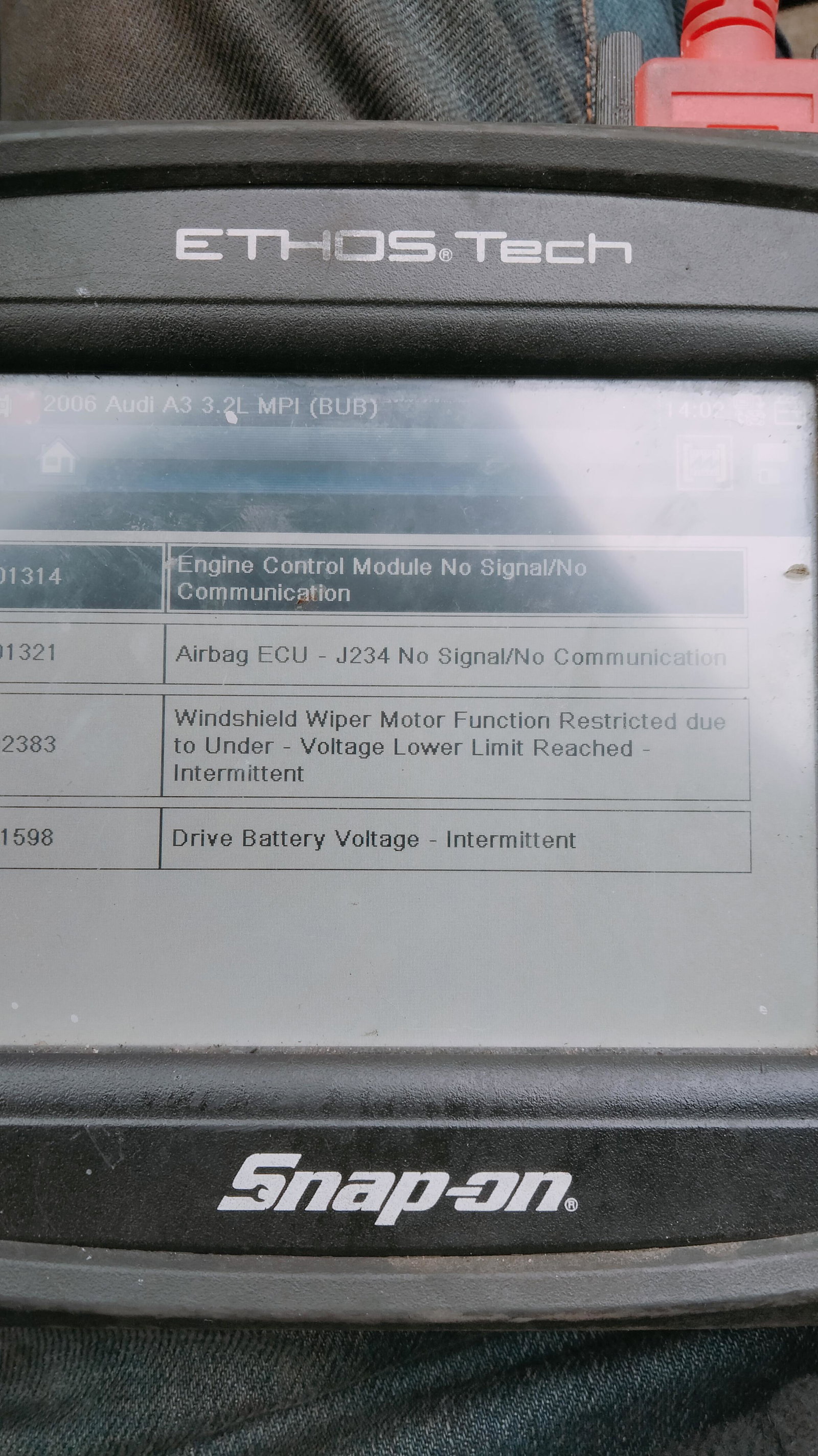
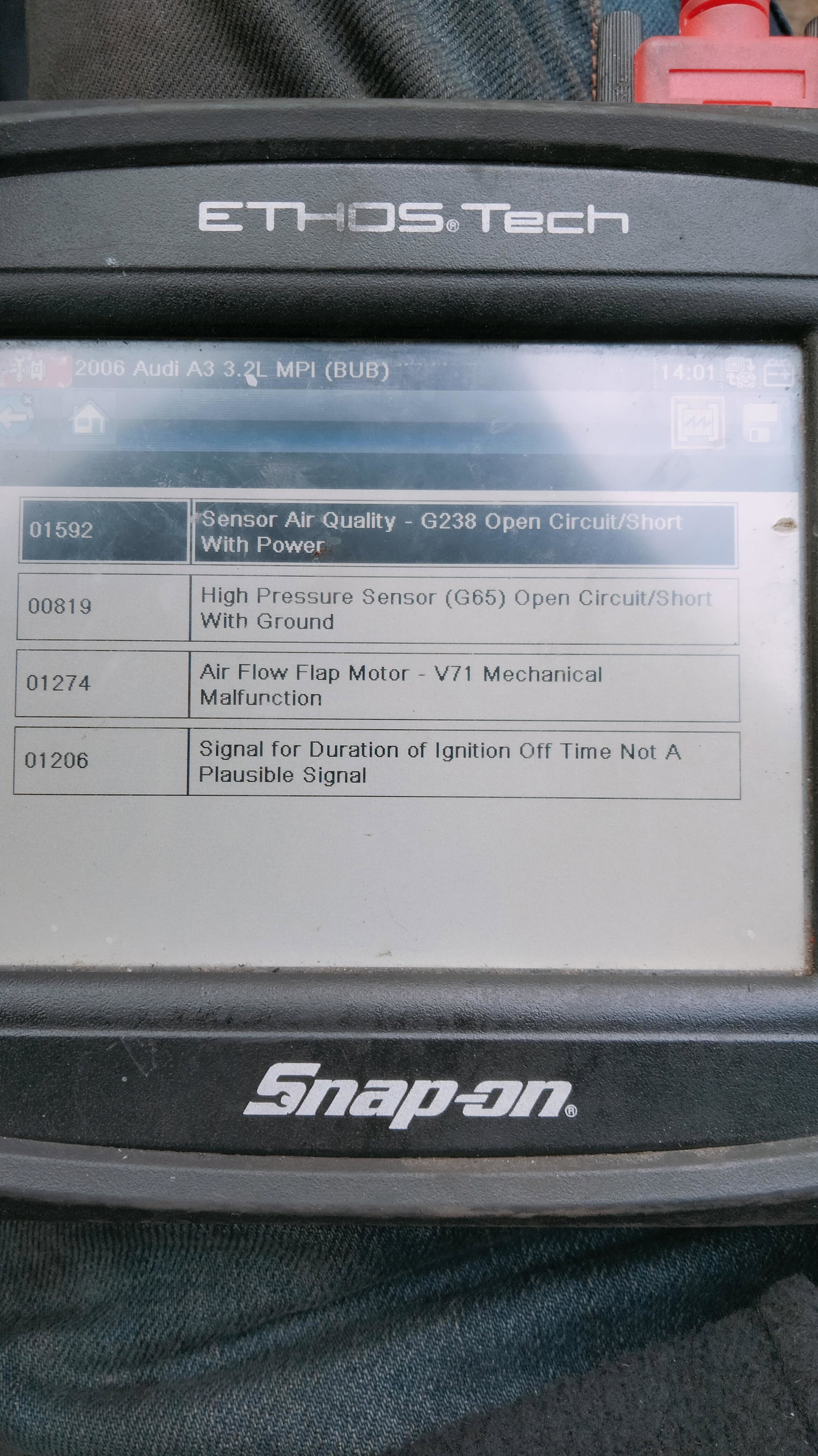
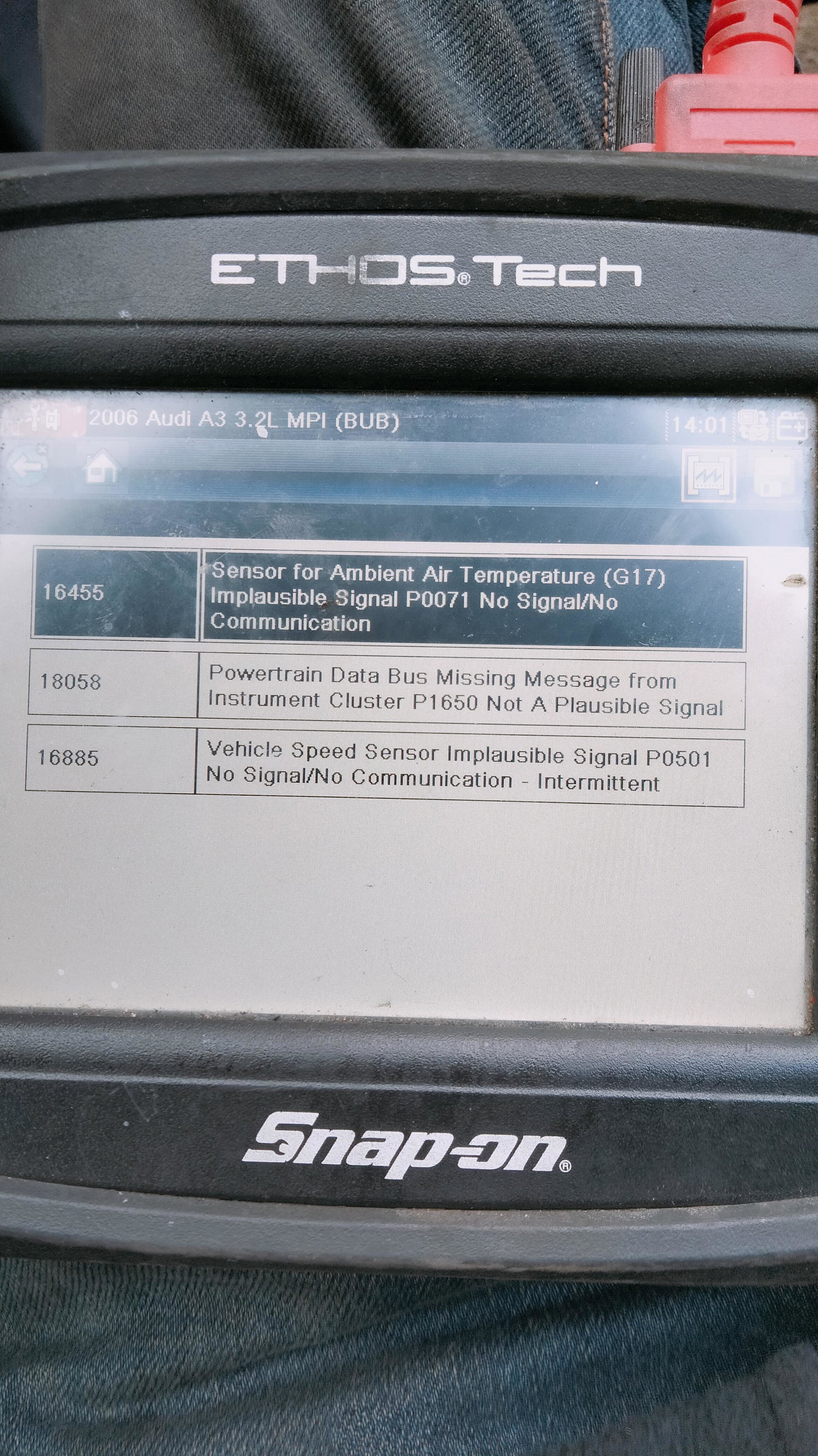
Fault codes are as follows. I don't have access to a vadcom system this is best I have and isn't the best.
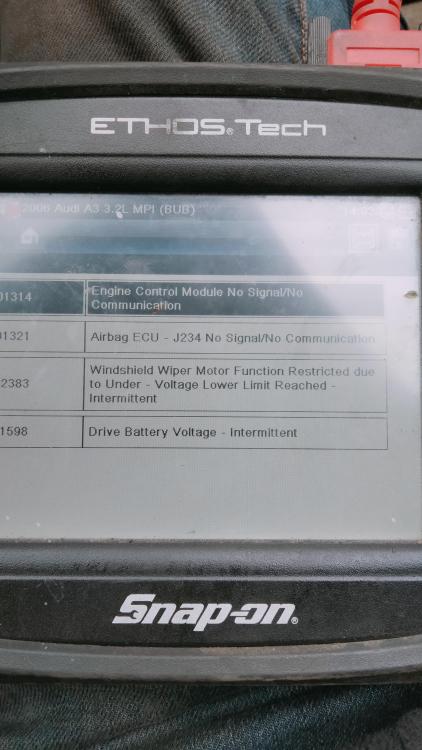
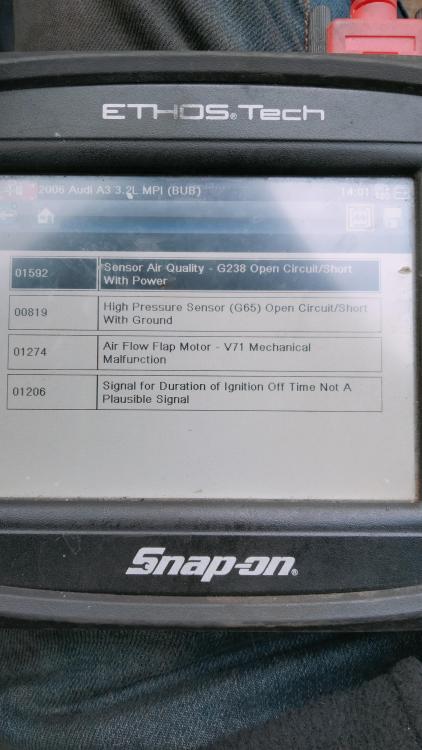
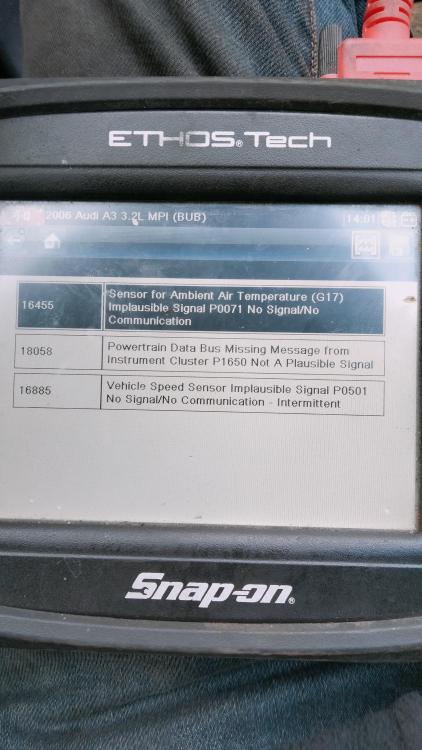
-
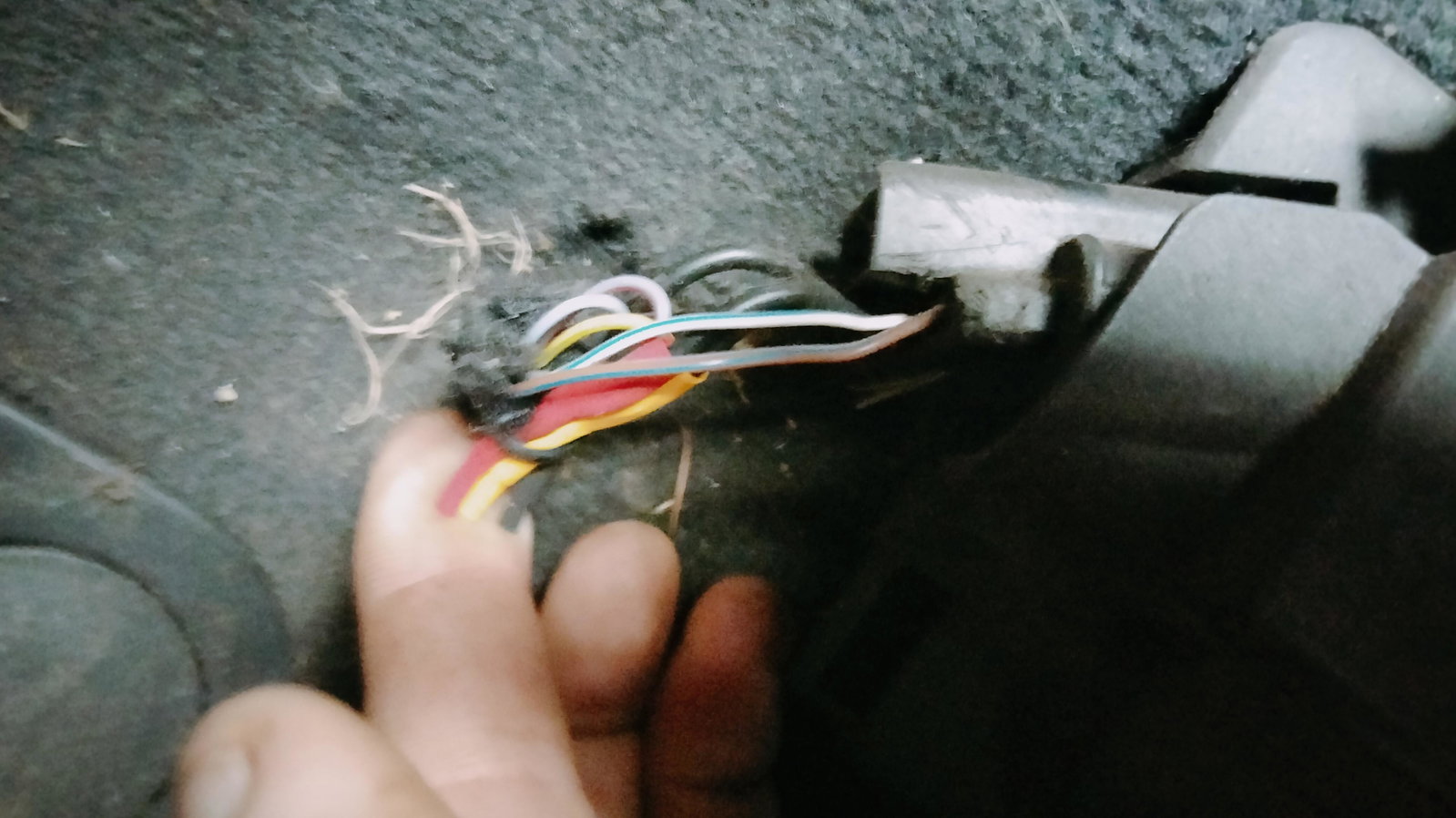
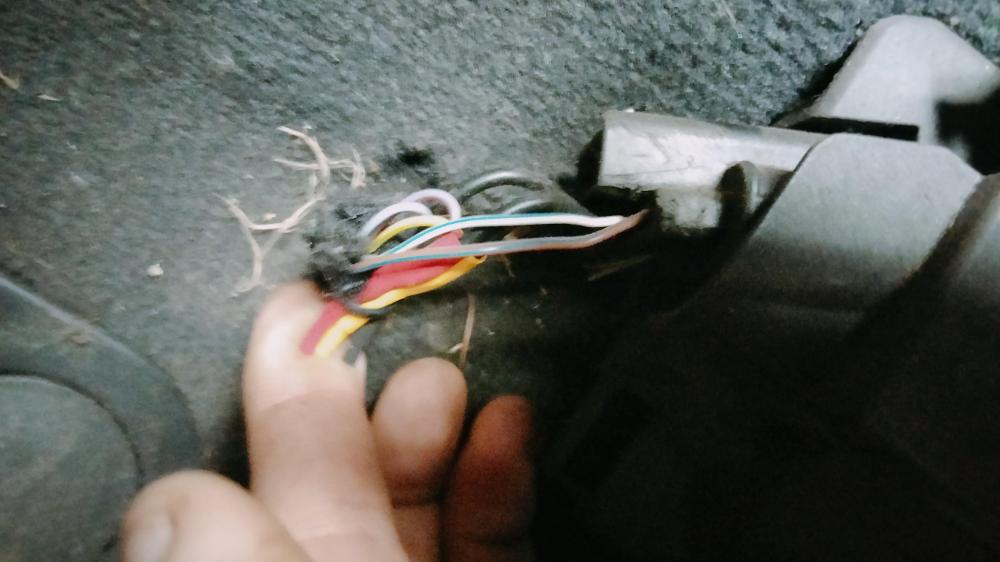
I have done a full reset. Also put a new battery on and still the same. There is wires to the throttle pedal that have been played with that I think could be the issue or at least a part off the problem.
-
VID20240219142701.mp4
-
David. vr6 joined the community
-
Bought this Audi A3 vr6. I have done chains and oil pressure sensor and done full service however this is still causing me an issue. The car runs and drives fine but odometer, speedometer, temp and lights lit up. Also Oli pressure light is on too. Any idea of how to fix the situation would be greatful.