WELSHVIKING
Established Member
-
Joined
-
Last visited
-
Thanks Gareth, Just looked online and I think this is what he needs (they call it an actuator), quite surprised quite cheap at £15.99. Thanks Colin
-
A couple of months ago my son tried in vain to put fuel in his car but failed as the fuel flap was stuck solid. He drove home as the petrol station is only 1 mile away and finally unlocked it by using the red cable (could be orange 😊) inside the hatch. All was well until lately as it is now not locking when he locks his car using the remote. I have tried pushing the mechanism in/out and lubed it using silicone spray but no good, any ideas please. Thanks Colin
-
Its ridiculous, if the filter would have had a solid plastic edge on it the whole glovebox would have to been removed. Luckily I squeezed it in.
-
Its Ok now folks, I just squeezed the filter so it would fit in.
-
HI, Just went to change the pollen filter on my sons A3 , looked online and removed the large plastic back cover in the glovebox (under cd player), then removed the pollen filter cover, 3 tabs then pulled out. However cannot remove pollen filter as its too large to come out as it behind the glove box. I thought it would just come out but this one is definitely behind the glovebox. A fusebox is in the glovebox as well behind the first cover. Am I right in thinking I have to remove the glovebox. Thanks Colin
-
Not sure Ian, Here is a write up on it and they have dropped the price lower than on Amazon. Regard's Colin https://www.launchx431.co.uk/wholesale/launch-crp123e-4-system.html
-
Hi Ian, So far so good with it, cleared a couple of codes on my sons Peugeot 108 and most importantly coded a new Exide EFB battery to my sons A3. Just to add before I coded it there were numerous faults showing with the new battery fitted so it certainly did the trick. Good piece of kit and I also got £20 off as some sellers are doing £20 off vouchers on Amazon. Regards Colin
-
Ok I have tested the battery using my Launch CRP123E code reader. The battery resting voltage was 11.8v so that confirms it needs replacing. I have cleared all the codes for now but they will come back and I have ordered an Exide 096 EFB battery which is the direct replacement for the EFB battery which is fitted but I do have Battery reset on my code reader so I can code it to the A3 if need be. Thanks Cliff for your help. Regards Colin
-
Thanks Cliff much appreciated.
-
Good afternoon everyone. My son has been enjoying his 2018 Audi A3 and has had no issues at all apart from his scrape down the side a few months ago. He went to Alton Towers on Thursday and had an enjoyable journey back despite the usual M6 traffic. However he started his car to go to work on Friday and immediately got an engine management light on (no limp mode). Also his reversing sensors have stopped working , his eco has stopped working and has always worked since he bought the car and finally he is getting tyre pressure warnings despite his tyres being all the correct psi. I have not been able to check the for any codes as we have been on opposite shifts but should get a chance later on to check the codes and will also check the battery voltage. I am no expert but it is showing signs of maybe a failing battery as my old 2004 Jaguar S-type threw up all sorts of codes when its battery failed. Any more ideas or suggestions would be greatly appreciated. Cheers Colin
-
Yes they were very good, it would have been £221.40 less if he would have had the old skirt repaired but decided on a new one. hopefully now Greg that will be it, he now takes a much wider line going through the gateposts which too be fair are quite narrow.
-
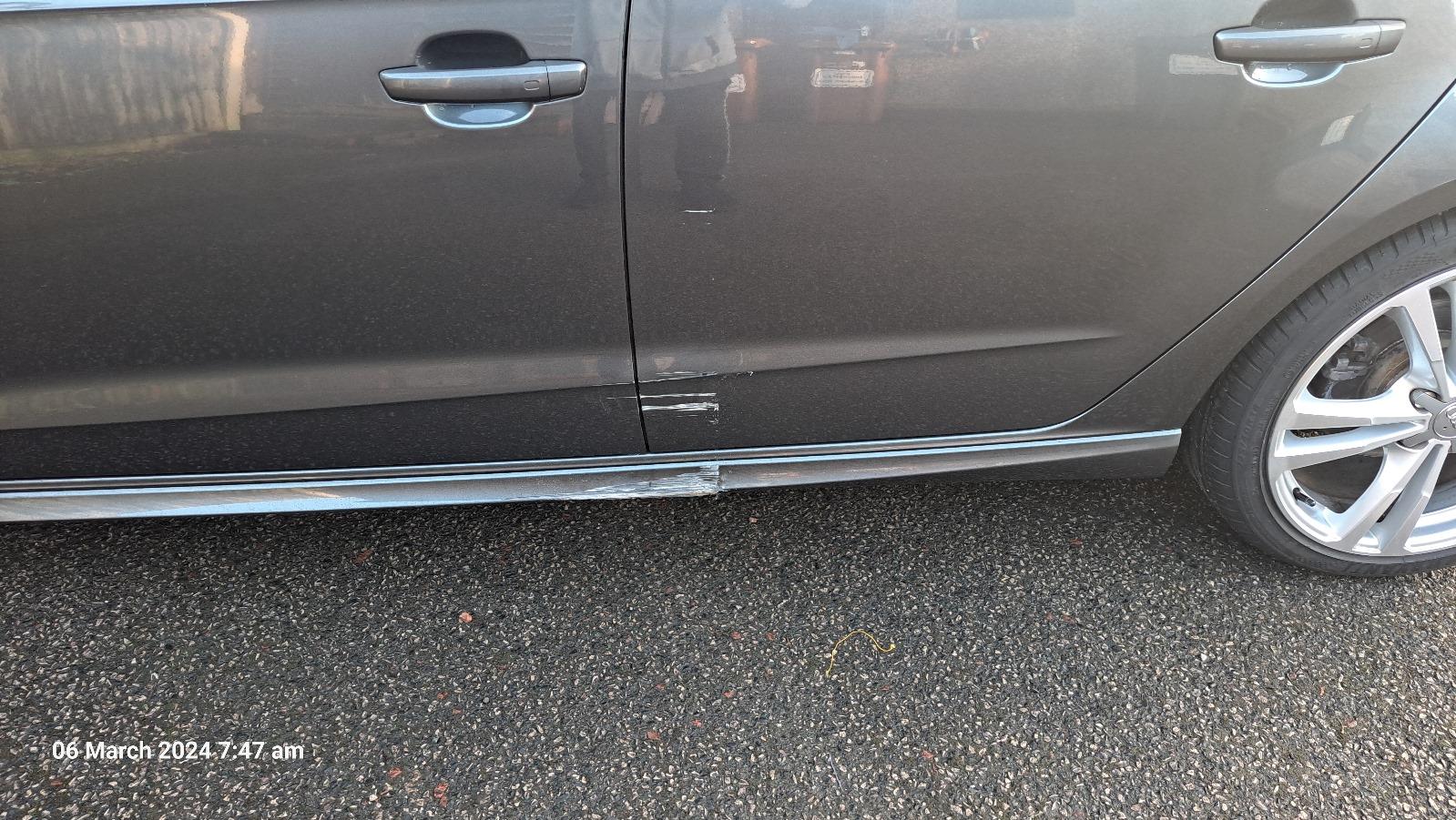
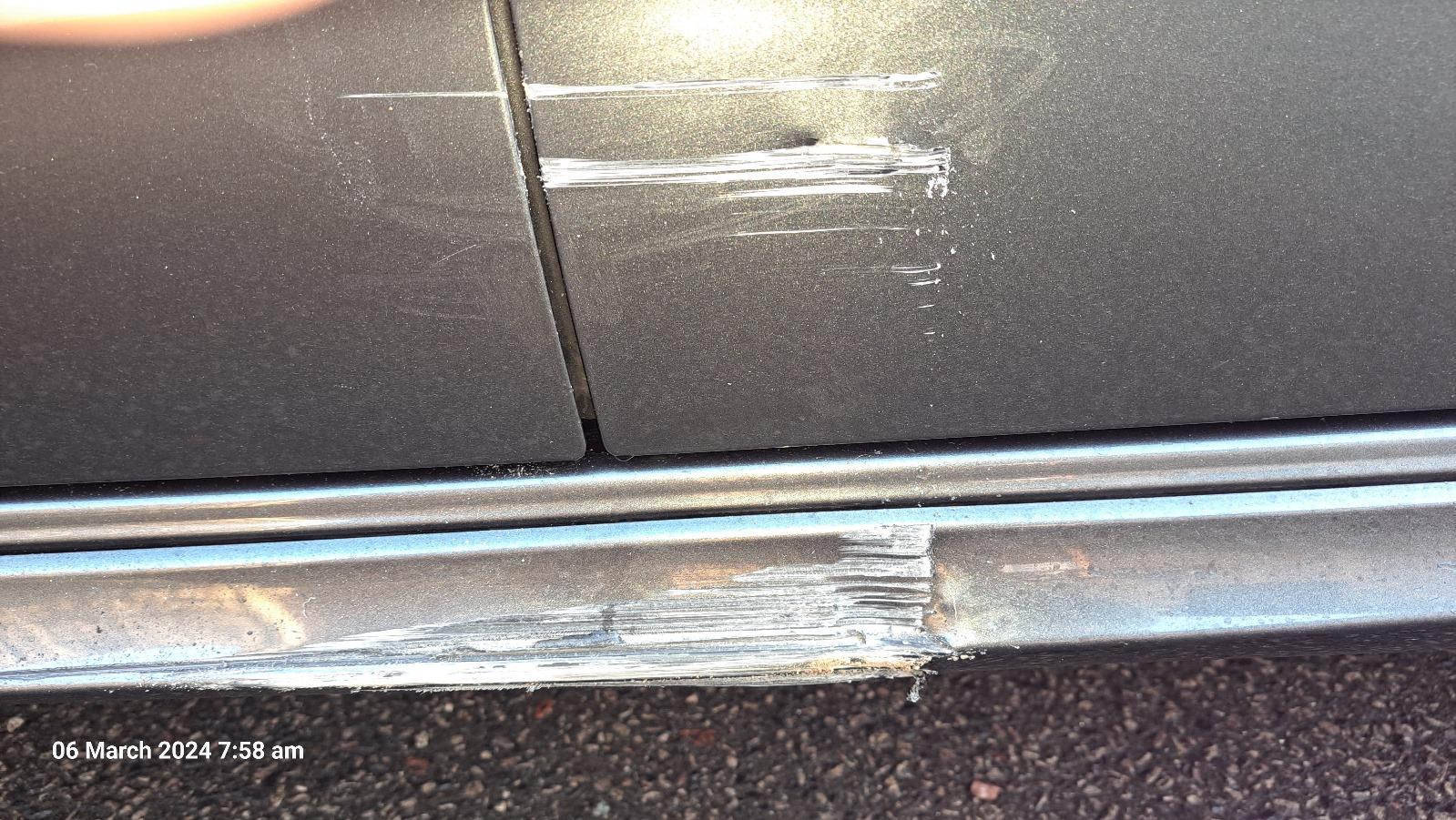
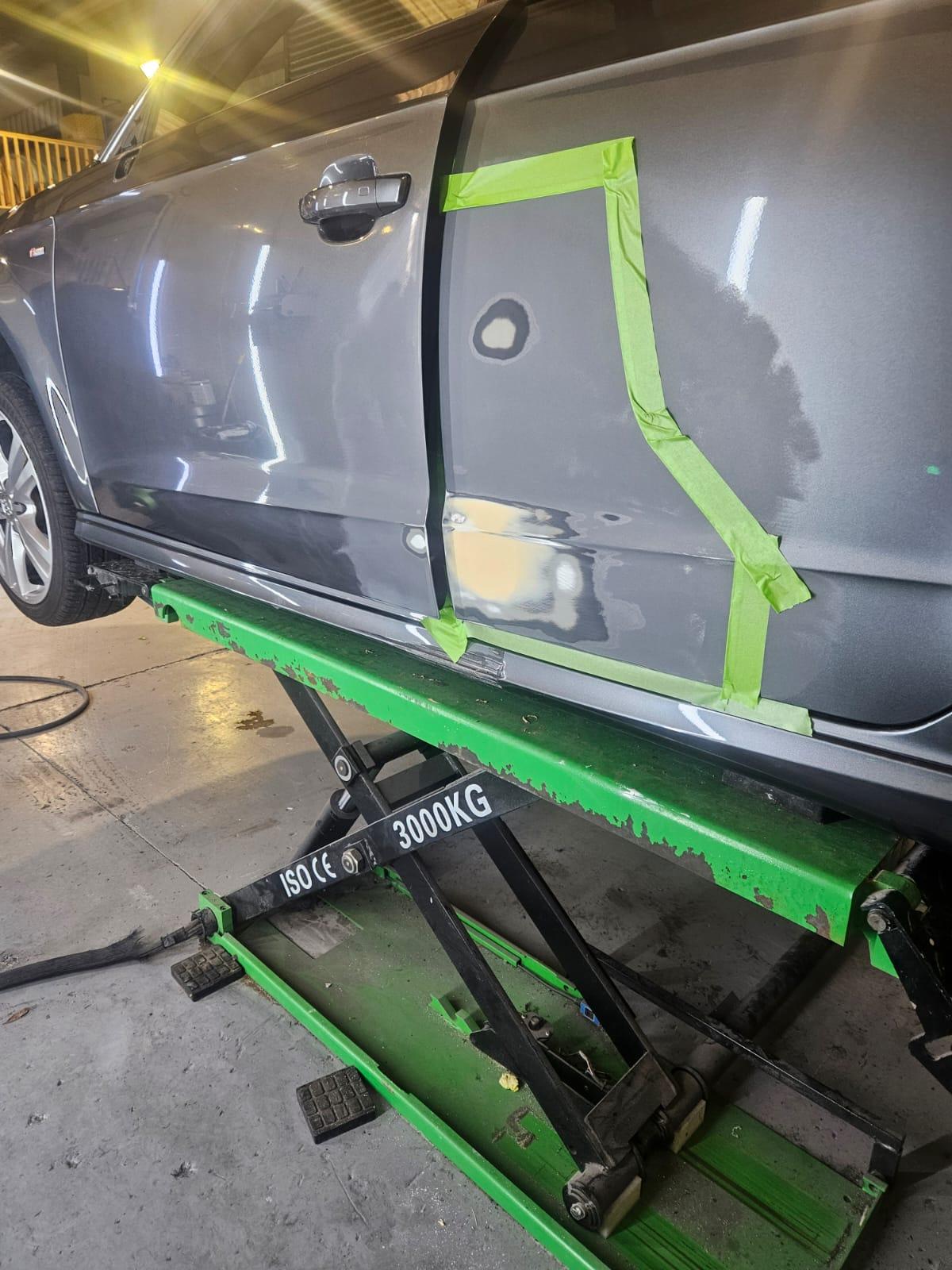
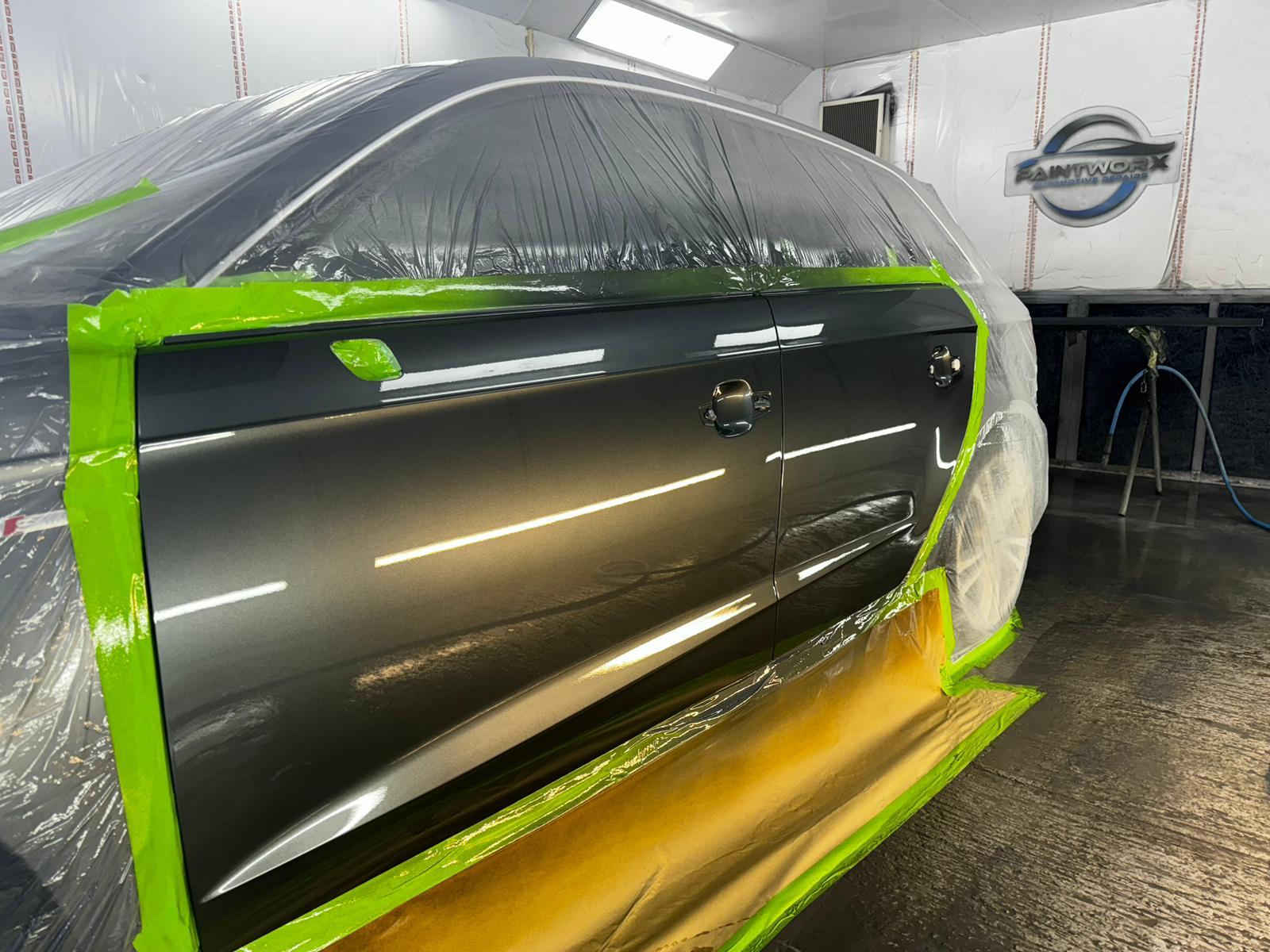
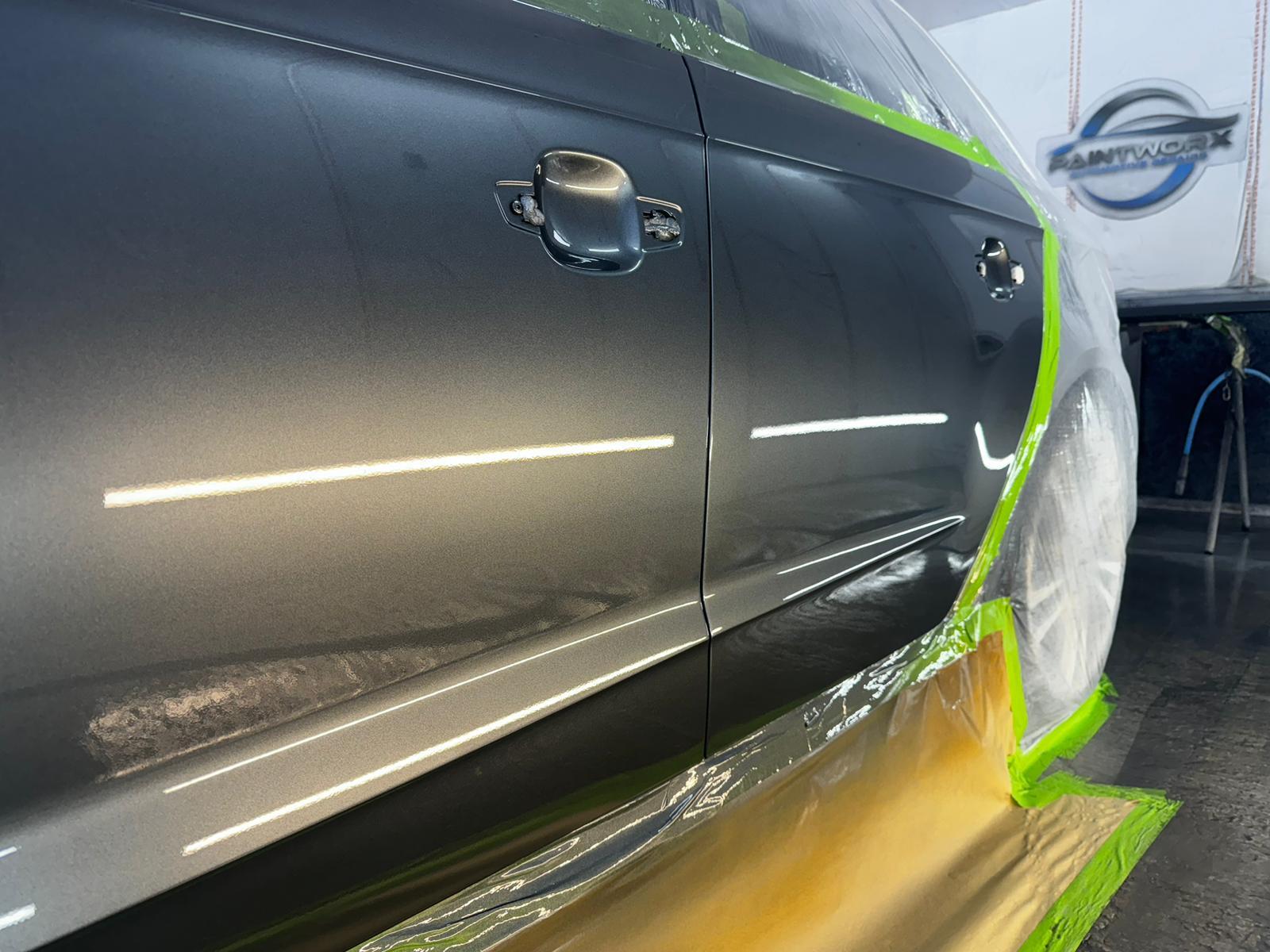
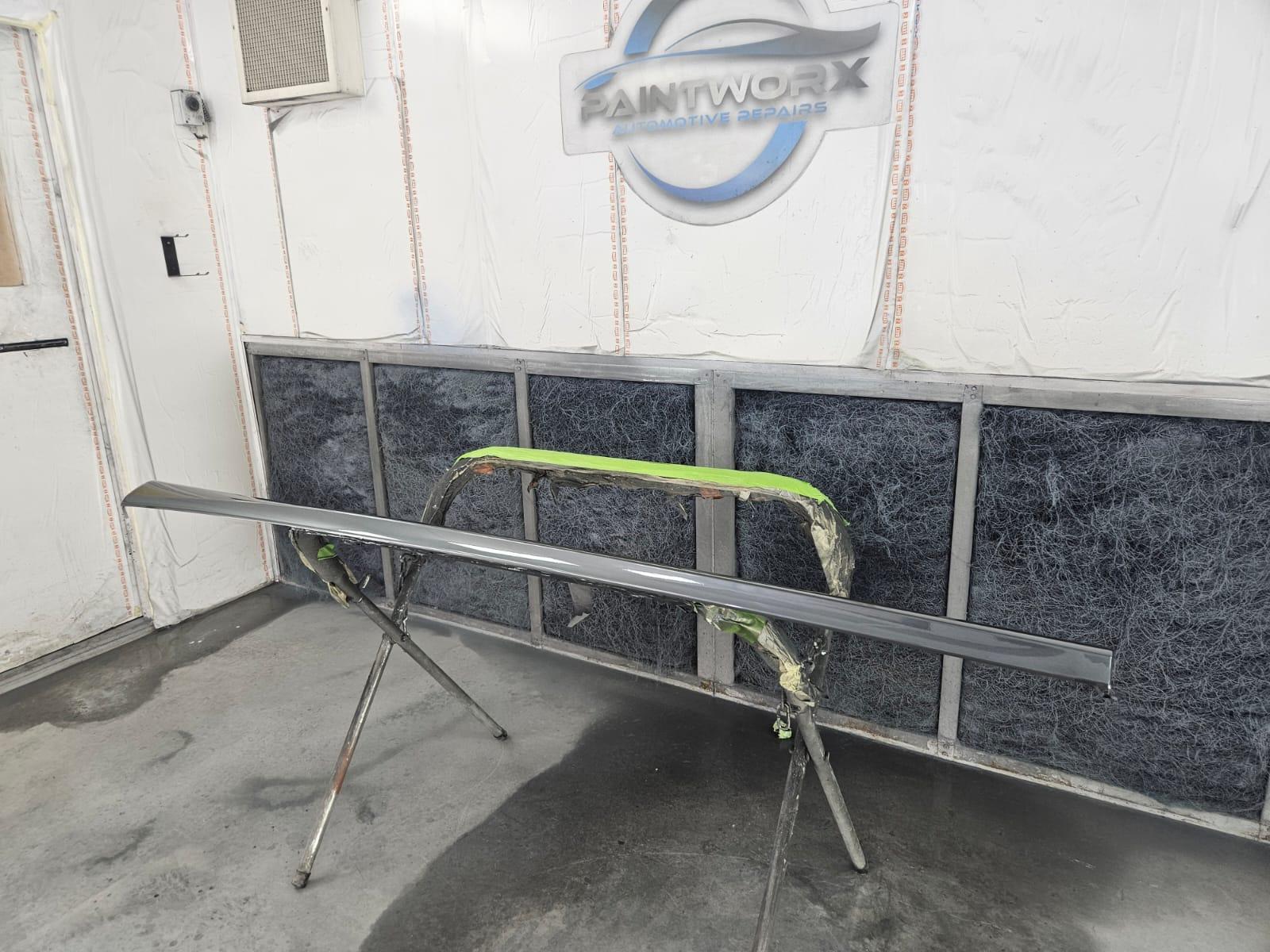
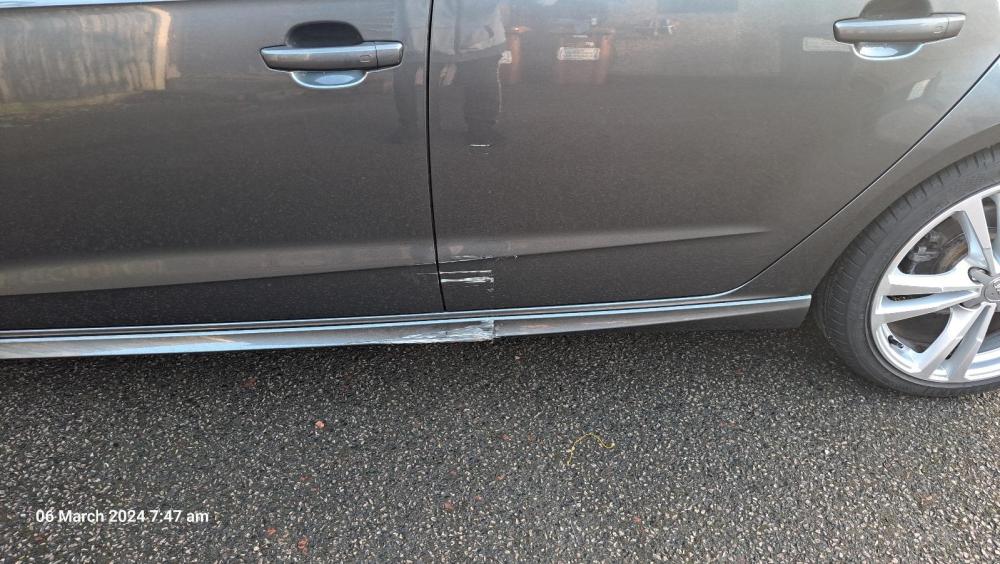
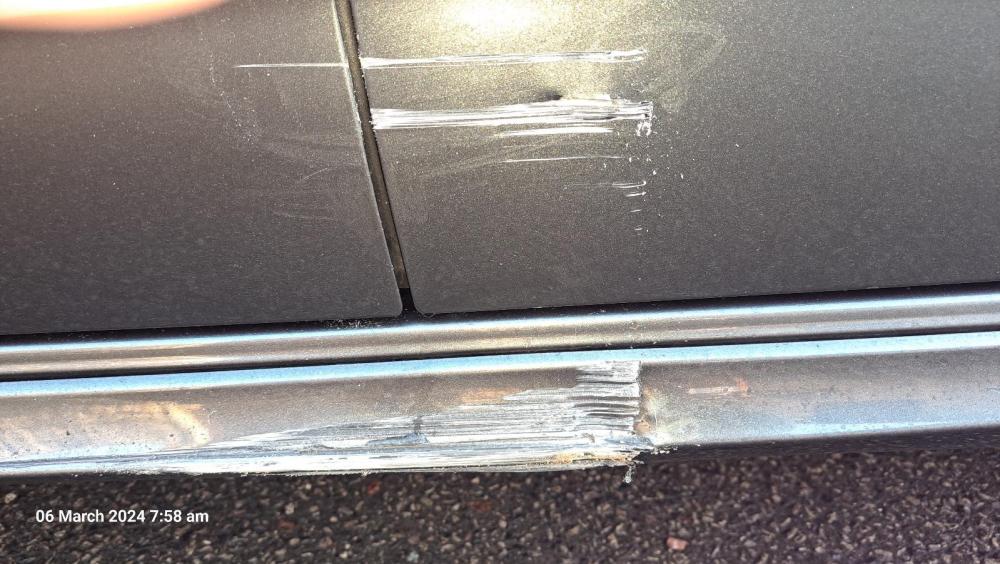
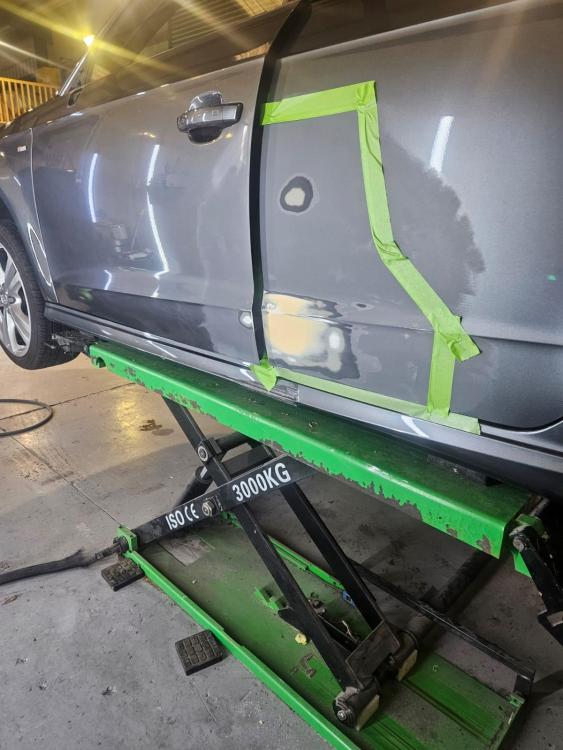
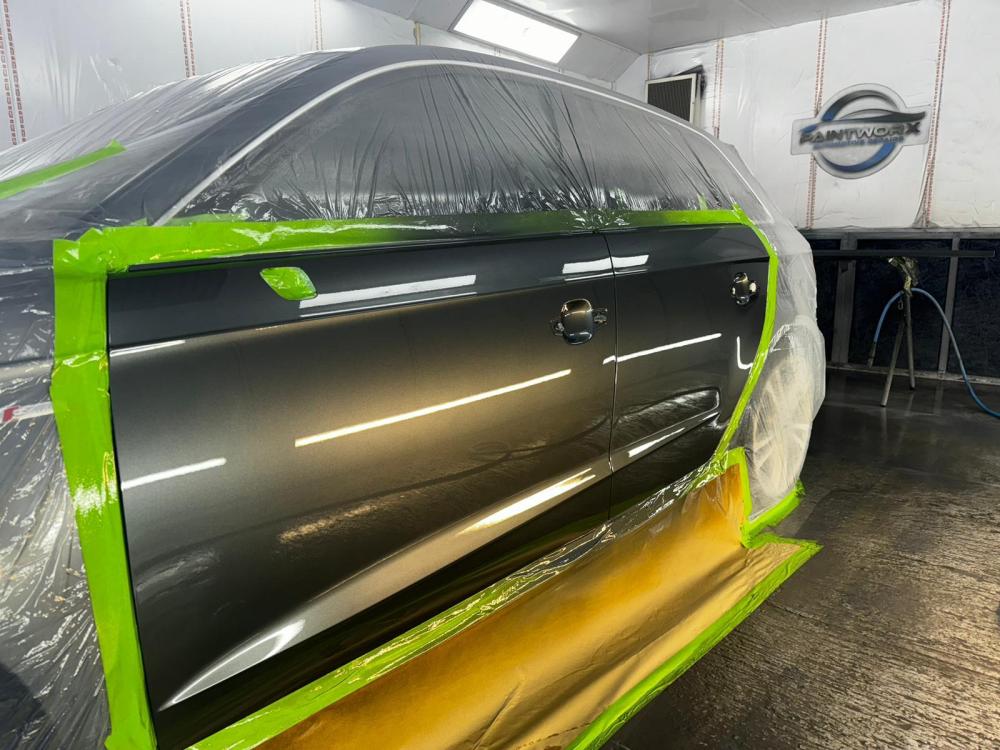
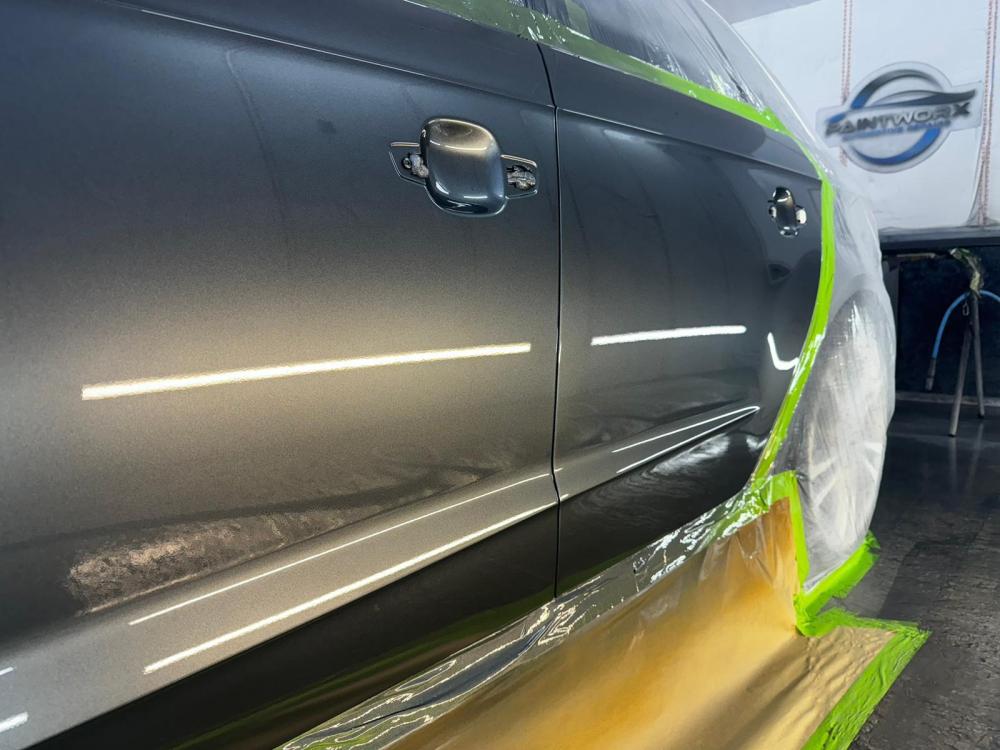
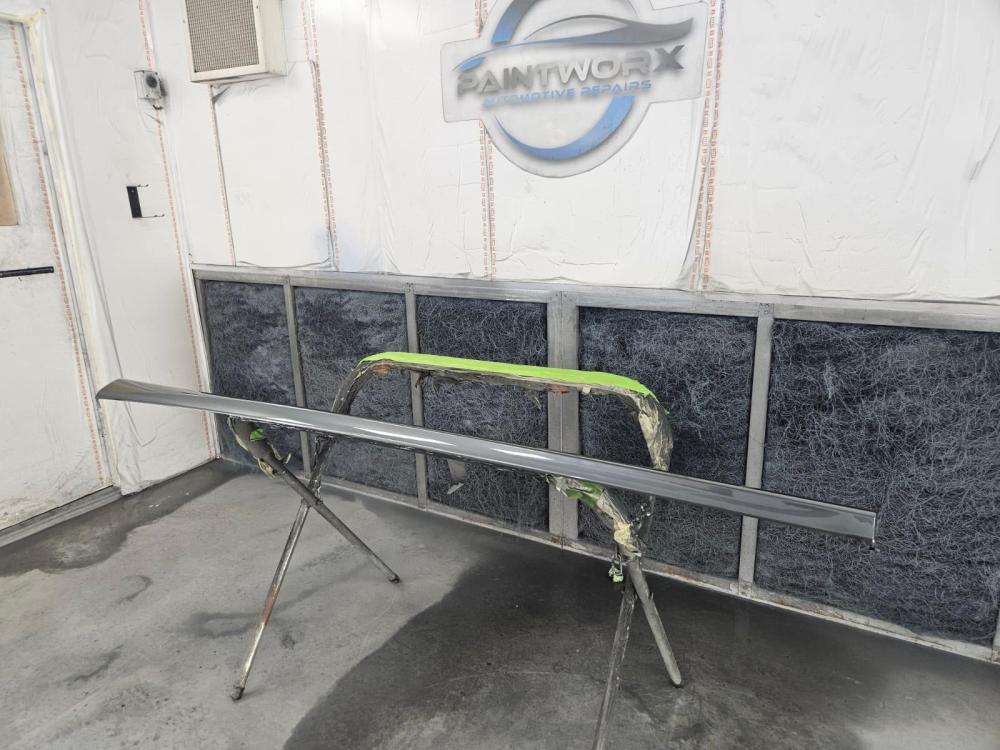
After my son buying a Toyota Aygo since passing his test Oct 2021 he has drove it around for 2.5 years with no issues whatsoever, not even a scraped wheel trim. Had his Audi A3 for 9 days and OUCH !!. Coming home at 5am in the morning after a hateful night shift, don't know if it was he is not used to the size of the car yet or tiredness / lack of concentration but he scraped the passenger side along the gatepost albeit luckily very slowly. Both doors needed respraying and a new skirt needed as the old one was badly damaged by the bricks in the gatepost and it had to be ordered in from Germany as amazingly Audi never had one. We took it to a bodywork guy who is not the cheapest but is very highly recommended and by the look of all the high end cars he repairs its understandable. Its all fixed now and my son is £1100 out of pocket, luckily he had savings so no insurance claim needed.
-
Not an Audi owner (my son is) but it definitely seems like your battery is on the way out. I had a 2004 Jaguar S-type which threw out lots of error codes one morning and that was just a failing battery. I always buy my batteries from these guys (see below), they are usually one of the cheapest and most of the time get next day delivery. Regards Colin https://www.tayna.co.uk/
-
Cheers Jason, its a win win situation , a spare wheel and the subwoofer. Happy Dad and happy son. Only cost £73 for everything as well as had a £20 amazon voucher from work to help with the Jack/Tools.
-
Certainly does Ian, I get the nice feeling he has got a spare tyre (albeit a spacesaver) if he does have a puncture. He is happy as the subwoofer stays in the hatch 😀