Kyrie
Members
-
Joined
-
Last visited
-
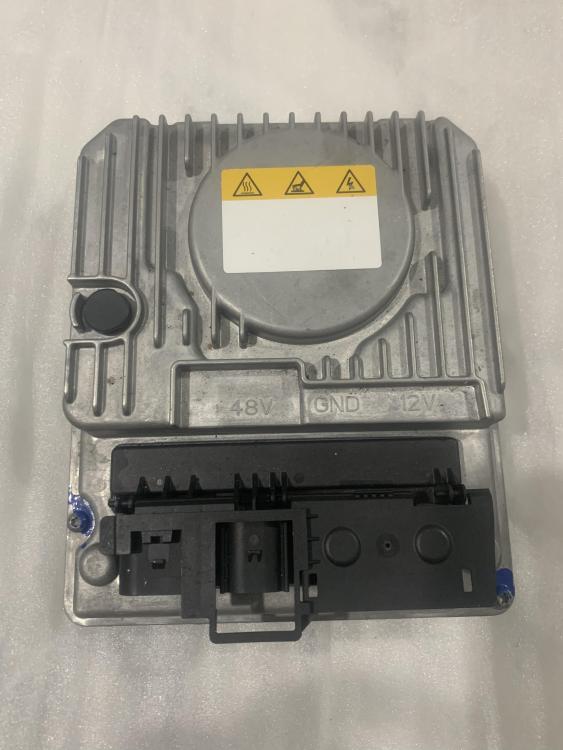
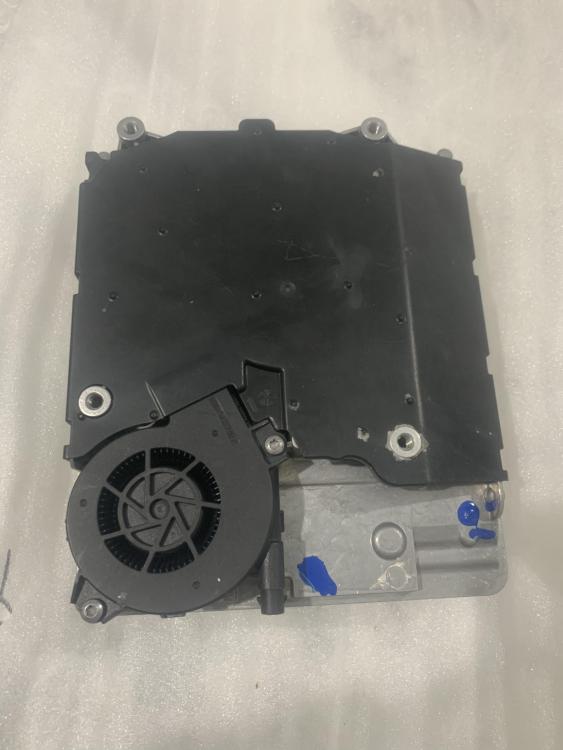
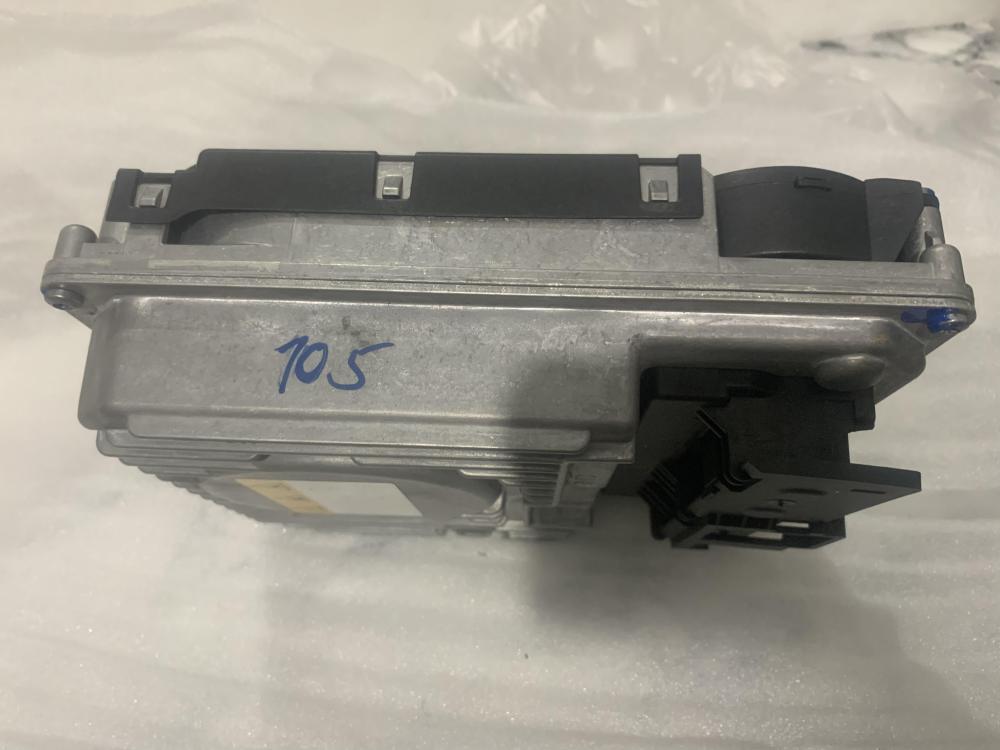
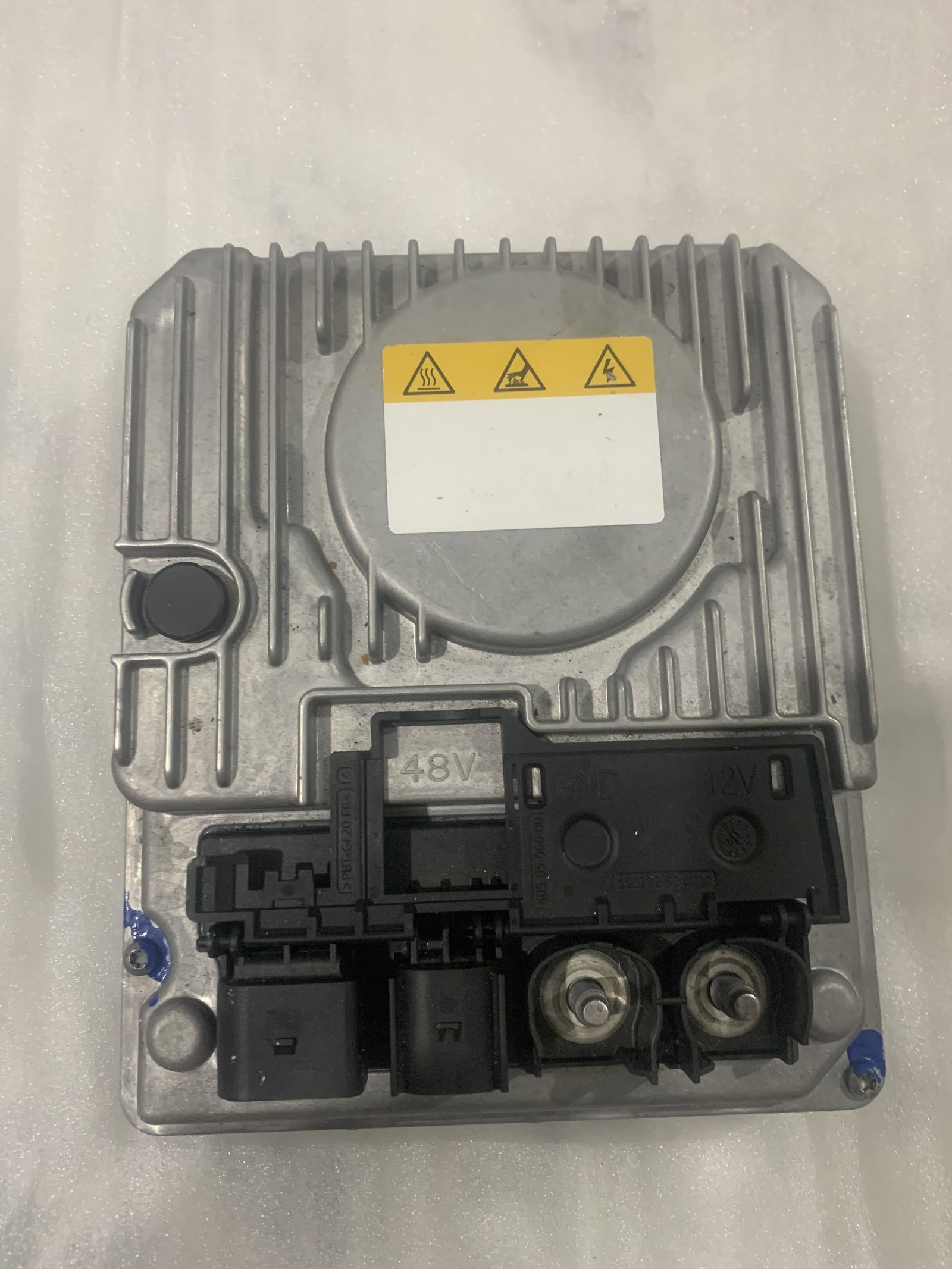
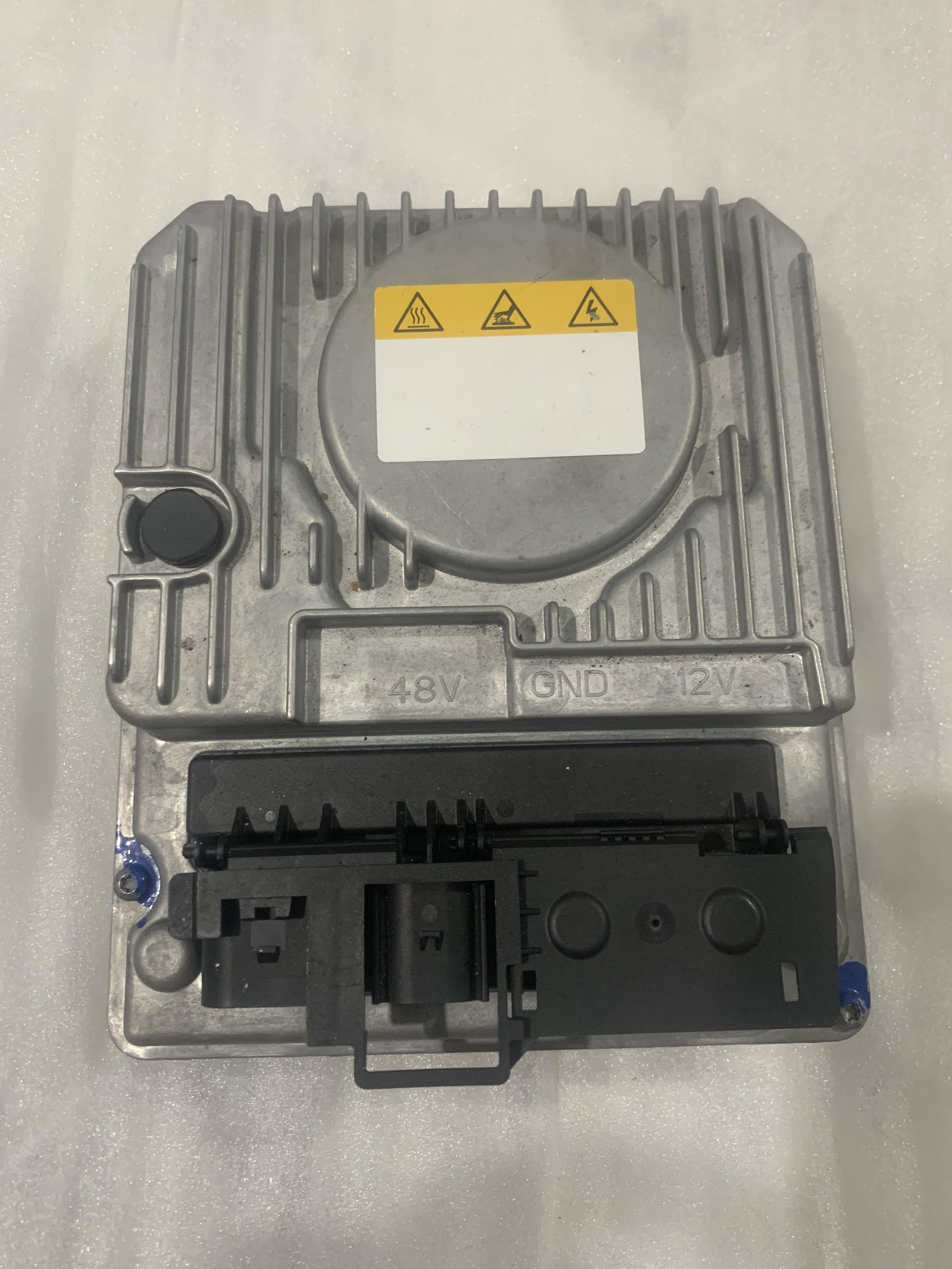
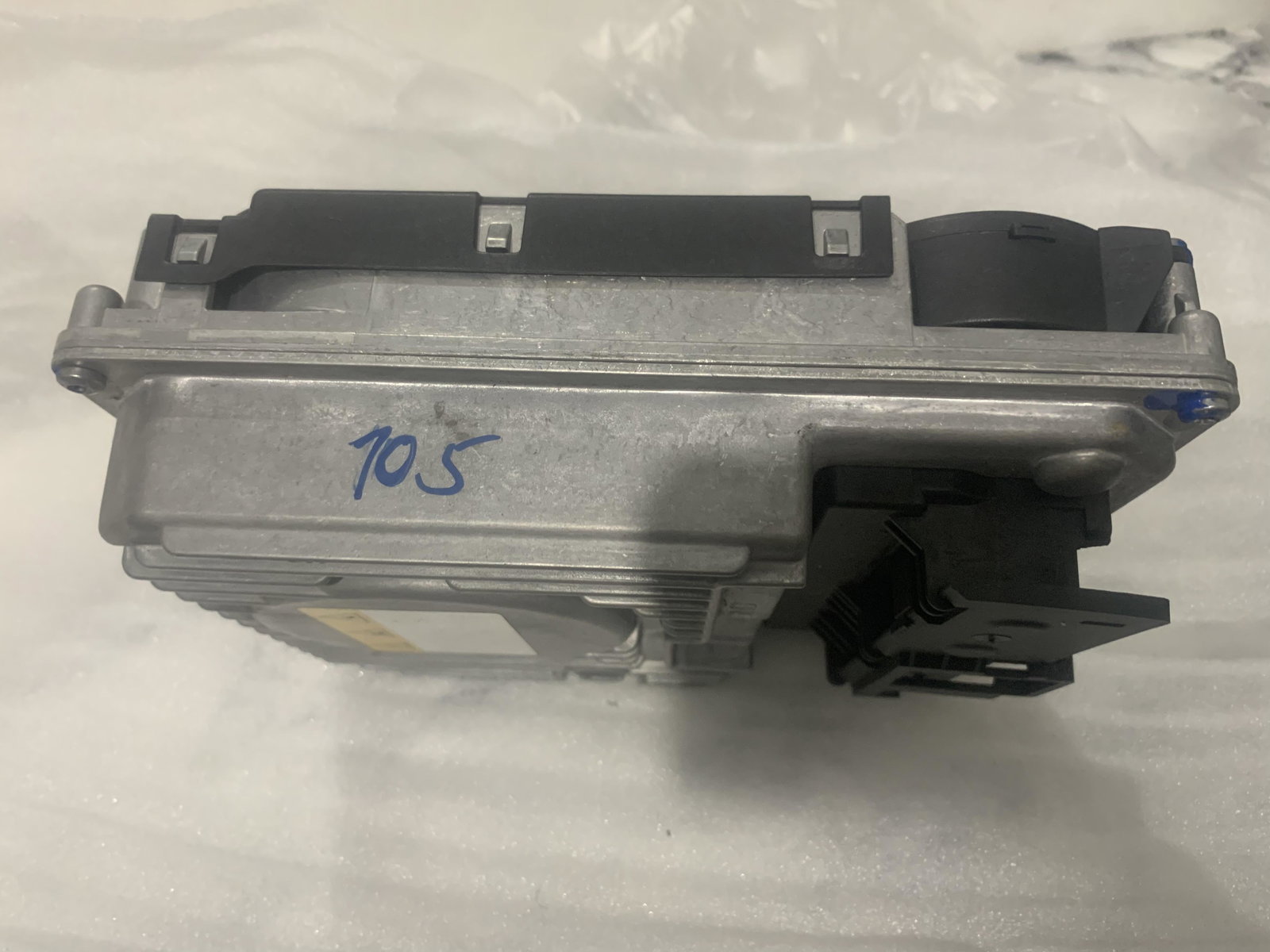
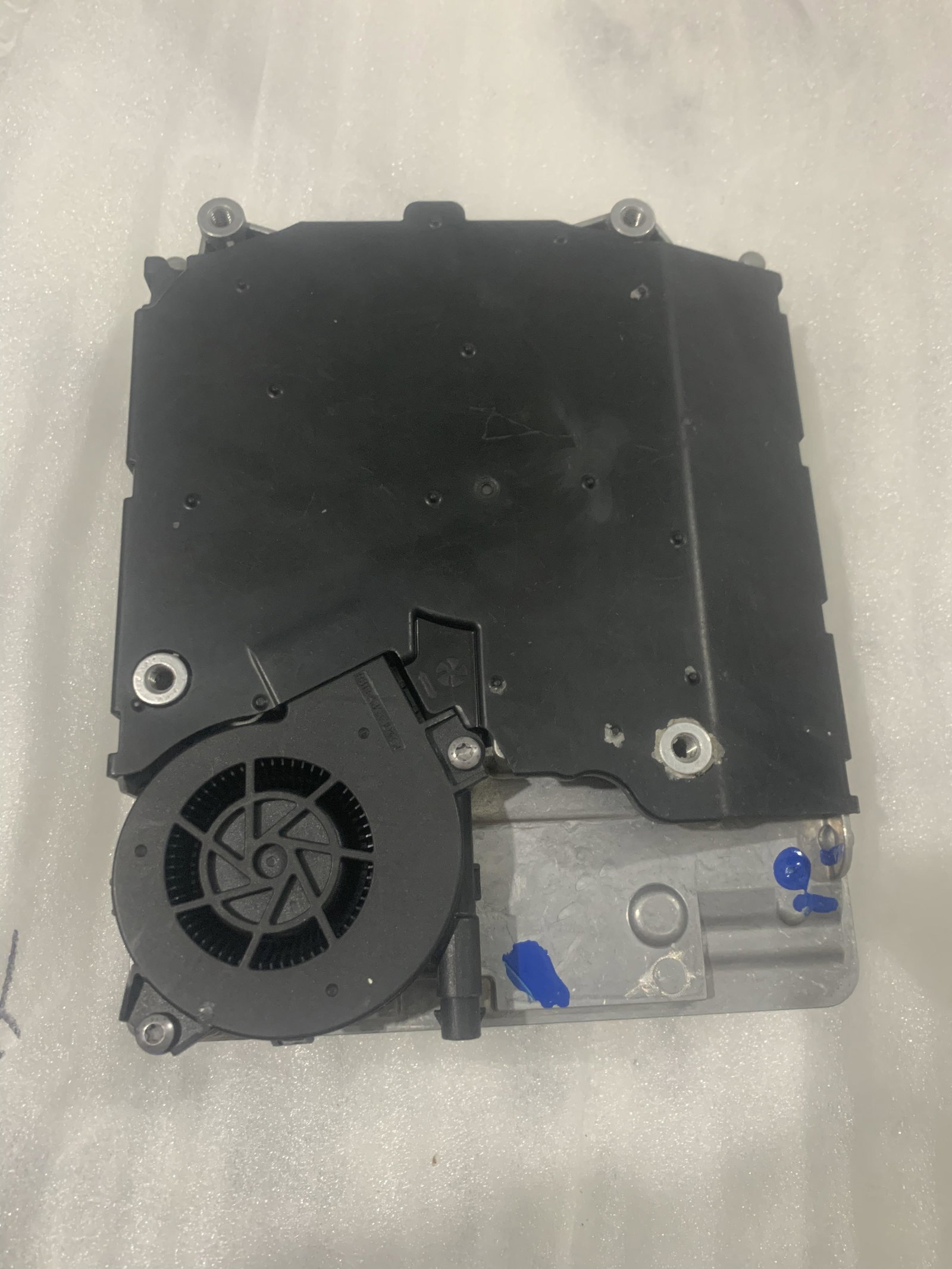
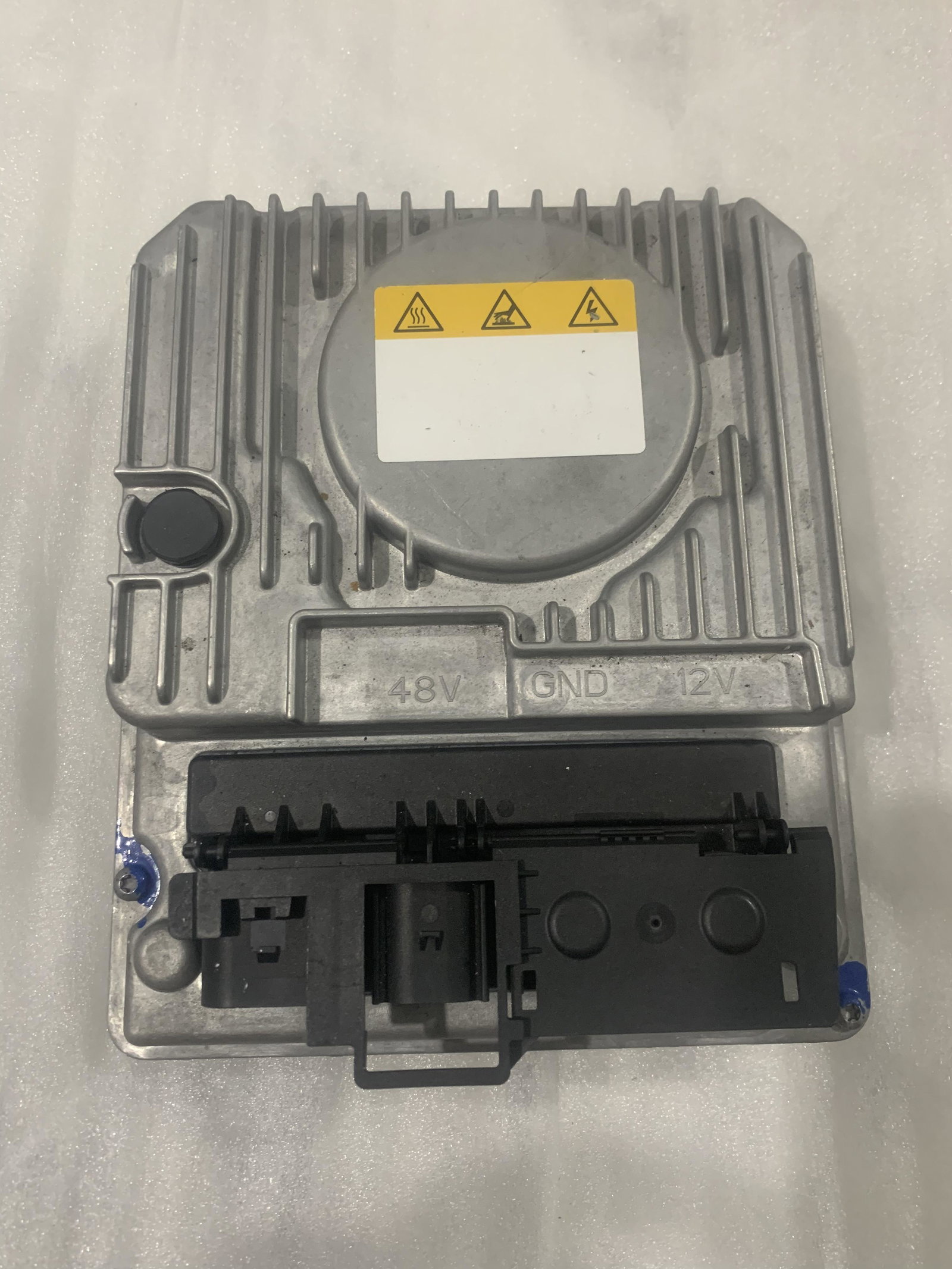
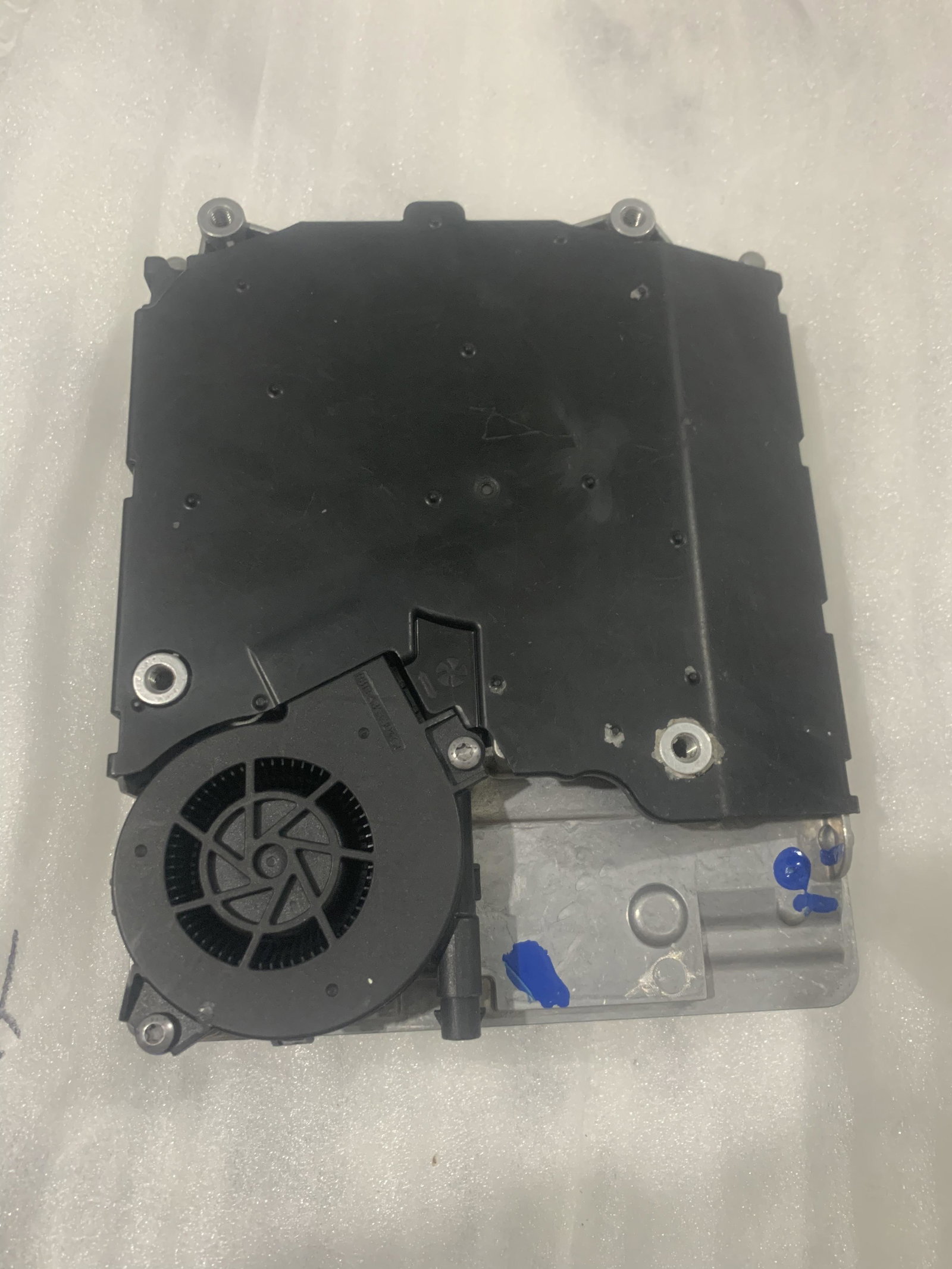
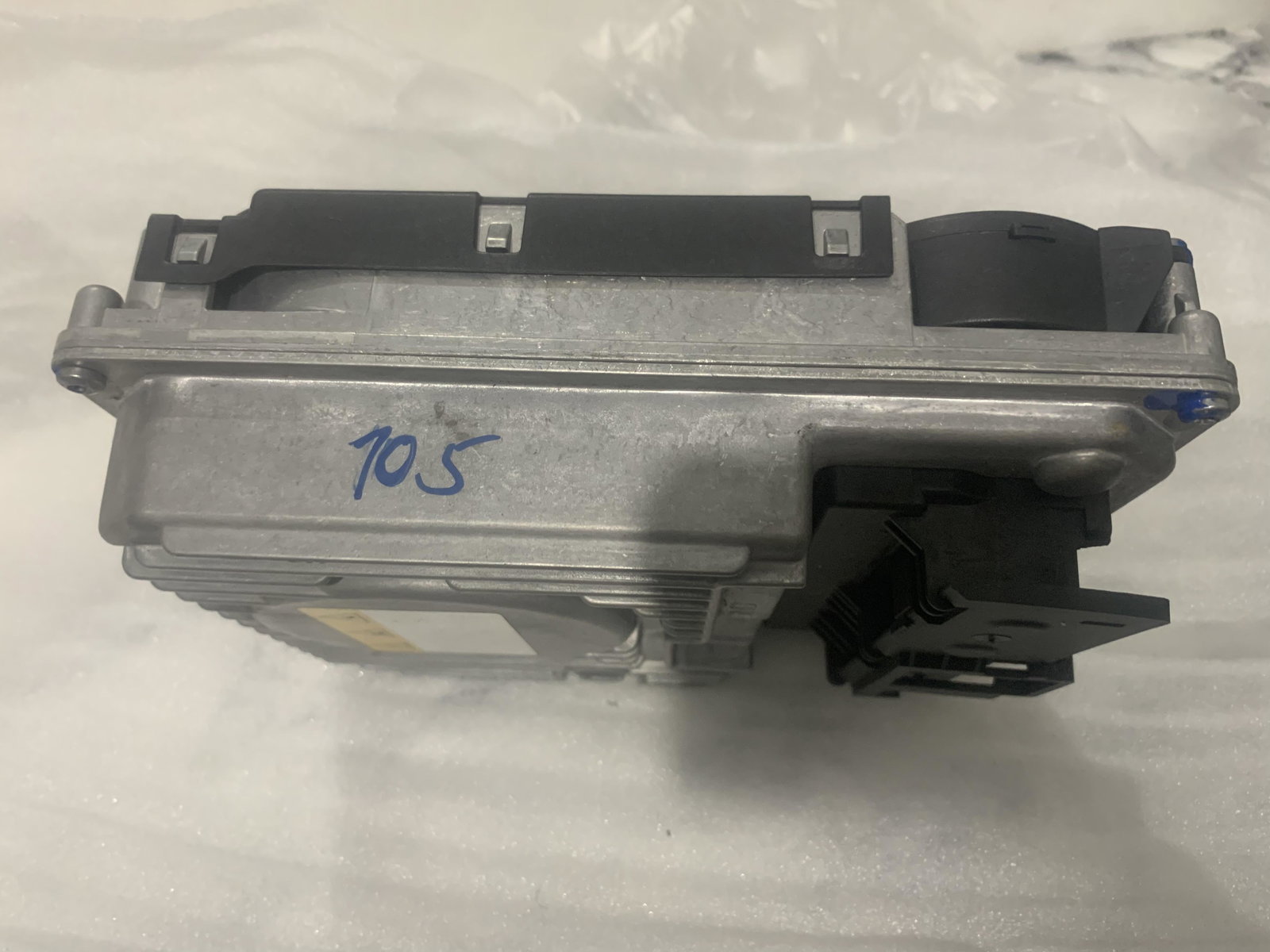
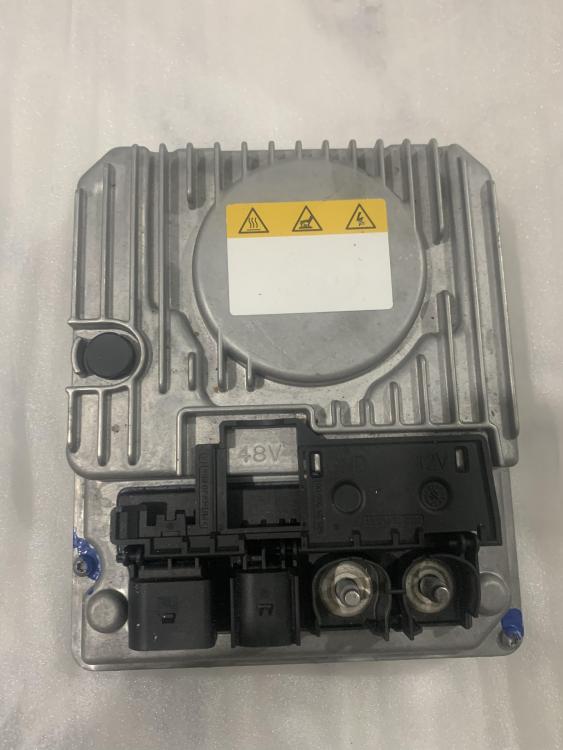
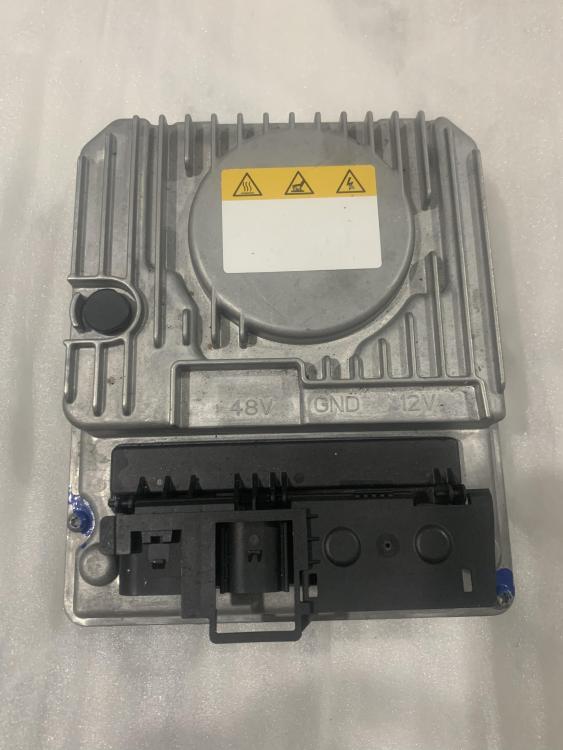
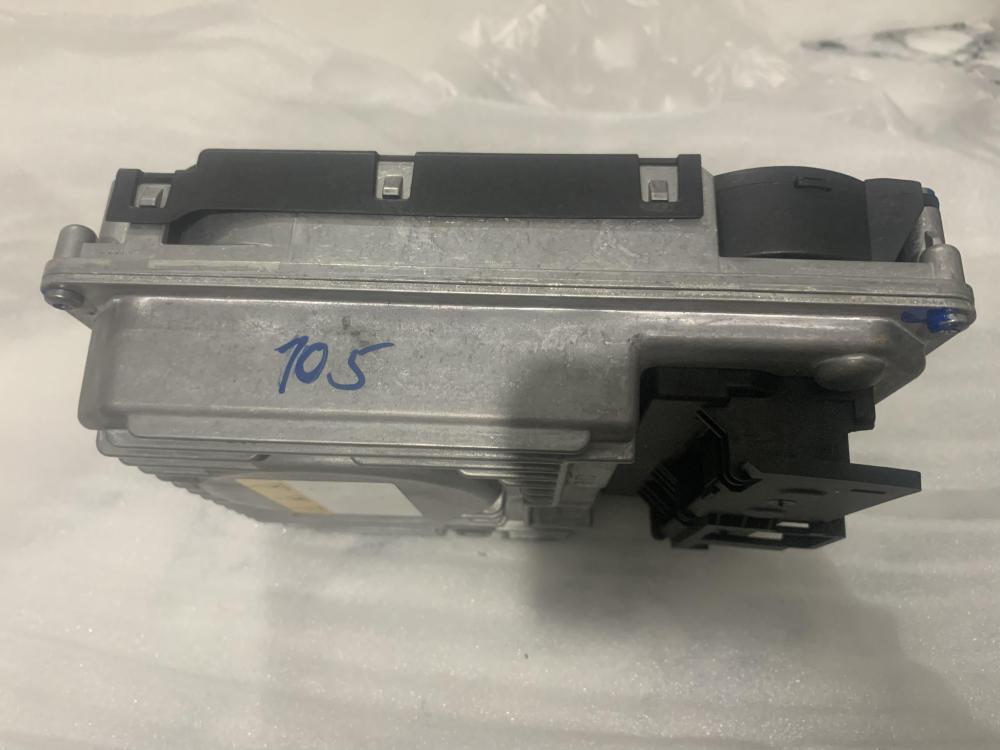
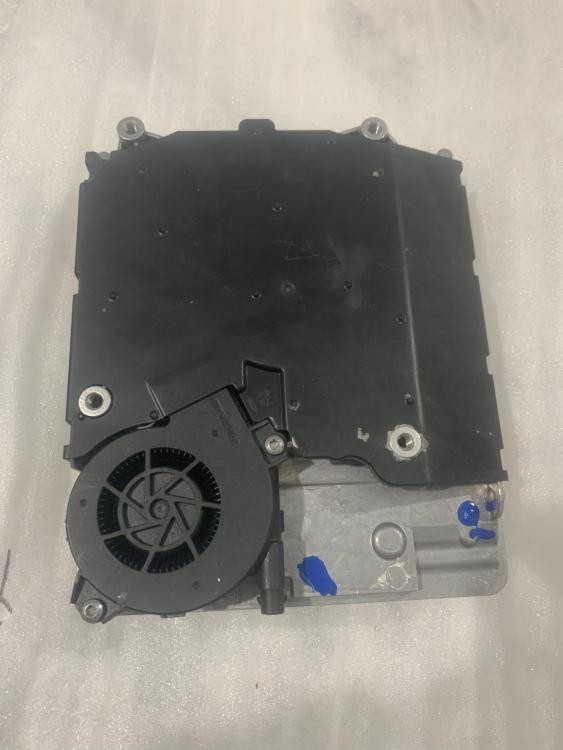
Hi there, I’m selling this item for £145Ev/hybrid Electronic Inverter Unit - Audi Q7 2020. Audi Q7 ECU Voltage Converter Control Unit 3.0 Diesel 2020Compatible with: (2016-2023) Mild Hybrid SUV 50 TDI Mild Hybrid quattro AWD -- 4MB,4MG 2967cc 210KW 286HP DHXA;DPXA For sale genuine price, pretty much new, looking for a genuine price so please message me if your interested
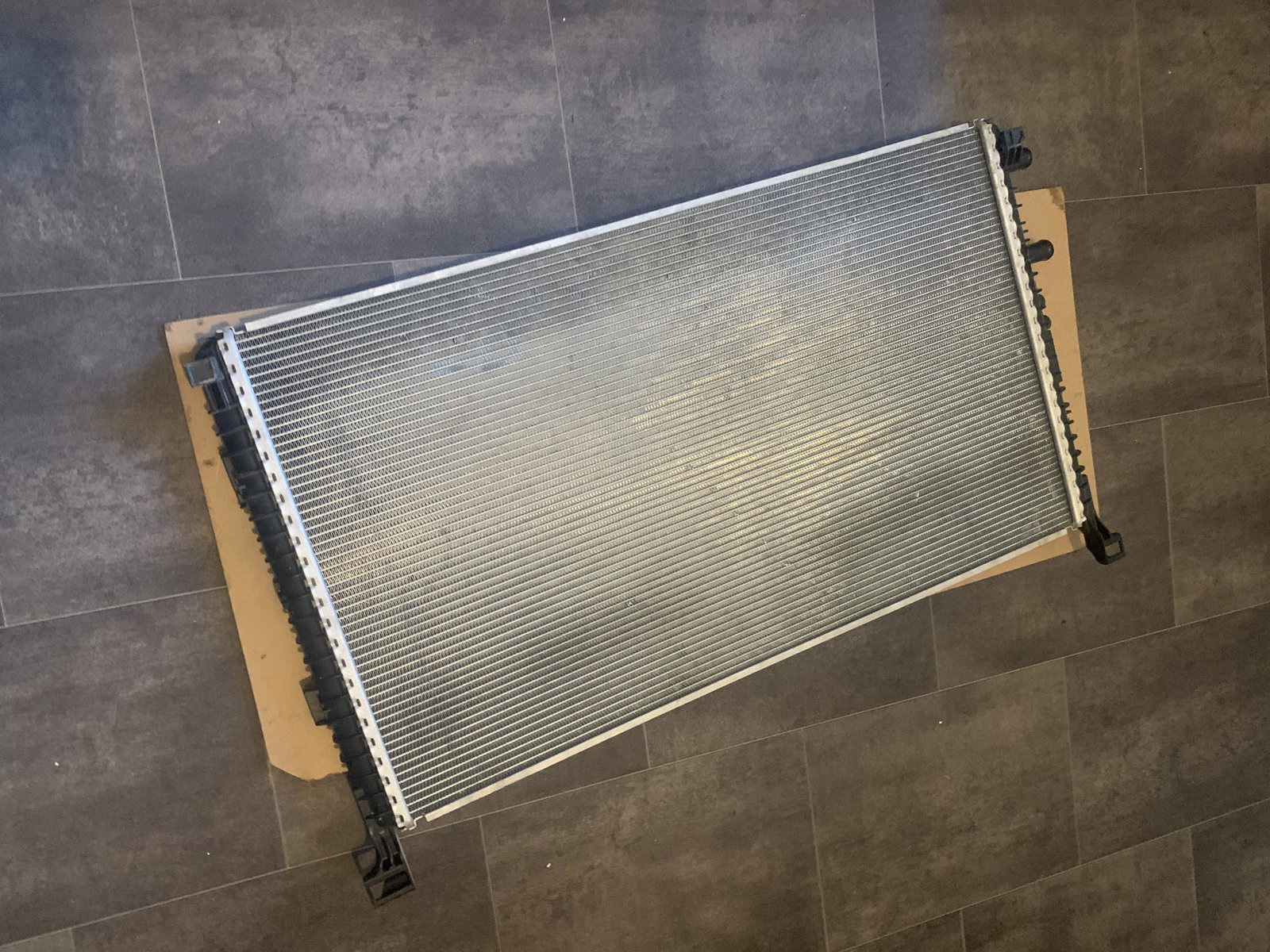
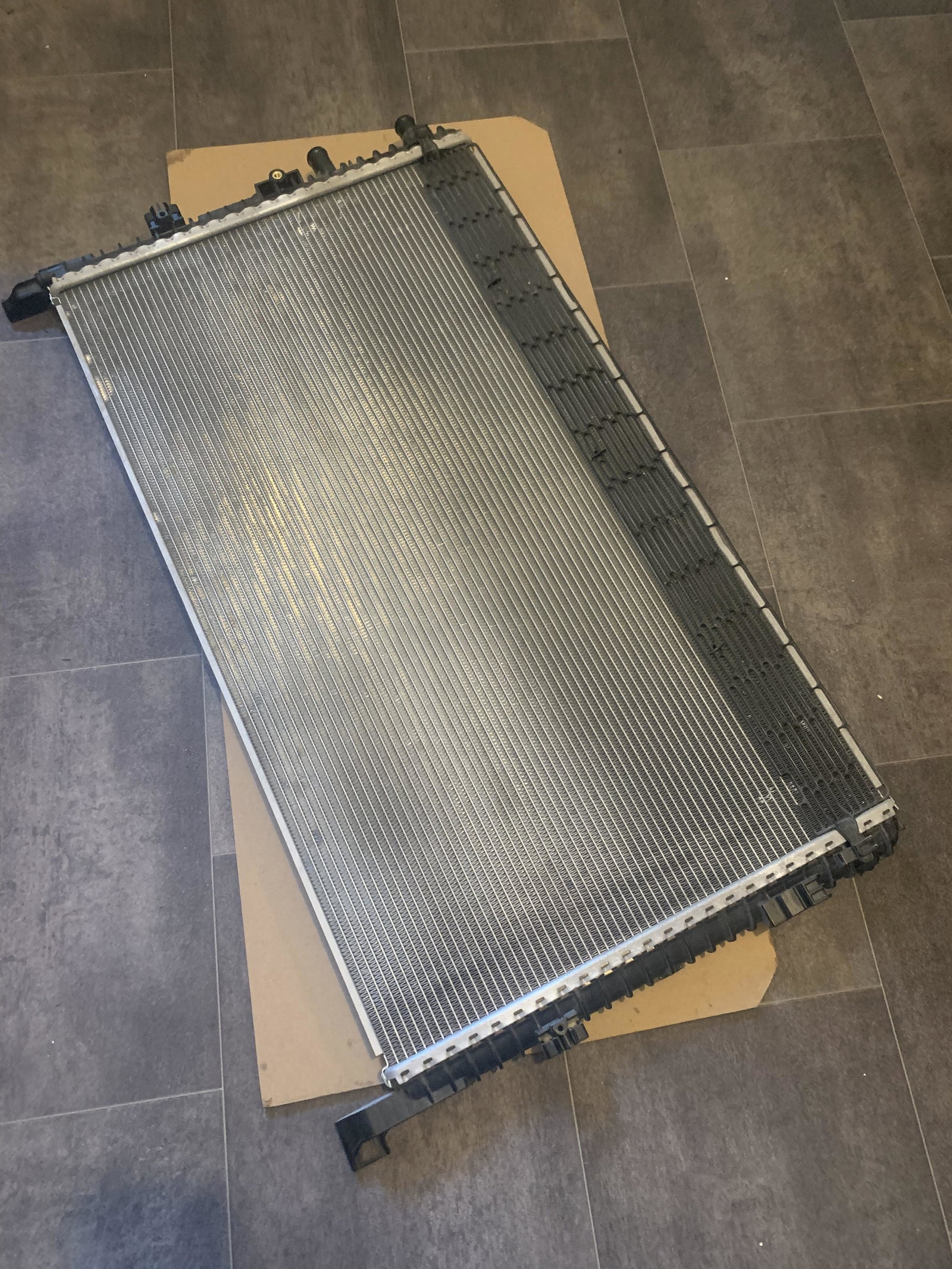
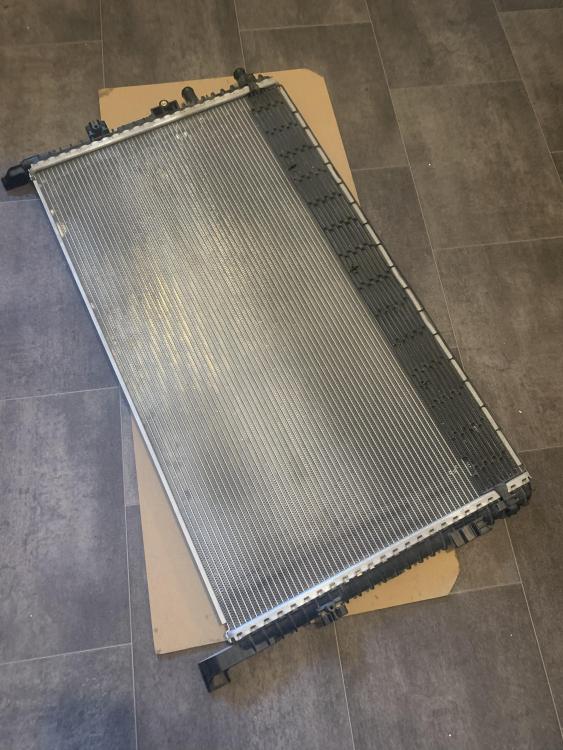
 AUDI A4 B9 2016 onwards Cooling Radiator 8W0.145.804.D GENUINE for sale. Used with low mileage for sale. Don’t hesitate to ask questions, looking to get rid of it for a reasonable price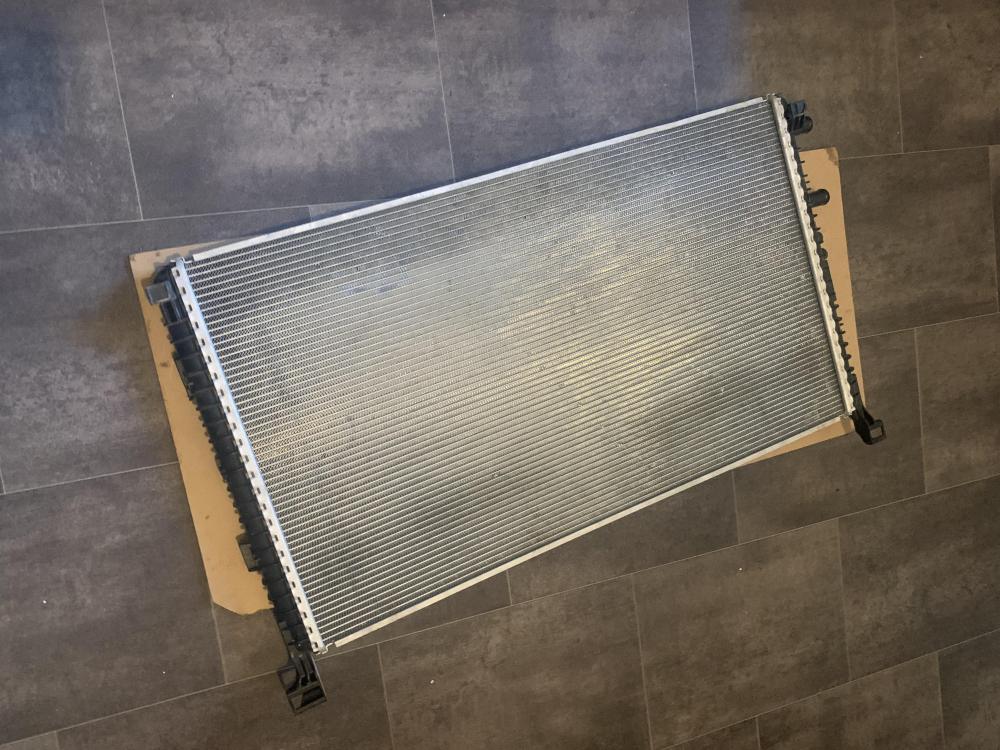
 Selling this Audi Q7 Voltage Converter Control Unit 3.0 Diesel 2020 ECU. Good as new and works perfectly, this unit is compatible with (2018-2023) Mild Hybrid SUV 50 TDI Mild Hybrid quattro AWD -- 4MB,4MG 2967cc 210KW 286HP DHXA;DPXA. £150.00 if interested or yet have any questions be free to send me a message