





spoonsy
Members
-
Joined
-
Last visited
-
That's a good question and one I didn't get a clear answer to. I assumed it might have been a lease, but nothing was confirmed. I do like a grey car yes (matches my personality!) But a grey Audi isn't the rarest car in the land, so I can skip this one and wait for another, they crop up regularly!
-
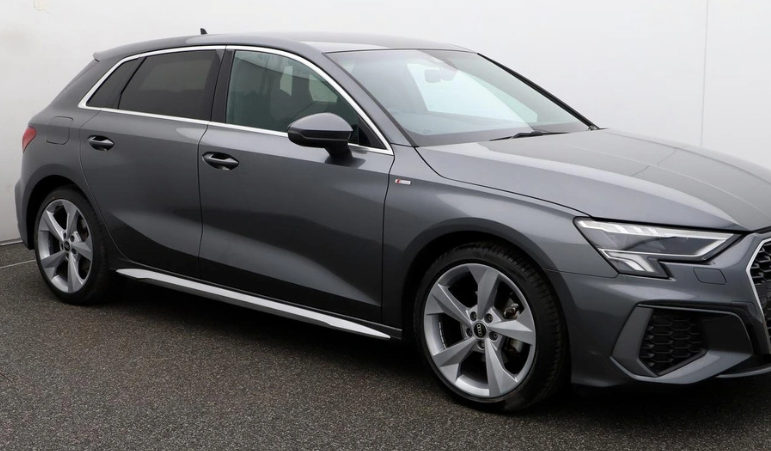
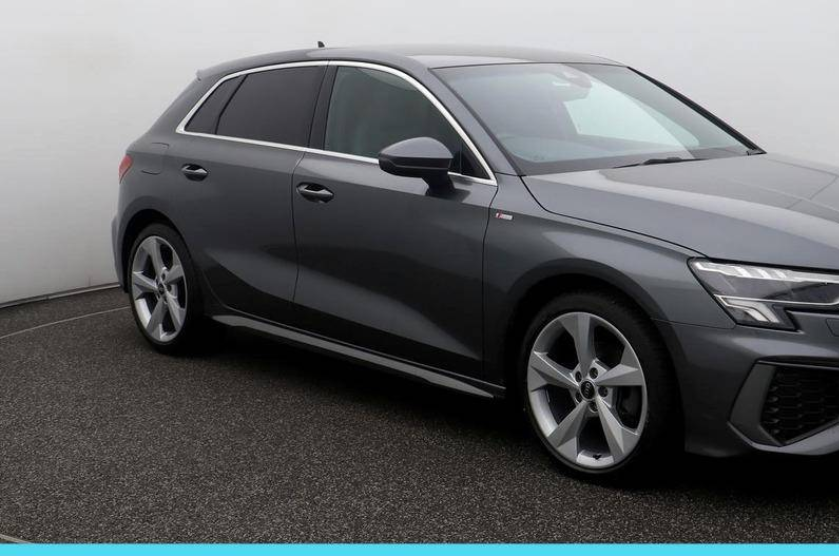
It's a car supermarket jobby. 2 years old and I thought the skirt just looked lighter in the pic but when I saw the car it is definitely silver and not Daytona Grey. It isn't a major issue, I was just curious if someone had sprayed it or something. Two cars below, the silver trim is first and 'normal' trim beneath that (same car supermarket)
-
Bit of a basic Q but..... I'm looking at a second hand A3 S line 8Y Daytona grey and the side skirts appear to be silver and much lighter than what I see on most models. Am I right in thinking this must have been sprayed? It looks to me as if the side skirts always match the body of the car out of the factory, or was this an option at some point?