Skip to content
View in the app

A better way to browse. Learn more.

Audi Owners Club (UK)

A full-screen app on your home screen with push notifications, badges and more.

To install this app on iOS and iPadOS
  1. Tap the Share icon in Safari
  2. Scroll the menu and tap Add to Home Screen.
  3. Tap Add in the top-right corner.
To install this app on Android
  1. Tap the 3-dot menu (⋮) in the top-right corner of the browser.
  2. Tap Add to Home screen or Install app.
  3. Confirm by tapping Install.

cla

Members
  • Joined

  • Last visited

Everything posted by cla

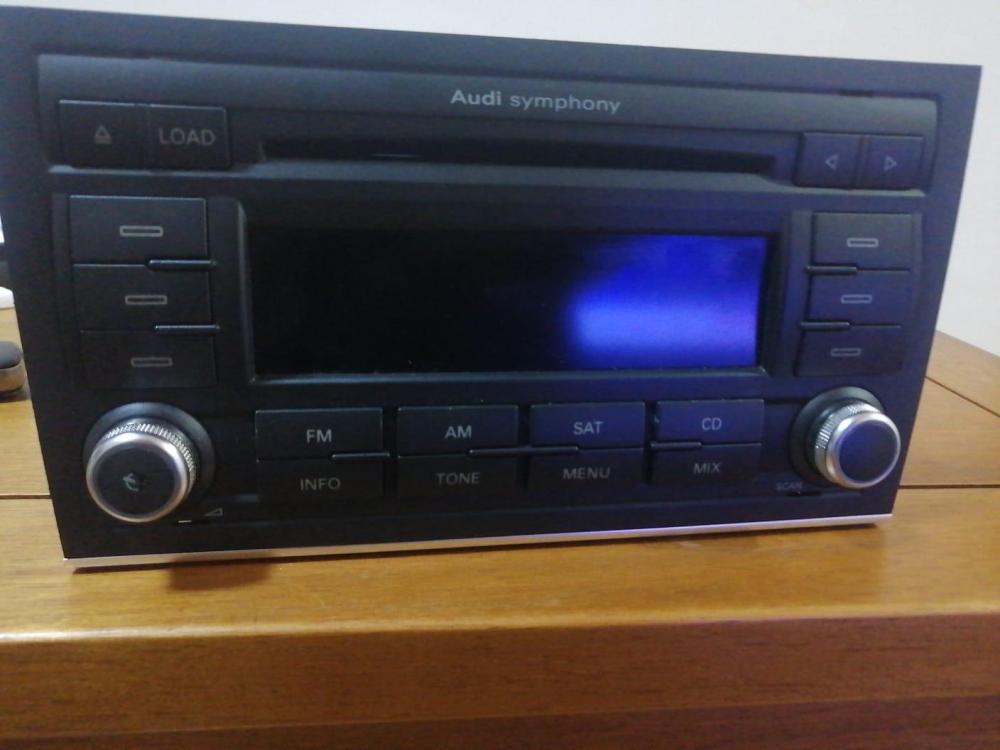
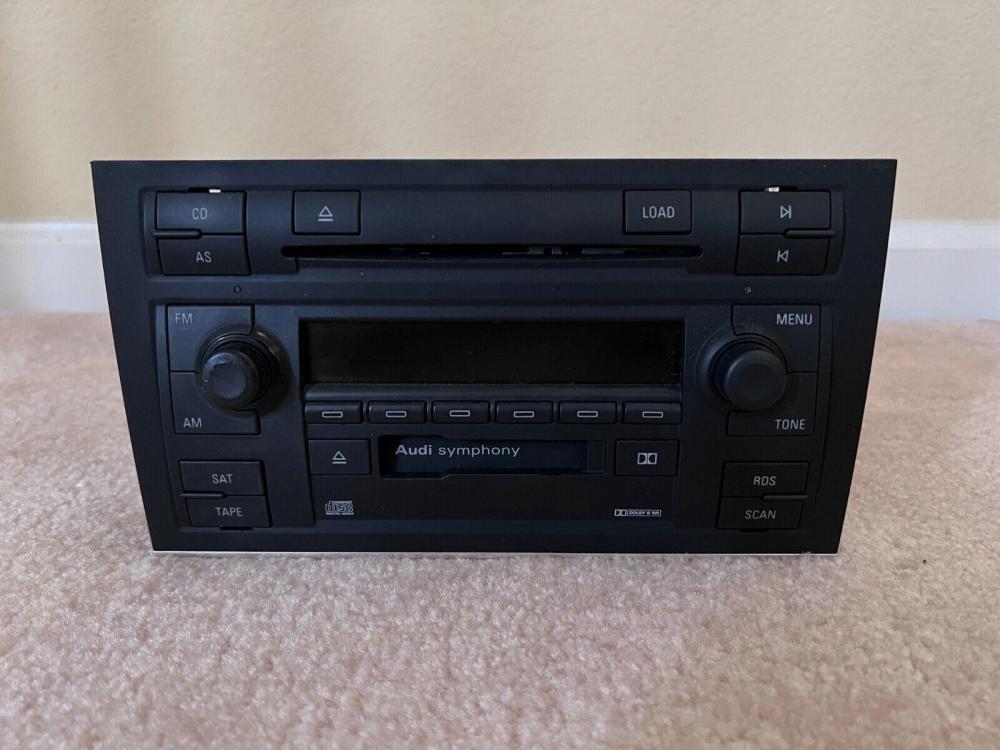
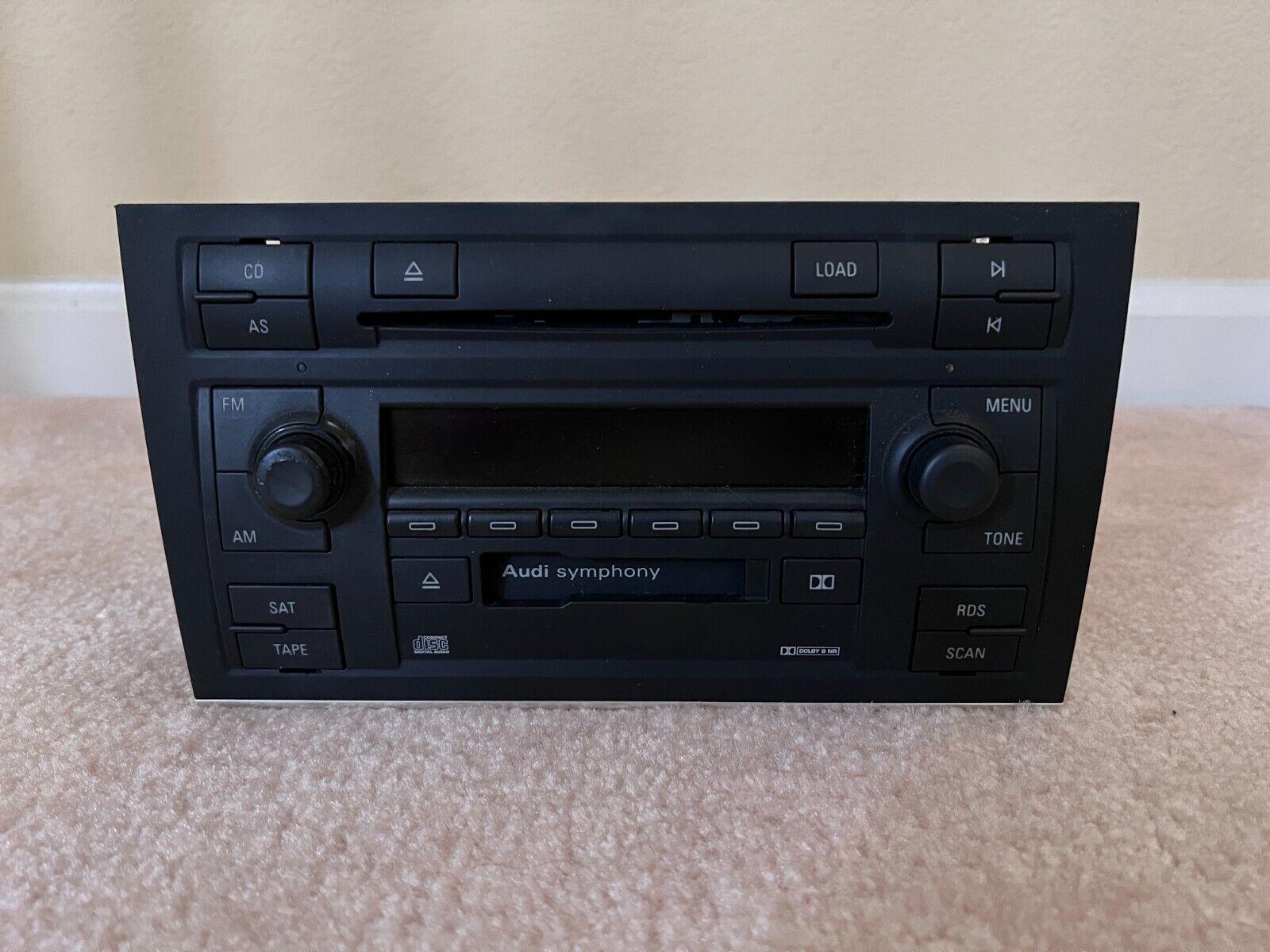
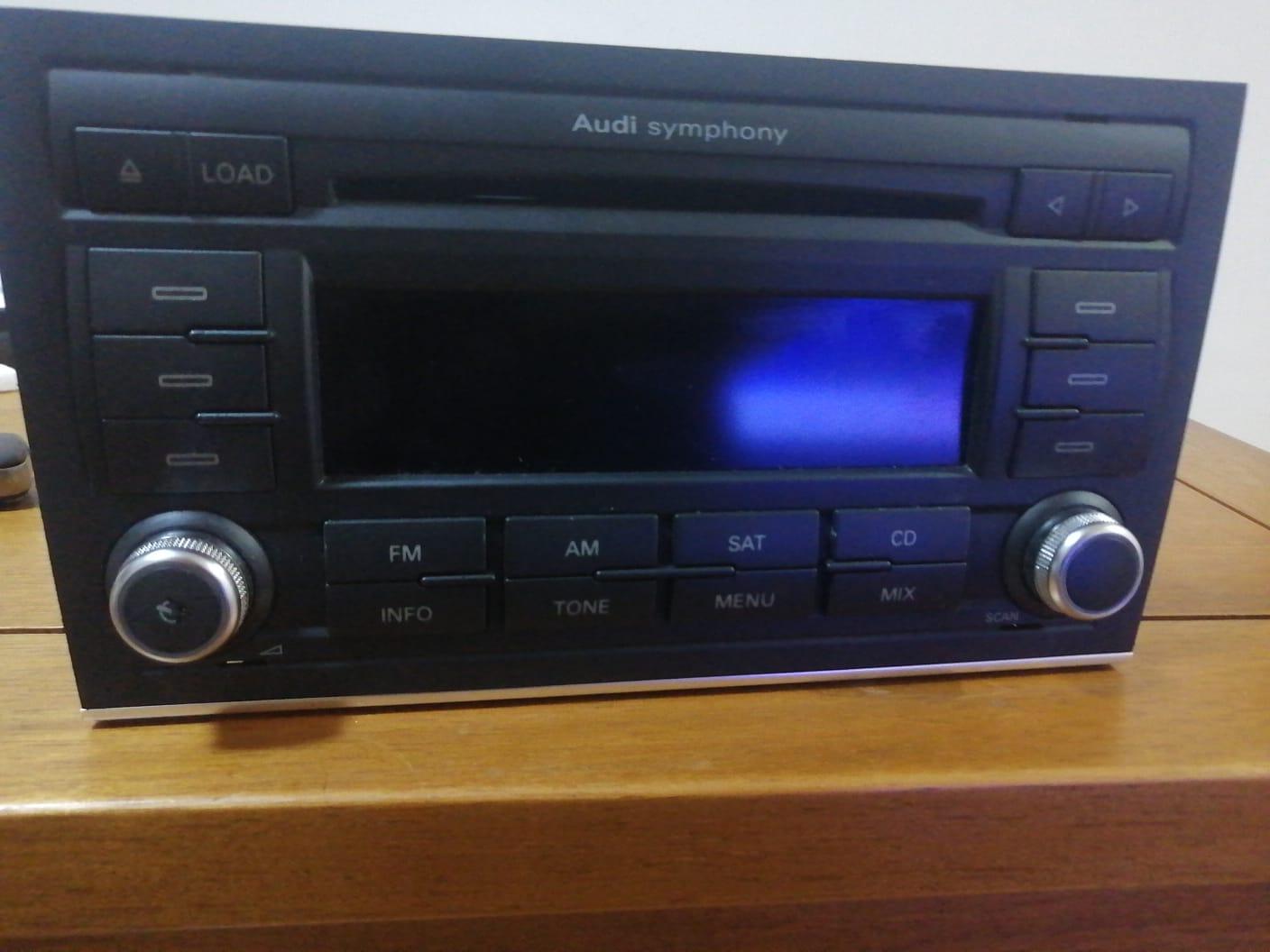
  1. Good morning everybody . I'm from Brazil and I have an Audi A4 Avant 2005/2006, it had a radio with a factory cassette with 2 din PHOTO Nº 1), now I'm putting in the radio from the A4 2007 with a 6-disc CD (PHOTO 2). Can anyone tell me which socket I can put on it to work correctly without having to adapt it? I've even made a connection with a socket I bought on Aliexpress, but the radio doesn't keep the memory and doesn't turn off when I remove the key from the ignition, and the button lights don't turn on either. If anyone can help me with the correct connection I need to make, I would like to thank you all in advance, a hug.
  2. Good evening Phill. I liked a post, do you have a Facebook page so I can get information about the sound of my Audi from you?


Background Picker
Customize Layout

Account

Navigation

Search

Search

Configure browser push notifications

Chrome (Android)
  1. Tap the lock icon next to the address bar.
  2. Tap Permissions → Notifications.
  3. Adjust your preference.
Chrome (Desktop)
  1. Click the padlock icon in the address bar.
  2. Select Site settings.
  3. Find Notifications and adjust your preference.