ChudsA6Avant
Members
-
Joined
-
Last visited
Everything posted by ChudsA6Avant
-
-
-
-
-
-
Hey mate... Yeah next time I plug it in I'll have a look.. You got a link to the thread? The lights I just used a standard headlamp restore kit... It is however started to come back so maybe I didn't do the uv protection properly... I had thought of just laquering them after the sanding stages next time tho...
-
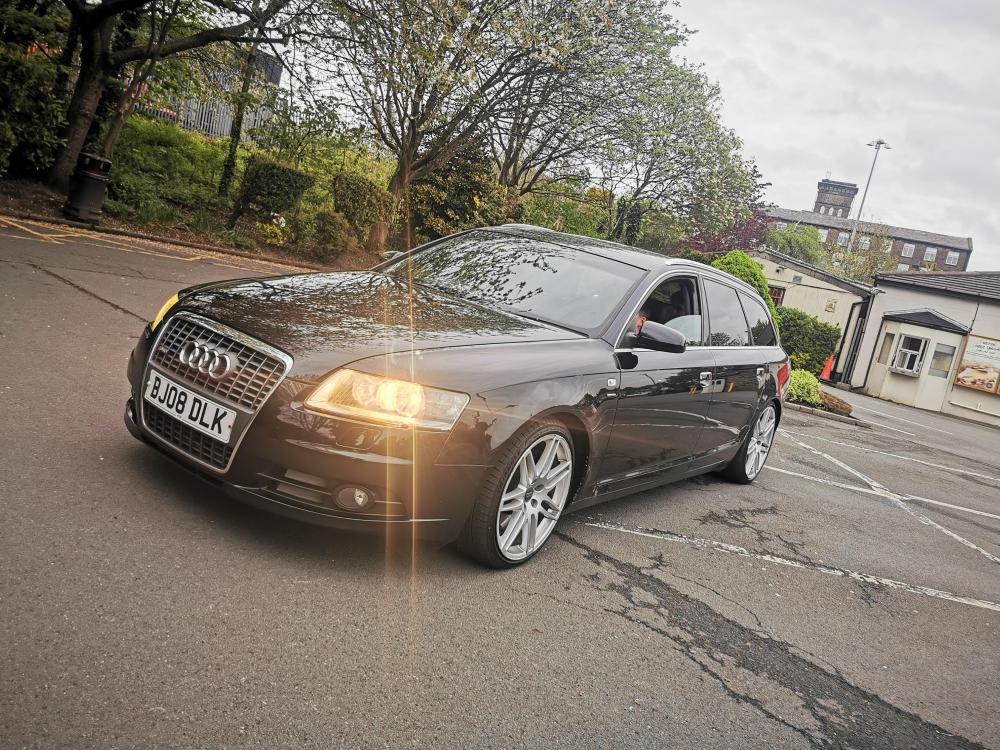
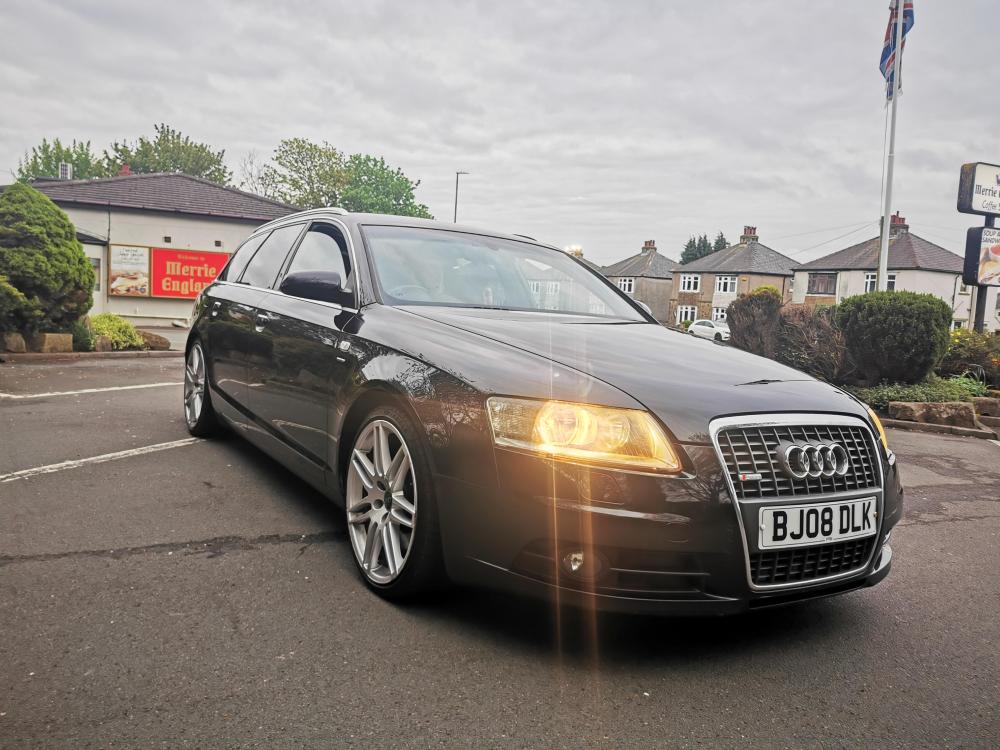
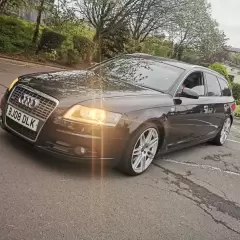
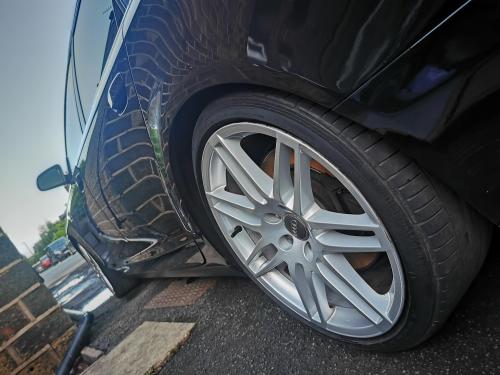
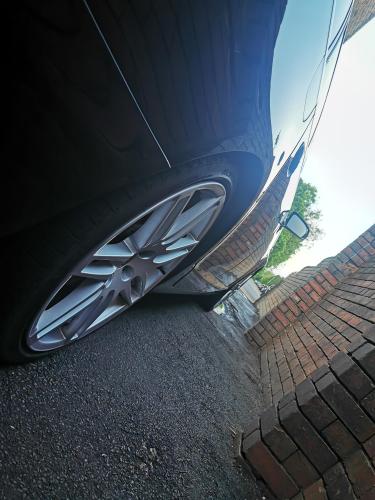
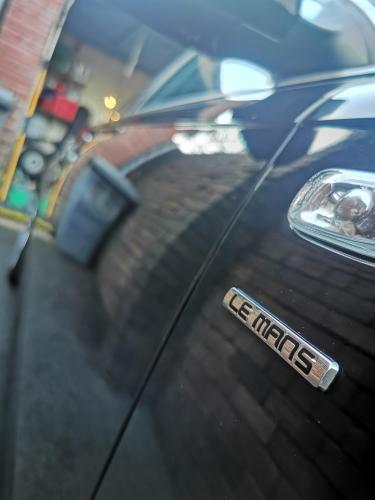
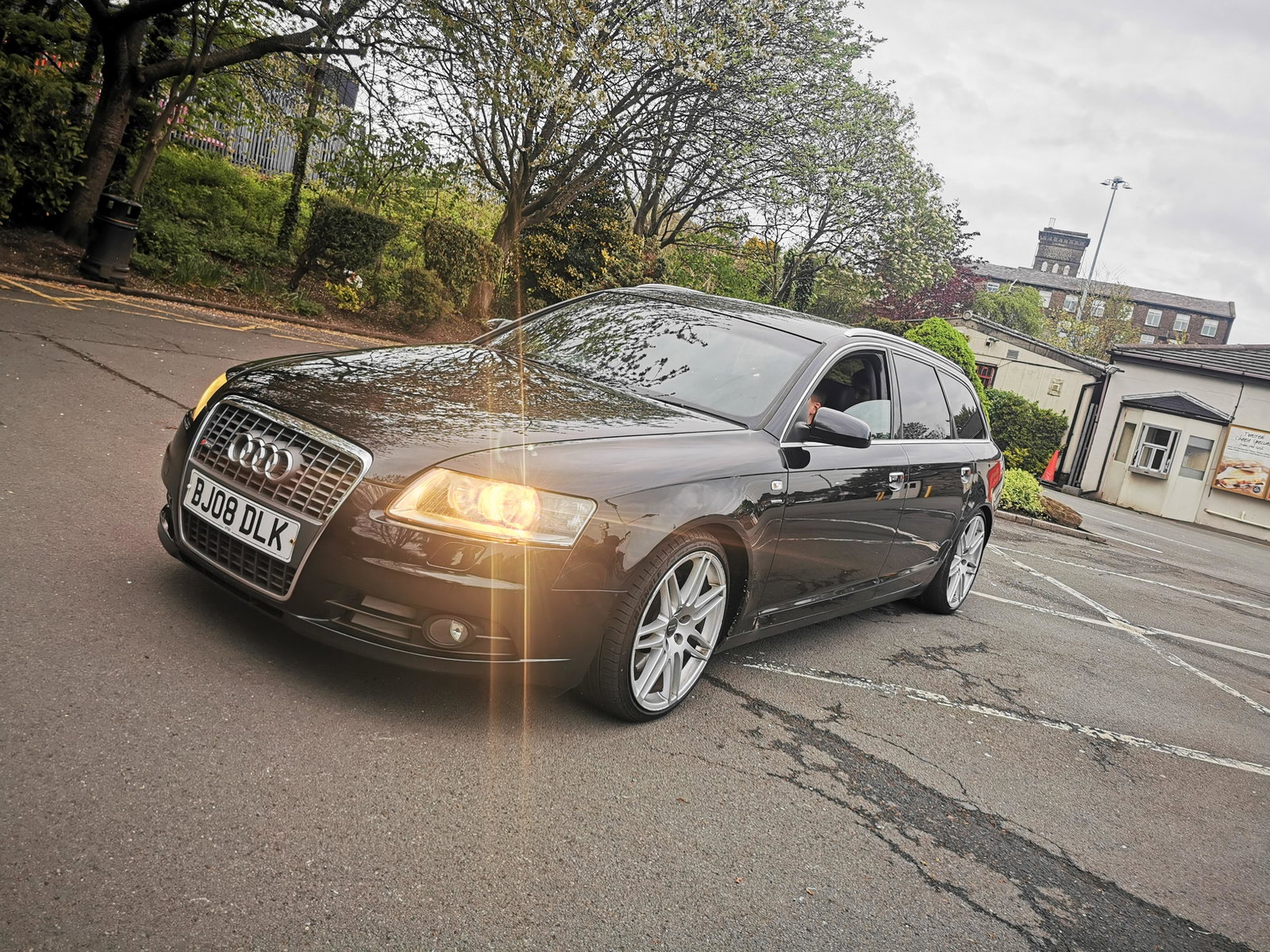
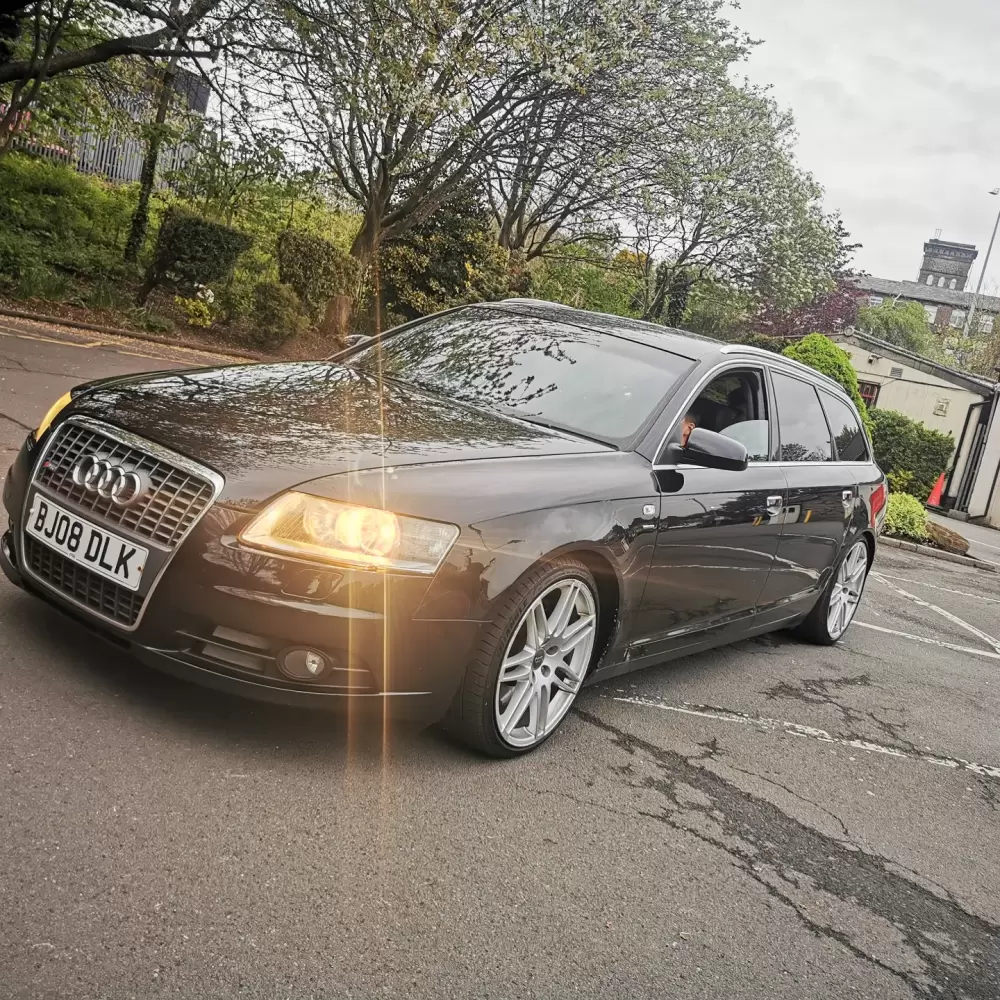
Thanks Bud... Yeah the le Mans spec was one of my must have options when looking for a car. And I think black is the best colour of them all, with the 19s it just has that presence...
-
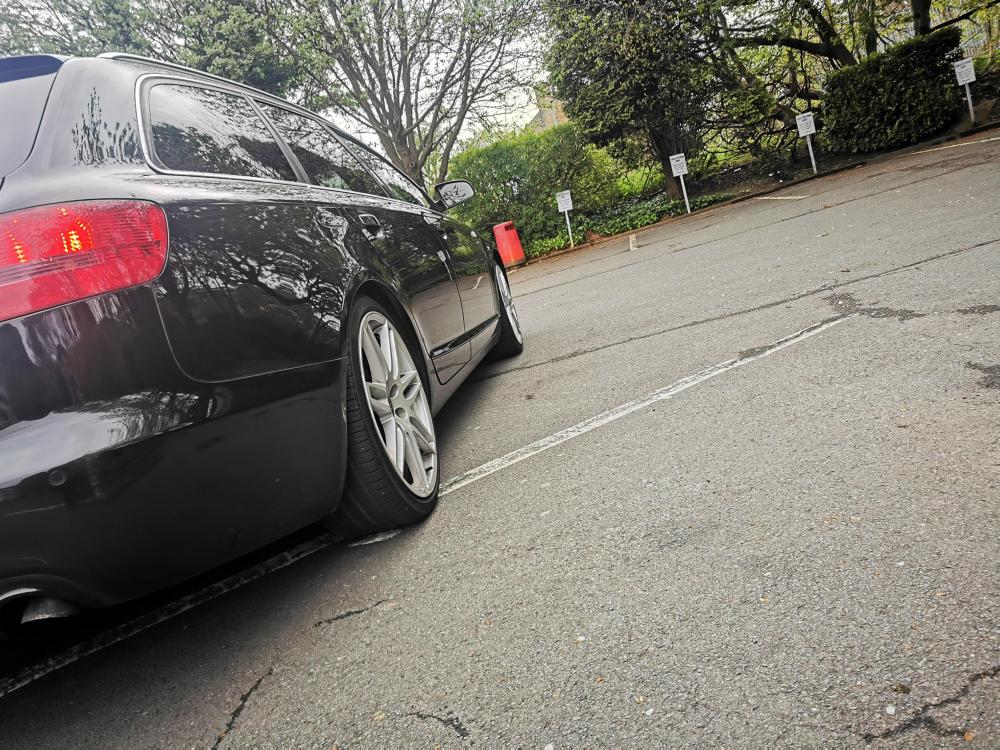
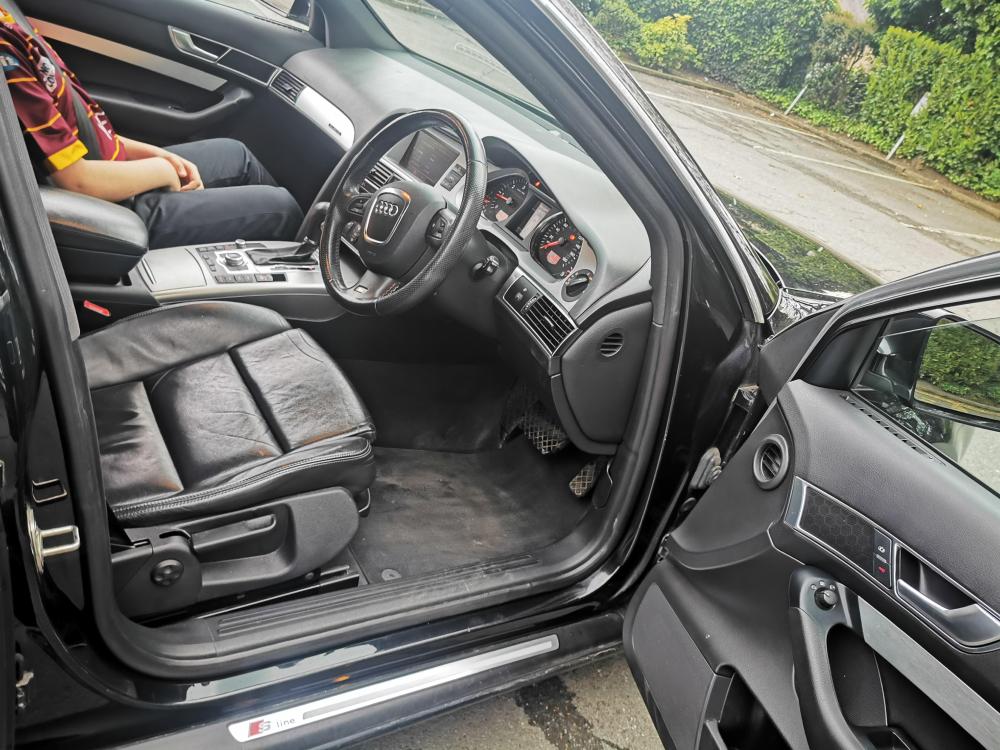
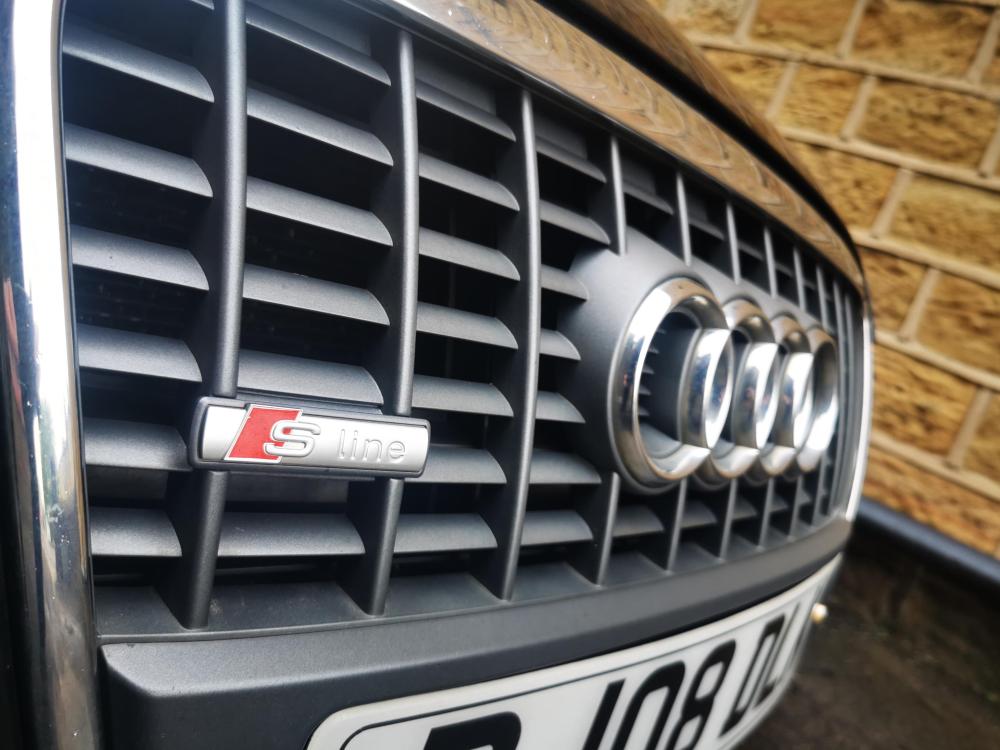
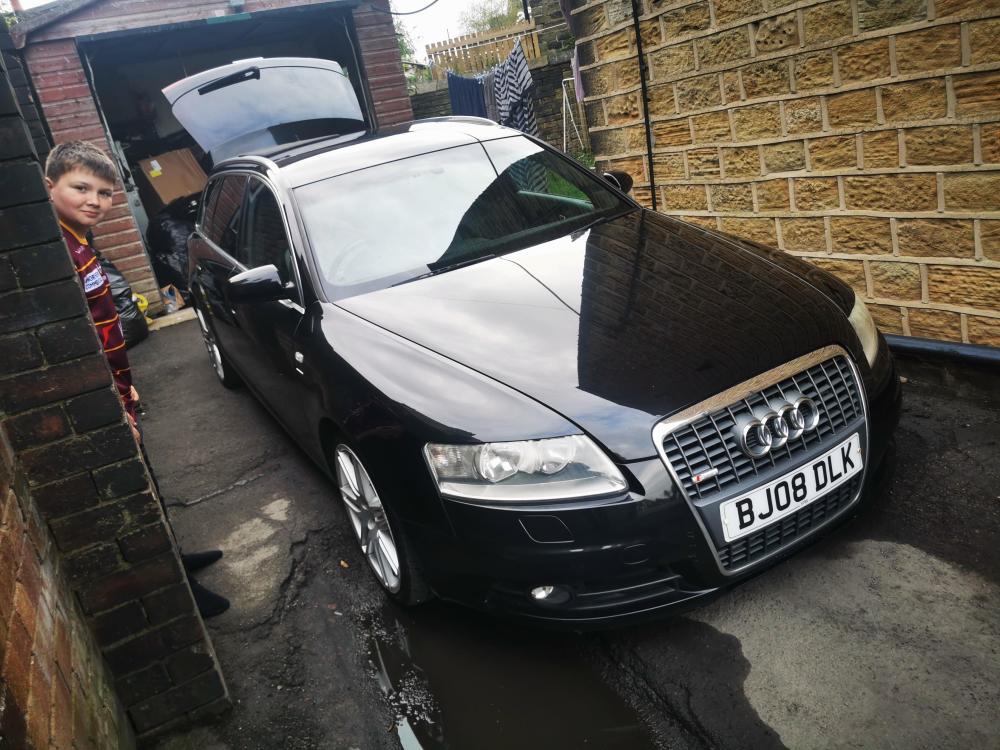
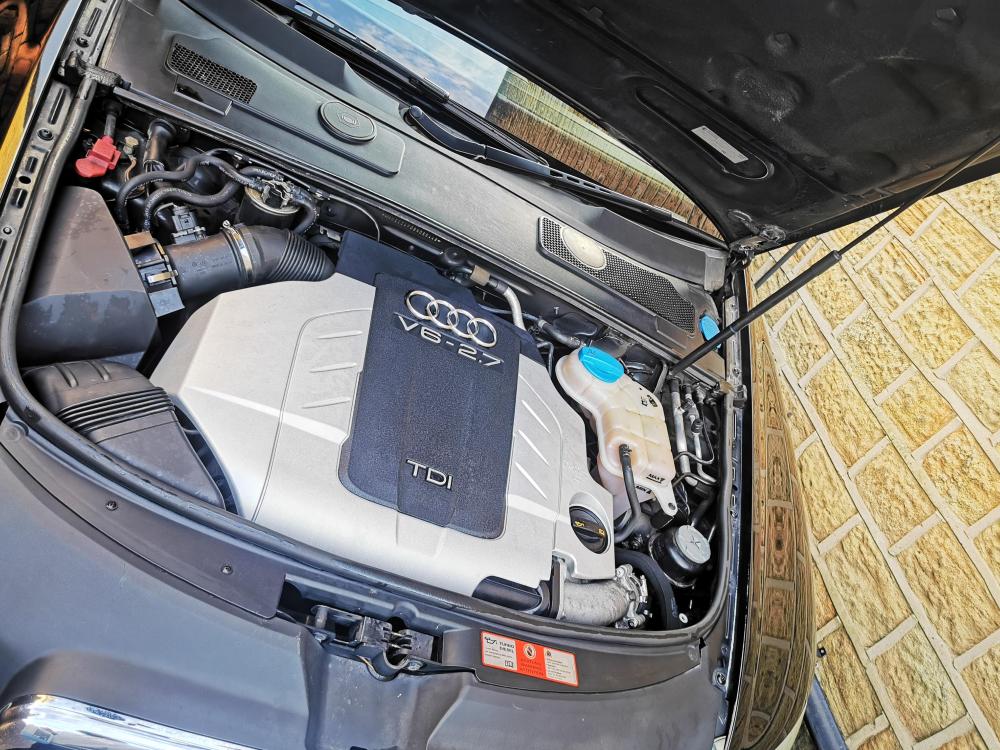
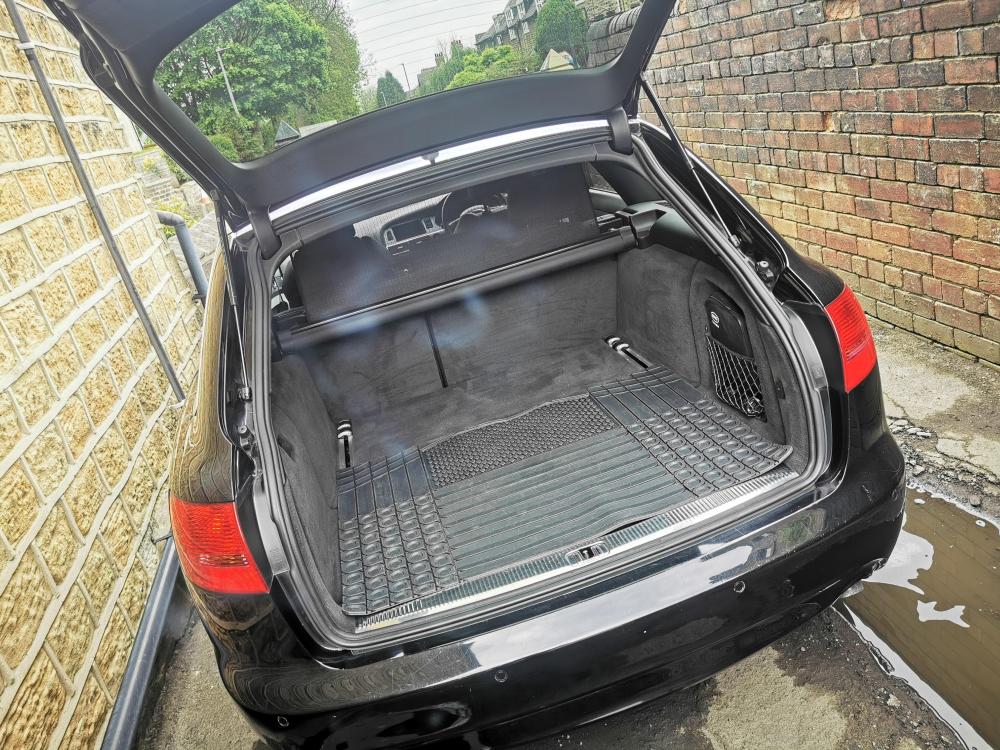
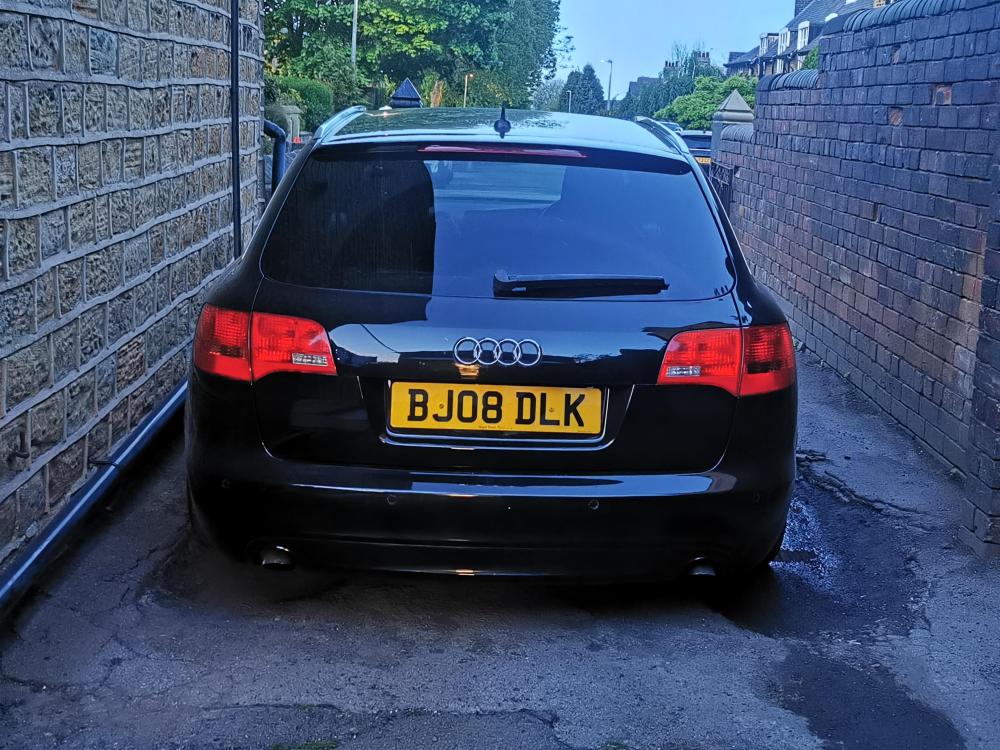
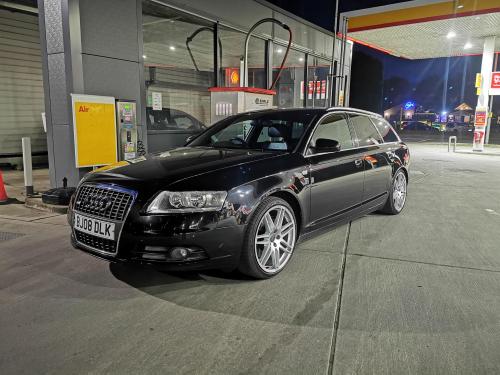
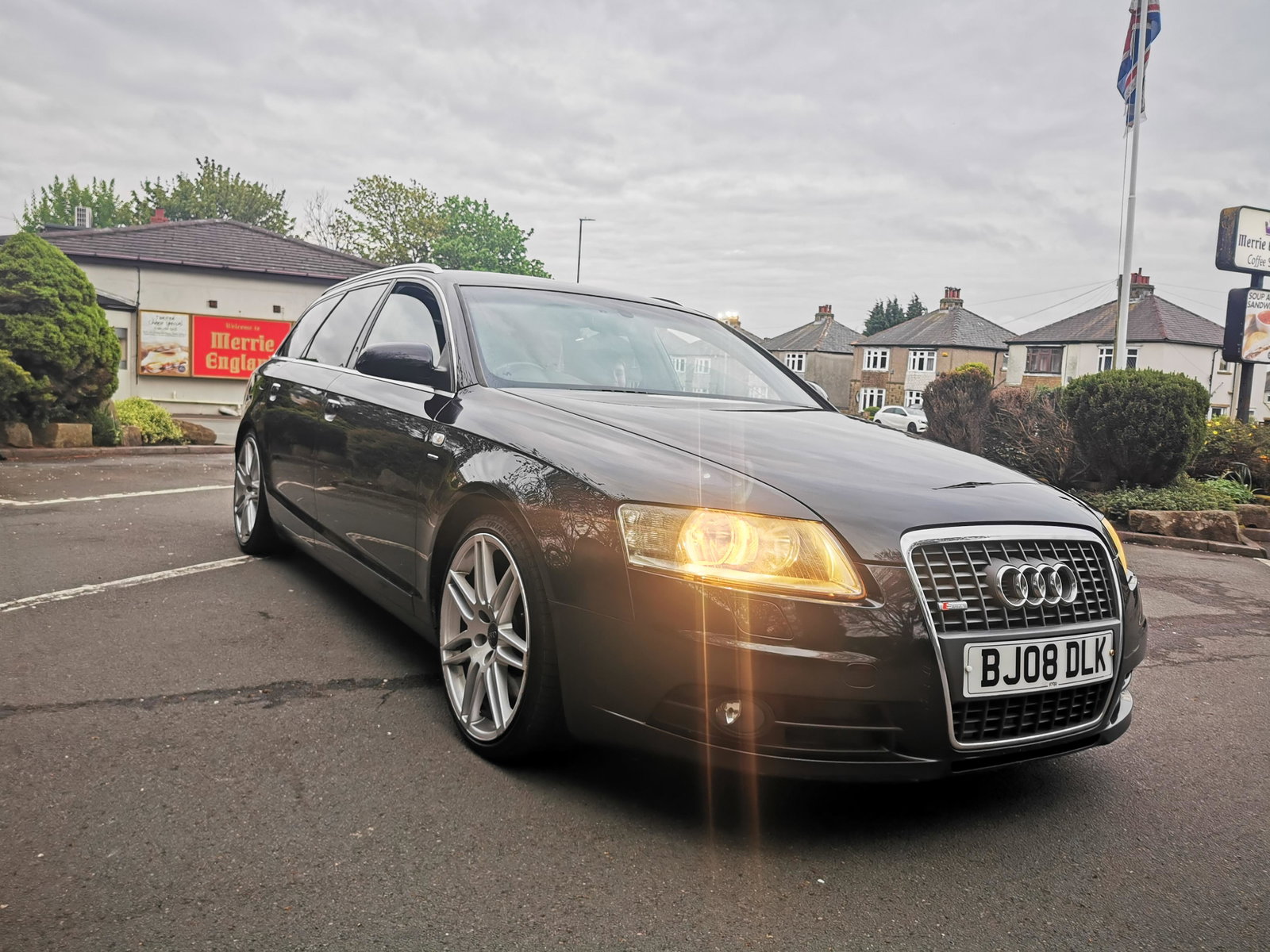
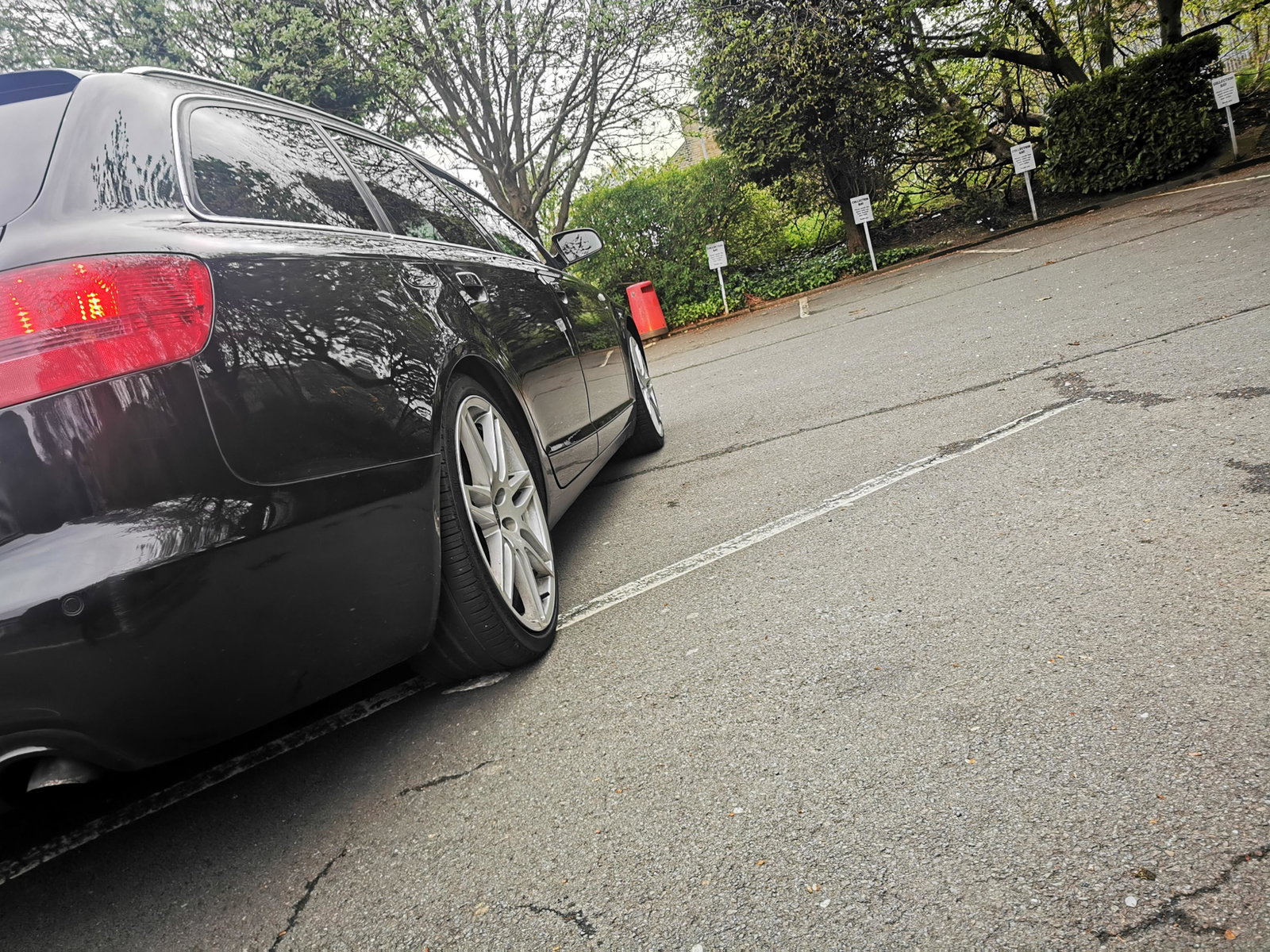
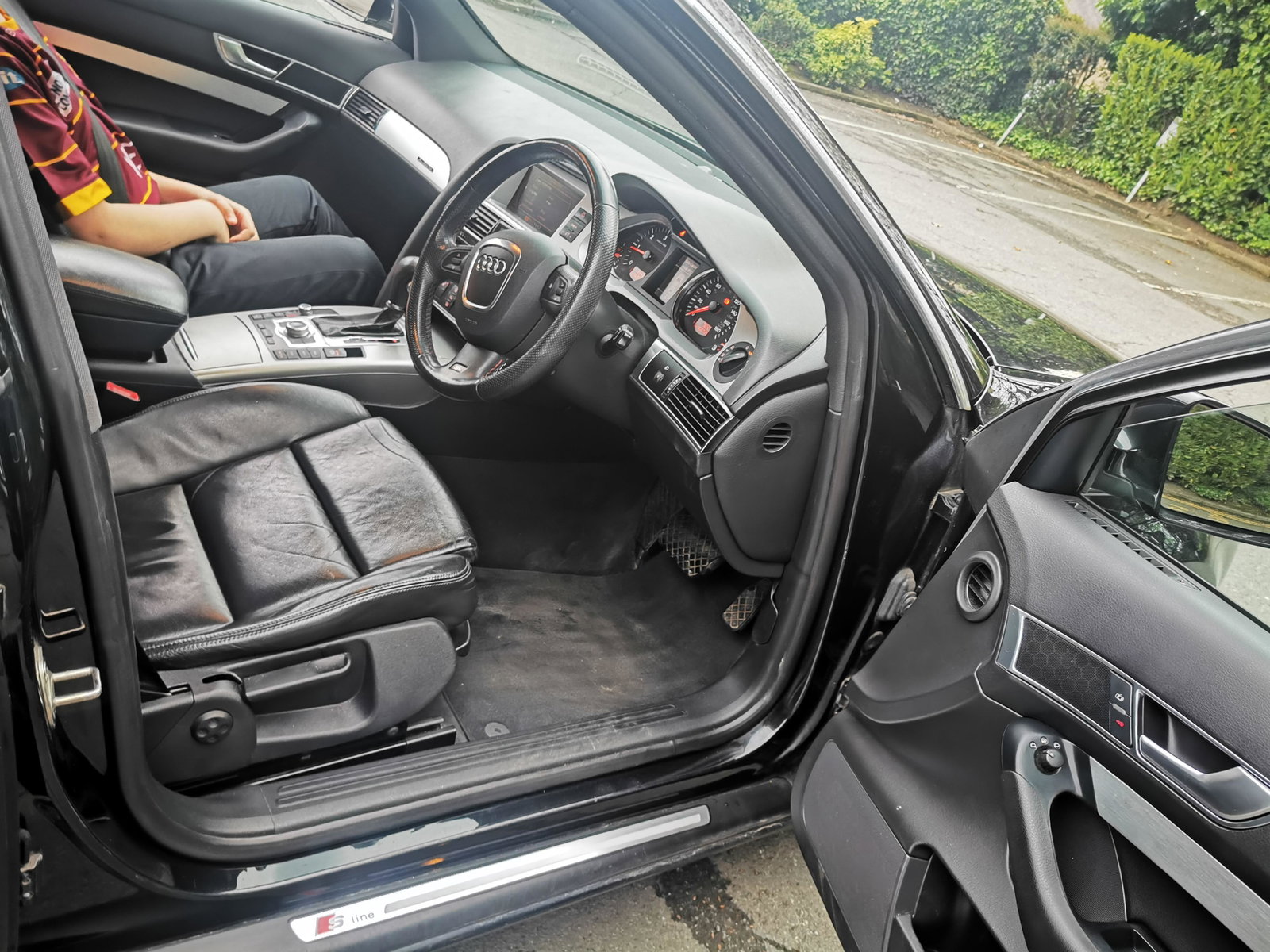
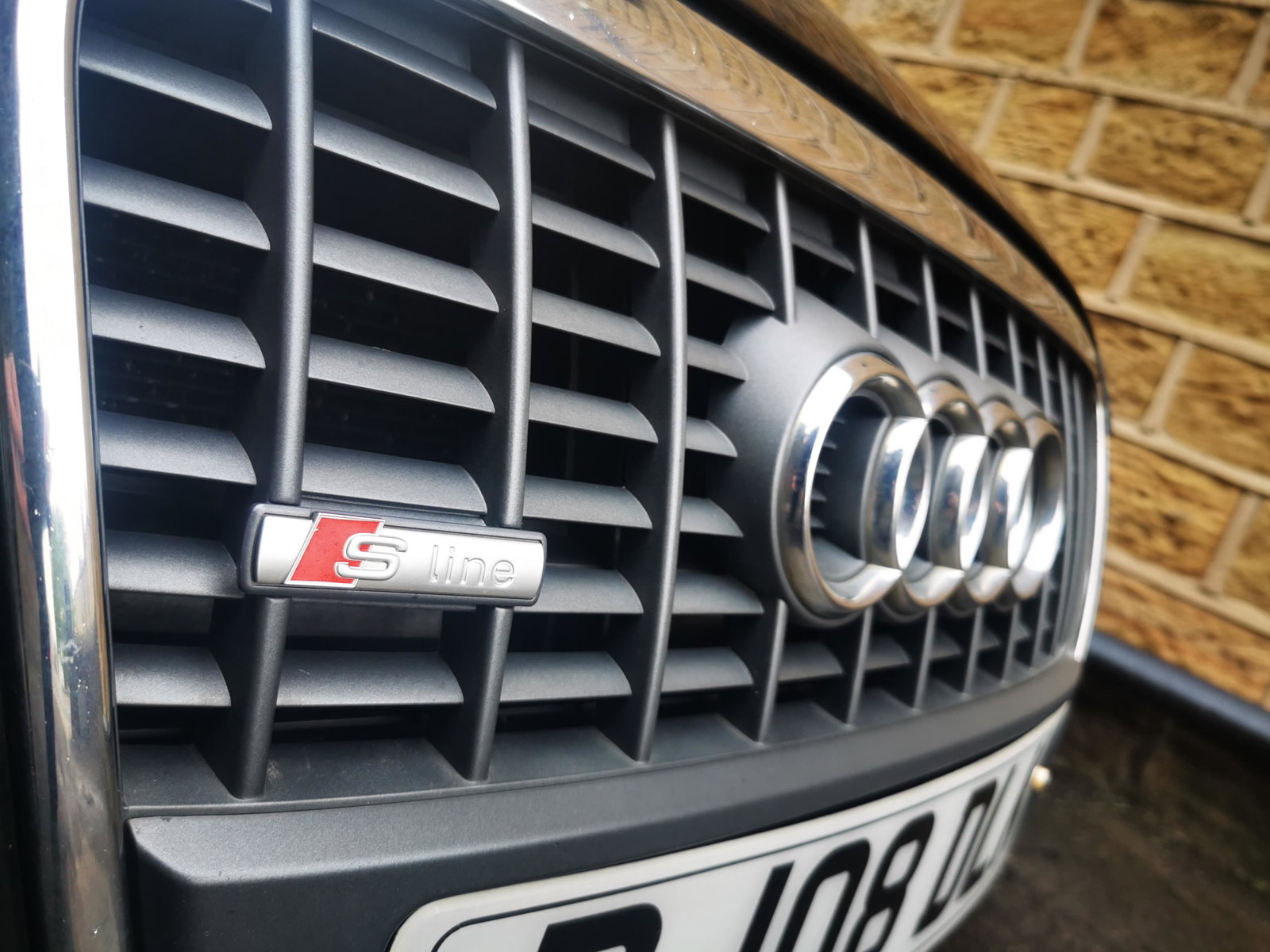
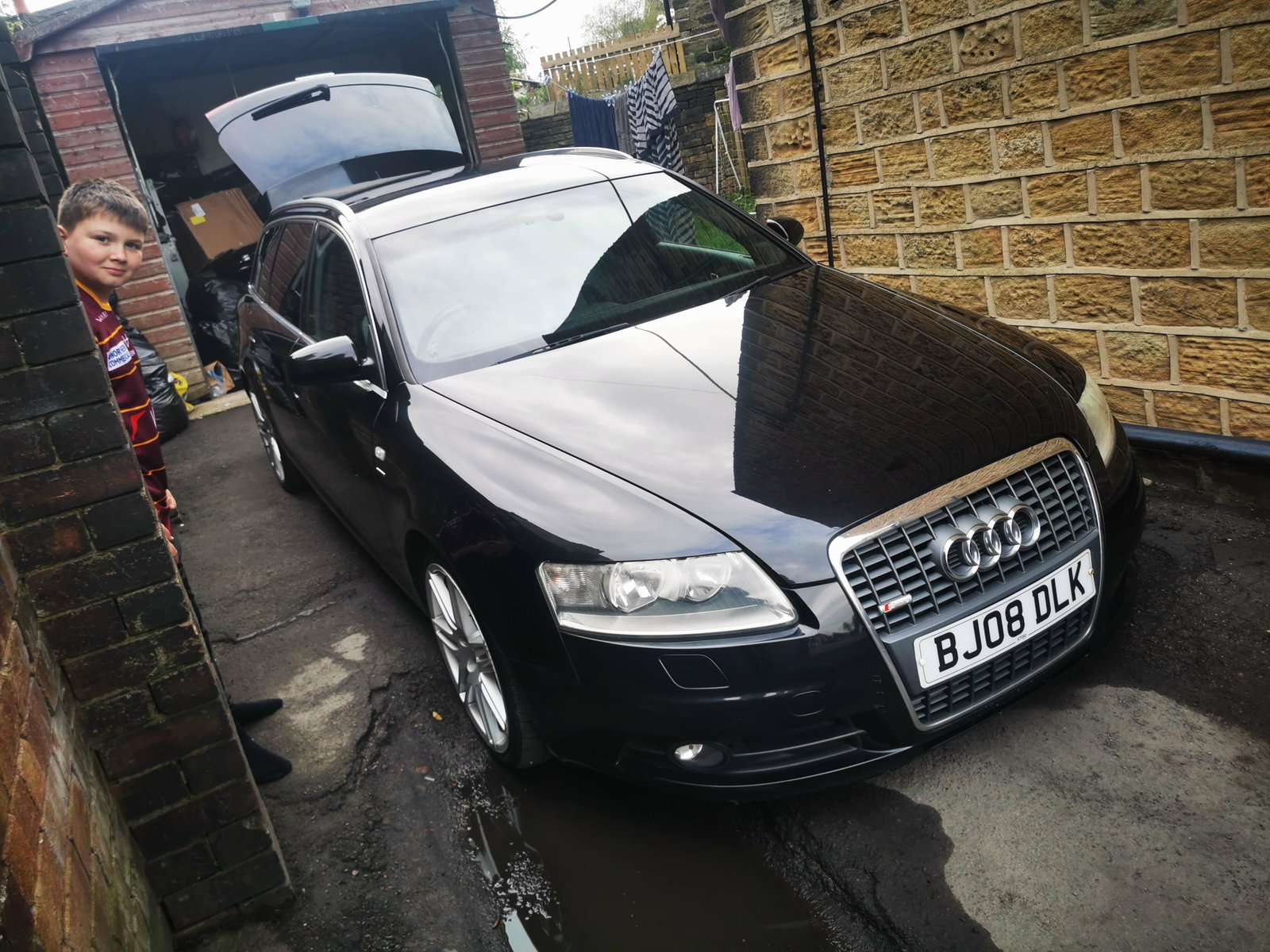
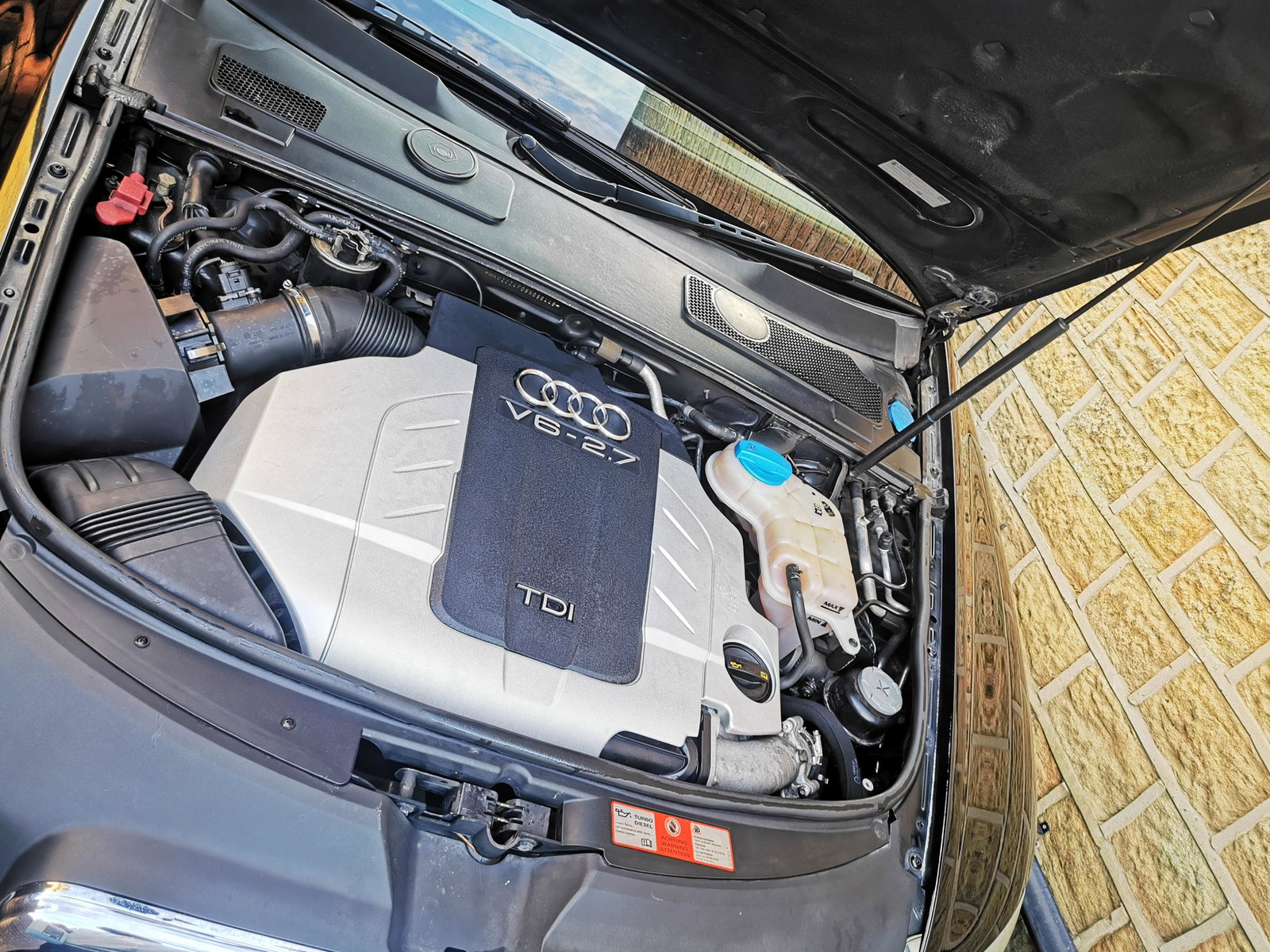
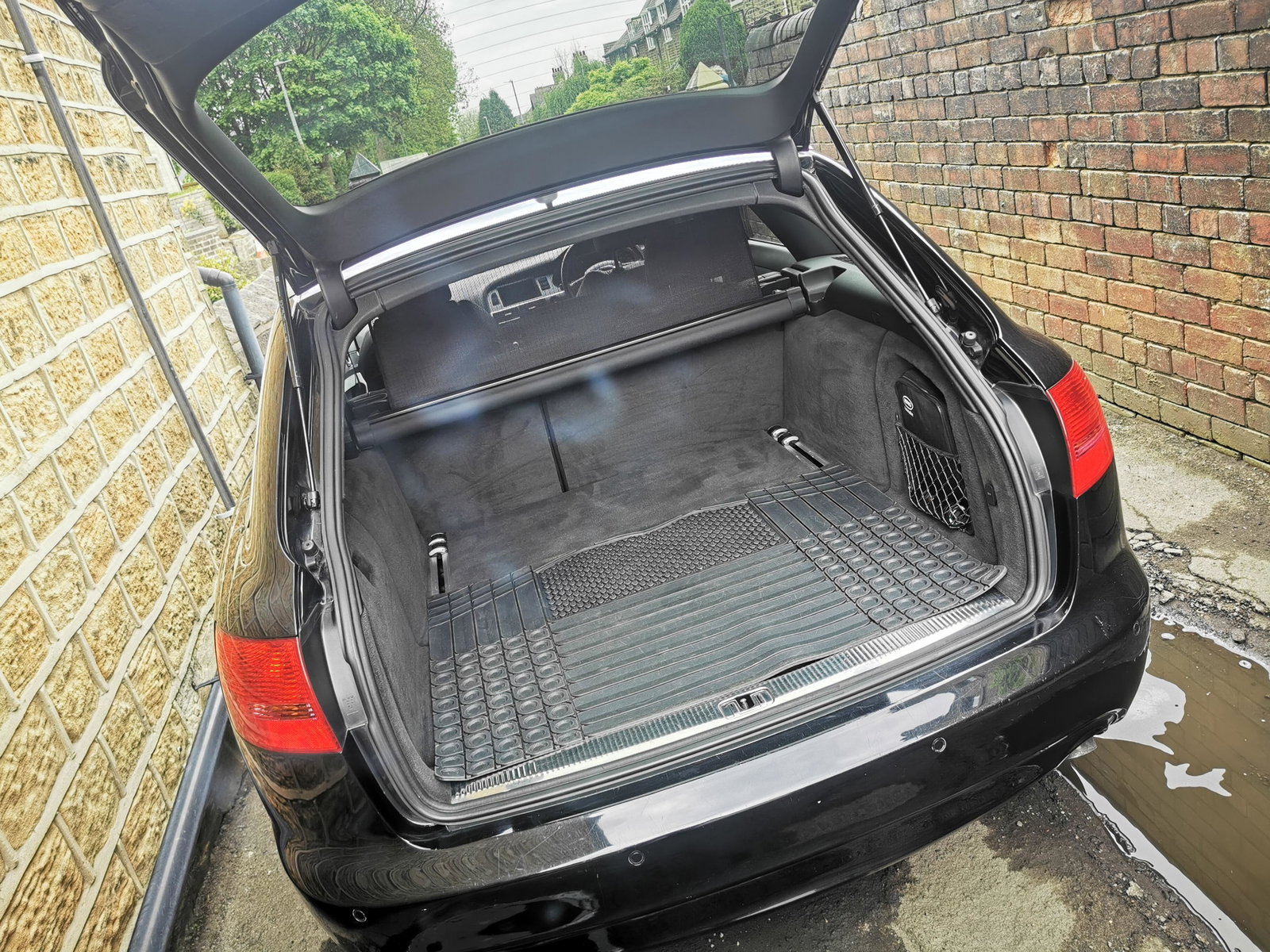
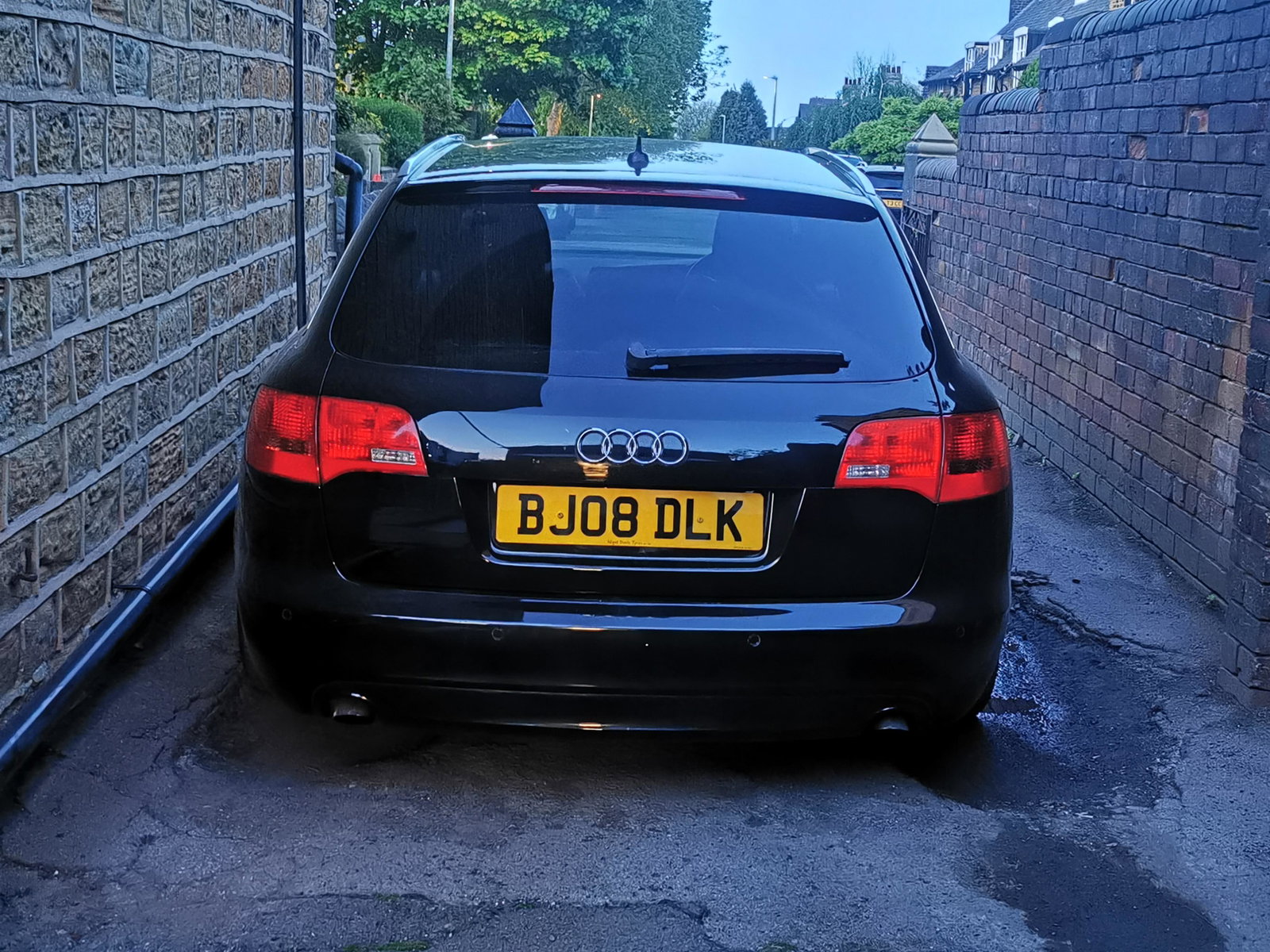
Hi there.. New to the club.. Just got my 1st Audi last Saturday. I'm Richard from West Yorkshire, and have an Avant. 😂 Had to be a quattro... Just had to be.. Our old bus... Ford Smax 2.2 was writen of a month ago.. So I was forced into the position of needing a new car... So I tookbIt as a blessing and an opportunity to get a car I've always admired... The A6 Avant.. So after looking for 3 days solid I bought the old girl 2008 2.7tdi bpp quattro, paddleshift, le Mans spec, in black 😍 168k Few minor issues needed addressing... Undertray insecure (done) Drivers door doesn't unlock of remote (to do) No rear washer (parts on route) Sun visor clips broke.. (fixed) Rear lights were white nearly..(restored) Needed a good clean.. (ongoing) 😂 Done a few non essential Bits too 😉 Looking forward to browsing the forum for tips and ideas 😊 Next jobs harmonic balancer and derestricted airbox.. Thanks for reading 👌 And yes I do like the number plate 😂