John2300
Members
-
Joined
-
Last visited
Everything posted by John2300
-
@Magnet Thanks for the answer! It has always been like this. I don't use it much because my wife is the one who uses it. I think the problem is that it does not change from 2nd to 1st gear. It keeps the 2nd gear even under 1000 rpm, so it takes a while to react. Anyway, I don't know if this is an issue or if it is the way it is. For instance, you go around 8 km/h and it keeps 2nd gear. It doesn't matter if it goes under 1000 rpm, so you press the throttle and it reacts quite slowly. Anyway, I find this quite annoying and a bit dangerous under some circumstances.
-
@Steve Q Do you know any affordable OBD scanner?
-
We bought the car six months ago from a dealer. It is a 2016 model. It is not under warranty anymore.@Magnet
-
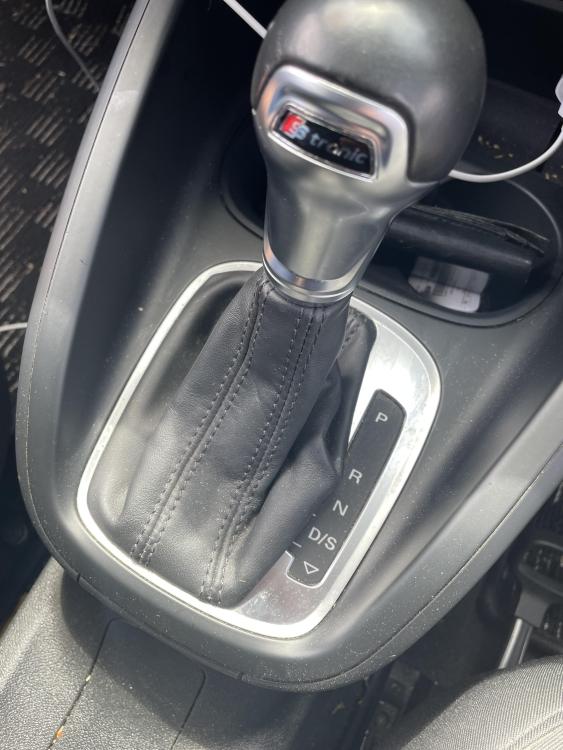
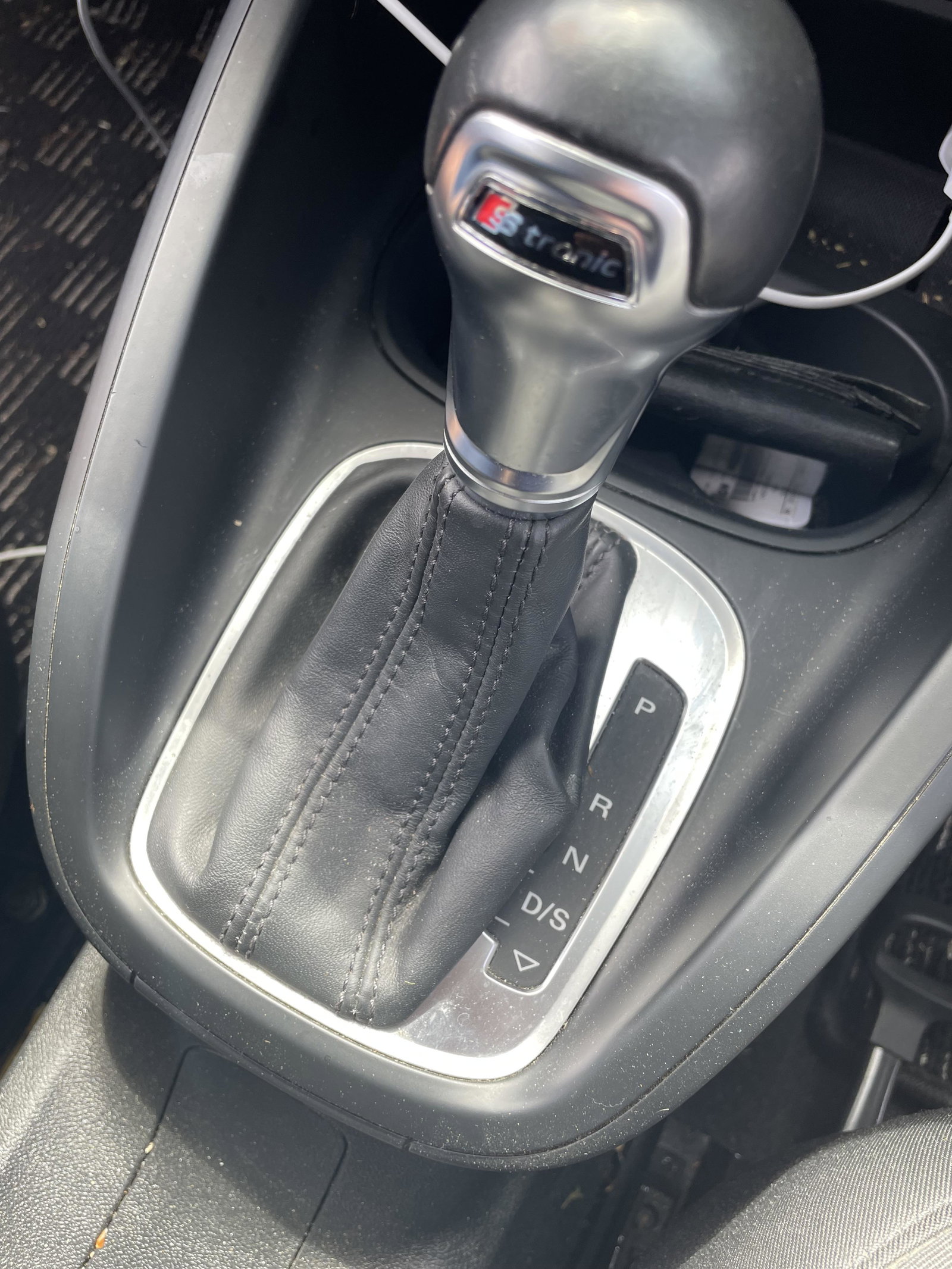
Hello, I hope someone can help me with this. We bought an A1 1.0 automatic TFSI for my wife. The car takes about 2 seconds to react when moving slowly, regardless of how much you press the throttle. This issue is noticeable when entering a busy roundabout. The car is going slowly, and you need to accelerate quickly to enter a free slot, but it takes 1 or 2 seconds to react. I also noticed that no matter how slowly you drive, it will not engage the first gear and will always stay in 2nd gear. You need to stop the car to see the first gear engage. I use the S mode when driving through roundabouts, which improves the situation a bit, but it is still quite bad. I read on a different forum that the automatic gear has this issue, but is it really this bad? Is there any potential fix for this? I would greatly appreciate any help. I am quite upset with the car. Thanks.