darkmetal
Members
-
Joined
-
Last visited
-
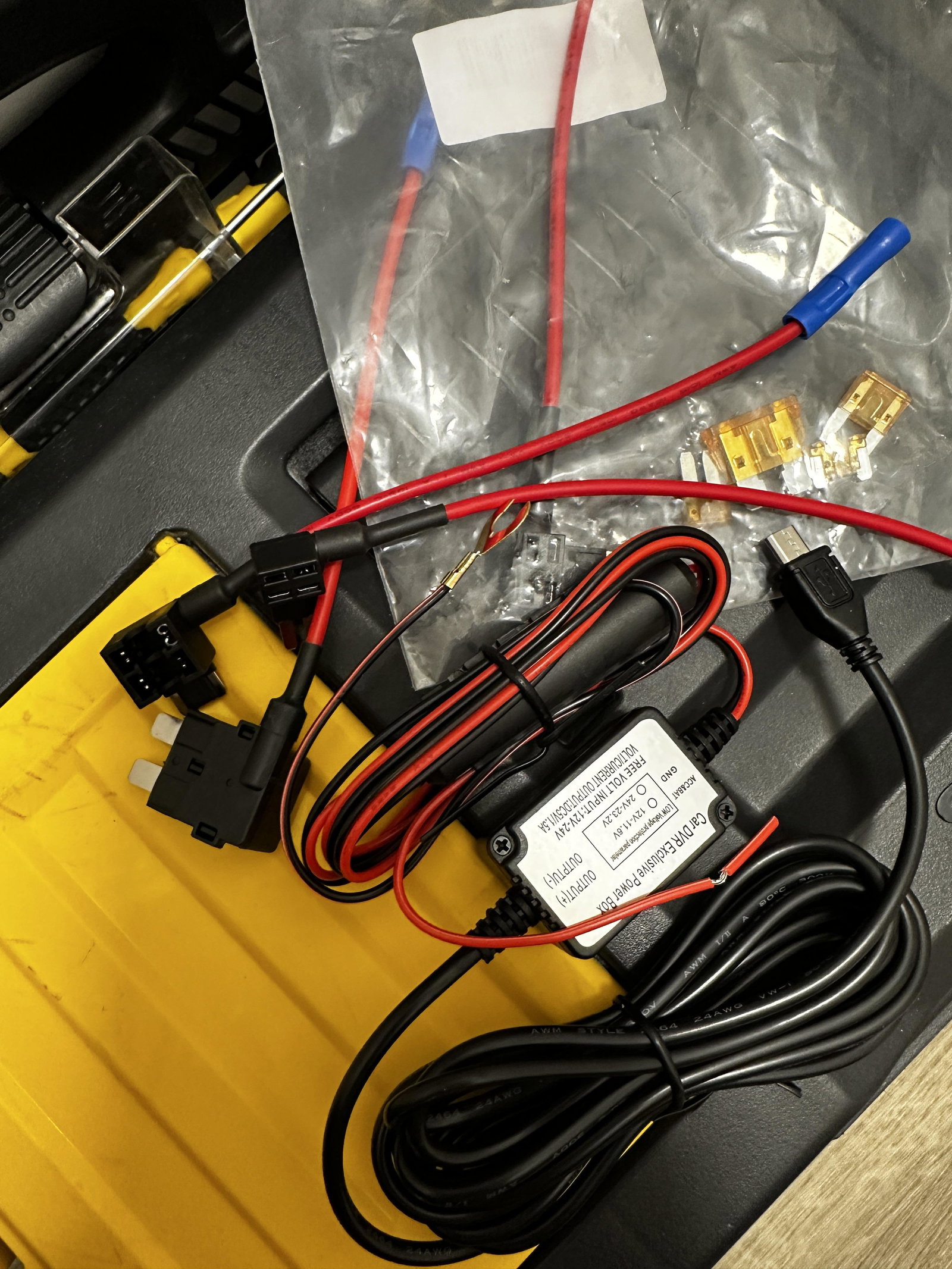
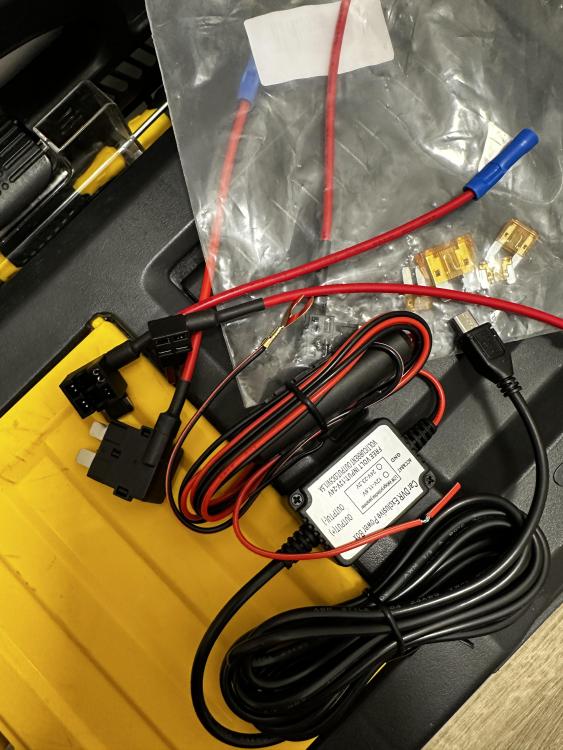
Thanks a lot. This is very helpful. Which ones are the cigarette lighters? Is it the one called Sockets in 4(black).6? The Garmin cam came only with a micro-usb cable and a usb adapter for the lighter port. I bought a hardwiring kit off Amazon with a micro-usb to connect to the camera.
-
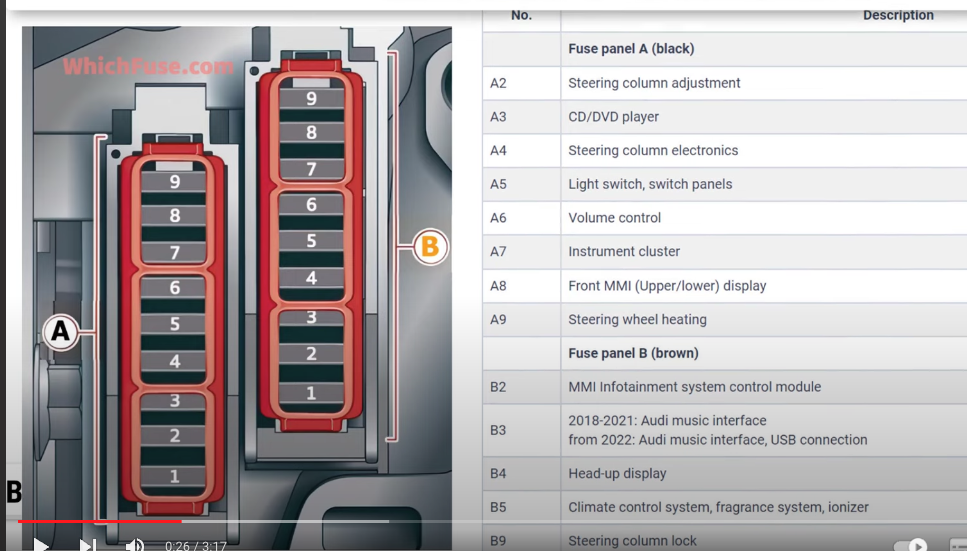
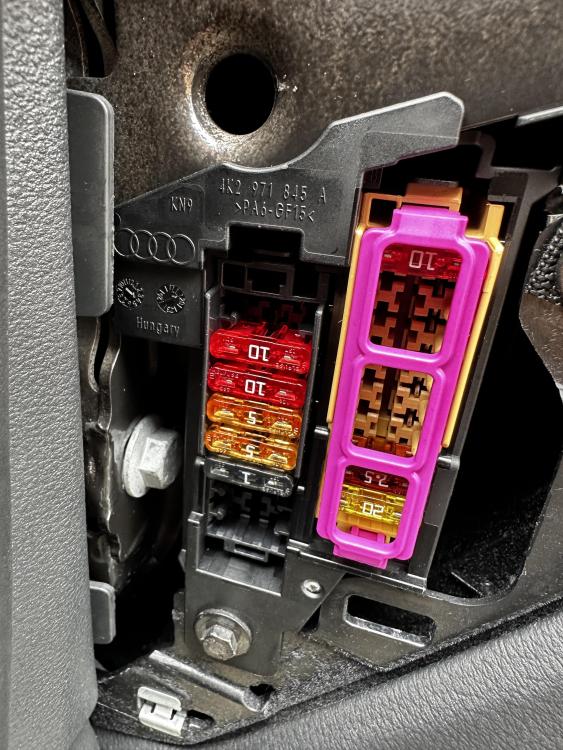
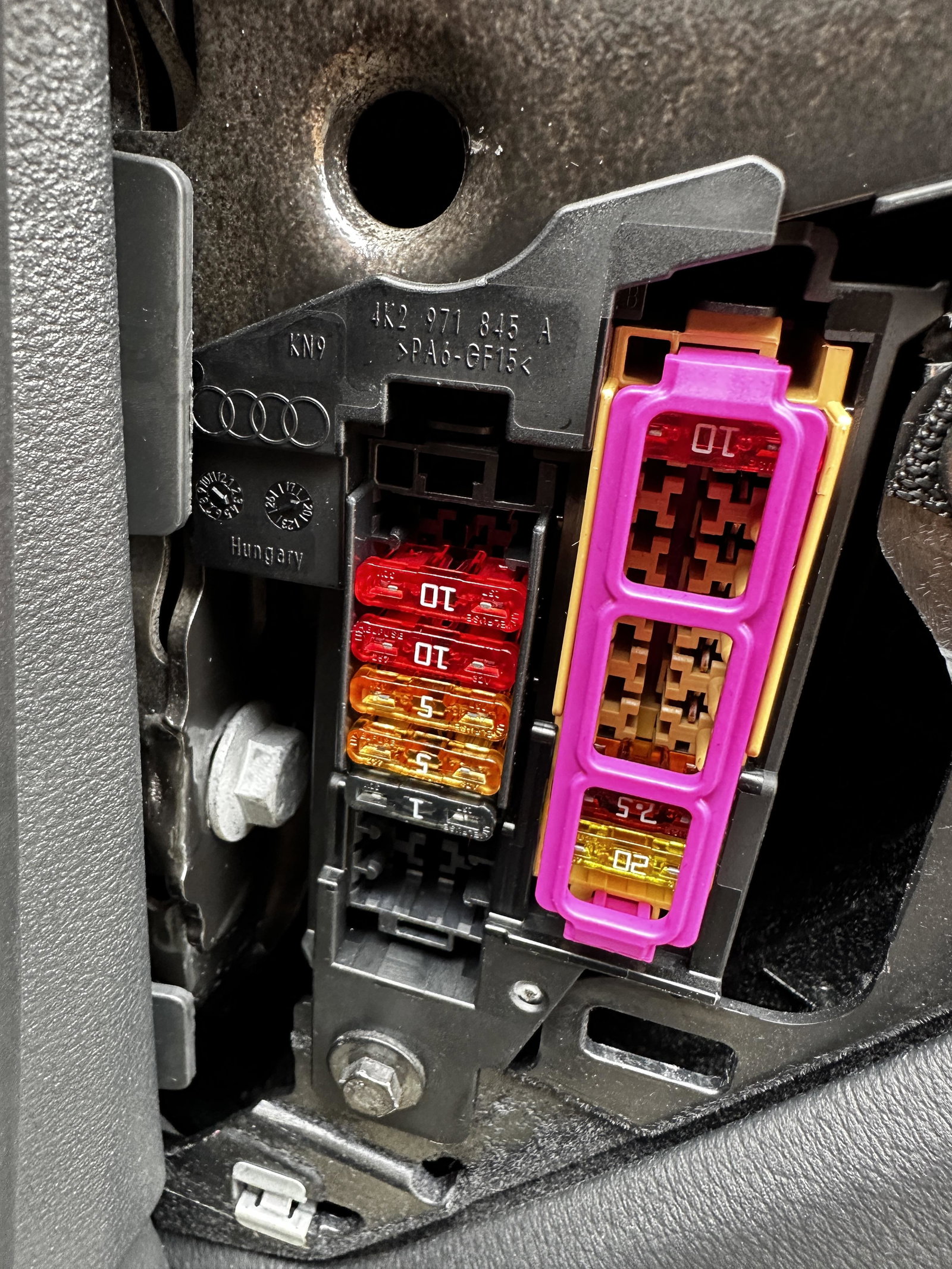
Hi all, I'm trying to hardwire a dashcam and looking for help from someone who has done this before. I'm not familiar with car wiring or any kind of car installation. I bought a garmin dashcam, a hardwiring kit and a circuit tester and trying to figure out how to install this on my Audi A6 C8. I found the fuse box diagram and opened my car's passenger fusebox (see attached). As I dont know how these fuses work or what amperage I should use I'm not sure where to plug the dashcam. I understand the fuse tap needs to be plugged onto an existing fuse with the current fuse and the camera's fuse on it. Can someone guide me where/how to install this?