SteveB32
Members
-
Joined
-
Last visited
-
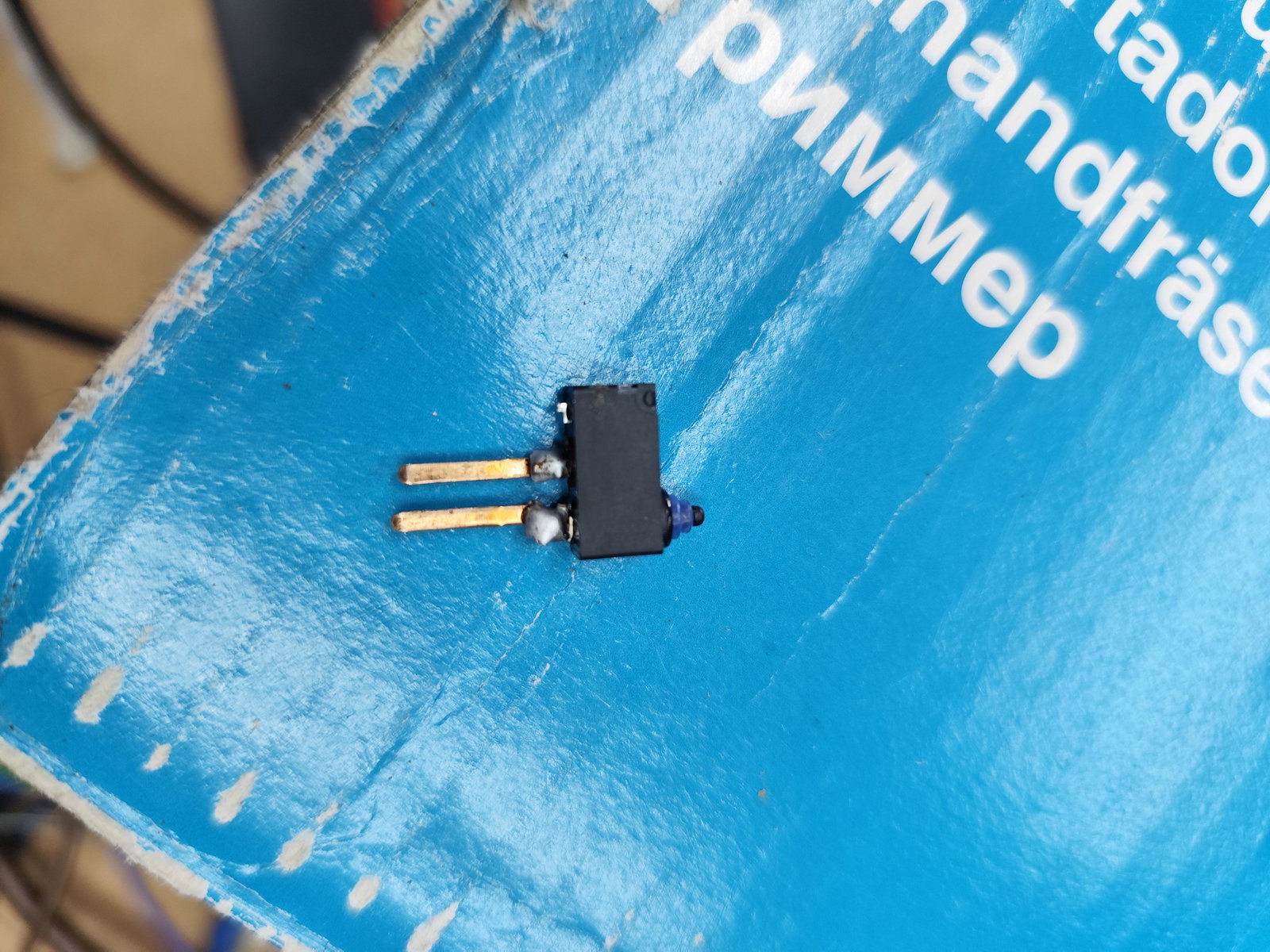
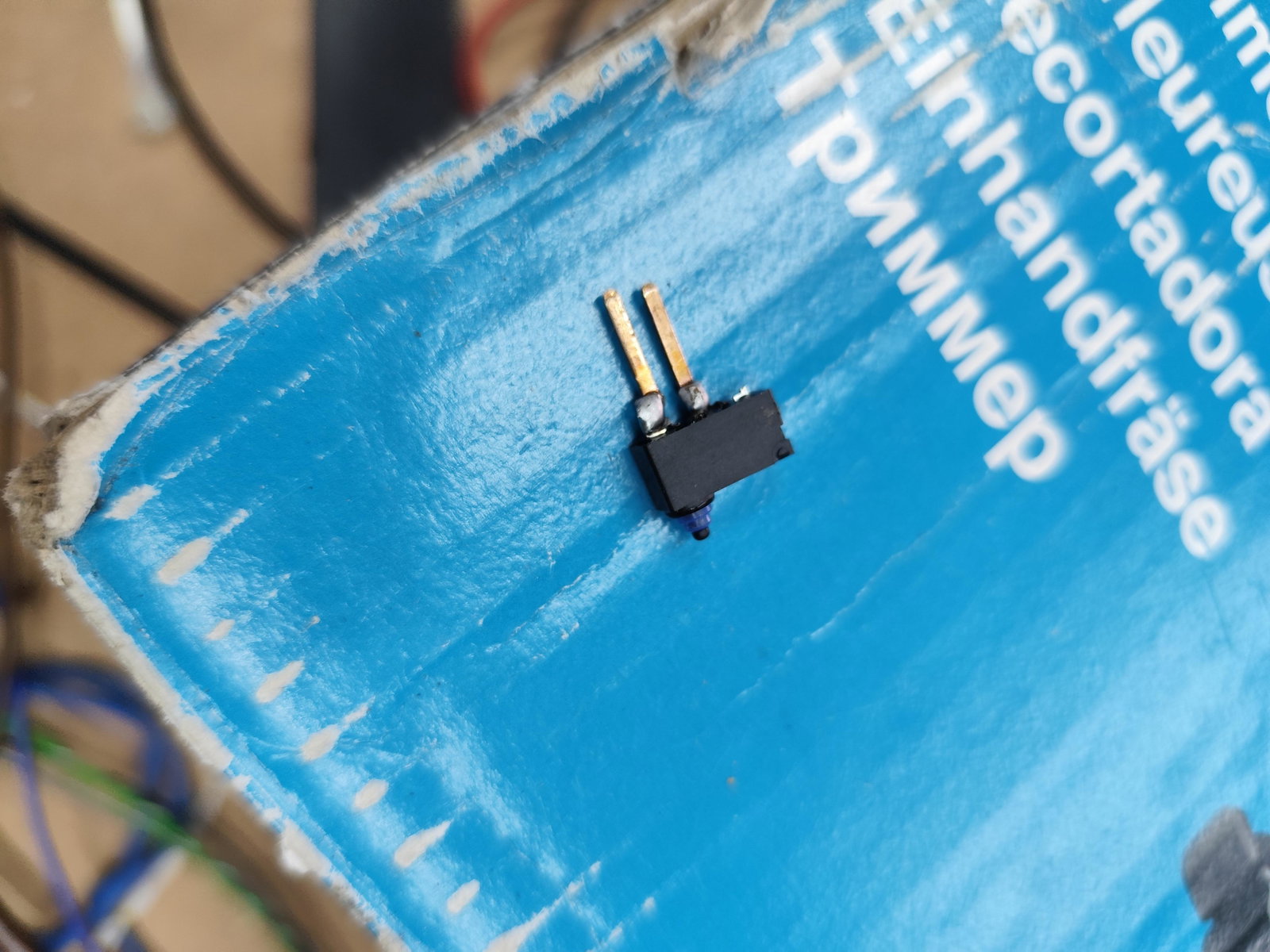
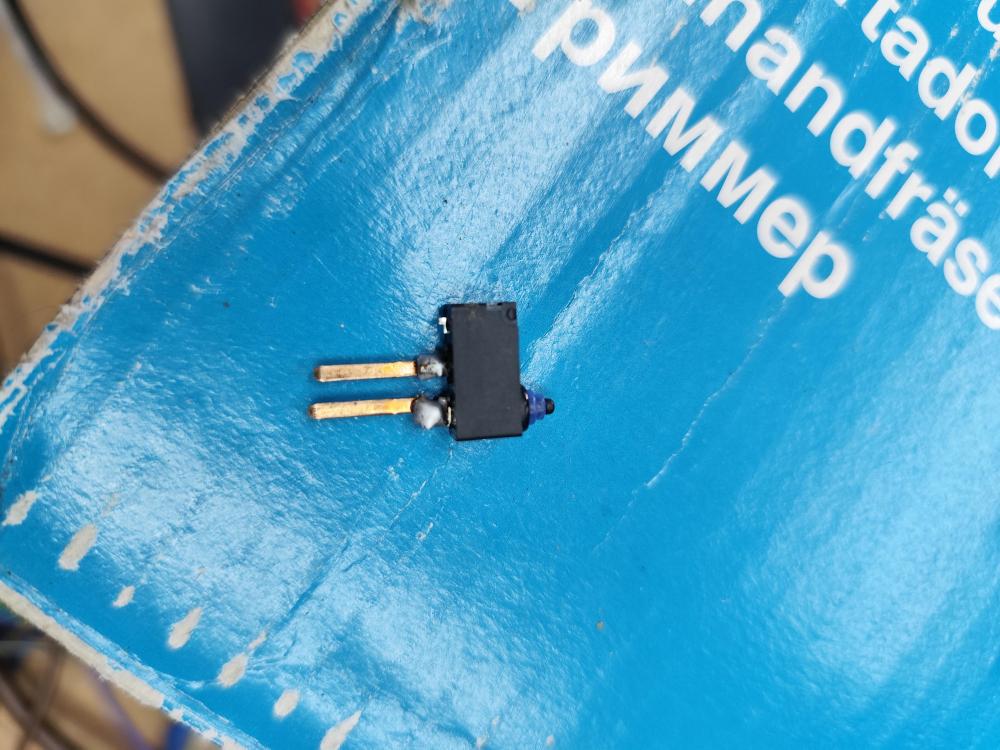
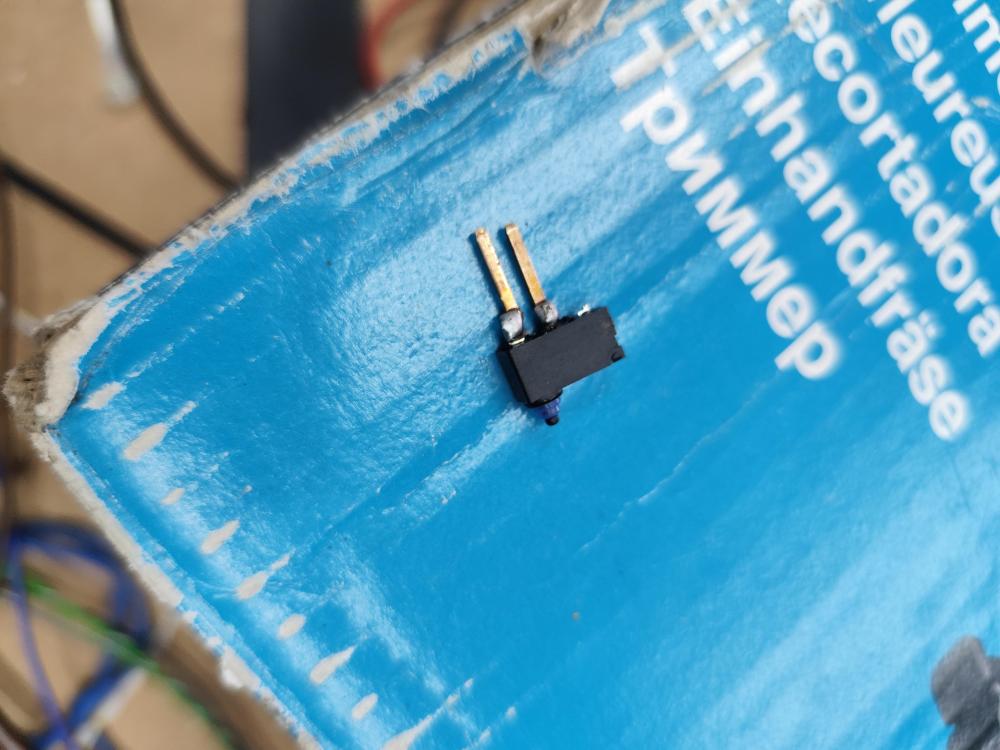
Thanks again Sid I also found similar but steered away from it as camera dint appear to be the same. I've sorted it now with the switch off eBay. Which can also be purchased from RS. It's an omron switch part no D2HW A201D Photos attached show the tabs soldered on to allow the original wiring harness plug to connect. Bit fiddly but it works. Link to switch on RS https://uk.rs-online.com/web/c/?searchTerm=Omron+D2HW+A201D
-
Thanks did I've stripped the unit and sourced similar switches off eBay. Will need to modify the electrical terminals to suit the existing plug on the wiring harness. Couldn't find anything on Ali express 👍
-
Hi are there any auto electricians out there that have managed to source and replace the tiny micro switch inside the tailgate release unit that has the built in reversing camera module. Audi are quoting £460 for the complete unit but I only the 50p micro switch. Second hand units on eBay from £150 plus. Any advice gratefully recieved