




Skip to content
View in the app

A better way to browse. Learn more.

Audi Owners Club (UK)

A full-screen app on your home screen with push notifications, badges and more.

To install this app on iOS and iPadOS
  1. Tap the Share icon in Safari
  2. Scroll the menu and tap Add to Home Screen.
  3. Tap Add in the top-right corner.
To install this app on Android
  1. Tap the 3-dot menu (⋮) in the top-right corner of the browser.
  2. Tap Add to Home screen or Install app.
  3. Confirm by tapping Install.


Wattsy

Members
  • Joined

  • Last visited

  1. Thanks for your reply Steve 👍
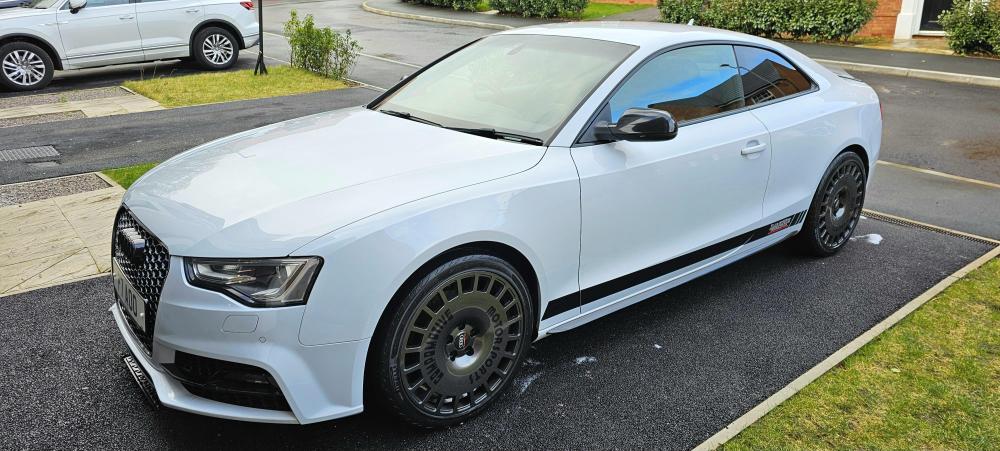
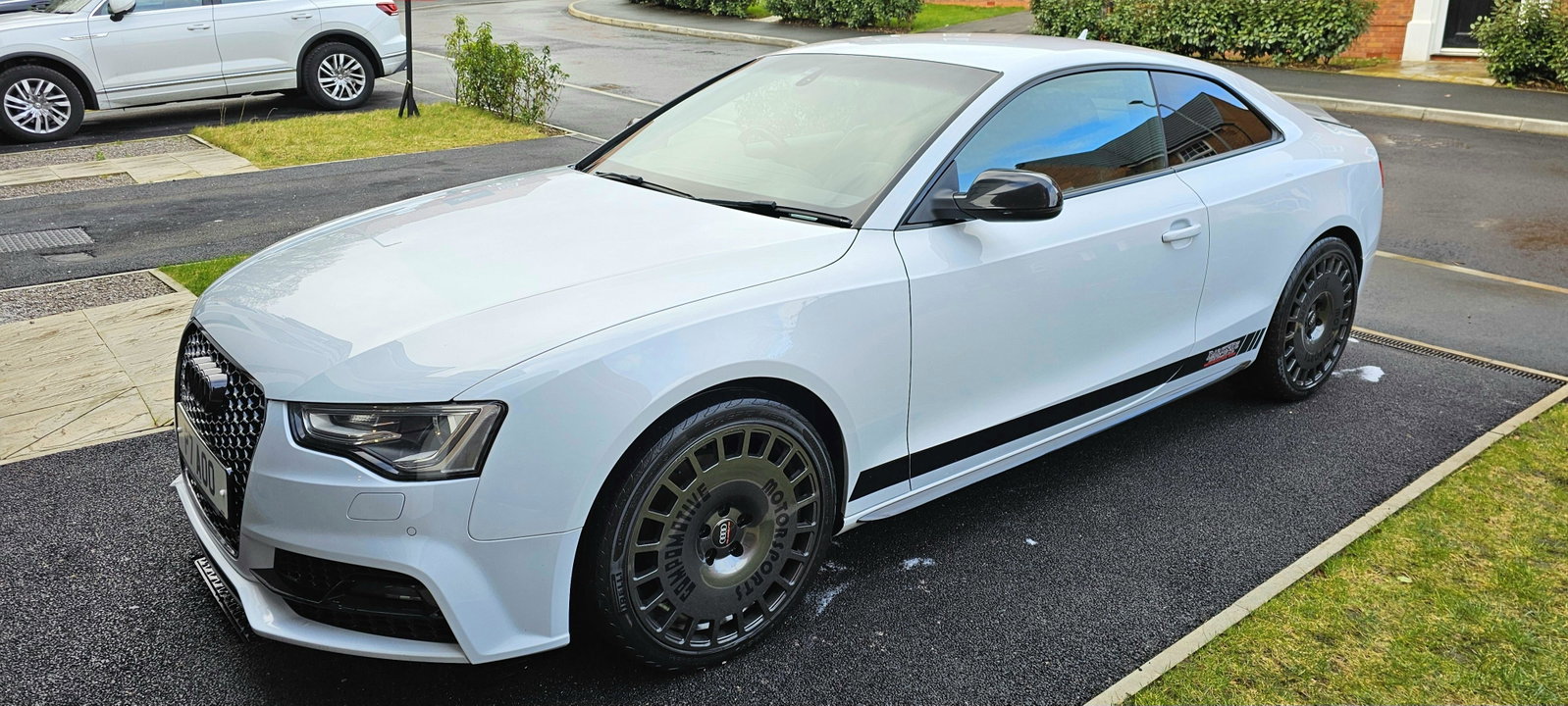
  2. Hi All - Brand new to the group and in need of help if possible please. My car has just developed a fault where it goes into limp mode while being driven in Sport mode. As soon as the car is stopped and restarted the flashing glow plug symbol disappears and the car drives fine for a few more miles and then back into limp mode. Alternatively, if i drive the car in normal D mode it functions perfectly without any warning symbols or limp mode being activated. Has anyone else had a similar experience..? I've owned the car since new, fully serviced and maintained by Audi and Darkside Developments throughout the 140k I've put on it. Custom mapped 4 years ago and other than this recent issue it has been faultless throughout. Thank you


Background Picker
Customize Layout

Account

Navigation

Search

Search

Configure browser push notifications

Chrome (Android)
  1. Tap the lock icon next to the address bar.
  2. Tap Permissions → Notifications.
  3. Adjust your preference.
Chrome (Desktop)
  1. Click the padlock icon in the address bar.
  2. Select Site settings.
  3. Find Notifications and adjust your preference.