Delbot
Members
-
Joined
-
Last visited
-
Expires 17/11/2015
-
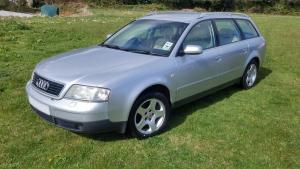
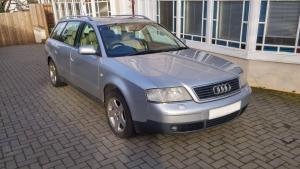
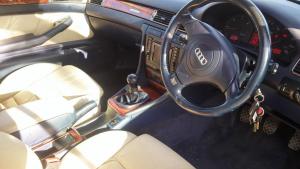
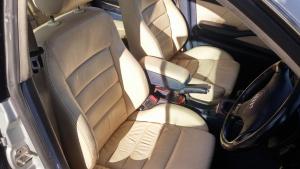
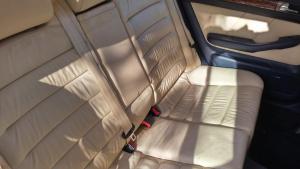
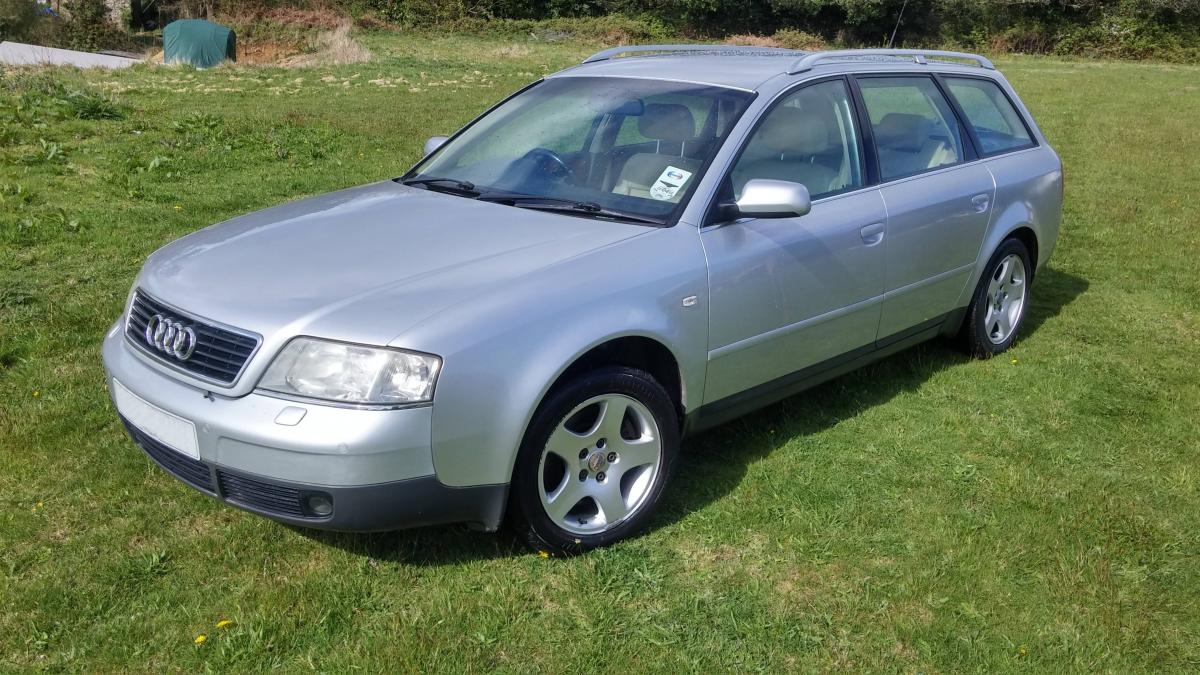
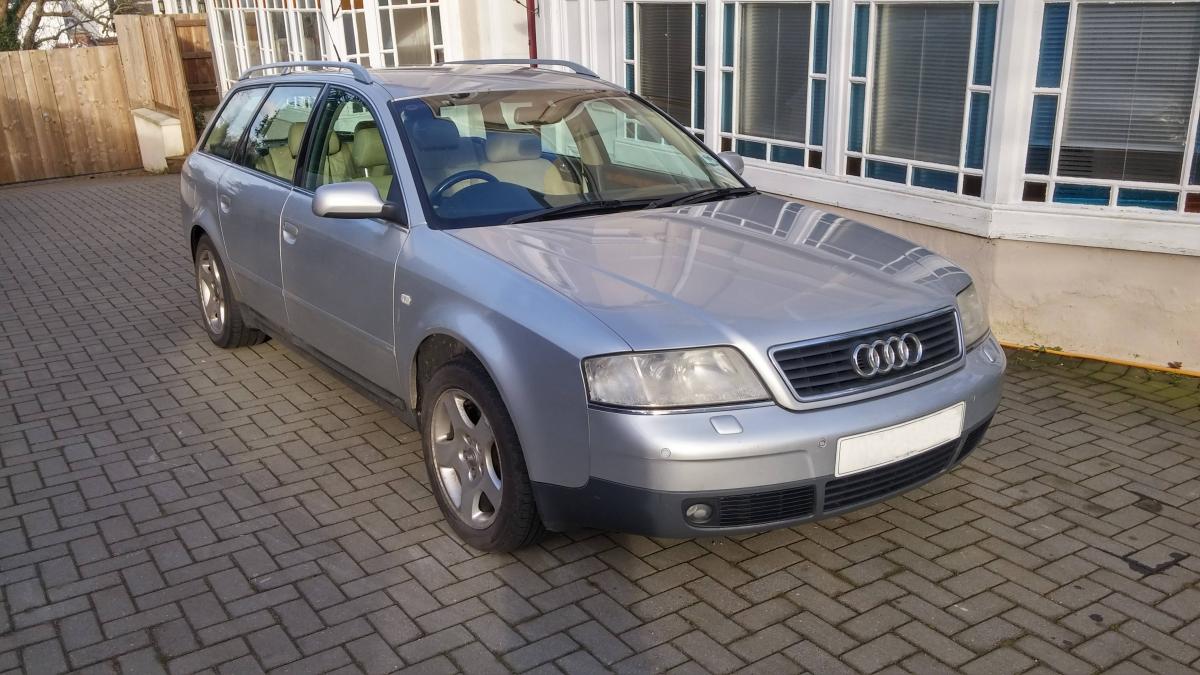
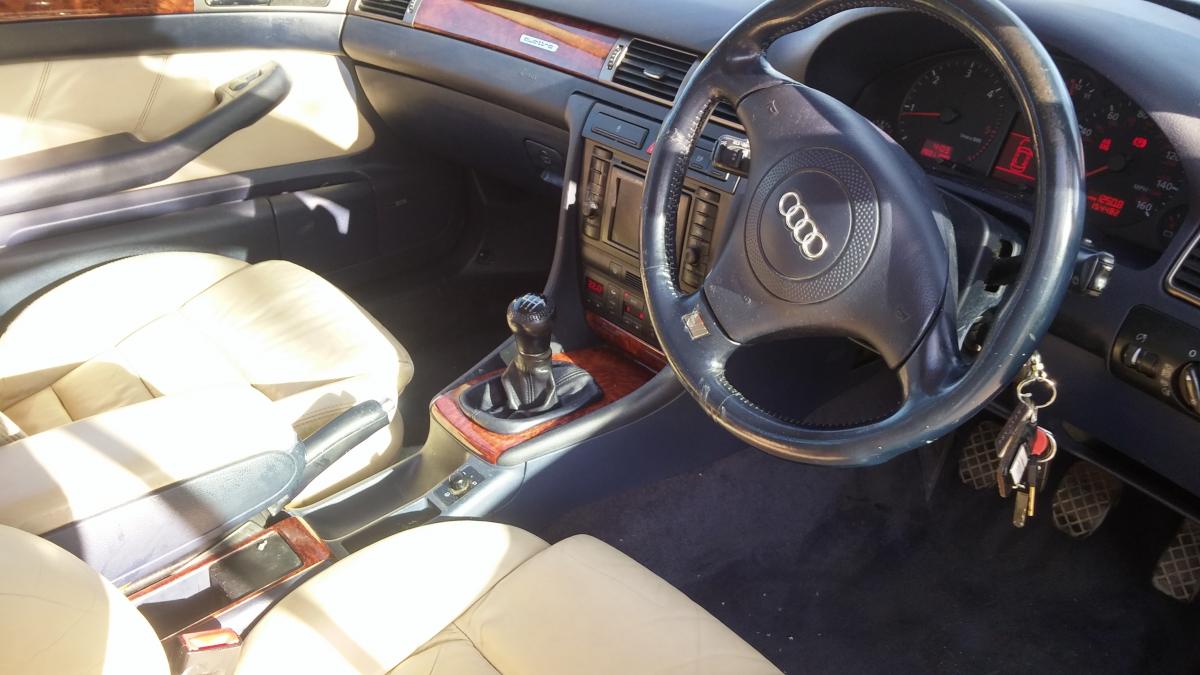
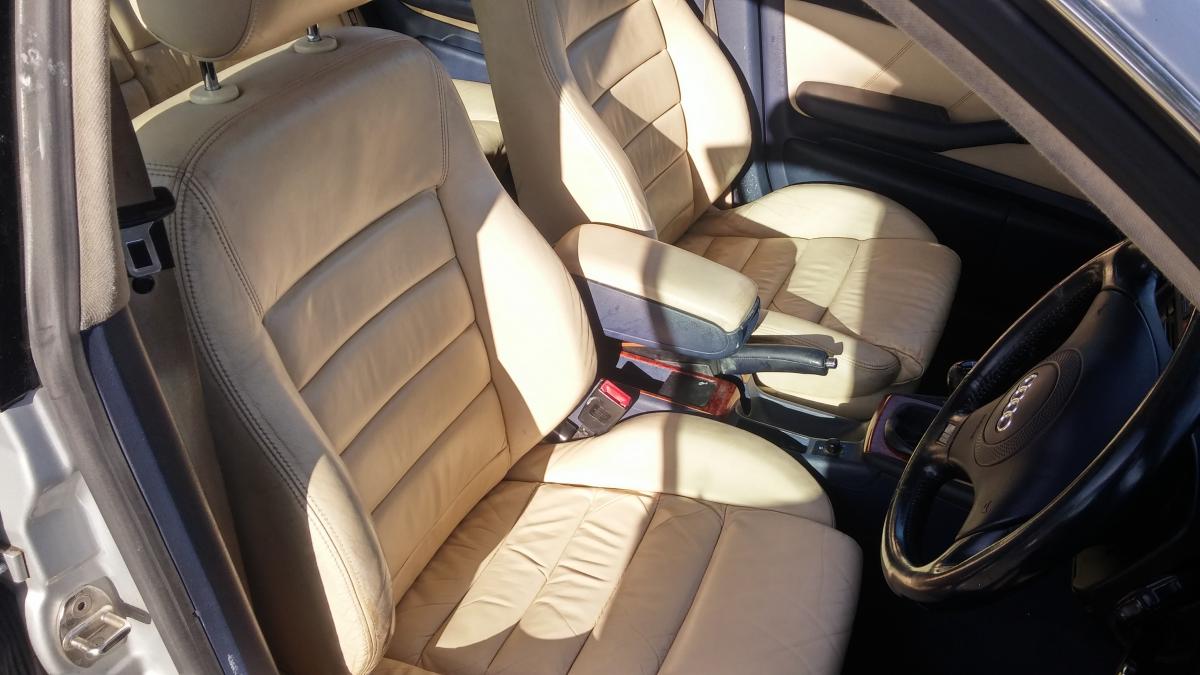
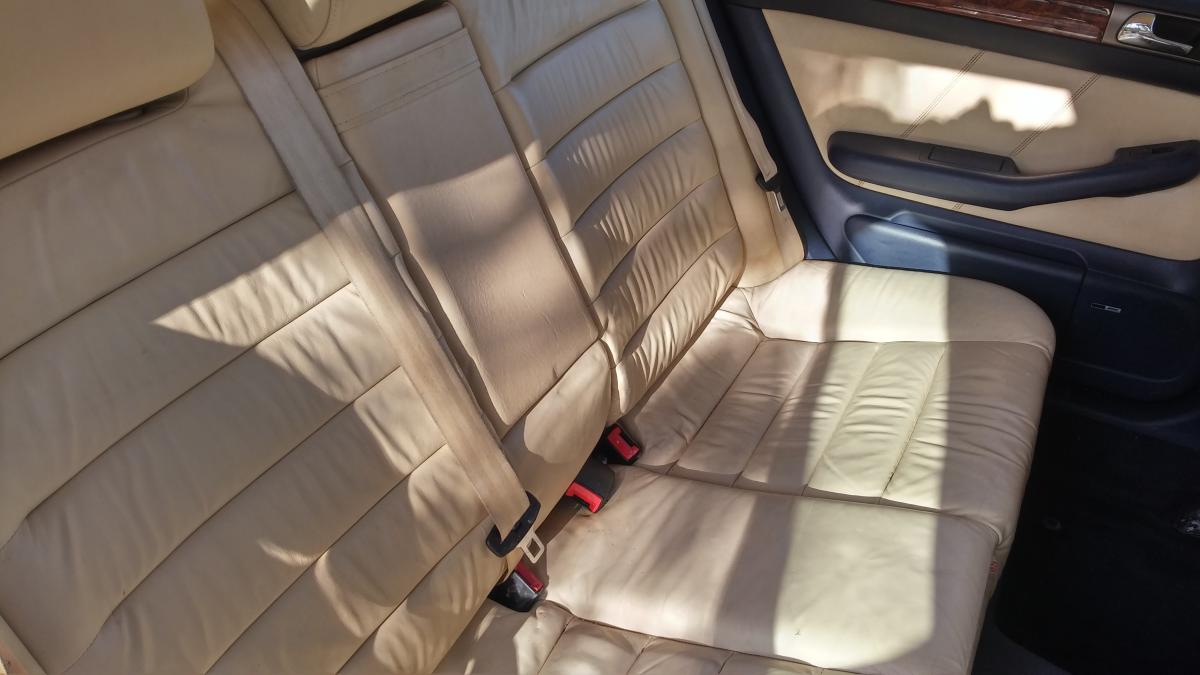
Audi A6 2.5TDI Quattro Sport 180BHP - Manual 6 speed ---------------------------------------------------------------------- Beautiful car to drive and eats up miles in silence and comfort. More powerful than the normal 2.5 engine + four wheel drive. Cruise control, BOSE sound system with factory fit subwoofer, Sat Nav, full cream leather, Electric memory seats, factory fit westfalia removable tow bar (used only for bike rack), Front and Rear parking sensors plus the usual A6 refinements. Full service history. Within the last two years (10k miles) the car was fitted with the following new parts which should see it running great for many years to come New Cams (important on the 2.5TDI engine at this age, most others A6's will not have had this done) New FULL cambelt kit, inc water pump etc. New Dual Mass flywheel New clutch New glow plugs New Injection pump belt and pulley New Alternator New Radiator New Injector (with electronic sensor) When the cams were fitted the engine also had a full manual internal clean (not a flush) of the sump, oil ways and oil pump. This is a fantastic car, I have enjoyed driving it and intended to keep it for many years to come, however due to change of circumstances it gets little use. It now has 155k miles on the clock. £1500 ono