Easybreezy3257
Members
-
Joined
-
Last visited
-
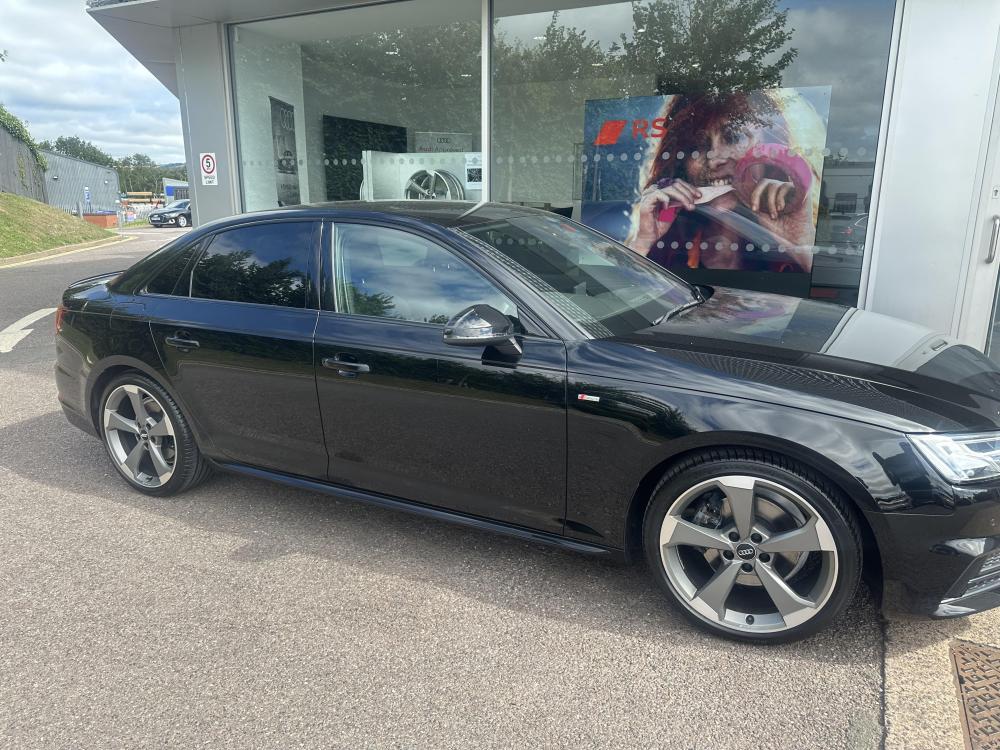
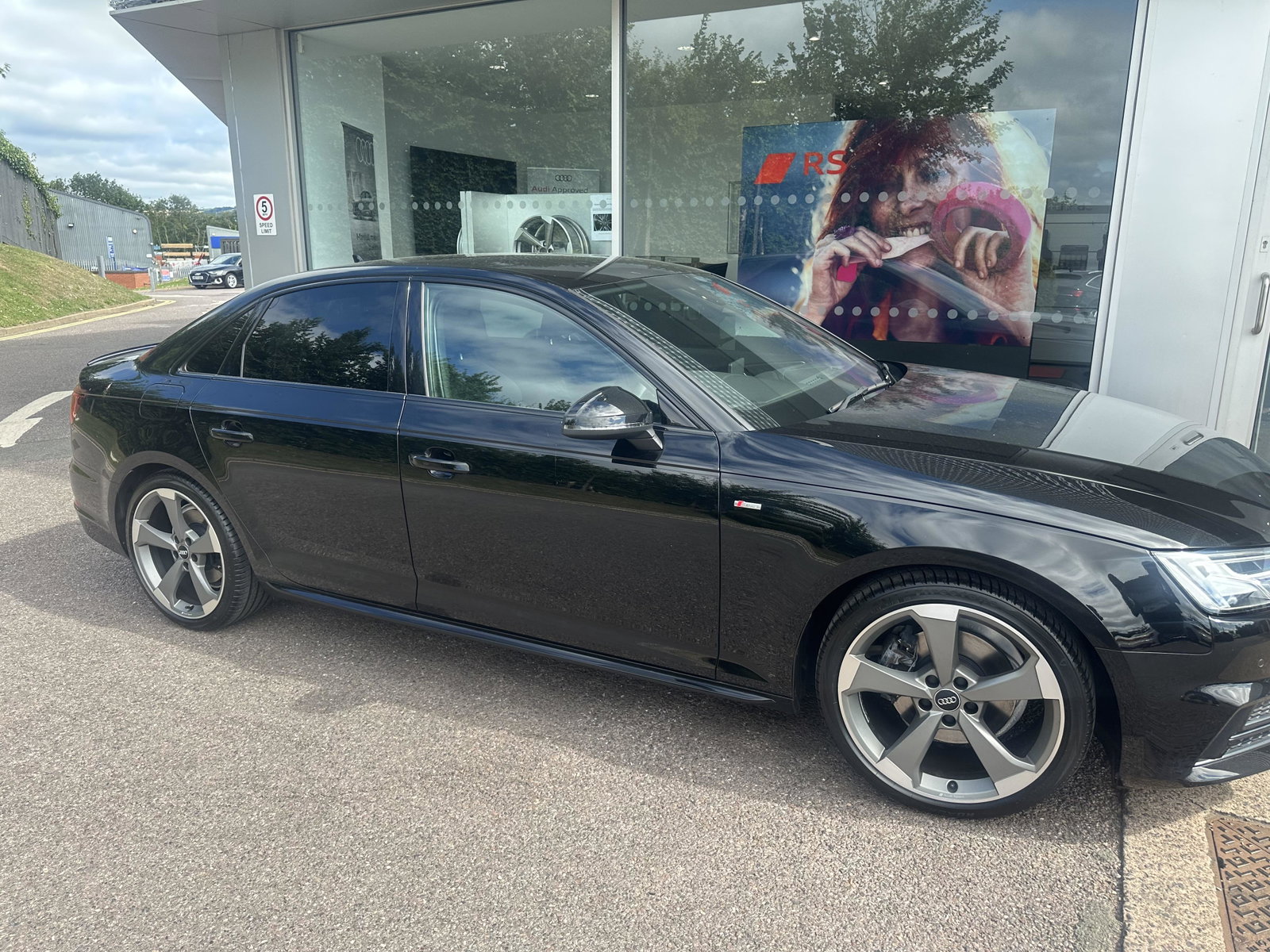
Hello everyone Today i bought a 2018 Audi A4 1.4 TFSI Black Edition,test drove it and decided to have it i pick it up Wednesday and i just cant wait. I was torn between buying an 5 series BMW or 4 series but i just couldn't find decent one with low milage at a price i could afford….. plus Audi A4 black edition just looks badass! i was originally thinking i wanted something comfortable and smooth….to put things into perspective i was on the verge of buying a BMW5series SE 3 days ago! When i got in the Audi i realised that i in fact wanted something with a bit of character and attitude,initial thoughts where its only a 1.4 but it feels good to drive and pretty fast and at 25000 miles at a £16500 i cant really complain? I hope i enjoy it and its all good,as ive bought it now and its the most expensive car ive bought. Anyway thanks for reading my crap story i hope Audi ownership works out well for me !