




Skip to content
View in the app

A better way to browse. Learn more.

Audi Owners Club (UK)

A full-screen app on your home screen with push notifications, badges and more.

To install this app on iOS and iPadOS
  1. Tap the Share icon in Safari
  2. Scroll the menu and tap Add to Home Screen.
  3. Tap Add in the top-right corner.
To install this app on Android
  1. Tap the 3-dot menu (⋮) in the top-right corner of the browser.
  2. Tap Add to Home screen or Install app.
  3. Confirm by tapping Install.


Hju2024

Members
  • Joined

  • Last visited

Everything posted by Hju2024

  1. Thank you Gareth. That was my working assumption as well . I have mainly owned Volvos and any warning lights are always yellow or red . Thank you for your help
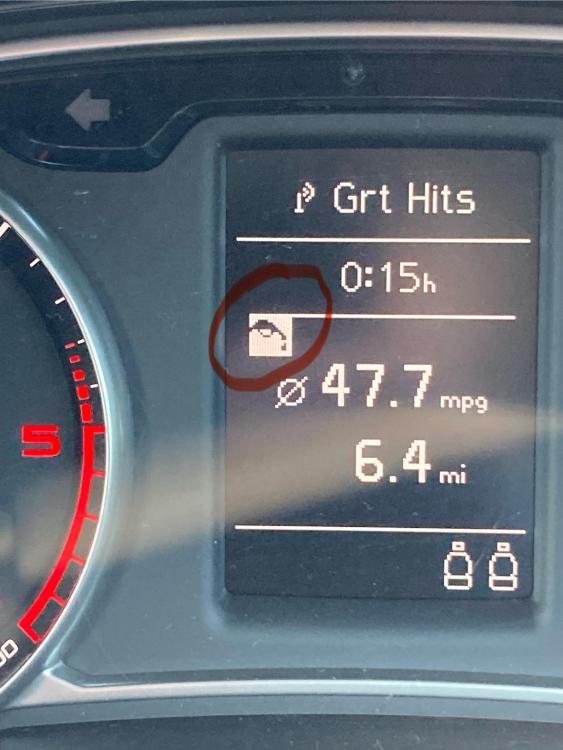
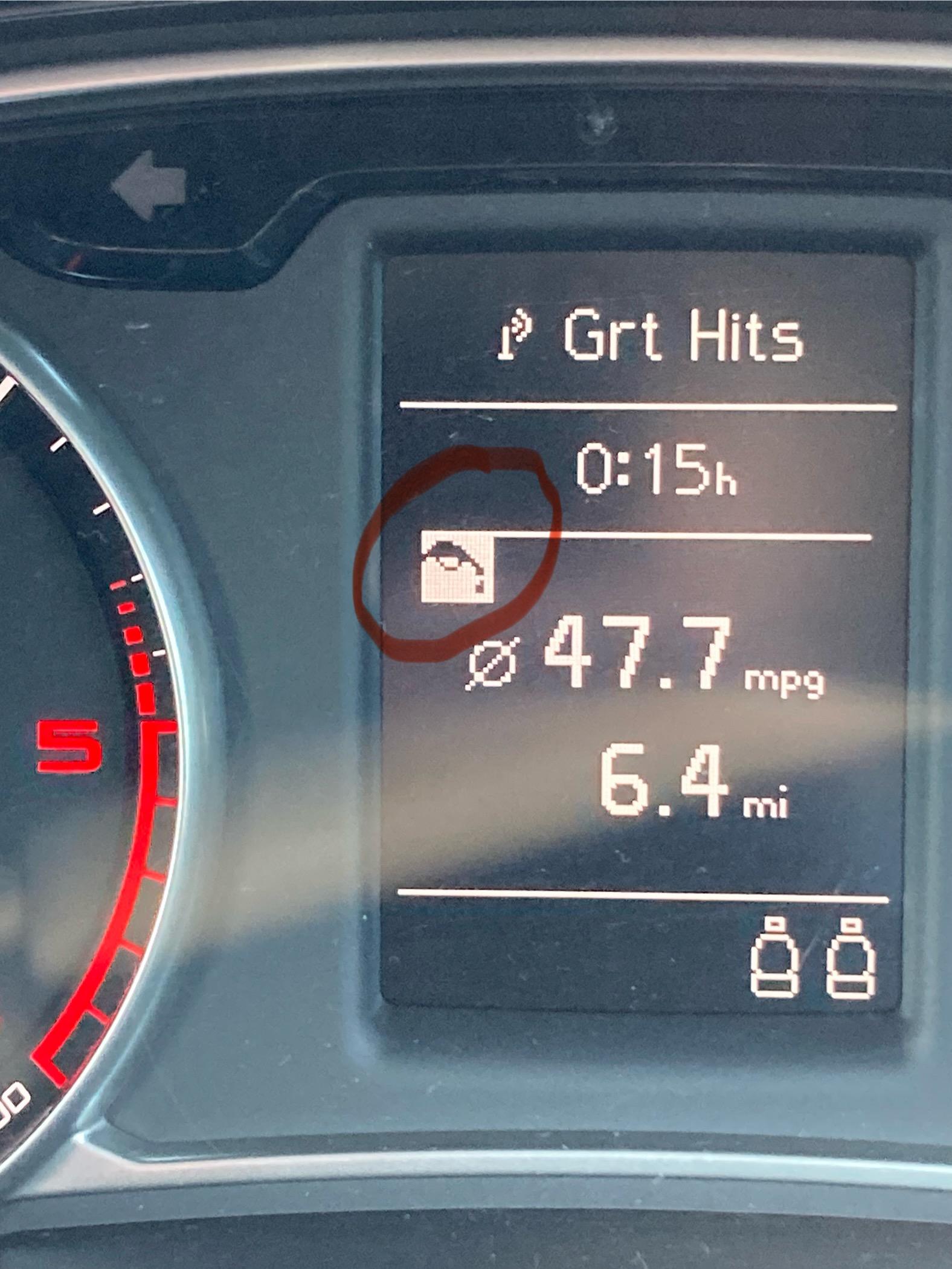
  2. Hi , it is a black and white icon showing on the trip computer as per photo above . Thank you for looking .
  3. Thank you for your reply . The fuel tank level is at full. I filled the tank just after purchase . I thought it might be an oil warning , but I have checked the dip stick and the oil is at the correct level. If anyone has any idea what the symbol means, please do let me know Thank you
  4. Hi, i have just purchased a 2013 A1 , 1.9TD . On the trip computer screen the following icon appears , photo below. Can anyone tell me what it means? Thank you for your help


Background Picker
Customize Layout

Account

Navigation

Search

Search

Configure browser push notifications

Chrome (Android)
  1. Tap the lock icon next to the address bar.
  2. Tap Permissions → Notifications.
  3. Adjust your preference.
Chrome (Desktop)
  1. Click the padlock icon in the address bar.
  2. Select Site settings.
  3. Find Notifications and adjust your preference.