Momoliscious1
Members
-
Joined
-
Last visited
Everything posted by Momoliscious1
-
@Pistol1892 Hi there buddy, I went from a 2l diesel A6 to the S6... The shift in torque was a big jump for me up to 700lbs! It's comfortable and a beast at the flick of a switch. If you're looking at a 20/21 plate, the power output when new is over 400bhp so that will be punchy out of junctions. Audi gearboxes aren't typically the best from standstill, but if you have the drive mode in 'dynamic' it is less problematic. Honestly, the Vorsprung is good... questionable for worth the value, if you can find a car with a HUD, it usually has the added components of the Vorsprung without the pricey label. The 530d is a good shout too, but I've been in an Audi since my first car over 20 years ago so I'd never recommend otherwise! Stockholm syndrome perhaps, but not complaining!
-
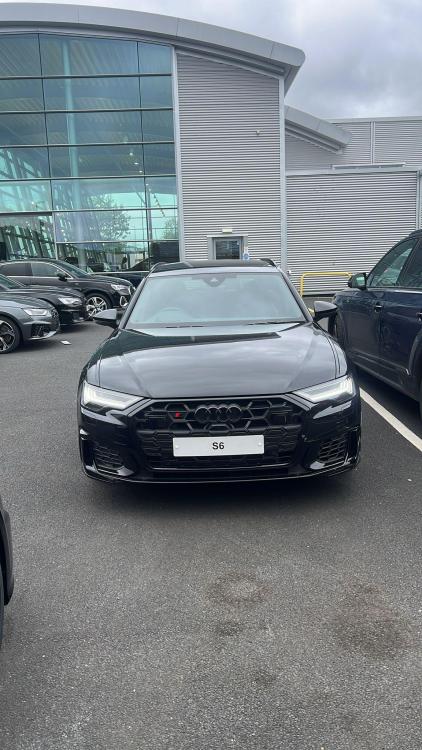
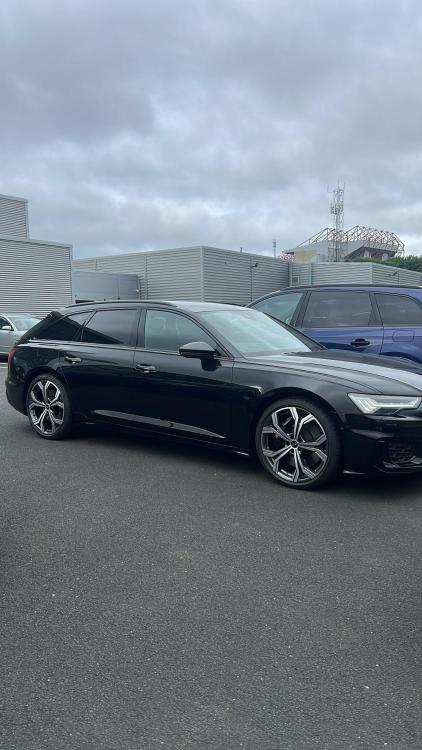
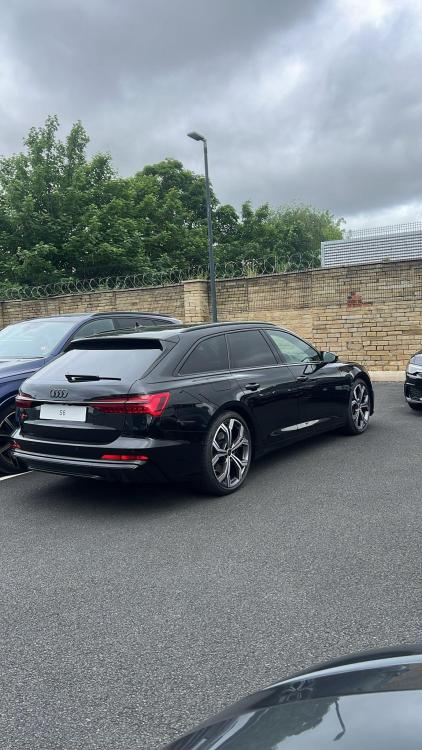
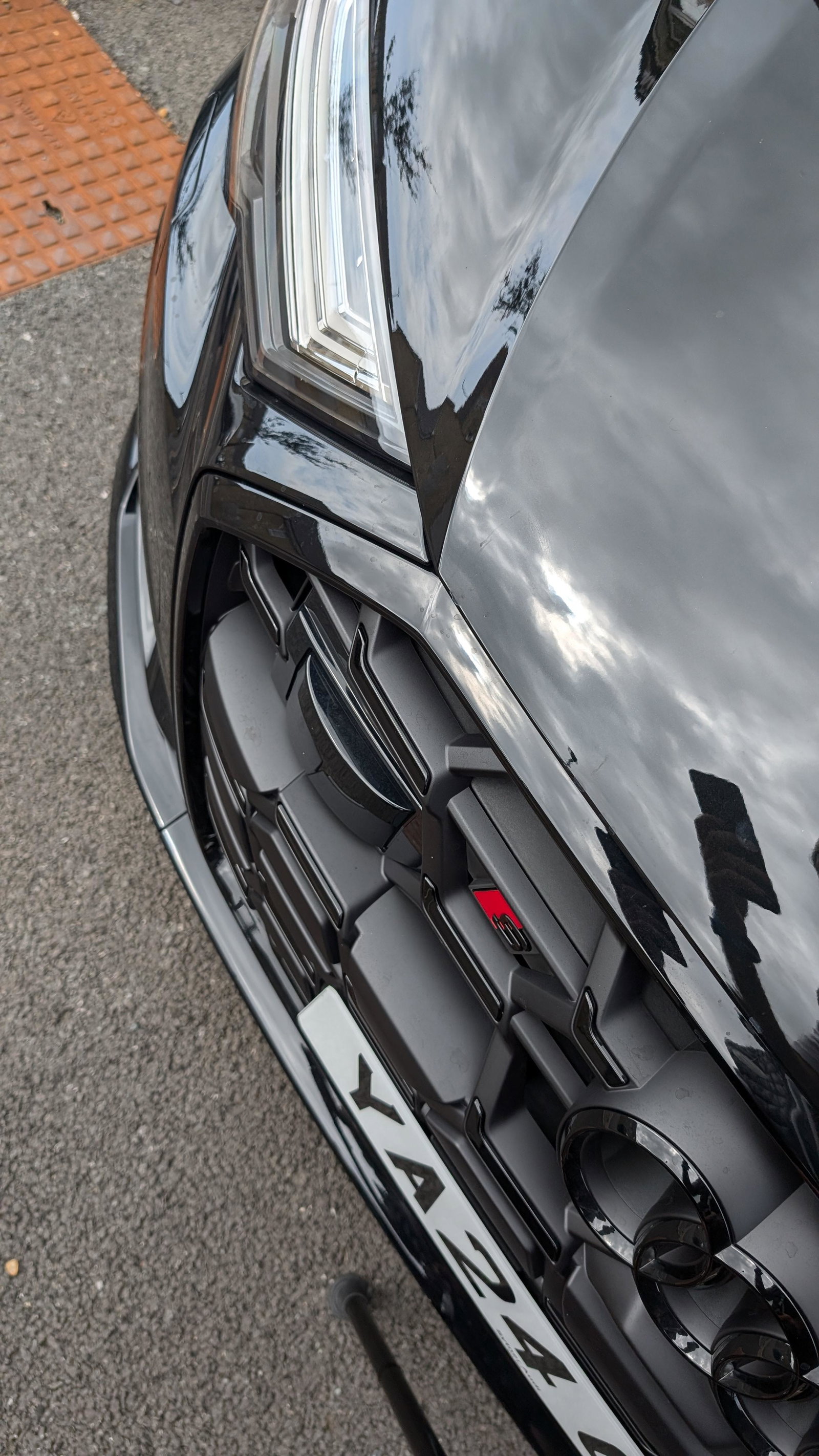
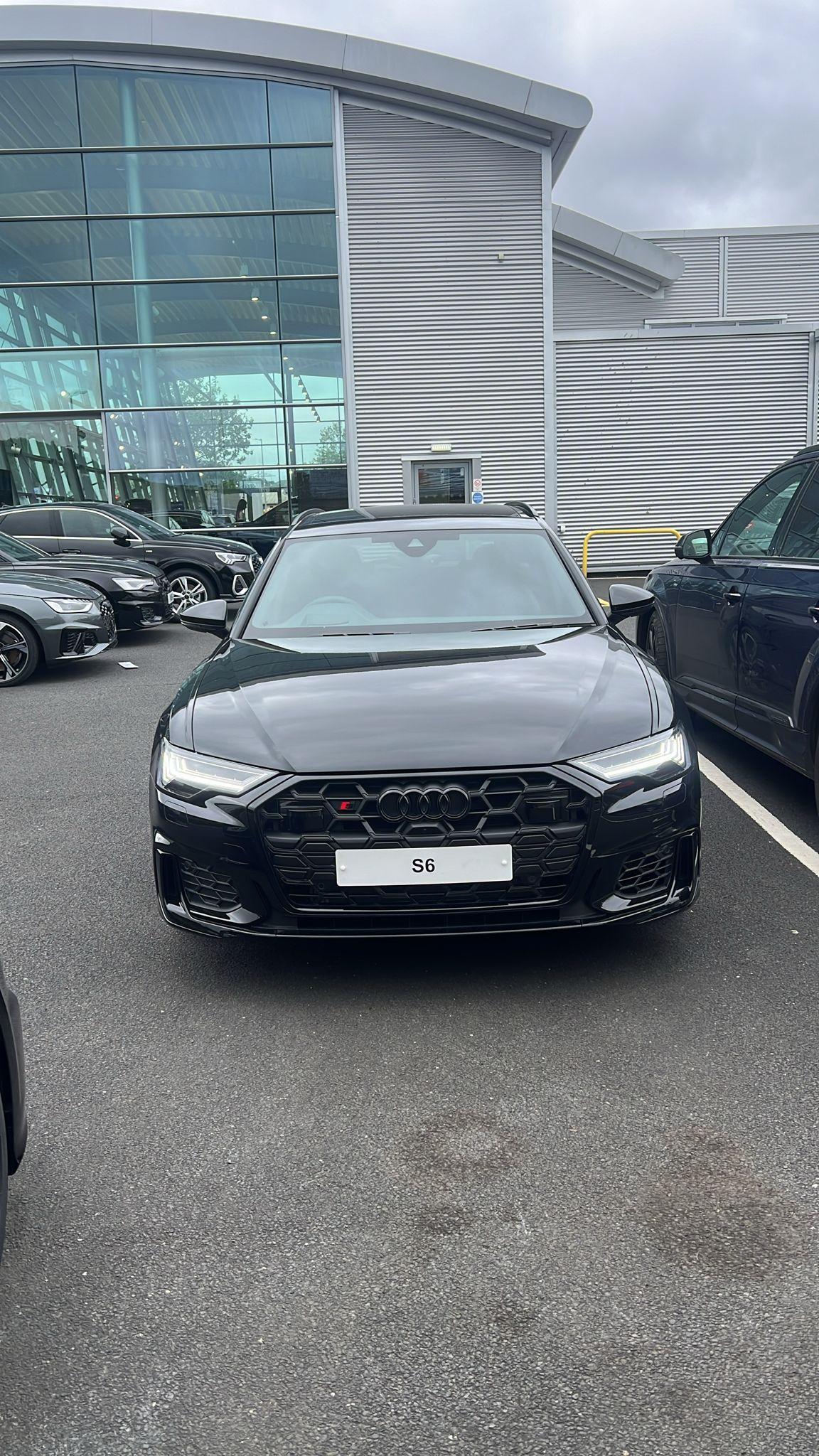
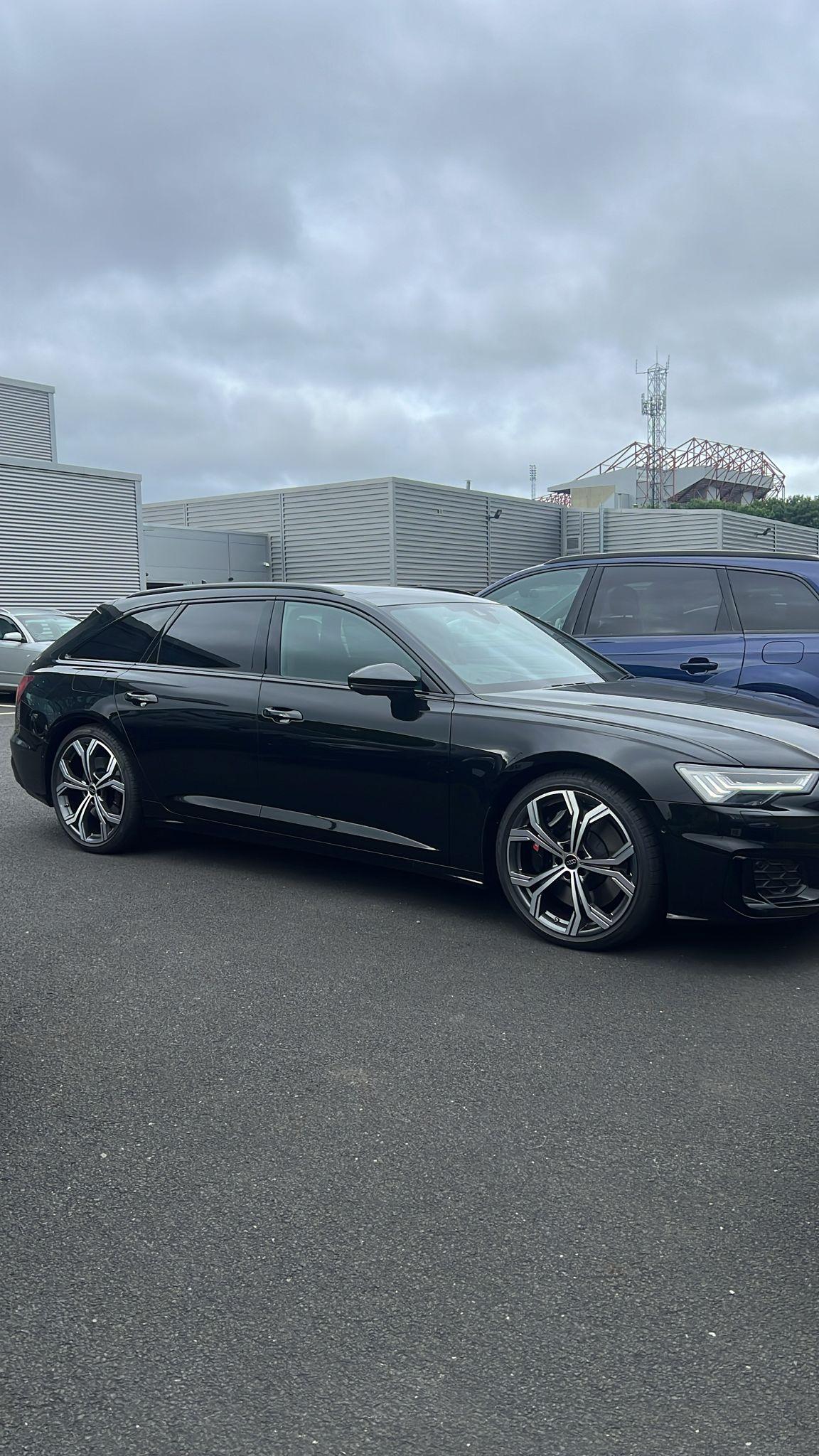
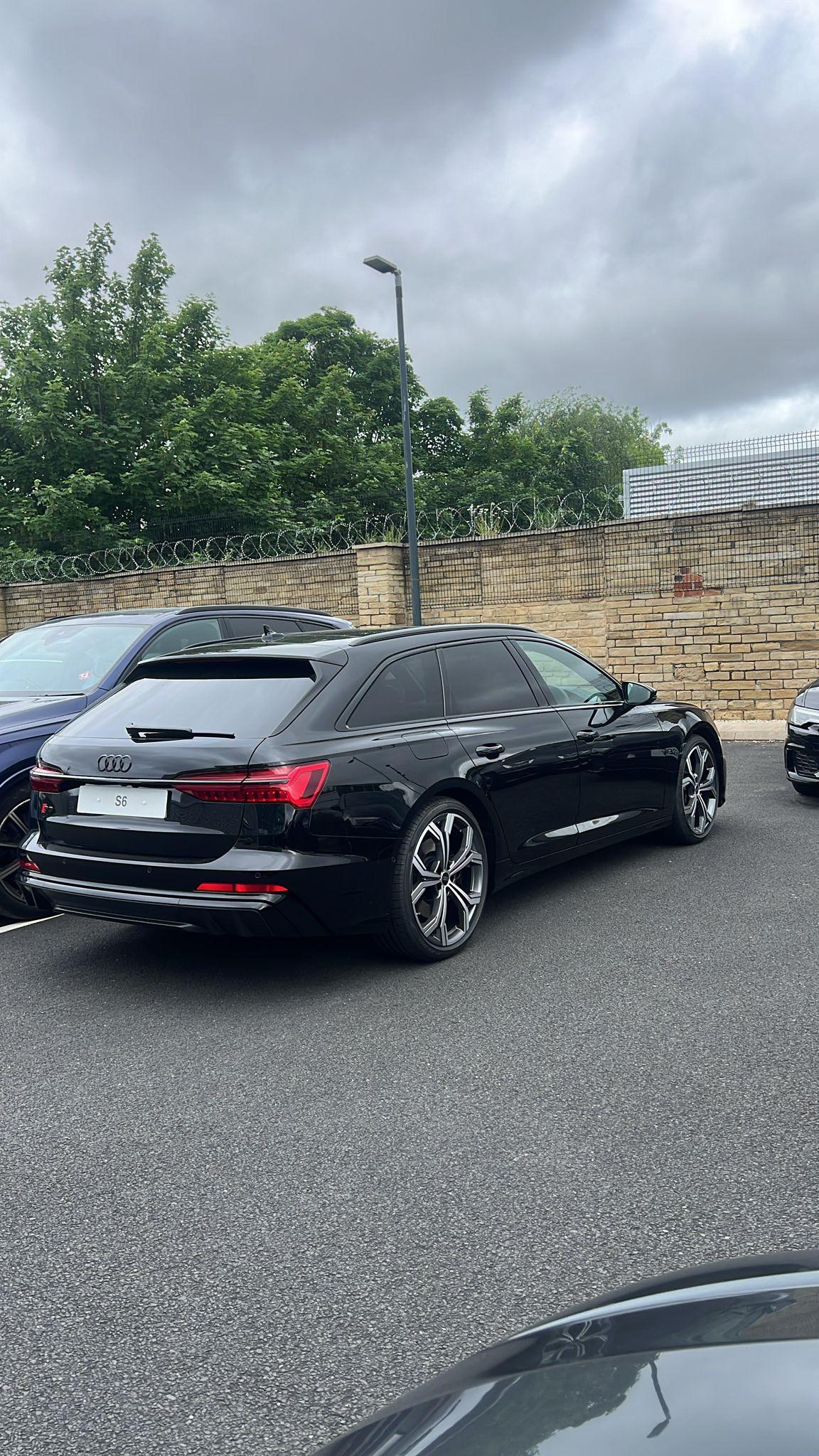
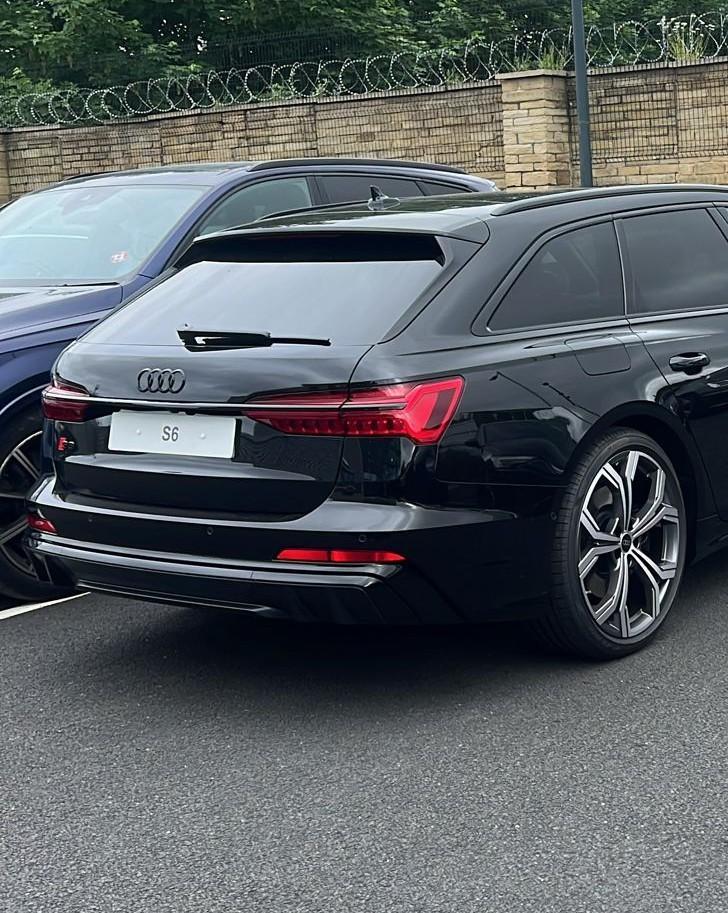
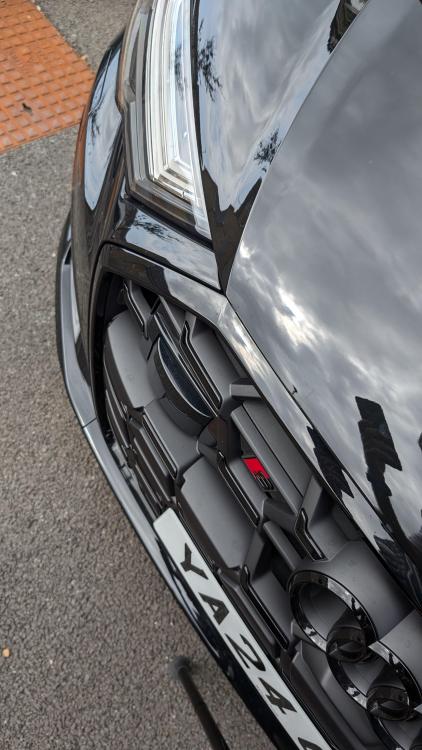
Hi there, new to the forum. I've had my S6 Vorsprung for 2 months now. Genuinely a different beast to my A6 Avant I had before. I still haven't got round to using all the toys, but the air suspension is a dream. Once you put it in comfort, it's so so so easy to drift in. The steering is incredible for navigating in tight places, and the sound system is epic. I got it for myself as a 40th birthday present... Definitely no regrets