
ACNA
Established Member
-
Joined
-
Last visited
-
ACNA changed their profile photo
-
I had the same scenario and was not happy. I made the dealer pay for a Carlinkit box with CarPlay (the one around $300) and I installed it behind the dash via the glovebox. Wireless CarPlay, works well, Google Maps from my iPhone, stream Amazon music daily as well. I like it and is much better than what you would get with updated NAV SD as cell/wireless services were cut from our models in 2022. This was it is real-time NAV, music, YouTube, etc on your screen, hidden, seamless, OEM look and feel. I am happy with it and have been using it since bought in 2022.
-
-
 FEBBC3CE-50D6-4E30-9765-159595D17BEE.jpeg
-
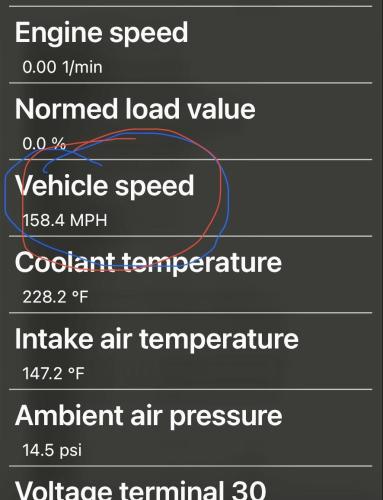 1EA5411A-9934-4B8F-B7E8-87F19D94E308.jpeg
-
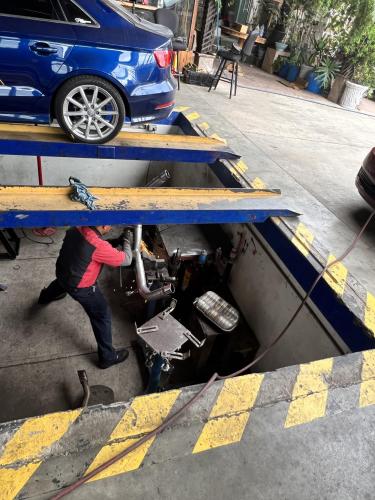 22DC68FE-A228-4465-9496-12B38361E89B.jpeg
-
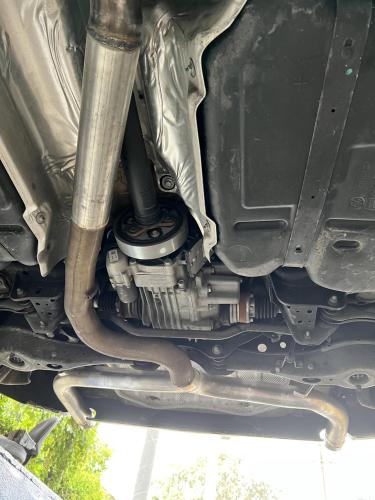 DEDB35E9-A01E-4F61-B3C8-30EB5767467E.jpeg
-
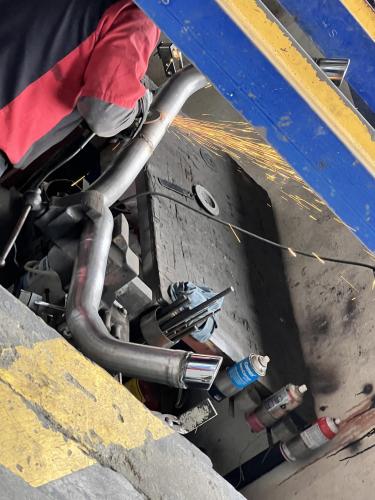 2E7BBB94-A193-4E0C-B7C2-6615D0D9ED35.jpeg
-
 1E6ADF8C-C958-41F2-A454-1EC268FAB84A.jpeg
-
 37123FE9-F670-4208-9DFD-F0BE1C66F511.jpeg
-
 24D2593D-83EE-4043-9E38-E3C63DFE04EE.jpeg
-
 205D0BB8-92A4-4FAB-A46C-86C34519E30B.jpeg
-
 9C8EE304-3BB3-4780-A46B-4EB054762EB8.jpeg
-
 73B504BF-6181-4B44-82D8-A85138213184.jpeg
-
 0DC12B2A-E066-44E8-82BC-08574F7136C4.jpeg
-
 91BE6B96-959B-401A-B962-0AC4D0C08969.jpeg
-
 A5034FB8-D65B-4BDC-BDB3-5F40C48431D9.jpeg
-
 EA117E7D-190D-44A9-A9DA-0C8501D79B03.jpeg
-
 D44B3CA7-206E-4A5C-8EBD-89B26B50E405.jpeg
-
-
-
-
-
-
-
(1)(1).jpeg.b4f7d77e80e46bd096833932cccfb780.jpeg)
© (c) pmm
-
-
© (c) pmm
-
© (c) pmm
-
© (c) pmm
-
© (c) pmm
-
© (c) pmm
-
© (c) pmm

.jpg.1ca91a50c104288fb0d21869d592af21.jpg)