




Skip to content
View in the app

A better way to browse. Learn more.

Audi Owners Club (UK)

A full-screen app on your home screen with push notifications, badges and more.

To install this app on iOS and iPadOS
  1. Tap the Share icon in Safari
  2. Scroll the menu and tap Add to Home Screen.
  3. Tap Add in the top-right corner.
To install this app on Android
  1. Tap the 3-dot menu (⋮) in the top-right corner of the browser.
  2. Tap Add to Home screen or Install app.
  3. Confirm by tapping Install.


neil993

Members
  • Joined

  • Last visited

Everything posted by neil993

  1. Hi Cliff, I will have a look at that this weekend and see if anything stands out to me. Thankyou for you help.
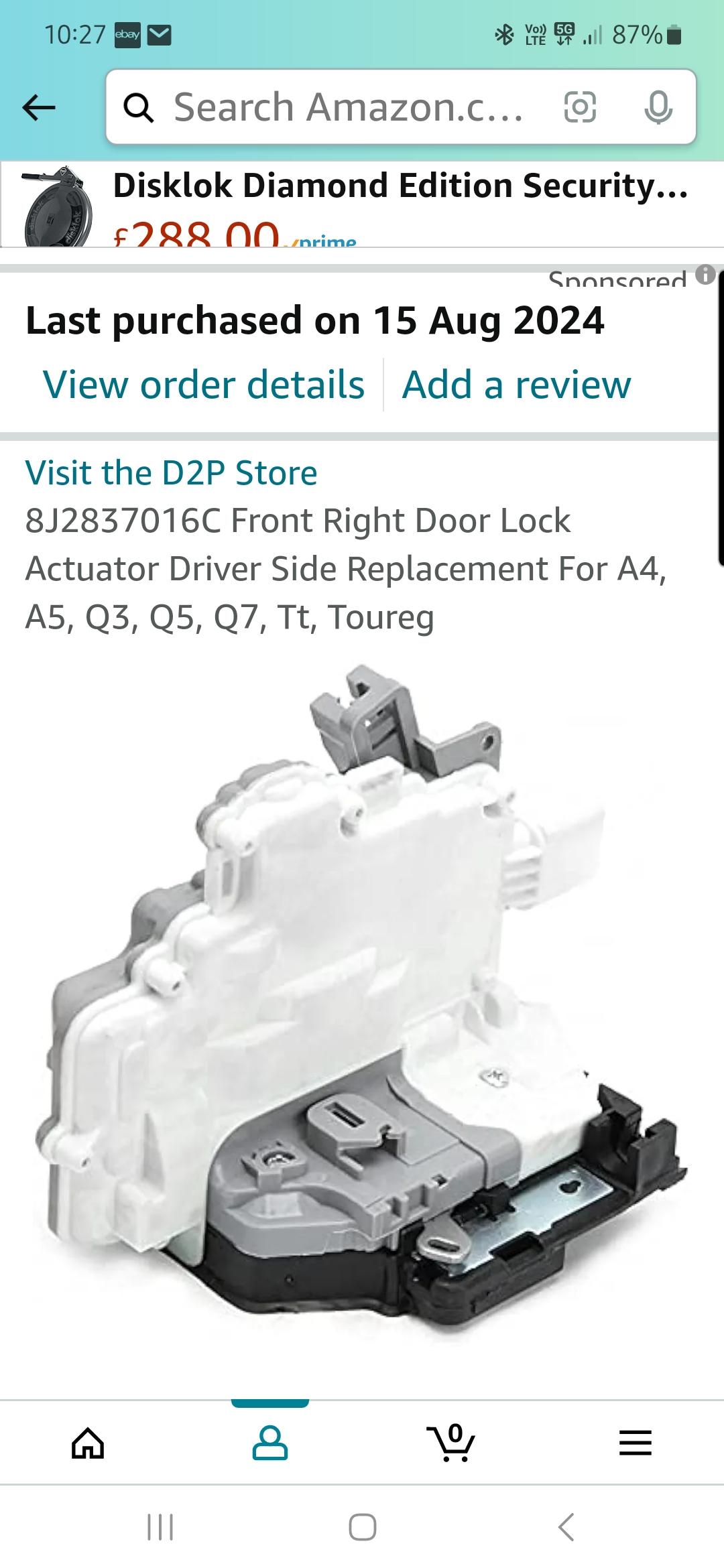
  2. Morning Clifford, I bought a new Actuator and had the mechanics at work fit it for me, sorry i don't know what the integral switch this is what i bought. Thankyou
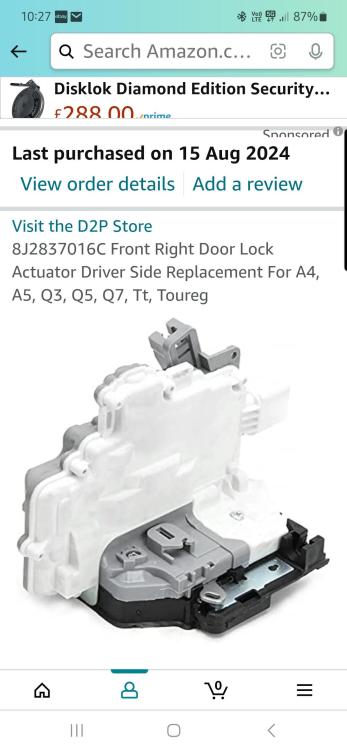
  3. Thanks for that Gareth, I have changed the drivers lock yesterday thinking that would solve it but it hasn't. I will.get it plugged in and see it that shows anything. Thankyou again
  4. Hi all, my name is Neil and i am new to this site. I have just bought a 2014 Q5 S Line +, the only problem i have so far is that when when ever i set off and get above 10 mph it sounds like the central locking is locking then unlocking, or the other way round and this happens everytime i stop. Is this normal? Thankyou in advance



Background Picker
Customize Layout

Account

Navigation

Search

Search

Configure browser push notifications

Chrome (Android)
  1. Tap the lock icon next to the address bar.
  2. Tap Permissions → Notifications.
  3. Adjust your preference.
Chrome (Desktop)
  1. Click the padlock icon in the address bar.
  2. Select Site settings.
  3. Find Notifications and adjust your preference.