Hannah432
Members
-
Joined
-
Last visited
-
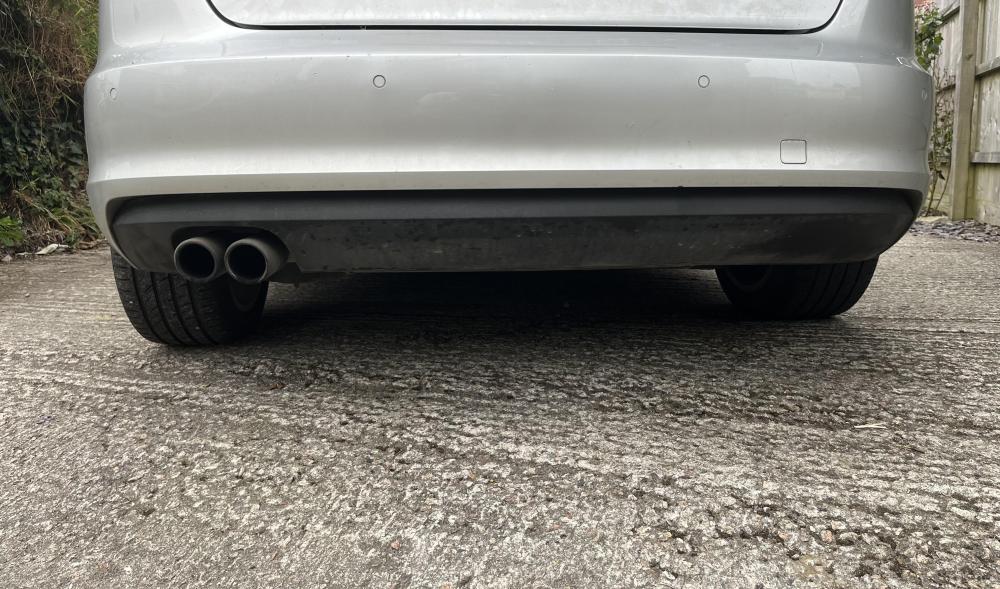
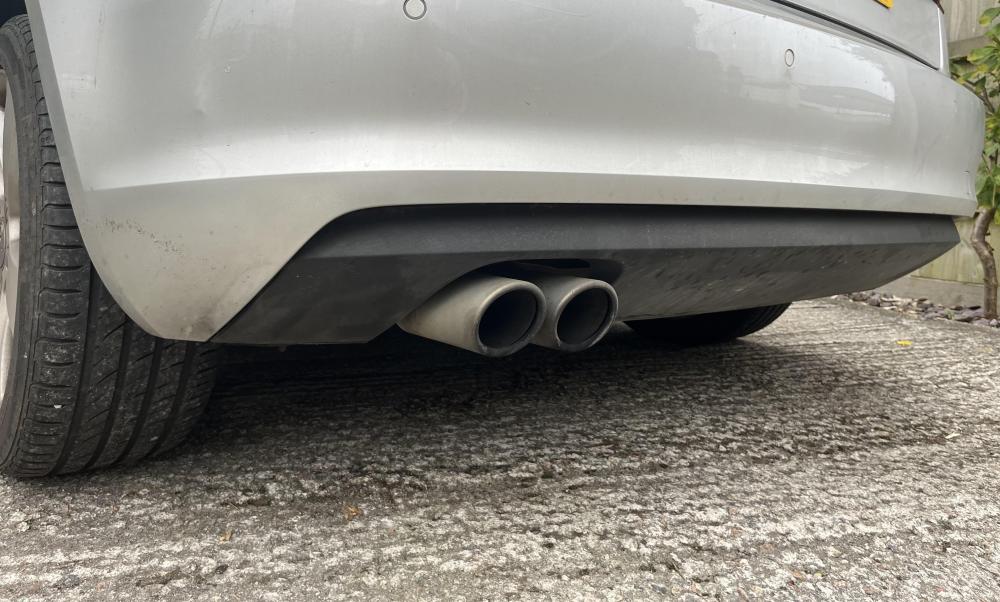
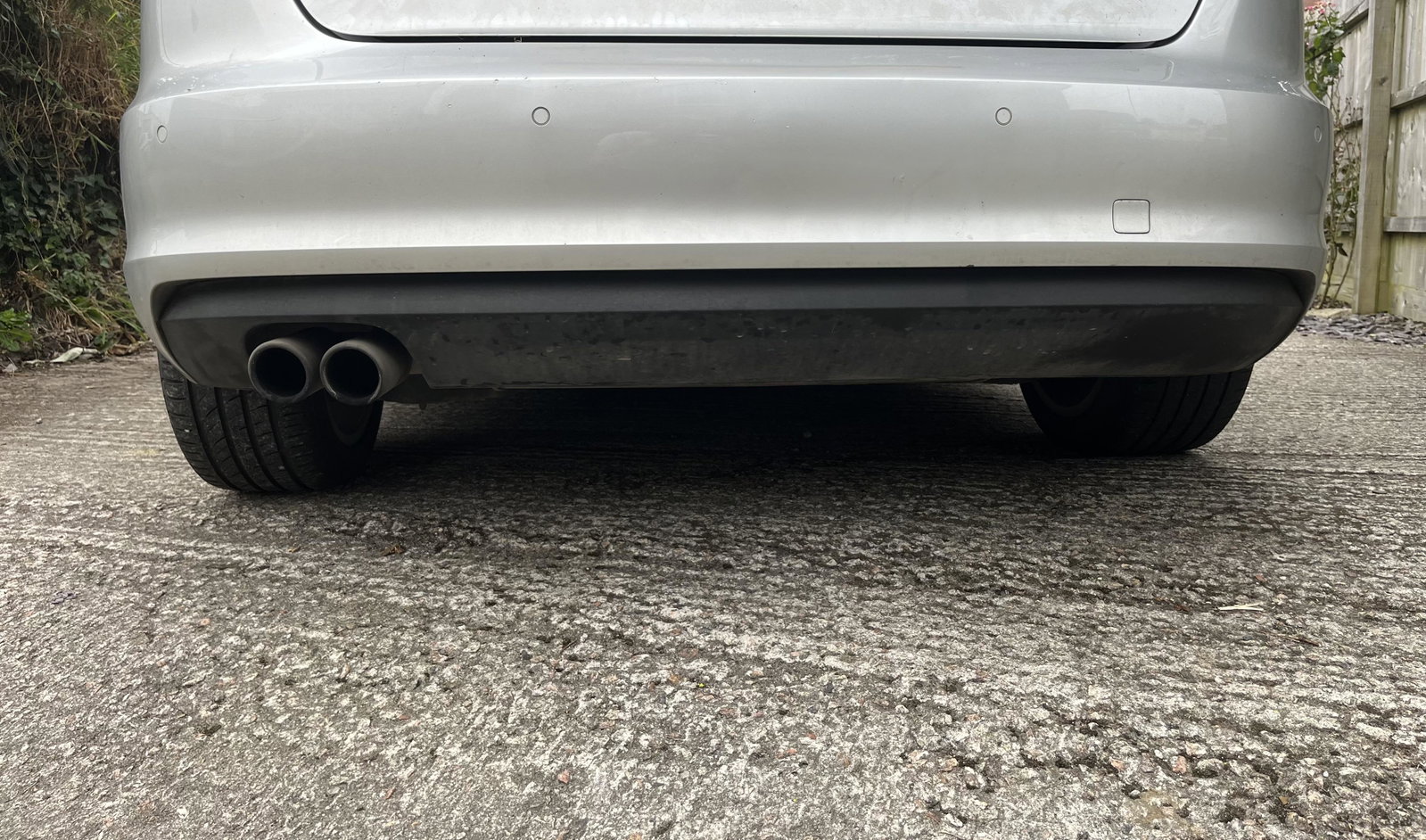
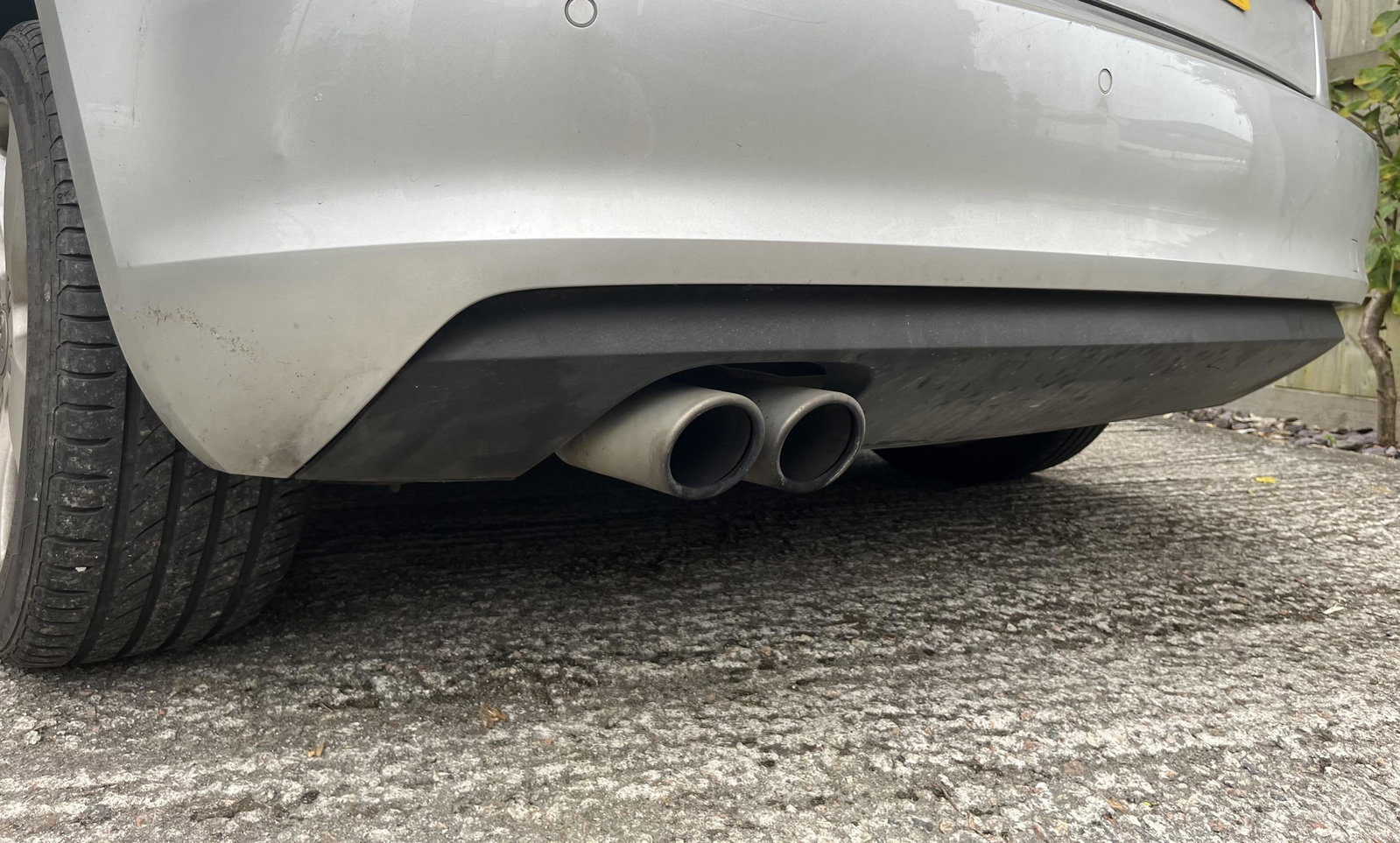
Hi im new to this so apologies if this has been asked before. I have a 2013 A3 sport and im looking to swap the diffuser. The only options i can find are for the S-line facelift or the standard facelift model. I was just wondering if anyone knew if either would fit? I’ve attached links to some examples i’ve found as well as a photo of my bumper. Any help would be great thank you https://www.maxtondesign.co.uk/body-kits/audi/audi-a3/audi-a3-8v/audi-a3-8v-facelift/audi-a3-8v-facelift-sportback/rear-valance-audi-a3-sportback-8v-facelift-version-with-double-exhaust-tip?currency=gbp&gad_source=1&gbraid=0AAAAApalHS5StuYKupjrHpOFDZCZNkOPh&gclid=EAIaIQobChMIv8GZ3ZGiiAMVFJNQBh1iSTOqEAQYBSABEgLqSPD_BwE https://progressiveparts.com/product/maxton-design-rear-valance-audi-a3-s-line-sportback-8v-facelift?utm_source=google&utm_medium=cpc&utm_campaign=18299350747&utm_content=&utm_term=&utm_term=&utm_campaign=PP+-+Smart+Shopping&utm_source=adwords&utm_medium=ppc&hsa_acc=6631320648&hsa_cam=18299350747&hsa_grp=&hsa_ad=&hsa_src=x&hsa_tgt=&hsa_kw=&hsa_mt=&hsa_net=adwords&hsa_ver=3&gad_source=1&gbraid=0AAAAADO6XhqZFvm2yU8KwbCfjQqkMpMLR&gclid=EAIaIQobChMI4sLc-rKiiAMVq5tQBh3F-wYrEAQYAiABEgJX1_D_BwE&k=58947-2013