Keith f
Members
-
Joined
-
Last visited
Everything posted by Keith f
-
Cheers buddy. Il let you know on how I get on.
-
Knowing my luck both 🤣🤣
-
Still broken lol. It has an active code. Code number is C12B354. Took it to a local Audi specialist this morning but was shut so going to take it on Monday. The battery is perfect.
-
Take it il need to test the main battery?
-
Never made a difference. Still coming on. Looks like a dealer job 😭😭
-
-
Do you mean taking of the plastic parts behind the mirror?
-
Couldn't make it up buddy.
-
Done that last night and this morning. Going to wash the front window tonight dry it and il see what happens. I have had it before but it's normally went away.
-
How long does it stay on for? Mines has been a day so far
-
Sorry hit the the box. My bad
-
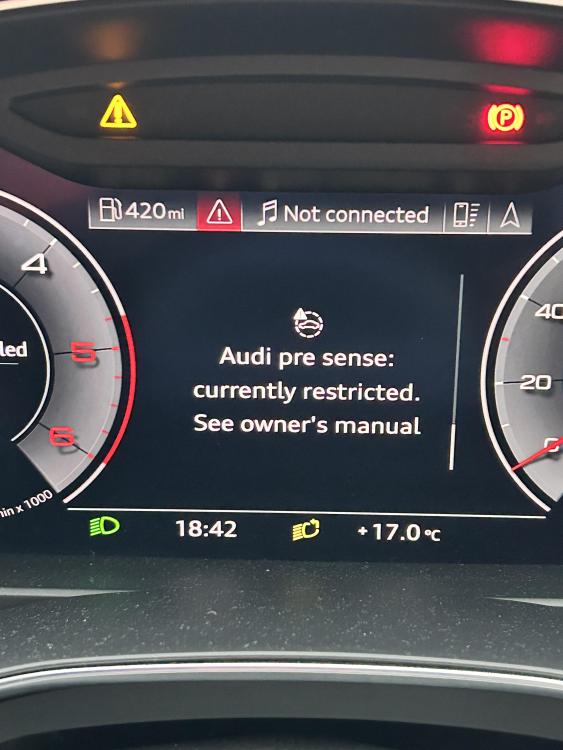
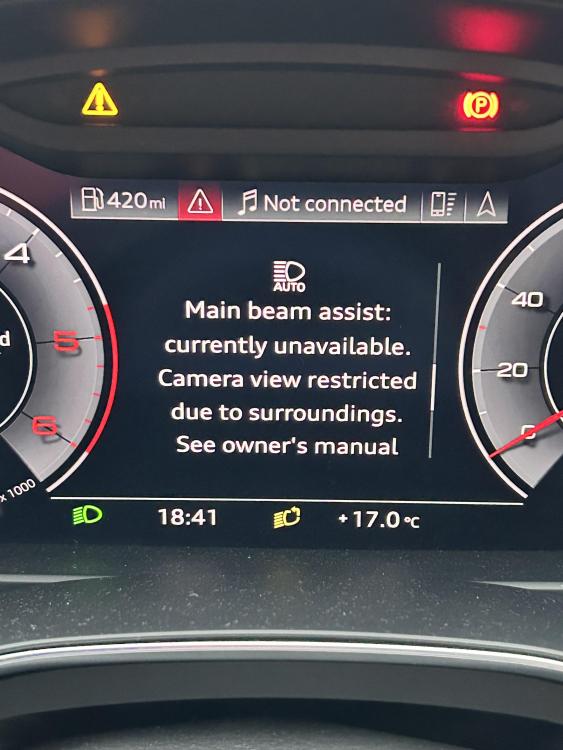
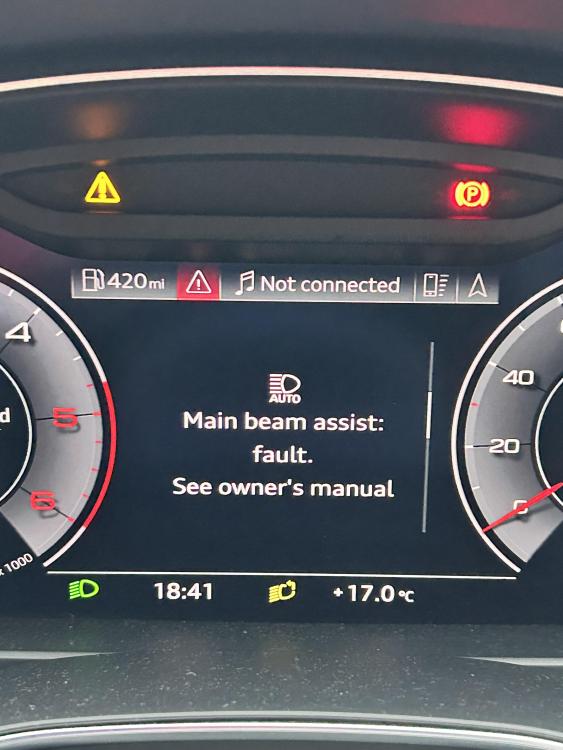
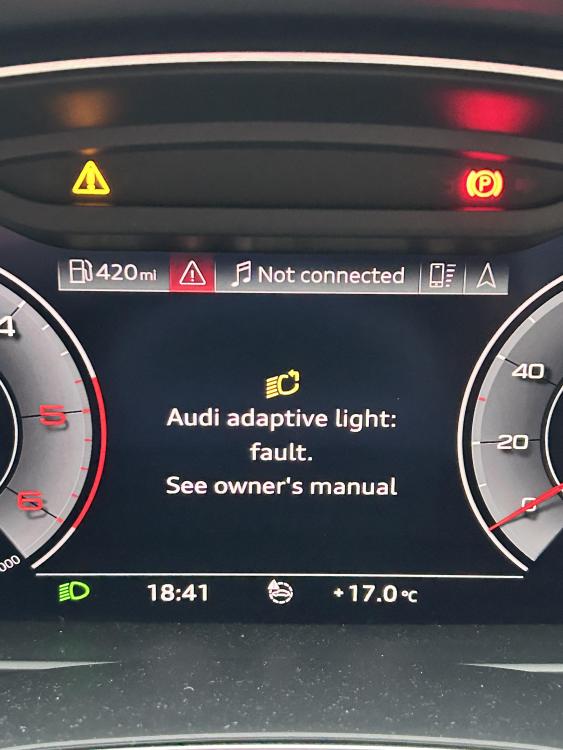
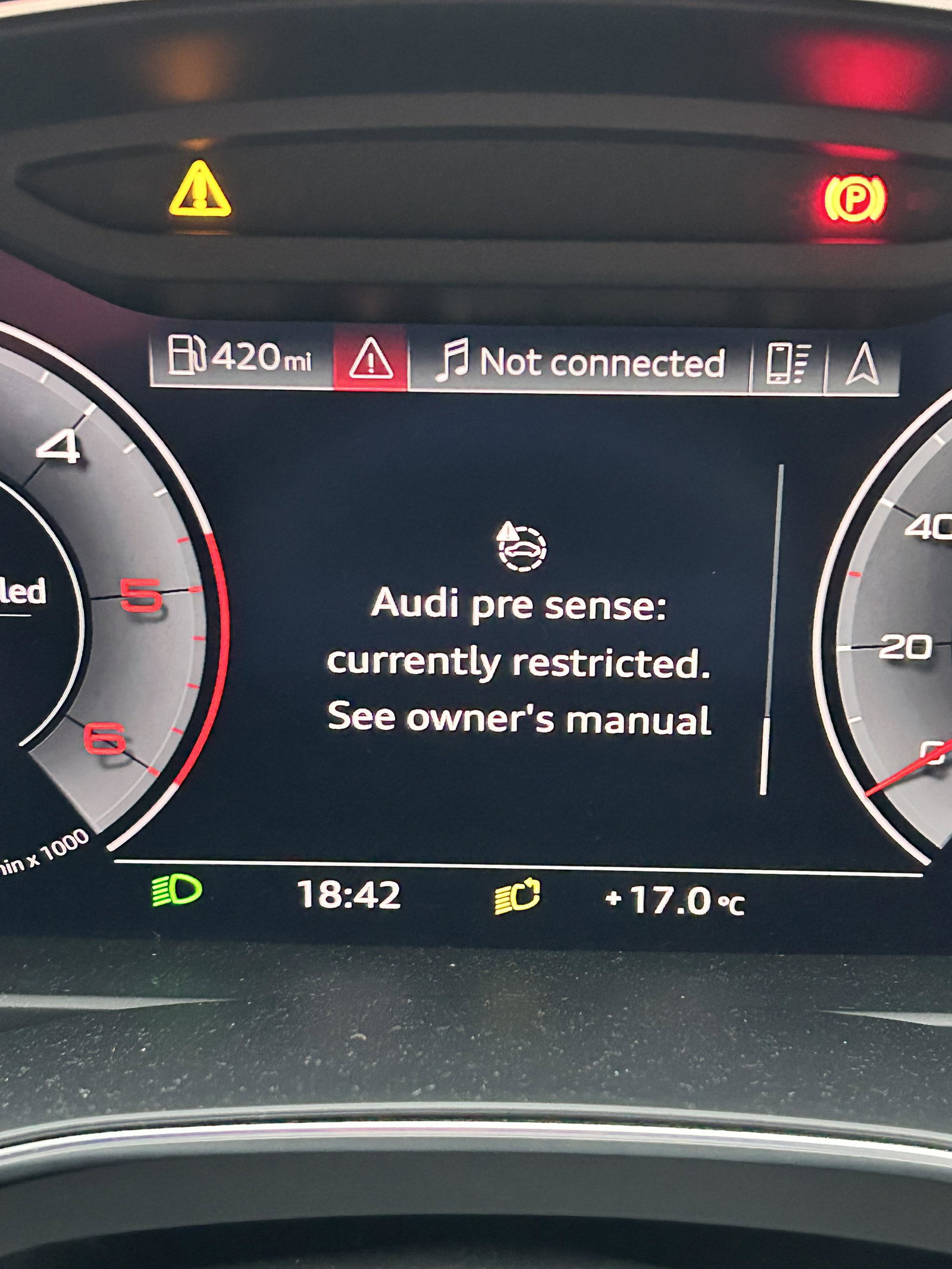
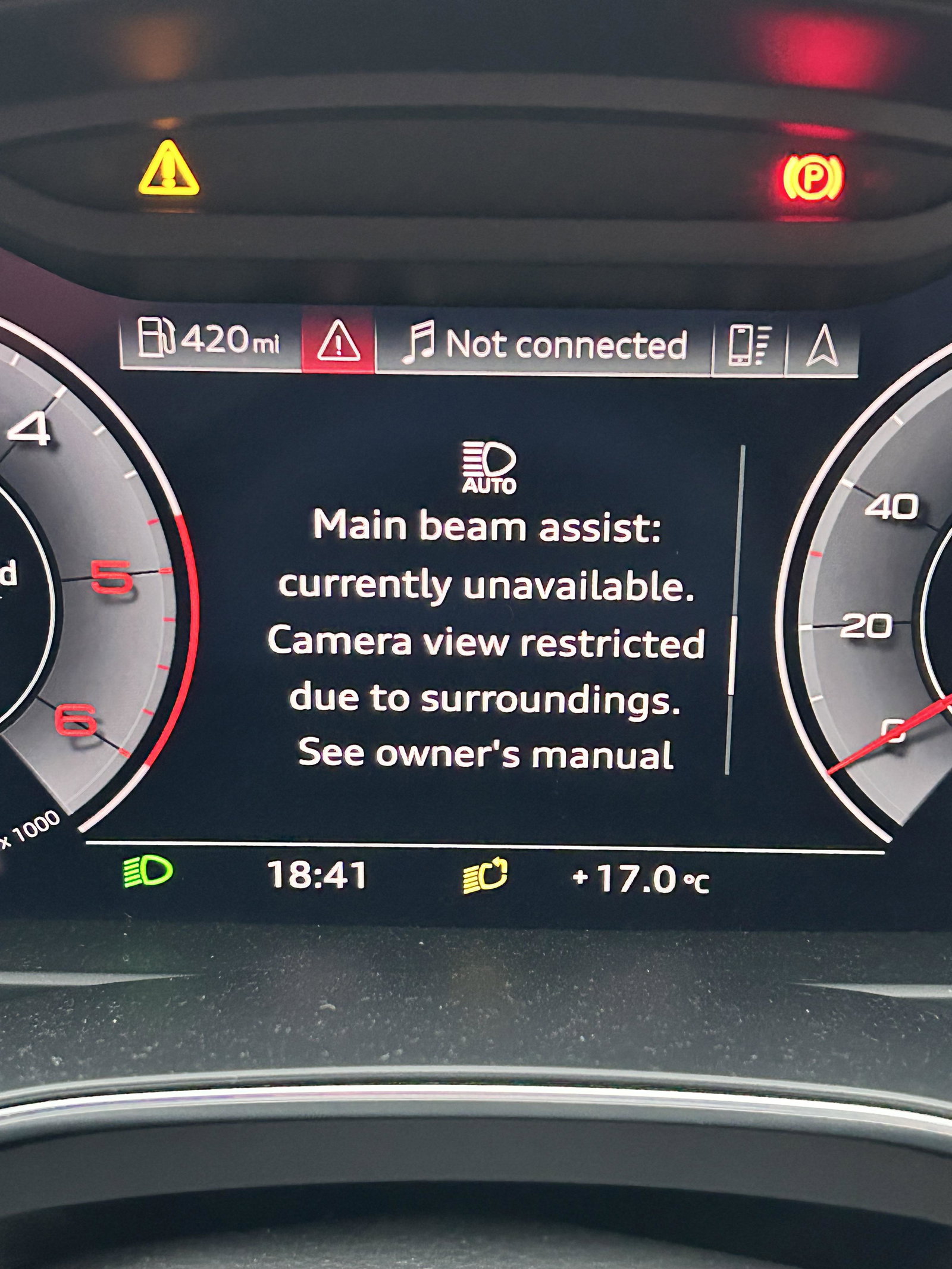
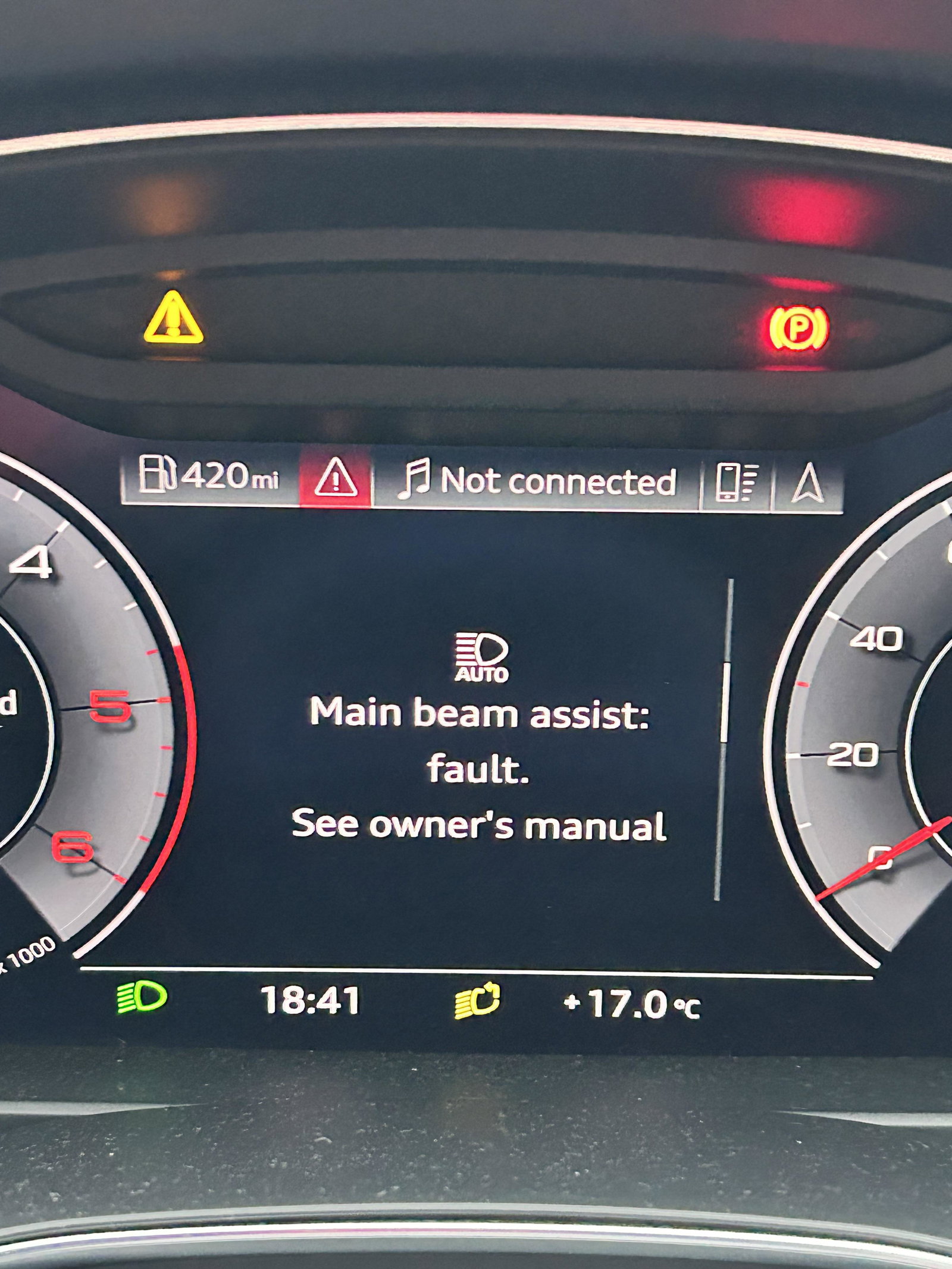
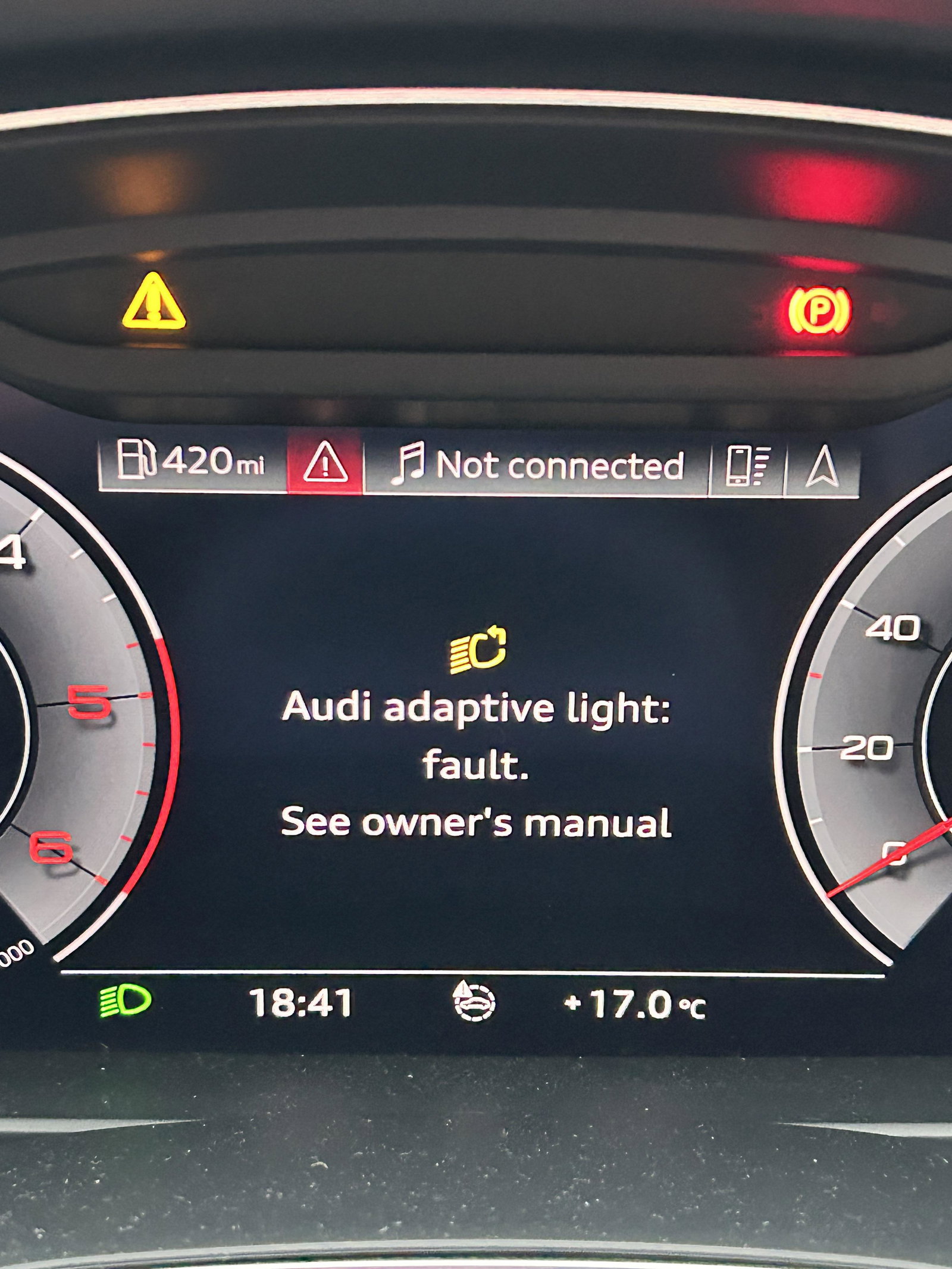
Hi I have had my Audi a6 (2019) for a year and a half now. Iv just had up 4 warning messages up on the dash and I'm just looking forward abit more info because the hand book isn't the best. Just says take it to a local dealer. Any help would be appreciated