Pacco212
Members
-
Joined
-
Last visited
-
Wow cant believe what i been reading here! I work in Safety for a major company and for any large operation to ignore these kind of serious malfunctions is beyond belief? Are they waiting for someone to loose their life through this before they act. If i had read these threads previous to my purchase, it would have changed my decision on buying my recent Audi, I would suggest the media need to highlight this and make people aware of the possible safety hazard that exisits within their product. I could understand their reluctance if these cars had been modified in any way by yourself or previous owners, however if they have not even bothered to send an investigator round to investigate any of these claims this makes me wonder what Audi's Management Values are? Hope you all get some sort of justice out of this soon.
-
Yeah Private buy. I have booked her in for a full check over and lets see what comes of it? Cheers
-
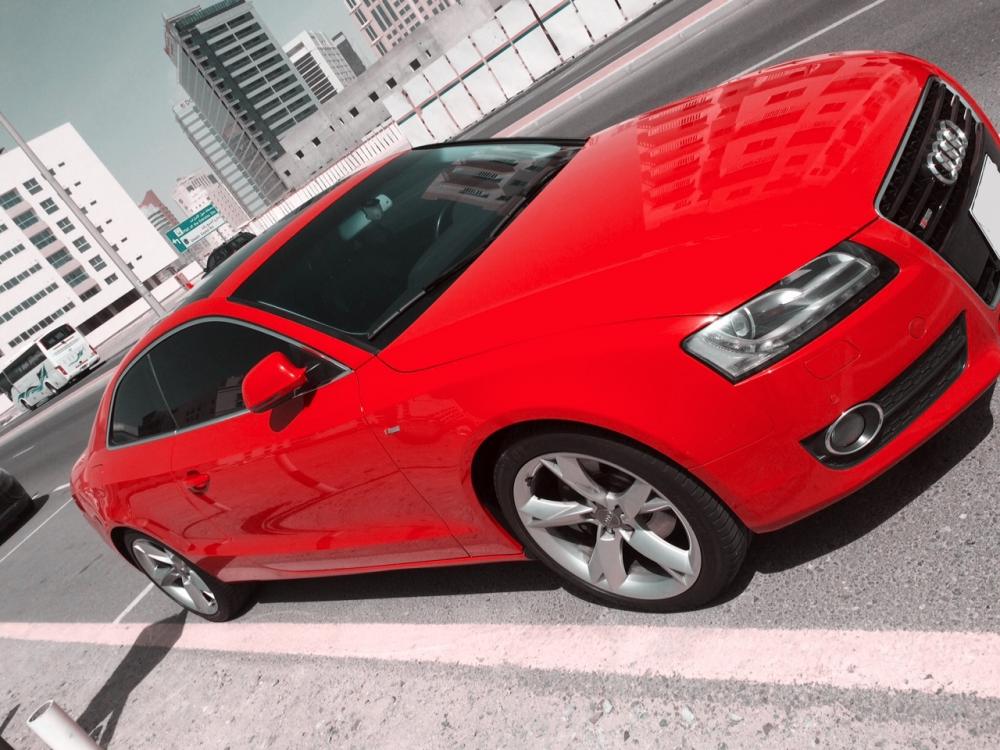
I have just bought an 2009 A5 and had it a week now, Drives great and differs from the old A4 i had few years back. Thing is the Dynamic Steering light comes on now and again and also followed by the traction control light? these reset when car is stopped and restarted? Car has full service and has just been done. Also rear blind appears to be jammed and just clicks away, is there a quick fix for this or do i need a a trip to the local garage?