Charliie
Members
-
Joined
-
Last visited
-
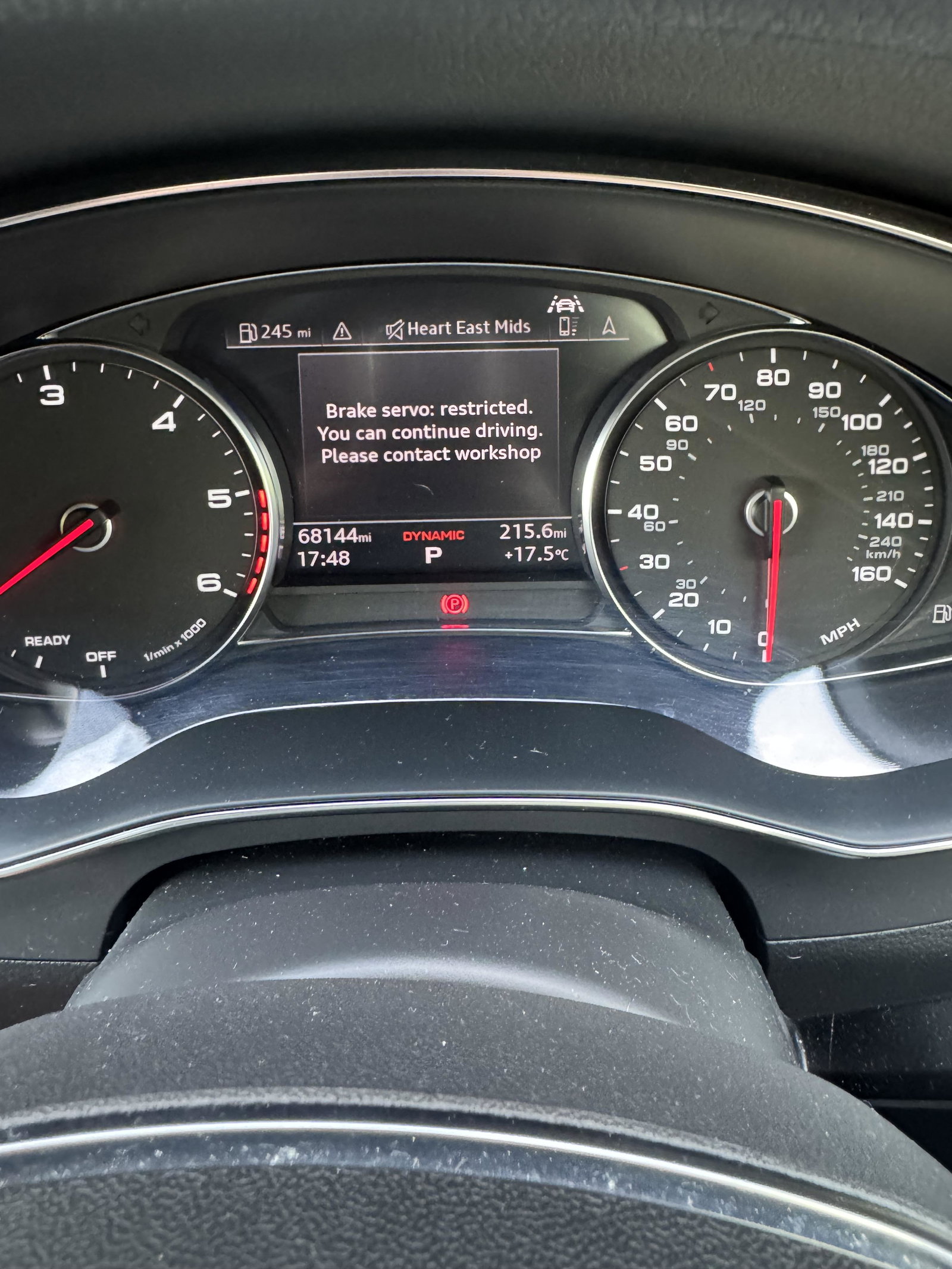
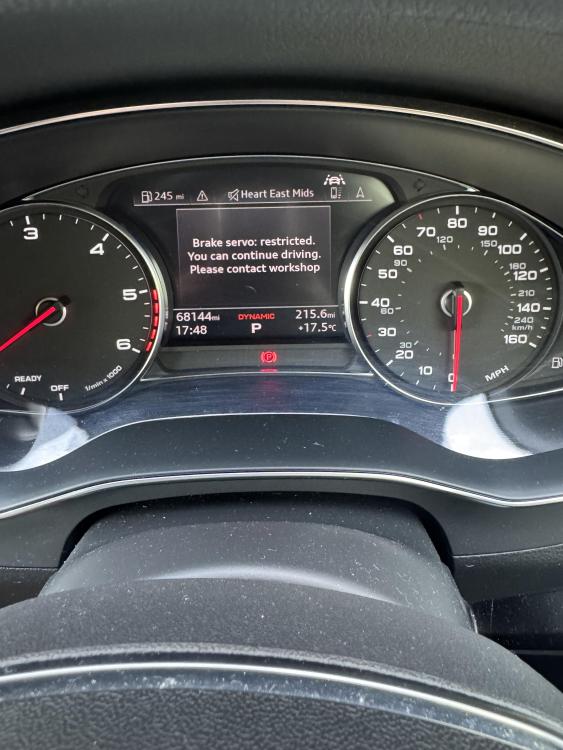
Hi i dont think my alternator be repaired as its water cooled has to be a new new one thanks CharlieWhen the car is running, the batteries only chucking out 12.2 V that’s why I think is the alternatorI have a6 30l c8 that started dying on me the other day and took it to the garage and they said the battery is not charging on it said it’s the alternator. The car has only got 68000 on it. I was just wondering if anybody else has had this issue. Pls help? Could it be something else? My first error message before it died was⬇️ just sceptical changing it because there like £2000 just for part
 Hi mate no I haven’tMy a6 c8 is says oil level maximum posted on here a bit ago about was advised change the oil sensor so i did was all good for a couple months and lights back on 🤦♂️ like said when lift bonnet up it goes off for a day then back on . Anyone help with this plsAll sorted change the oil sensor did an oil change and everything is fine nowCheers Steve. I’m gonna try and replace the sensor this weekend. See if it fixes the problem.Hi, I’ve got an Audi A6 C8 3 L I’ve got a warning light come on my dash saying oil level to full please reduce but when I lift the bonnet and shut the bonnet down again the light goes off, but when I turn the car off and then on again, the light comes back on. Can anybody help me with this problem? car is a Diesel 2019 plate 62000 milis pls help