Rach1999
Members
-
Joined
-
Last visited
Everything posted by Rach1999
-
Nothing as yet, but will be following up with them tomorrow.
-
Thanks Gareth - I will be doing so as soon as possible. In the meantime, I need to drive home tomorrow (2.5hrs) so was hoping to get something sorted asap!
-
Those at the store said “sorry you’ll need to go to our autocentre”, so off I went, and more damage was caused there. I spoke to the manager, who said he would need to speak to the guys first to confirm they did do it… so not much help to be honest!
-
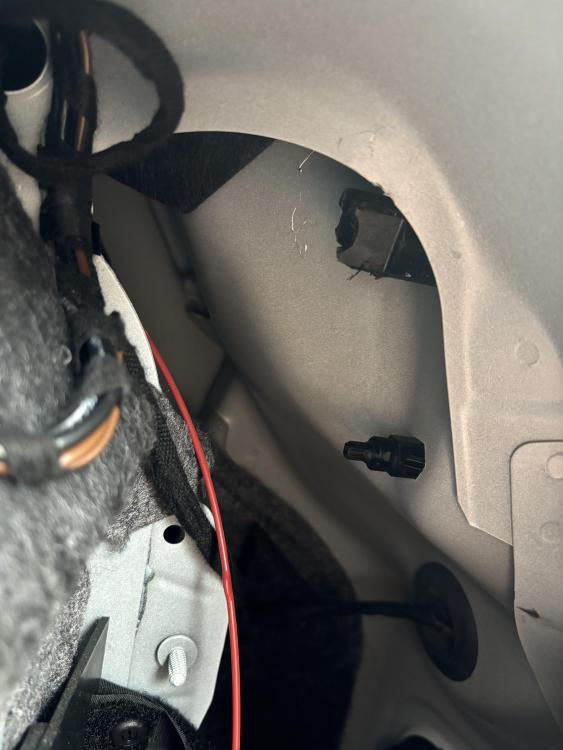
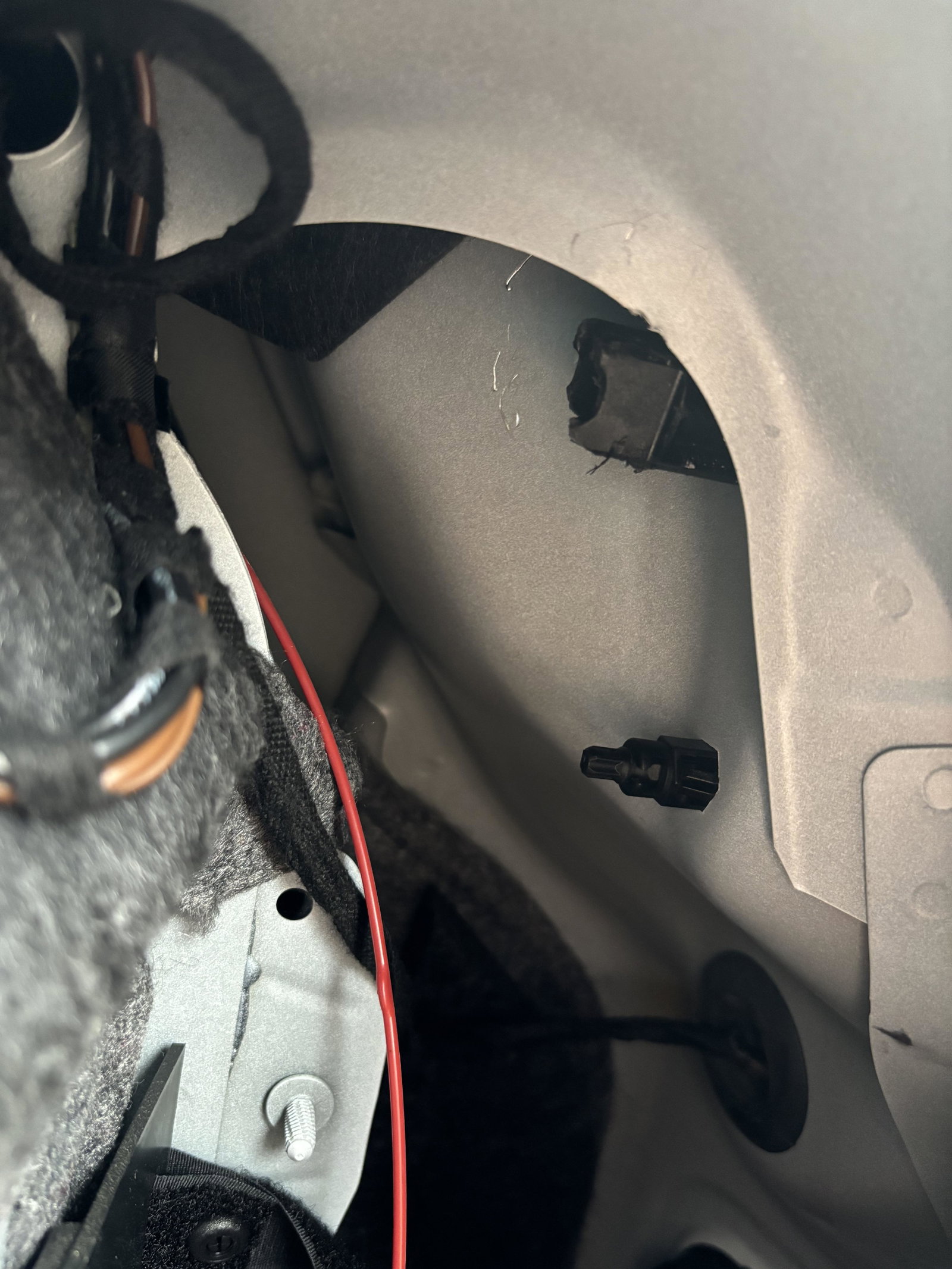
Hi everyone, My tail light is out, so thinking it was a quick fix I took it to Halfords for a replacement. They have butchered the square shaped bolt that needs to be removed to replace the light (pic attached so you can see what I’m working with). Does anyone have any suggestions for how I can now get this bolt out to replace the light? It’s very very tightly screwed in!