Skip to content
View in the app

A better way to browse. Learn more.

Audi Owners Club (UK)

A full-screen app on your home screen with push notifications, badges and more.

To install this app on iOS and iPadOS
  1. Tap the Share icon in Safari
  2. Scroll the menu and tap Add to Home Screen.
  3. Tap Add in the top-right corner.
To install this app on Android
  1. Tap the 3-dot menu (⋮) in the top-right corner of the browser.
  2. Tap Add to Home screen or Install app.
  3. Confirm by tapping Install.


Odhran

Members
  • Joined

  • Last visited

Everything posted by Odhran

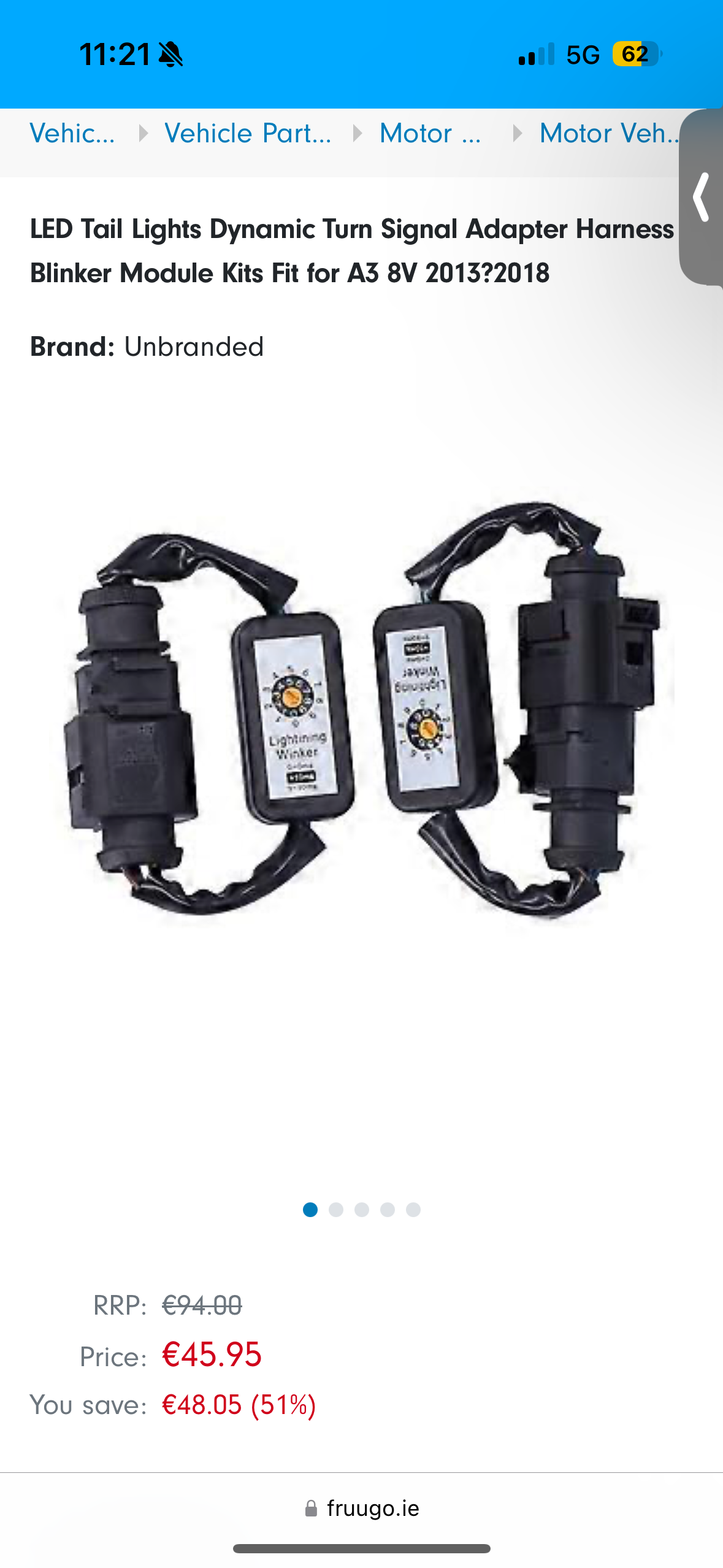
  1. Thanks Steve. I think they’re factory with a relay system connected( I’ll include a picture of what I think it has). I haven’t taken them apart yet so I’m not sure if they are aftermarket. I bought the car and it had this feature and assumed it was just coded like this.
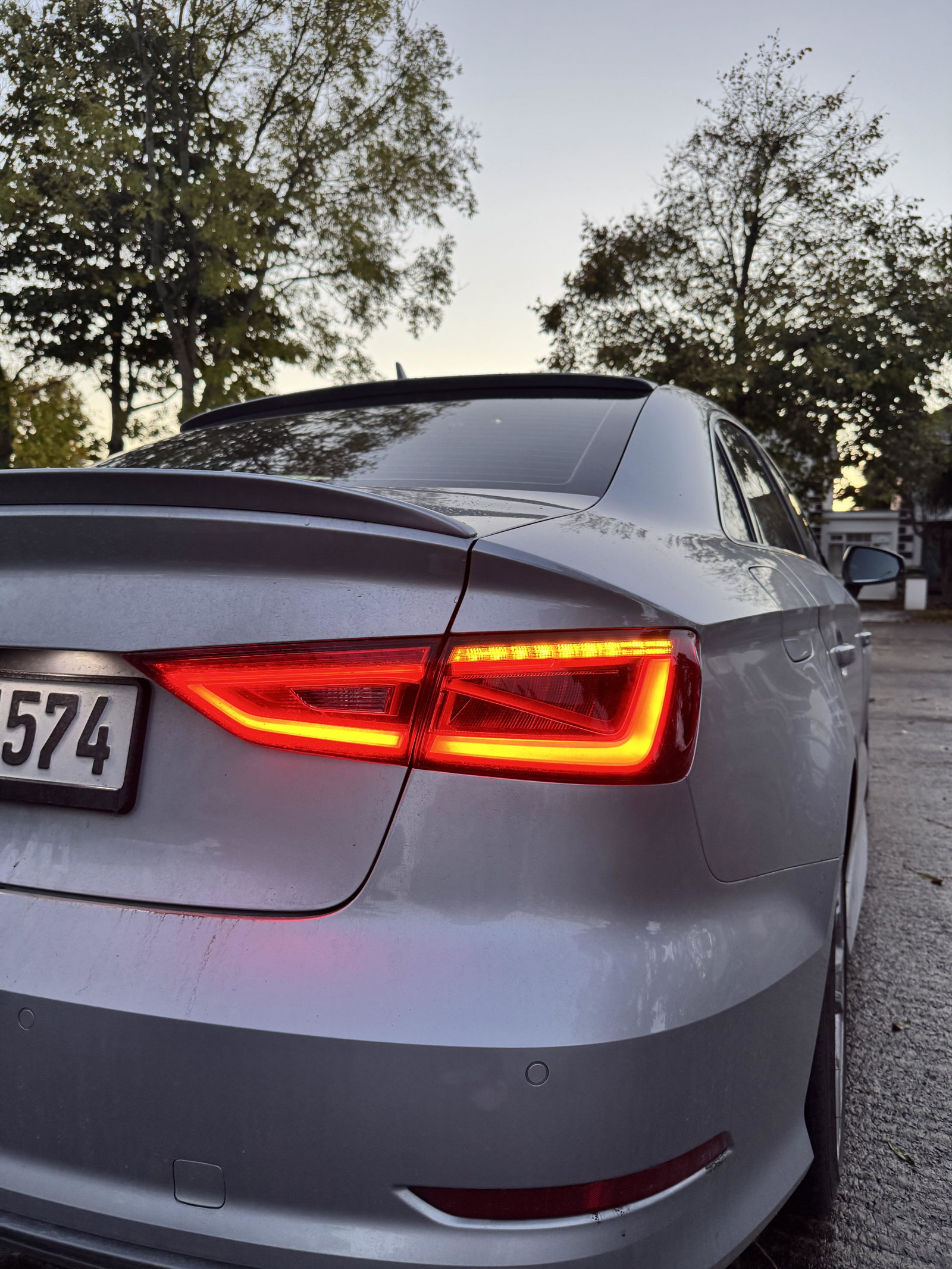
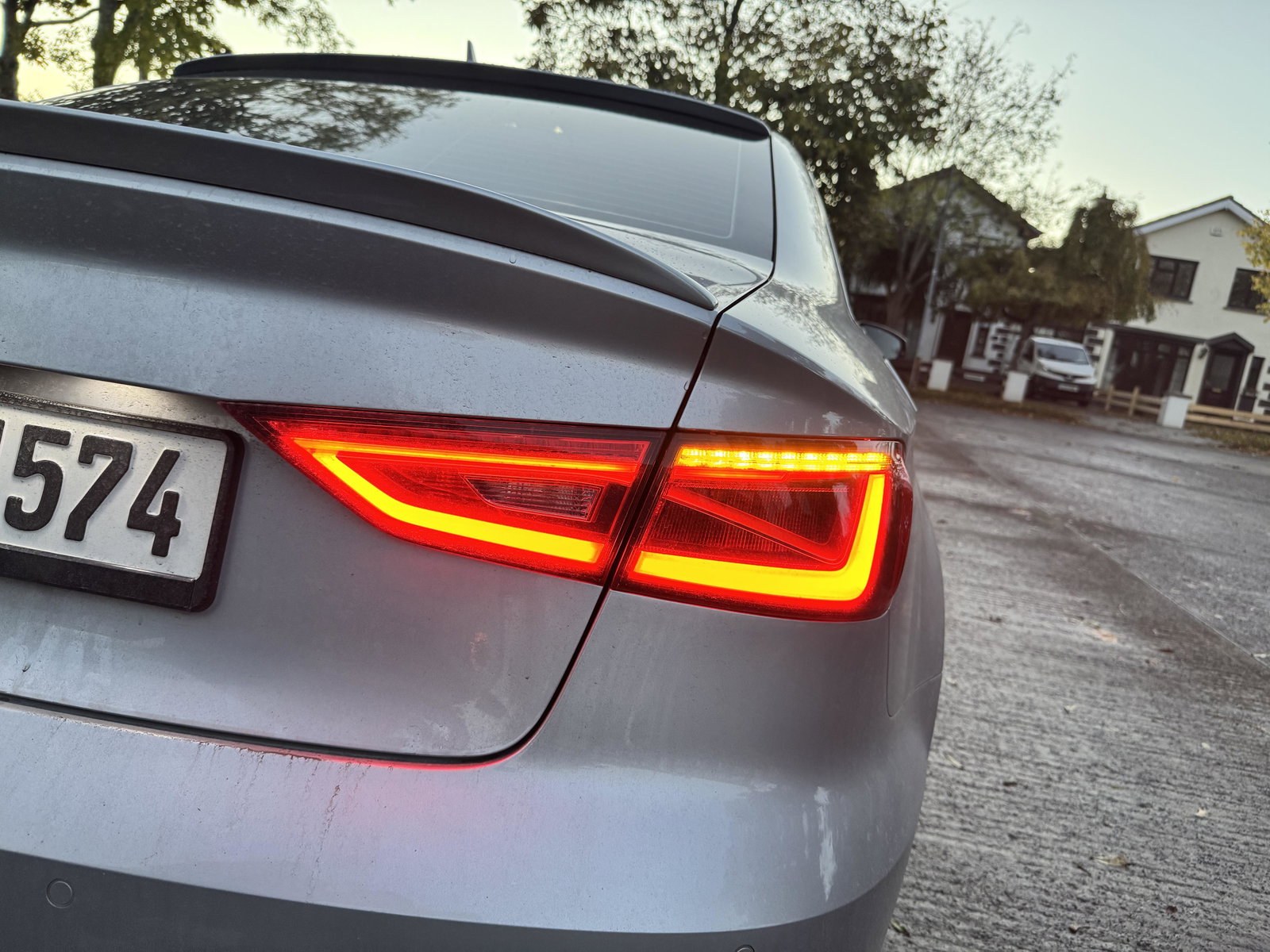
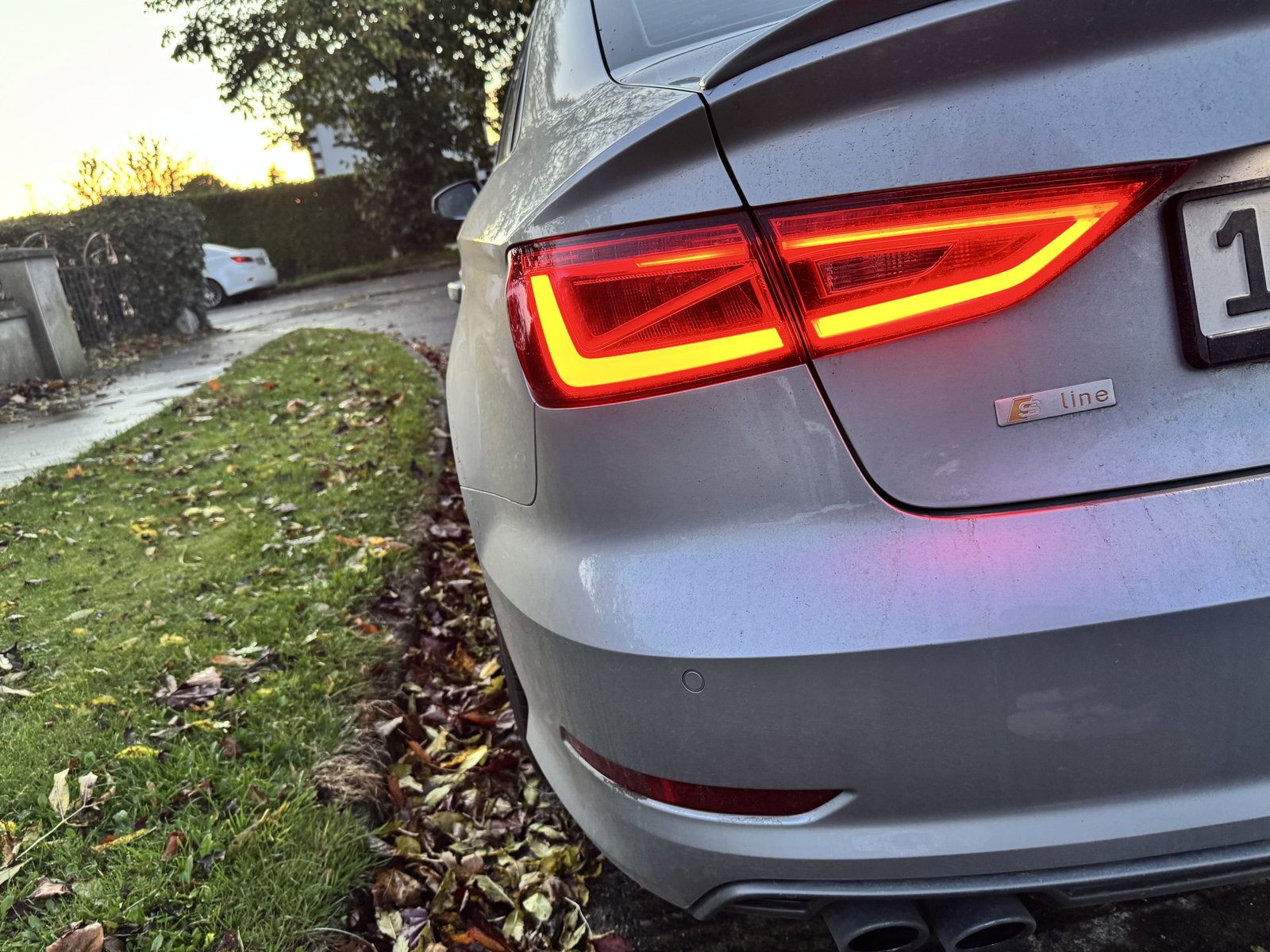
  2. Left hand side is normal.Right indicator is the stuck on at all times.
  3. Hey, Just wondering does anyone know what the fix might be for this? I have Semi Dynamic indicators on my 8V PFL but the far right indicator stays on at all times. Could it be a relay problem and that’s why it’s stuck on or does it need coding?




Background Picker
Customize Layout

Account

Navigation

Search

Search

Configure browser push notifications

Chrome (Android)
  1. Tap the lock icon next to the address bar.
  2. Tap Permissions → Notifications.
  3. Adjust your preference.
Chrome (Desktop)
  1. Click the padlock icon in the address bar.
  2. Select Site settings.
  3. Find Notifications and adjust your preference.