Skip to content
View in the app

A better way to browse. Learn more.

Audi Owners Club (UK)

A full-screen app on your home screen with push notifications, badges and more.

To install this app on iOS and iPadOS
  1. Tap the Share icon in Safari
  2. Scroll the menu and tap Add to Home Screen.
  3. Tap Add in the top-right corner.
To install this app on Android
  1. Tap the 3-dot menu (⋮) in the top-right corner of the browser.
  2. Tap Add to Home screen or Install app.
  3. Confirm by tapping Install.

Ryan1988

Members
  • Joined

  • Last visited

Everything posted by Ryan1988

  1. Got some led ones that said warning/error free for make and model didn't work so just got the normal bulbs thank for all replys and help appreciated it
  2. Will do
  3. Right ok I'll have a search for the ones what you have said thank you
  4. I will order the same bulbs and try them thank you. Yes I've been inside to see if I could put LEDs in dosent look like I can I've gave it a good clean on the inside and out Thank you
  5. Thank you don't really want to change the car from factory just the brightness of the bulbs thank you for replying
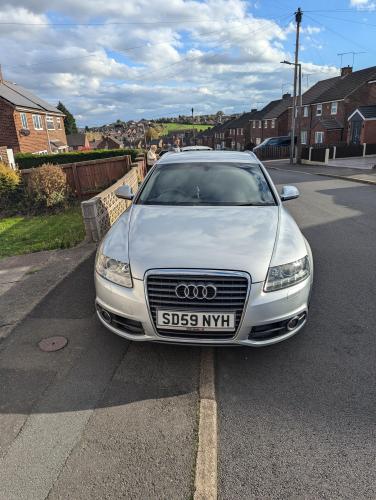
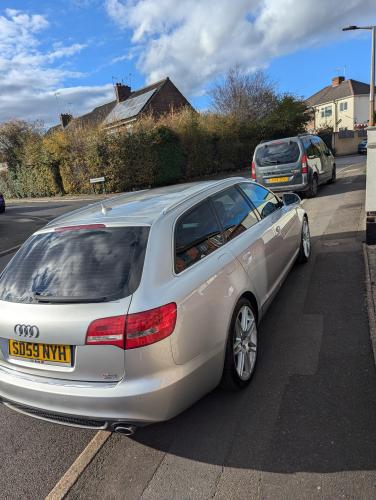
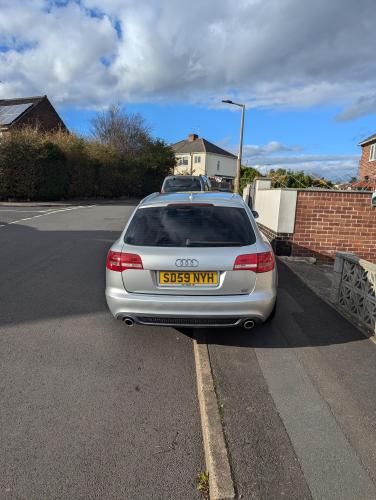
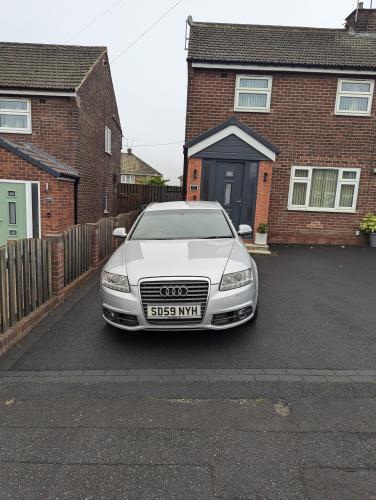
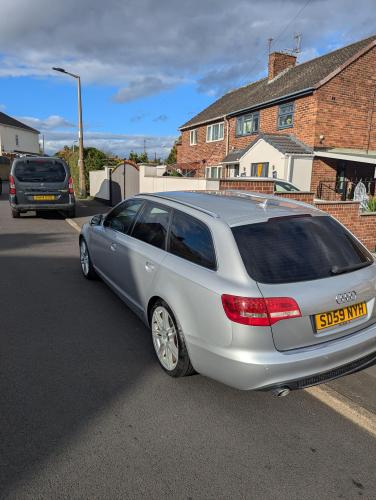
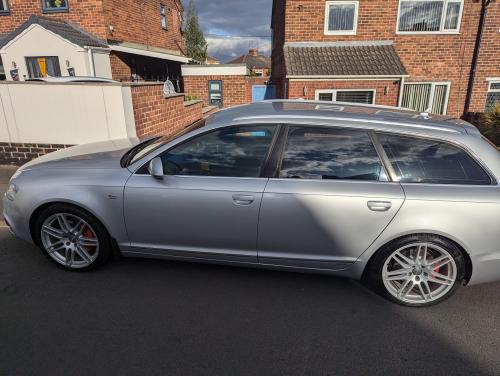
  6. Does anybody know the best/ brightest reverse lights as need them to light up as much as possible where I park the car thanks in advance


Background Picker
Customize Layout

Account

Navigation

Search

Search

Configure browser push notifications

Chrome (Android)
  1. Tap the lock icon next to the address bar.
  2. Tap Permissions → Notifications.
  3. Adjust your preference.
Chrome (Desktop)
  1. Click the padlock icon in the address bar.
  2. Select Site settings.
  3. Find Notifications and adjust your preference.