




Skip to content
View in the app

A better way to browse. Learn more.

Audi Owners Club (UK)

A full-screen app on your home screen with push notifications, badges and more.

To install this app on iOS and iPadOS
  1. Tap the Share icon in Safari
  2. Scroll the menu and tap Add to Home Screen.
  3. Tap Add in the top-right corner.
To install this app on Android
  1. Tap the 3-dot menu (⋮) in the top-right corner of the browser.
  2. Tap Add to Home screen or Install app.
  3. Confirm by tapping Install.

SQ6_Steve

Members
  • Joined

  • Last visited

Everything posted by SQ6_Steve

  1. So far i dont think Q6 sends notifications like RRs to say you forgot to lock etc. It confirms action in app if you ask to lock or unlock for example but no seen anything outside of that.
  2. I have v4.28 MyAudi with Push Noticiations present in App settings
  3. Love to know where you change the sound levels for outside noise other than mode change please? Thank you Steve
  4. I miss these in my Q6. My previous Range Rovers have had this standard for years and great reminders when on unfamiliar roads. I sure someone will work out how to load POI's via USB stick.
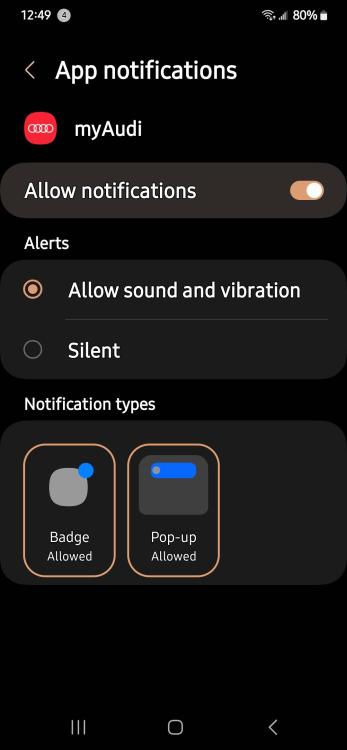
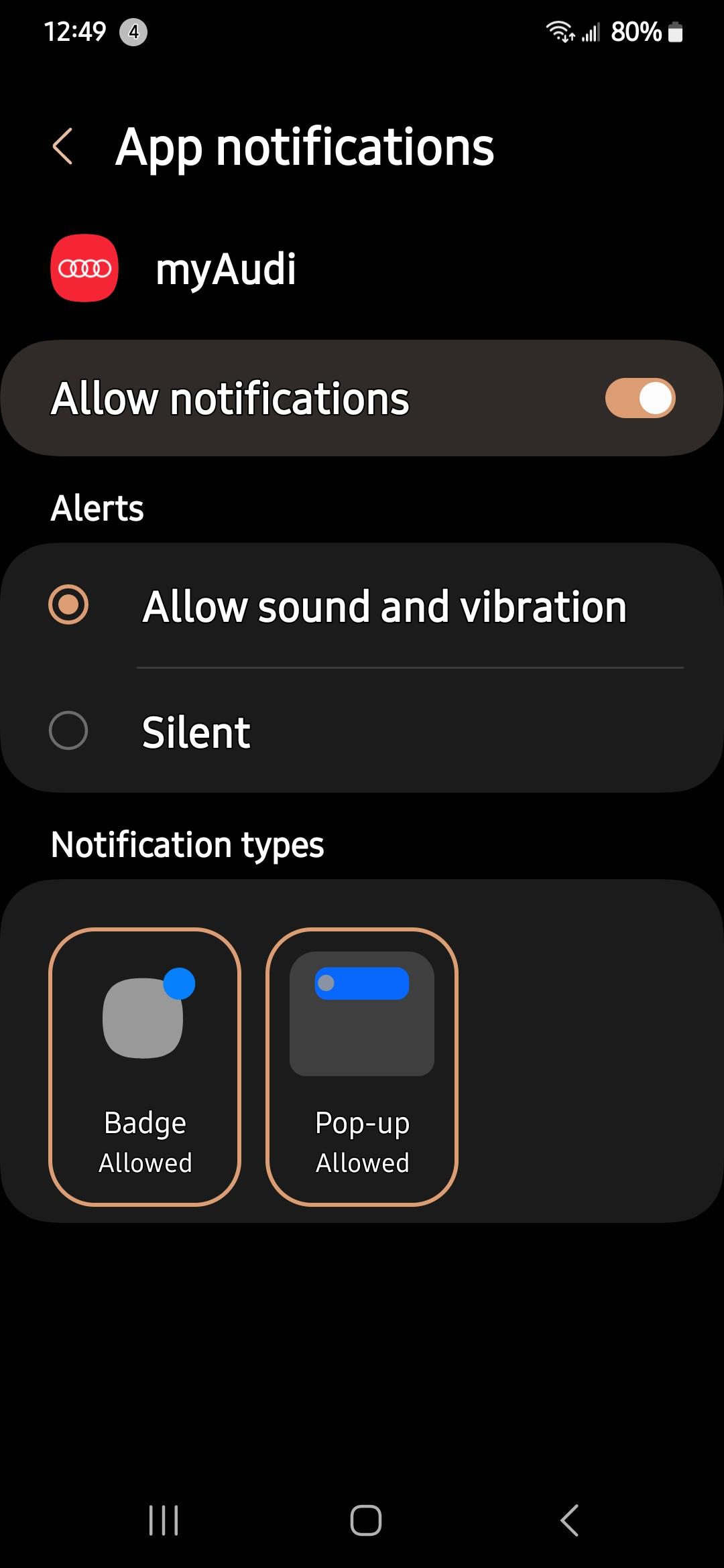
  5. I think your phone should have notification settings you can enable for the MyAudi app too. Also under Account in App settings you'll find a section for Push Notifications you can enable for the app.


Background Picker
Customize Layout

Account

Navigation

Search

Search

Configure browser push notifications

Chrome (Android)
  1. Tap the lock icon next to the address bar.
  2. Tap Permissions → Notifications.
  3. Adjust your preference.
Chrome (Desktop)
  1. Click the padlock icon in the address bar.
  2. Select Site settings.
  3. Find Notifications and adjust your preference.