
wendyg
Members
-
Joined
-
Last visited
Everything posted by wendyg
-
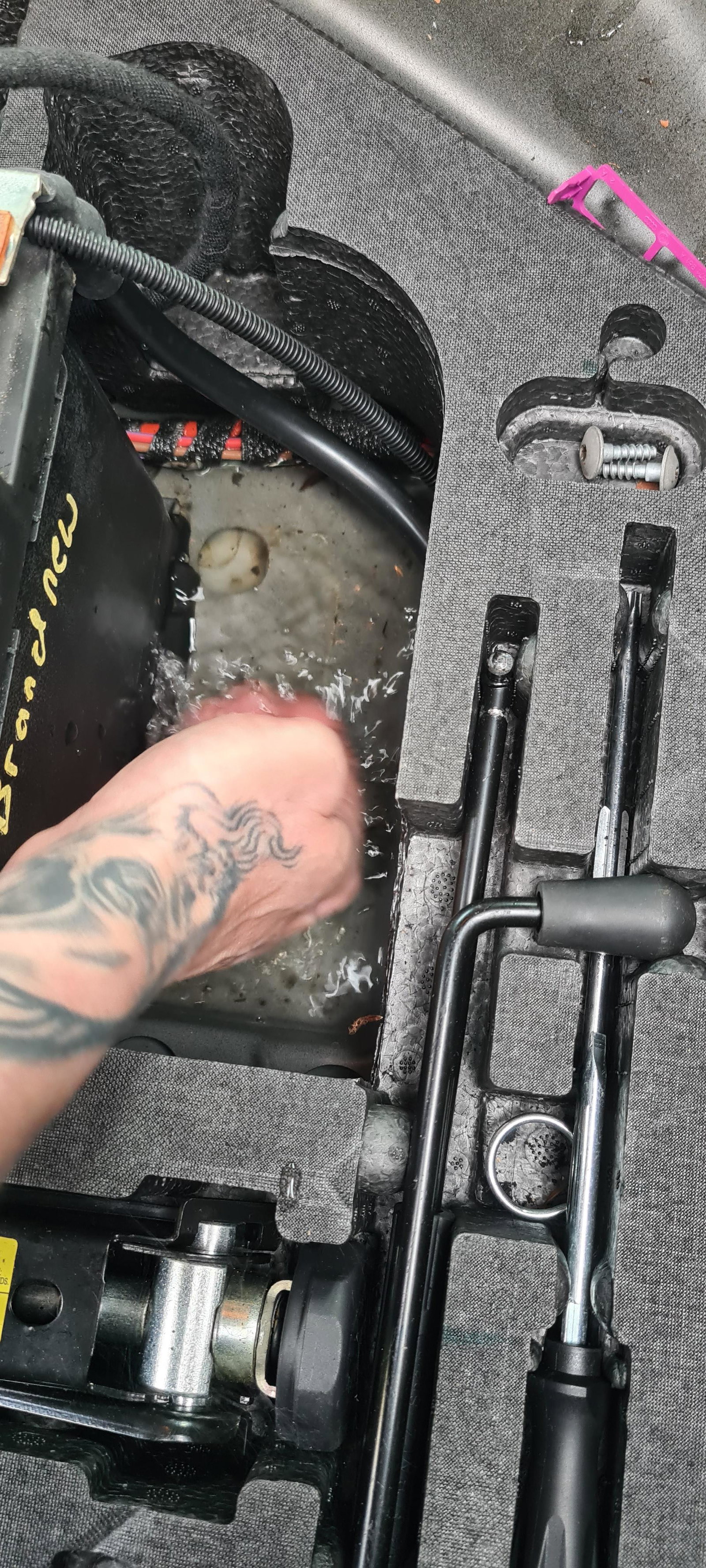
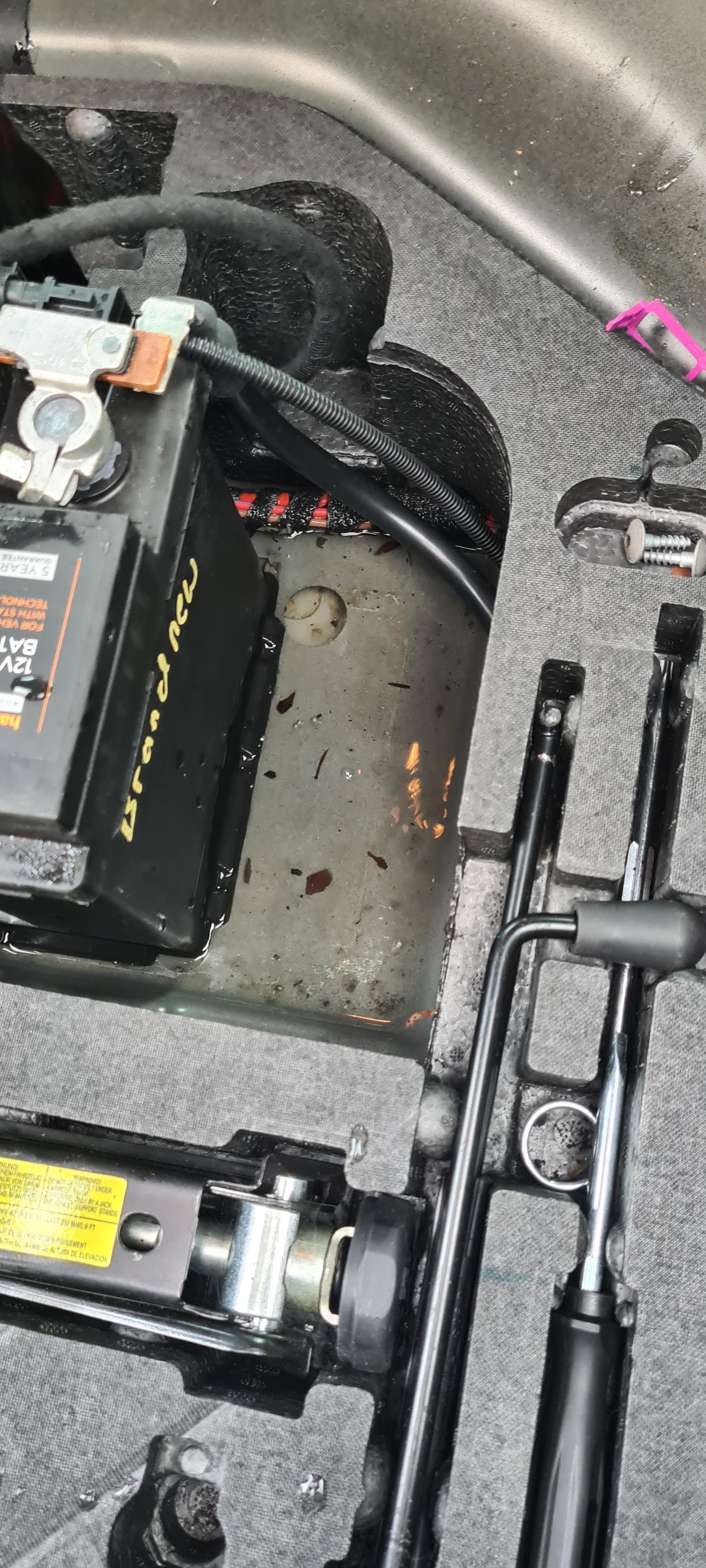
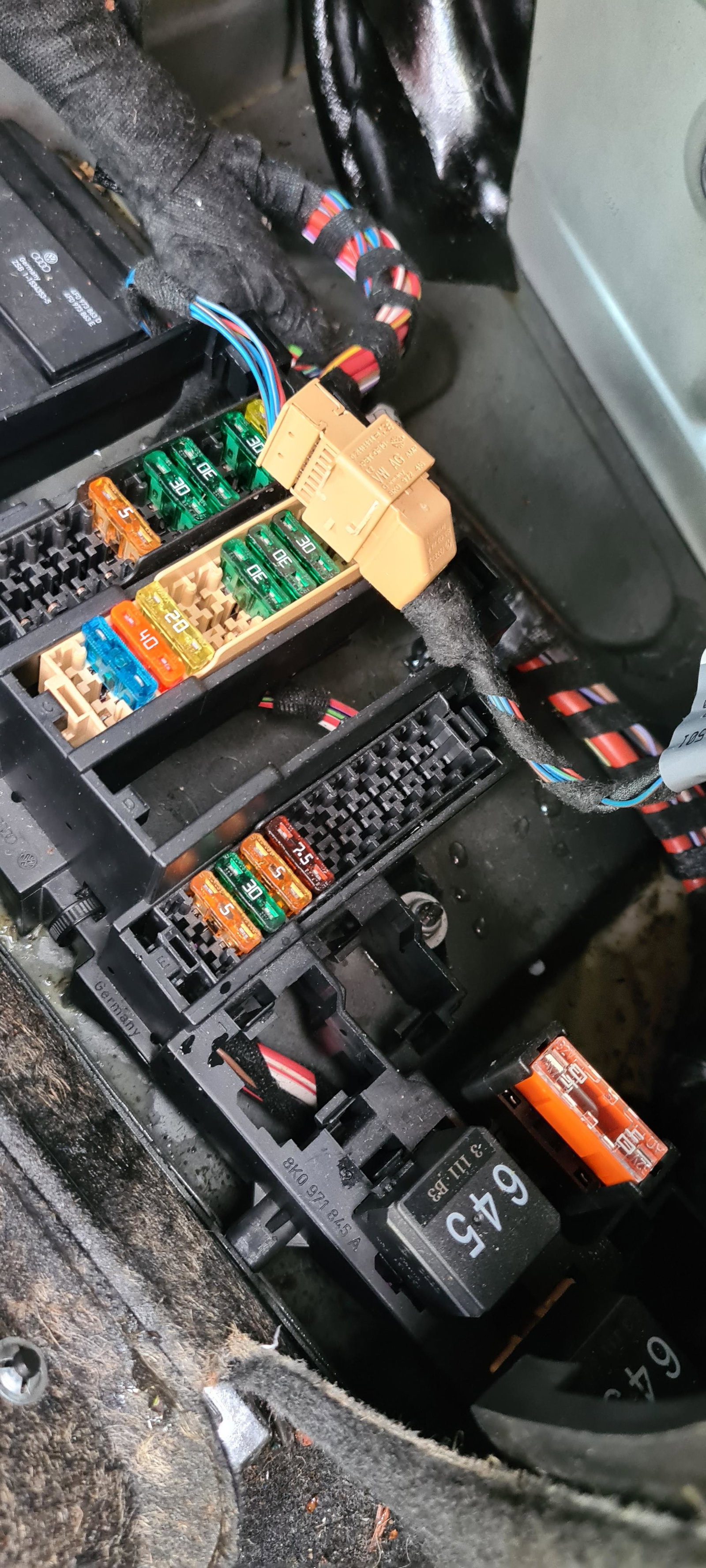
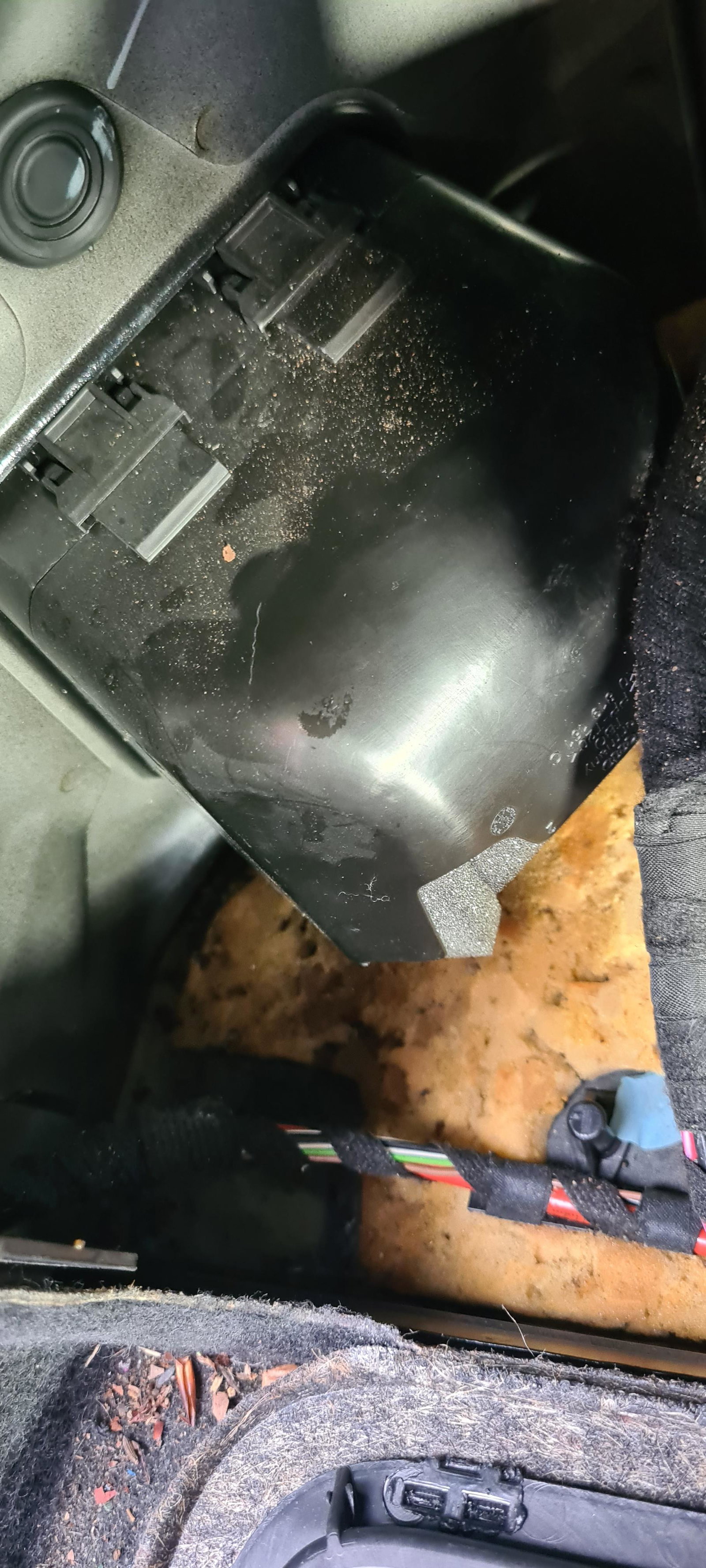
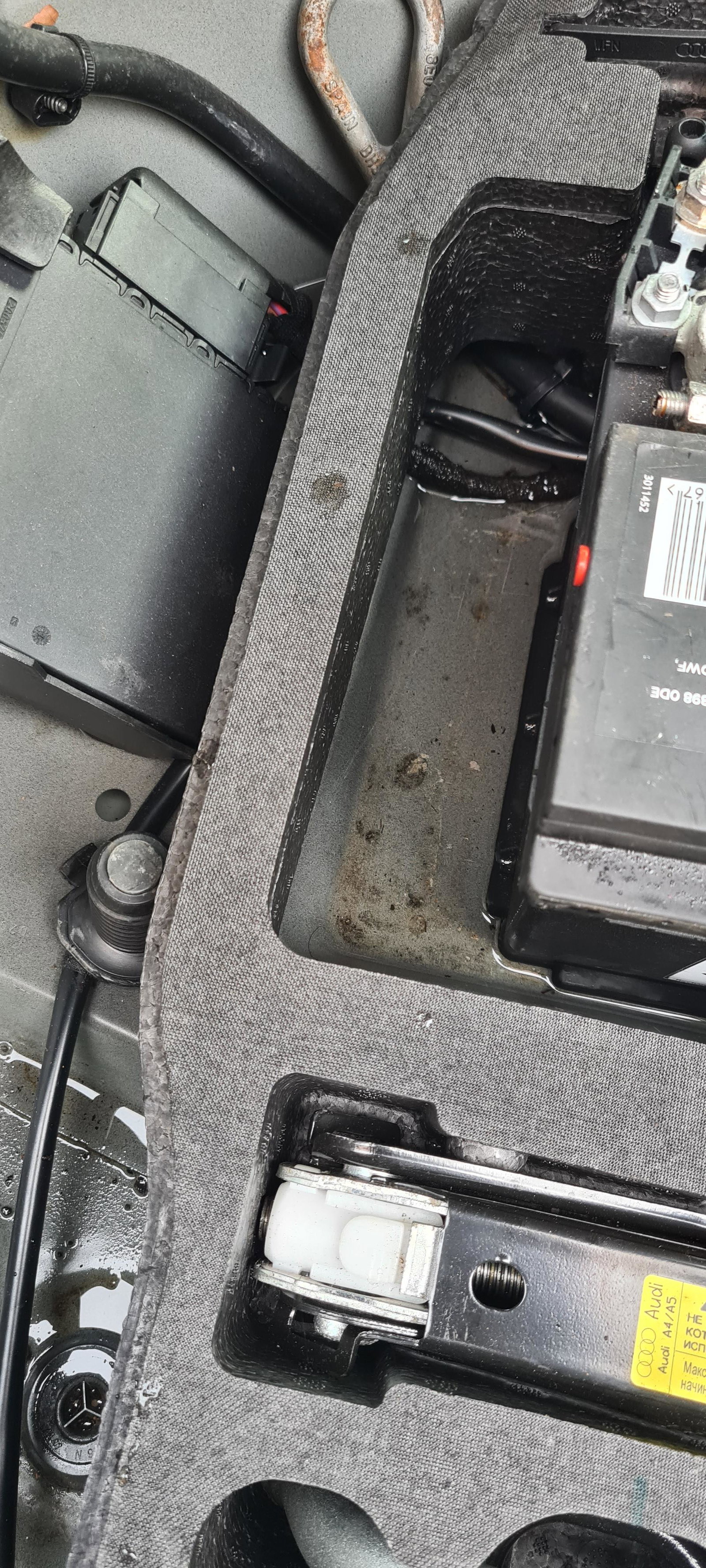
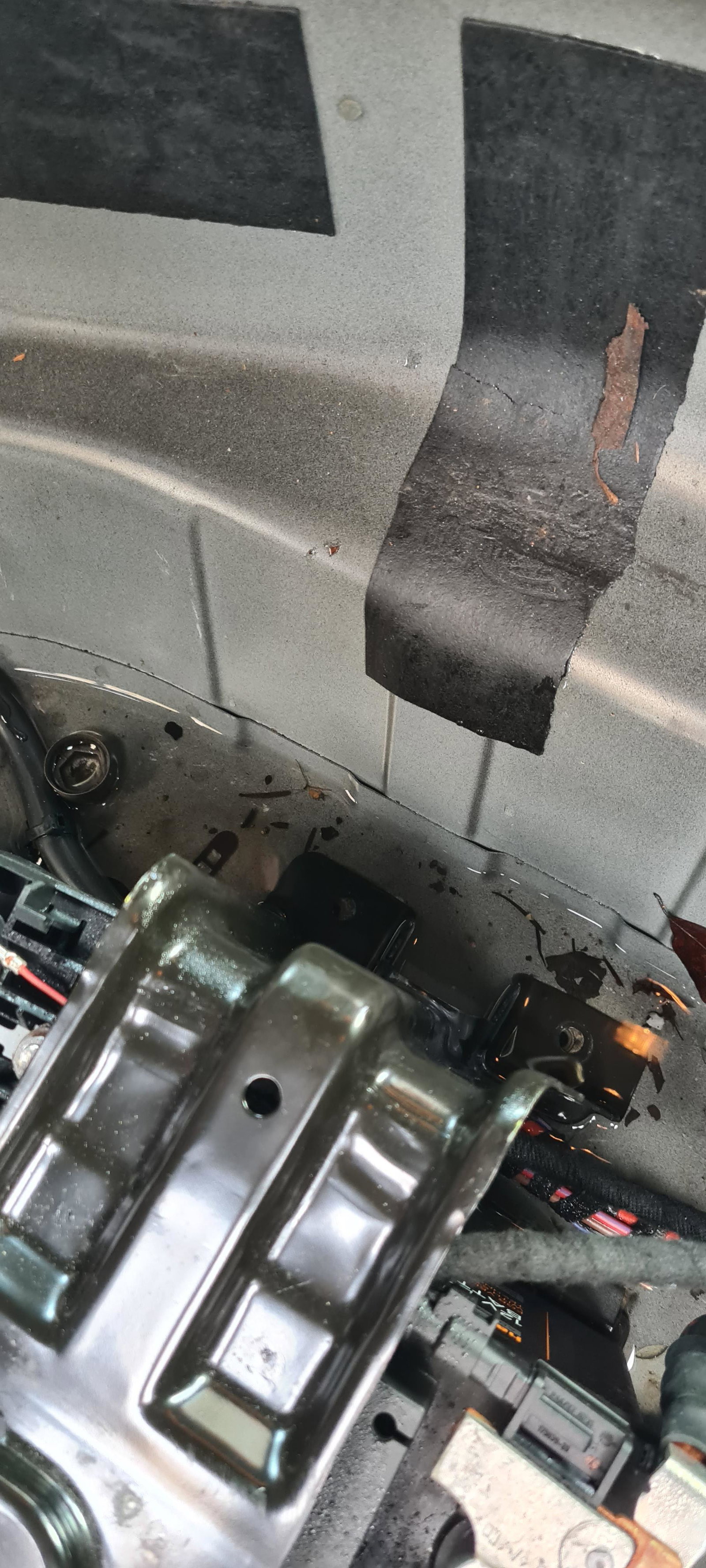
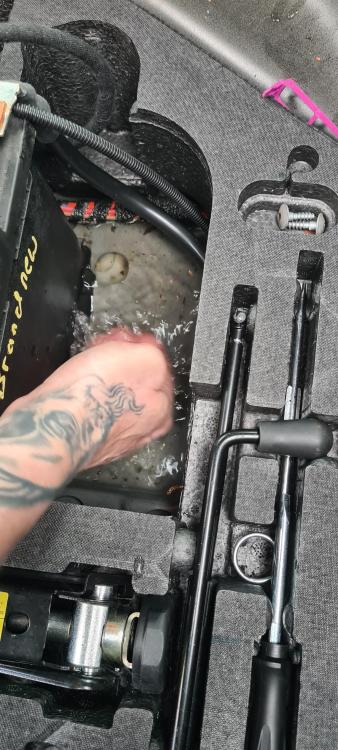
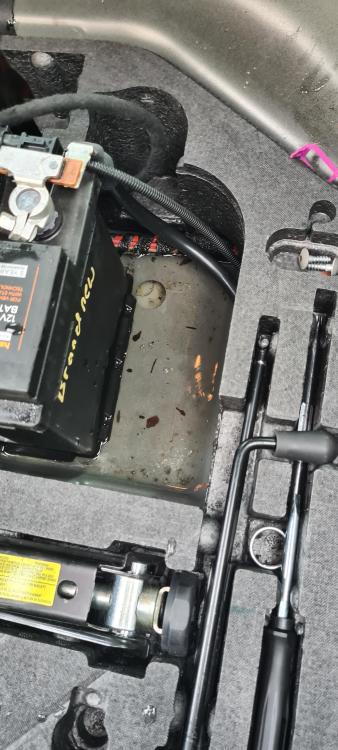
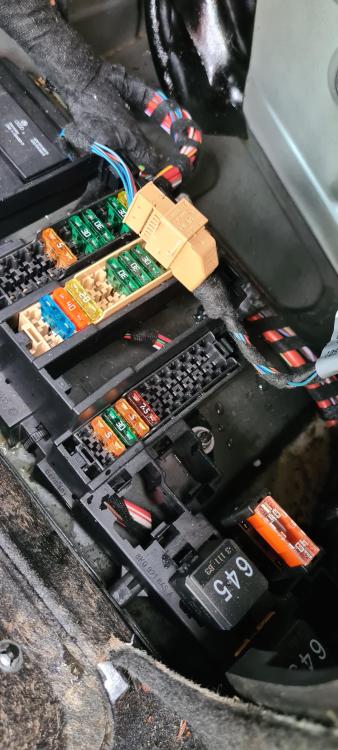
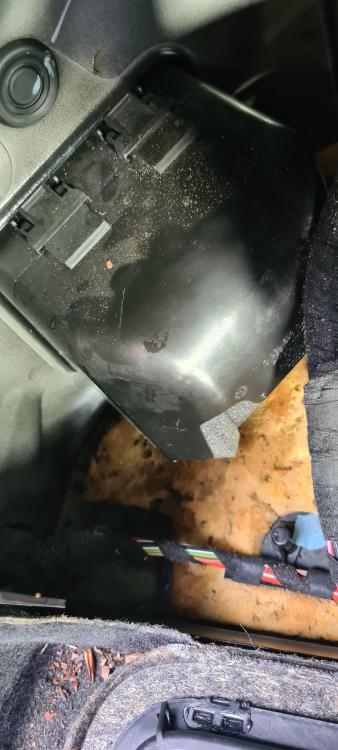
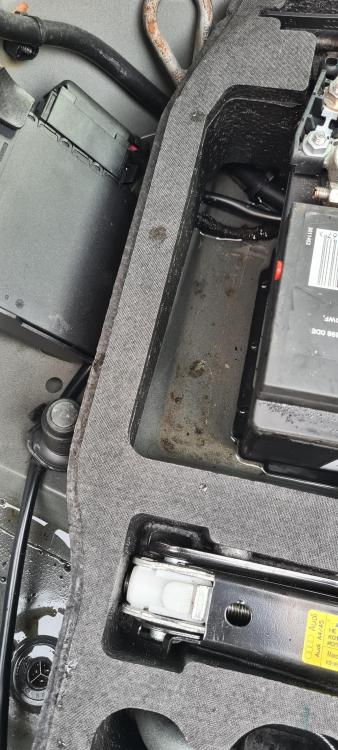
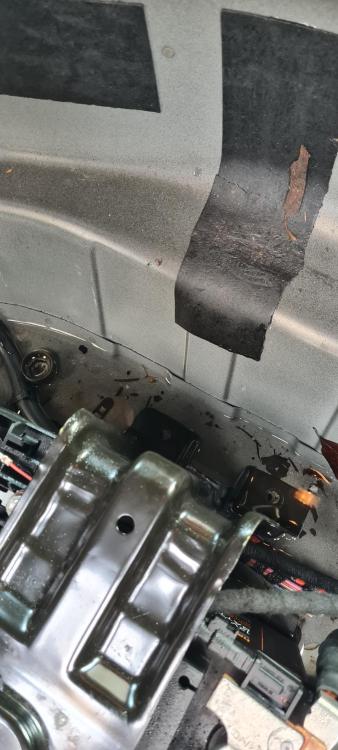
The boot well is about 2cm deep with water. All around the battery, and around the fuse boxes. I've been in the boot, with it closed, while someone poured water over it. But saw nothing coming in. Taken the lights out, no obvious signs there. Had a good look all around, just can't see how it's getting in! Any ideas please?
-
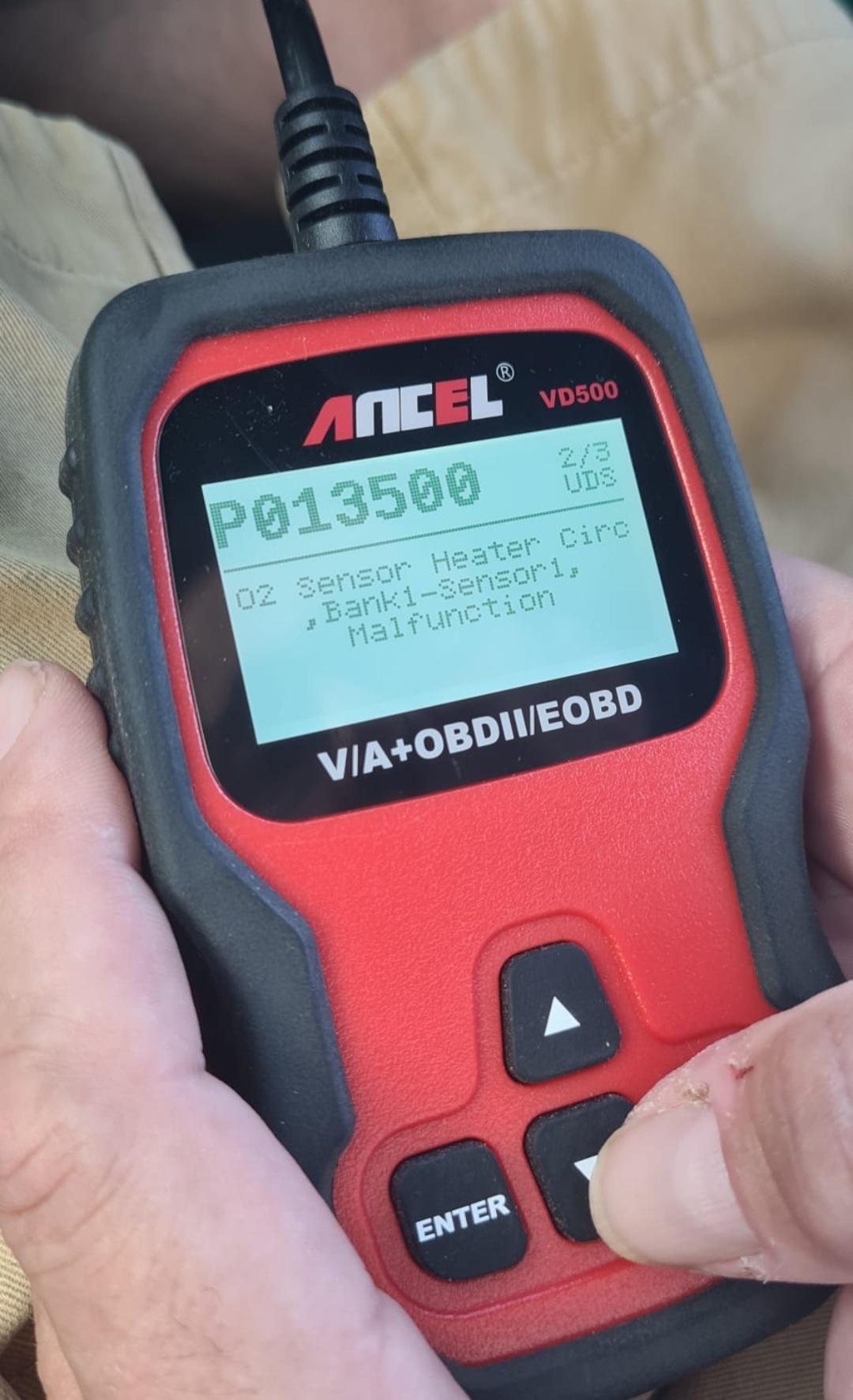
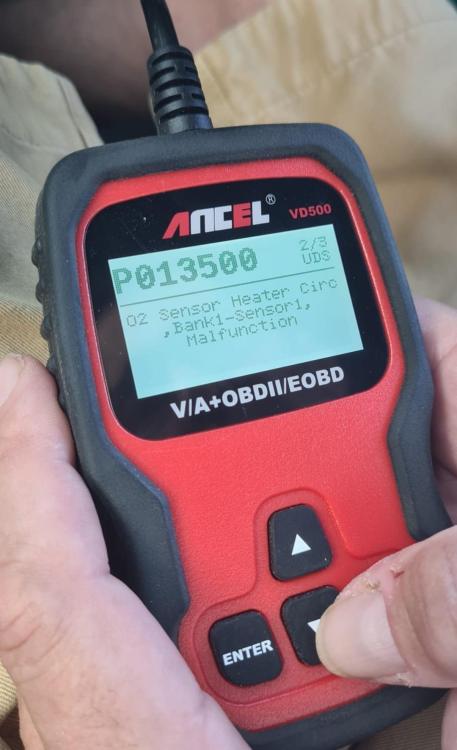
Audi A4 TDI 2013. Had a few faults which have been sorted, but this one is just baffling us. We have changed the Lambda/Oxygen Sensor, but it is still coming up. I've read that it could possibly be the fuse? I've looked everywhere and can't find a location for it. Any ideas where it is? Any other ideas to to help fix would be appreciated. Thank you in advance
-
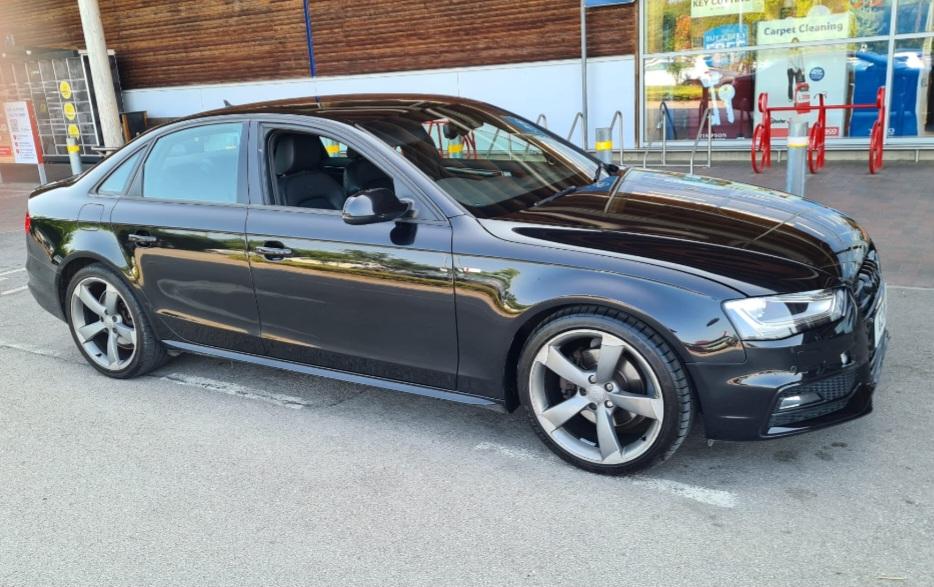
Audi A4 B8 2013. MMI let's me connect my phone for calls but not for audio. I had an issue a while ago where the MMI wouldn't work at all, but got that sorted, turned out to be a fuse. Everything was then working fine, it's just suddenly stopped playing the audio through my phone. Any ideas please? Thank you
-
Hi All. I have an Audi A4 Black Edition 2013 and the MMI System is not working properly. Sometimes it connects to my phone, sometimes it doesn't. It randomly switches completely off then on again. Sometimes it freezes and won't load and just now, the radio was playing and wouldn't turn off at all when turning the engine off. It's really frustrating. Any help and advice would be greatly appreciated. Thank you