rmbossvr6
Members
-
Joined
-
Last visited
-
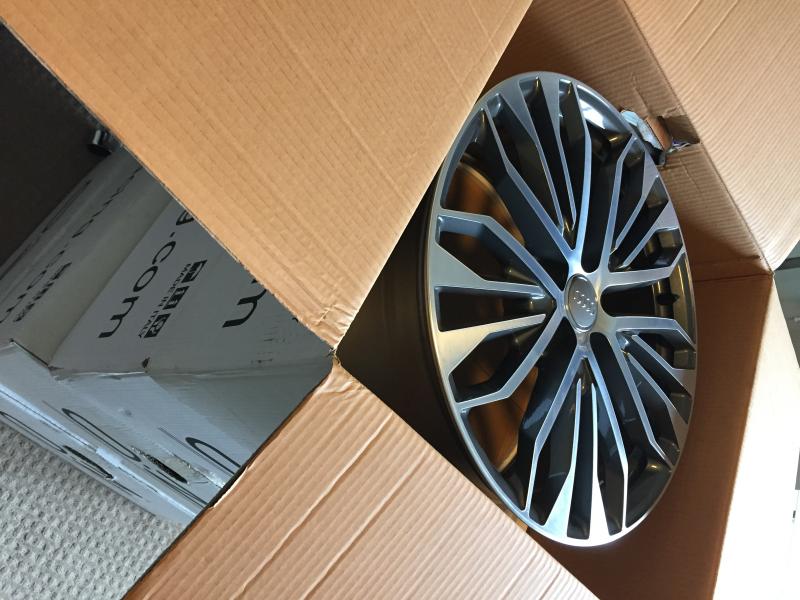
Hi. I got 20” wheels on my a6 black edition and Im looking for straight swap for the other type of 20” alloys (5 arms star design) I think mine are called 5 twin spokes. No money on top, straight swap and we keeping own tyres. They must been un-touched as mine. Like new lol 07553030263 Thanks
-
Thanks for that mate. I went from 17 into 19 but never tought about the tracking. Yeah quattro is seperate think, used to have 1 and always been carefull with tyres tread level and pattern. Thanks
-
Can you explain me Steve what tracking got to do with new set of wheels ? Thanks
-
The car is on ebay for £1395
-
Thanks James. It is clean in every aspect. Im no in rush to sell the car. Want him to go into good hand or stay with me.
-
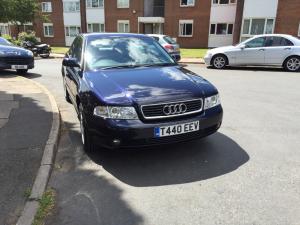
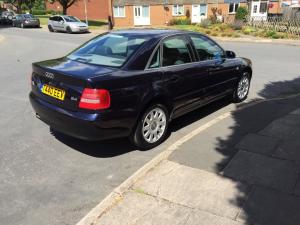
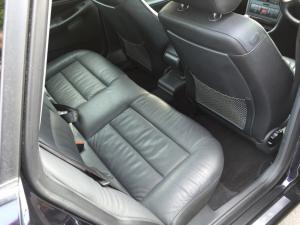
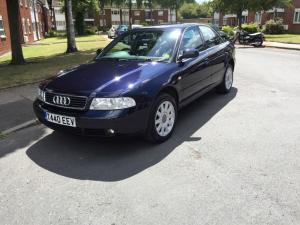
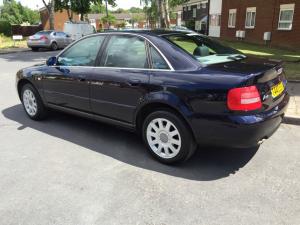
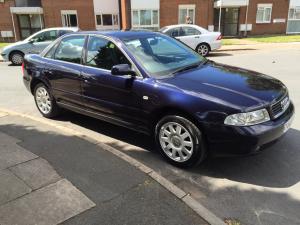
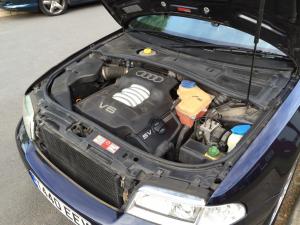
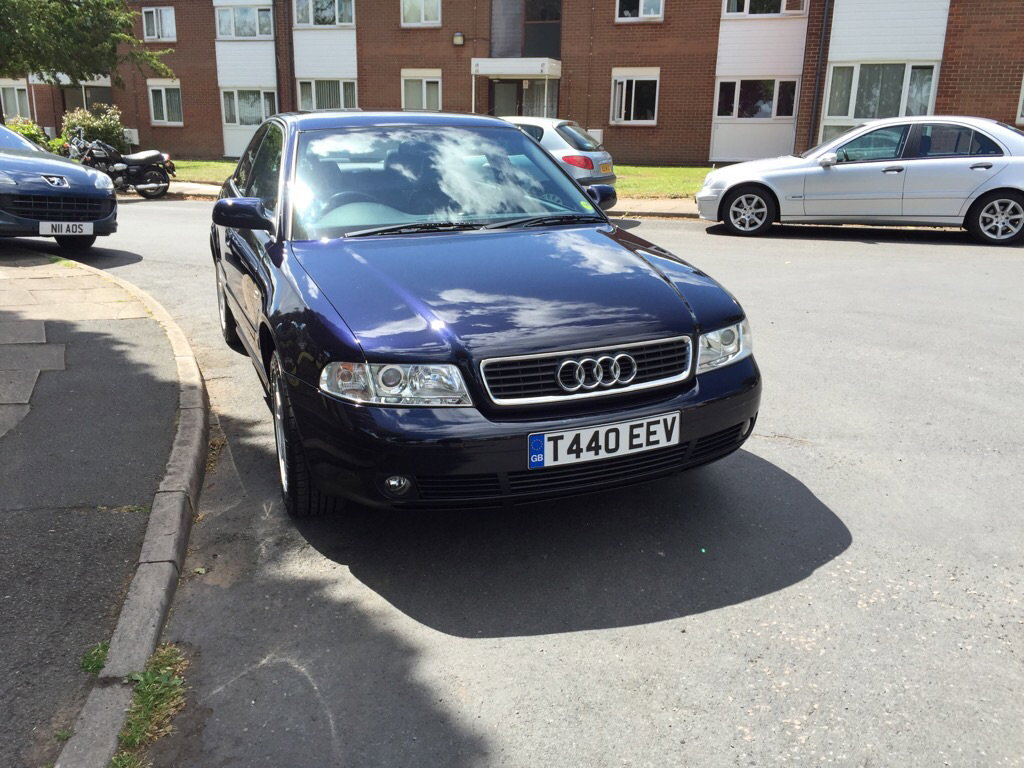
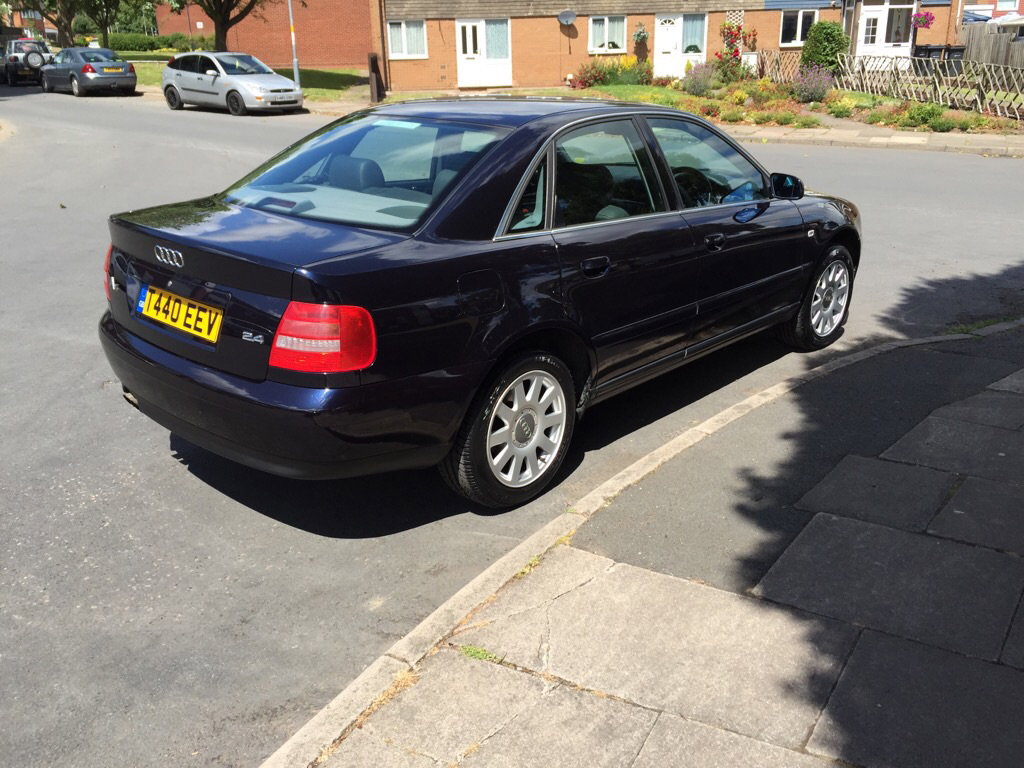
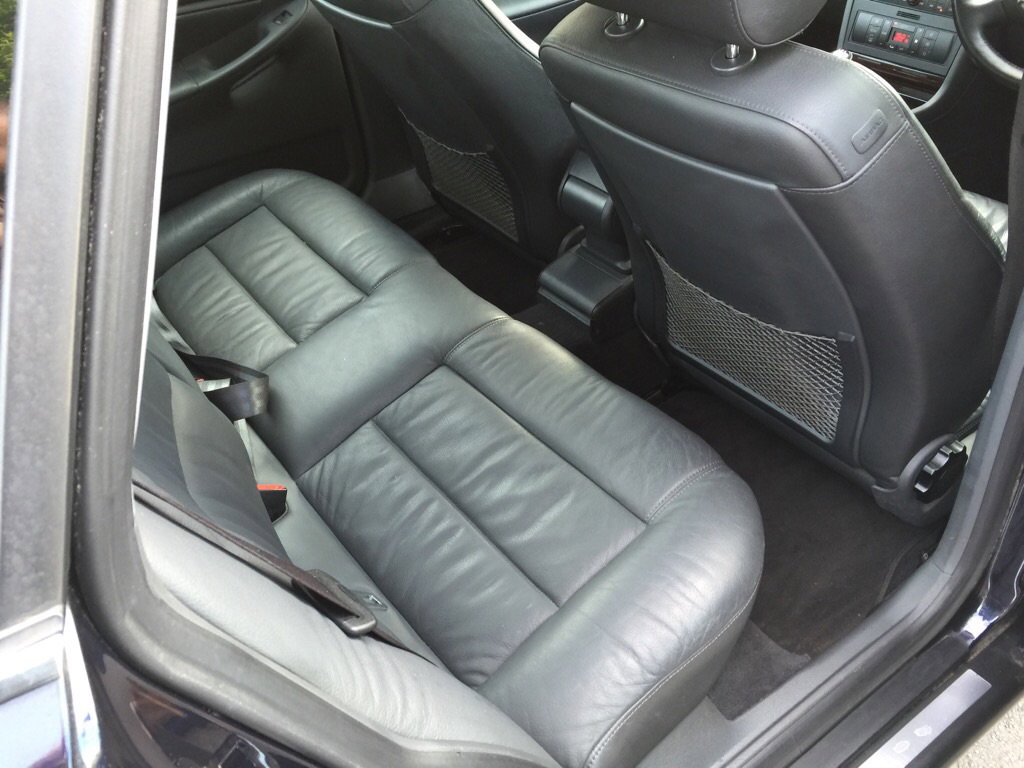
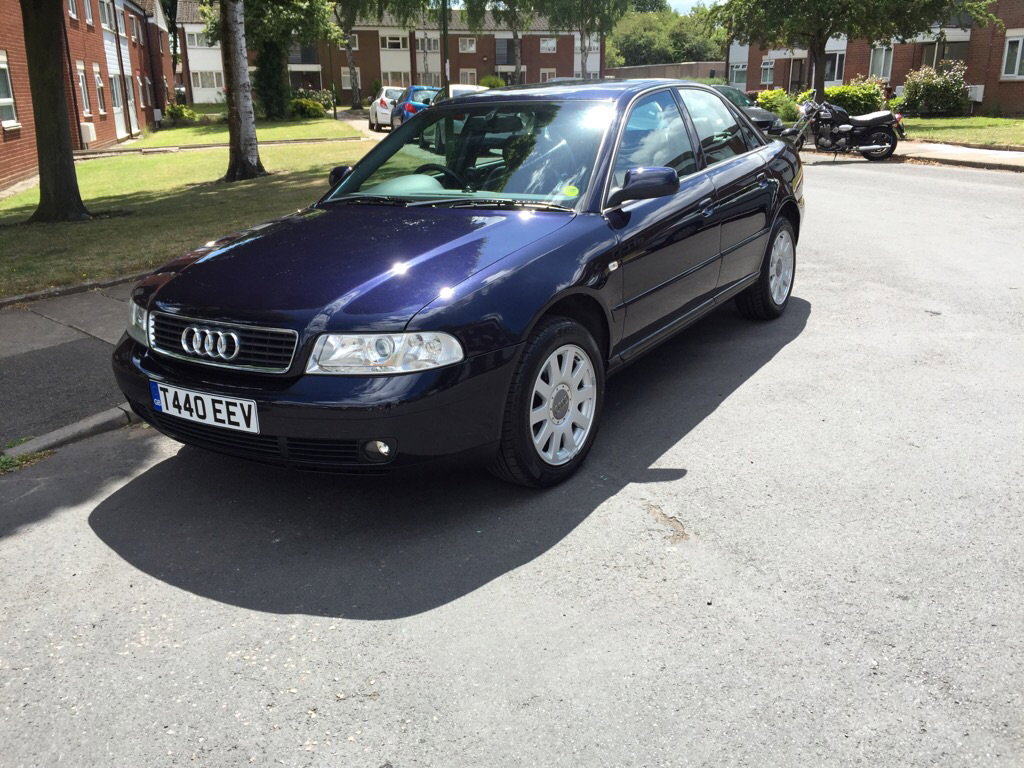
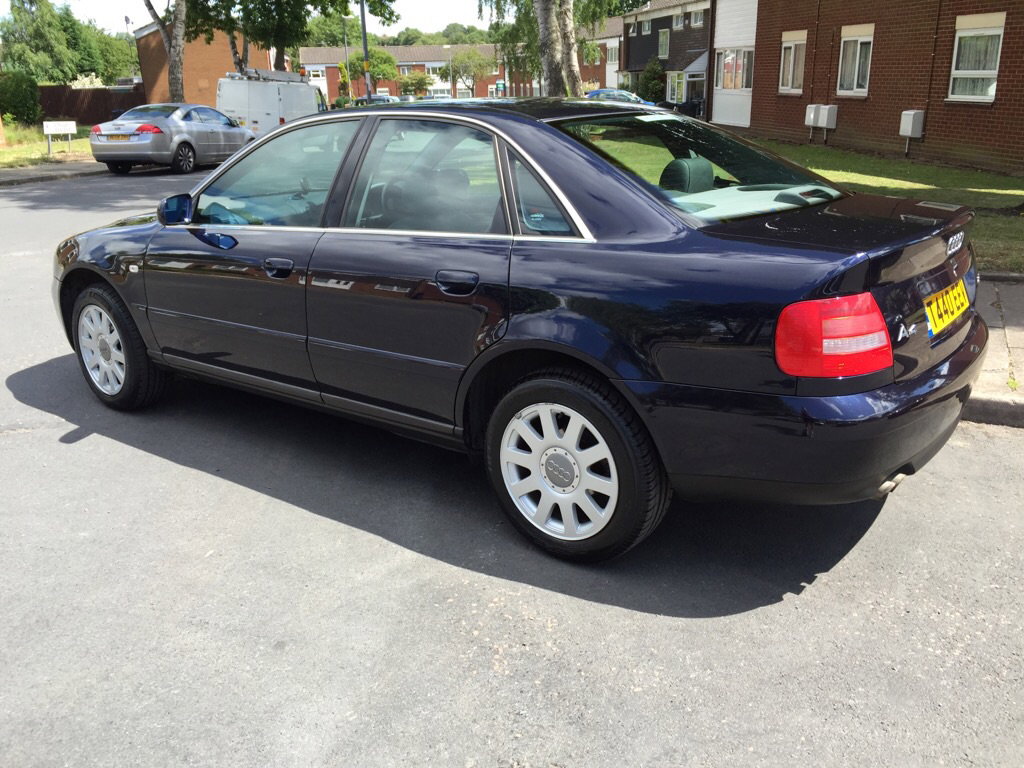
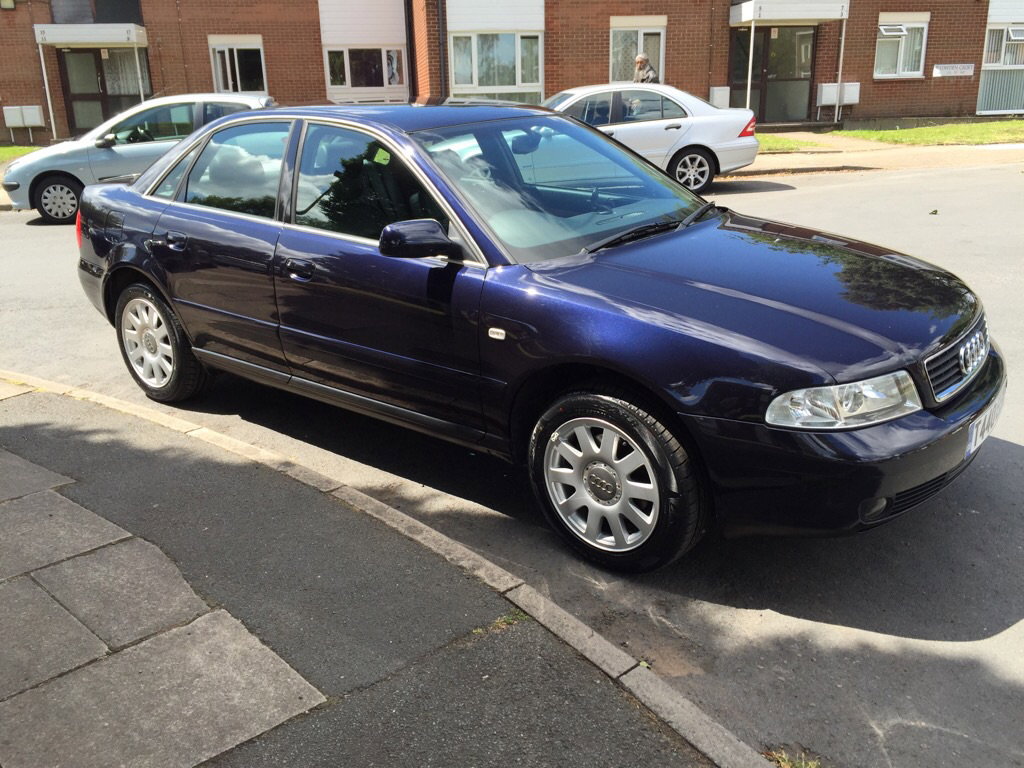
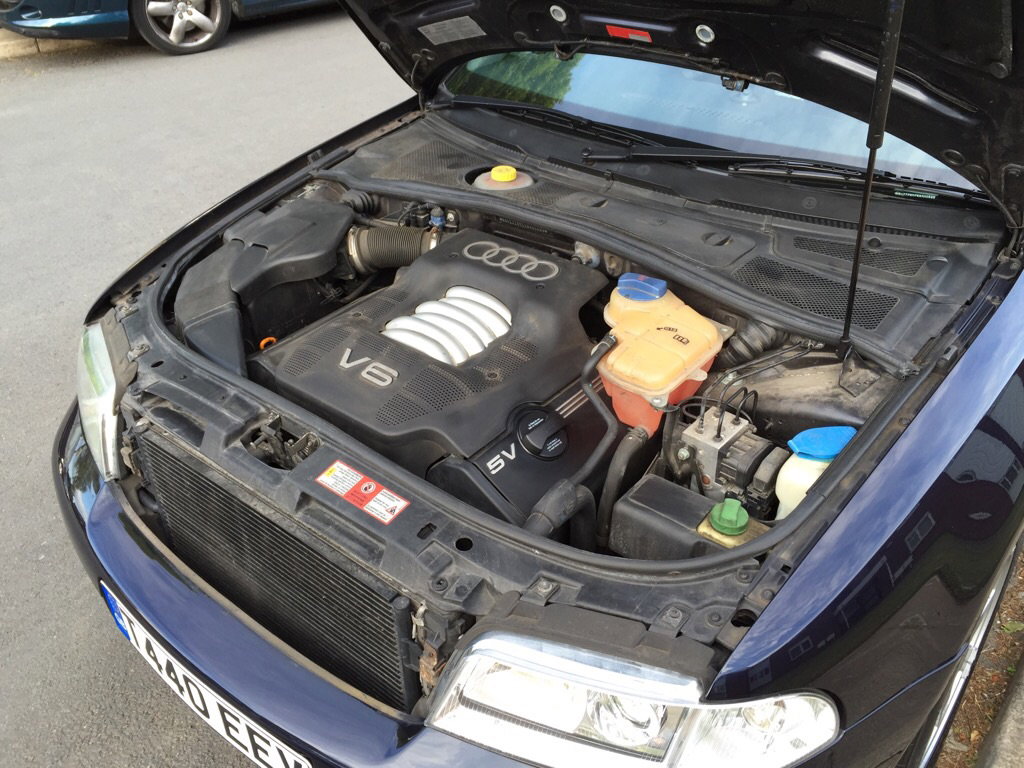
Reduced price !!! Audi A4 2.4 V6 manual, 1999, full leather, 64k miles. 12 months MOT, 4 new tyres, just after big service (£650 spend last week) Full service history (most of main audi dealer) cambelt done by audi at 40k ! There was no money saving on this car and I think the car should go into enthusiast hand. Immaculate condition with all paperwork, 2 keys etc... Aircon been re-gas today Car is still like brand new ! Im looking for £1395 wich is bargain compare to last owner pay for him over £25.000 This is SE model with chrome packet ! Quick footage of the audi: Any pictures or more info please contact with me on: 0755 303 0263