jme1989
Members
-
Joined
-
Last visited
Everything posted by jme1989
-
Well I thought while I'm at it I kight aswell do a service especially as she has just hit 260,000 miles 😅
-
Yeh there's isn't any codes that have come up it's a bit of a nightmare but thank you I am having a day of repairs tomorrow so will let you all know the outcome Tha ks again
-
Thank you I will get under there and double check 👍 I've n9w got the dreaded tps gone so the list of dos just keep growing nice Christmas present from the car a lost of repairs before the new year lol Thanks again for the response 👍
-
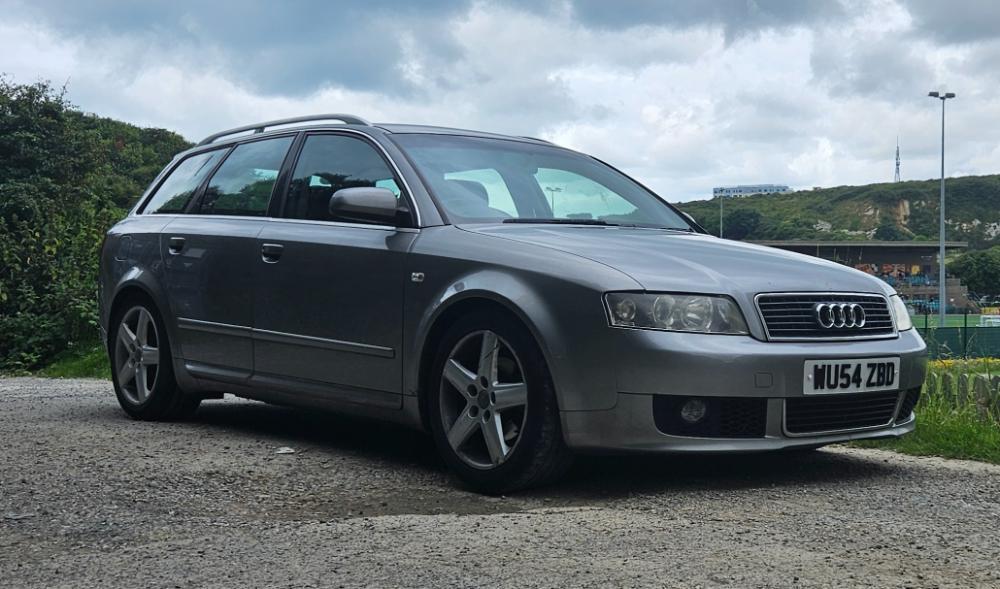
Evening people New to the forum and have just recently picked up an a4 avant She has been mapped and egr delete has been done but in the last 2 weeks I have had to buy 2 new sn7b mount brackets because they have both snapped in the same position as the original one which is just in front of the single bolt at the end of the bracket Does anyone have any thoughts or ideas as to why this could be happening and also do they do a upgraded material like steel or anything like that other then ally because it is driving me insane and I don't want to just park her up she was meant to be my toy for the evenings when I Finnish work Thanks and appreciate any advice given