dylan.cb9
Members
-
Joined
-
Last visited
-
ah okay, will give them a call tomorrow thank you for the help
-
would they be able to code it in or would they just be solely for retrofitting?
-
dylan.cb9 changed their profile photo
-
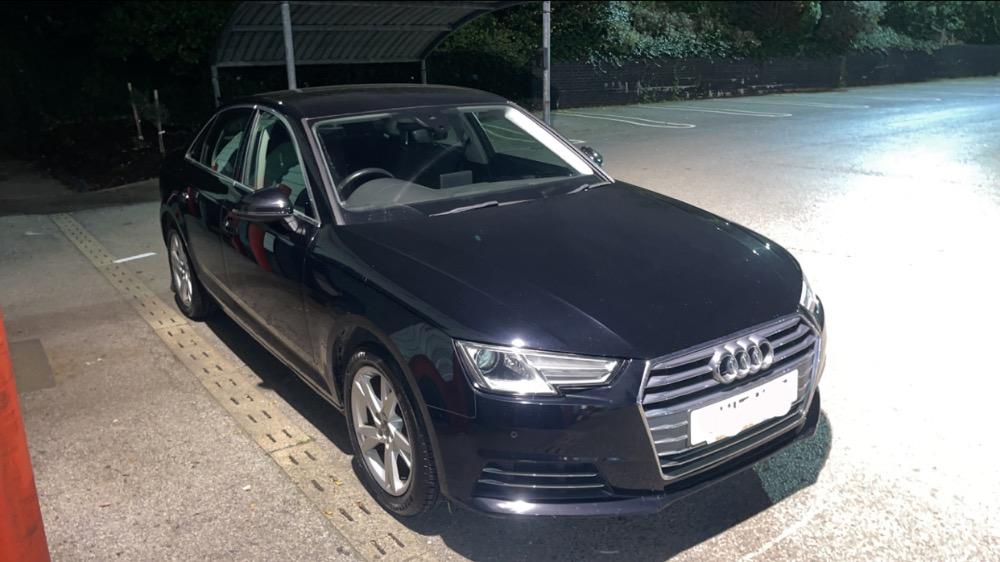
Hi all, I have a b9 A4 1.4 sport without heated seats, I am currently looking at the heated half leather S-line seats, if I was to buy and install the seats into my current car and changed the electronic climate control unit (without heated seats) to one with heated seats will it simply be plug&play even if its not from another 1.4 sport or would i need to get the component protection removed? and would the heated seats even work if i did this or would it not work i did speak to my local dealership however they said it would be very expensive to do and not worth due to the age of the car however I only purchased the car 2 months ago and would like to keep it for a while as the b9 model is by far my favourite of the newer generation any help/advice on this please thank you