Stevey D
Members
-
Joined
-
Last visited
-
I was told that it will only pick up the problem, when it's actually happening. Unfortunately it never does it, when I need it to.
-
Stevey D changed their profile photo
-
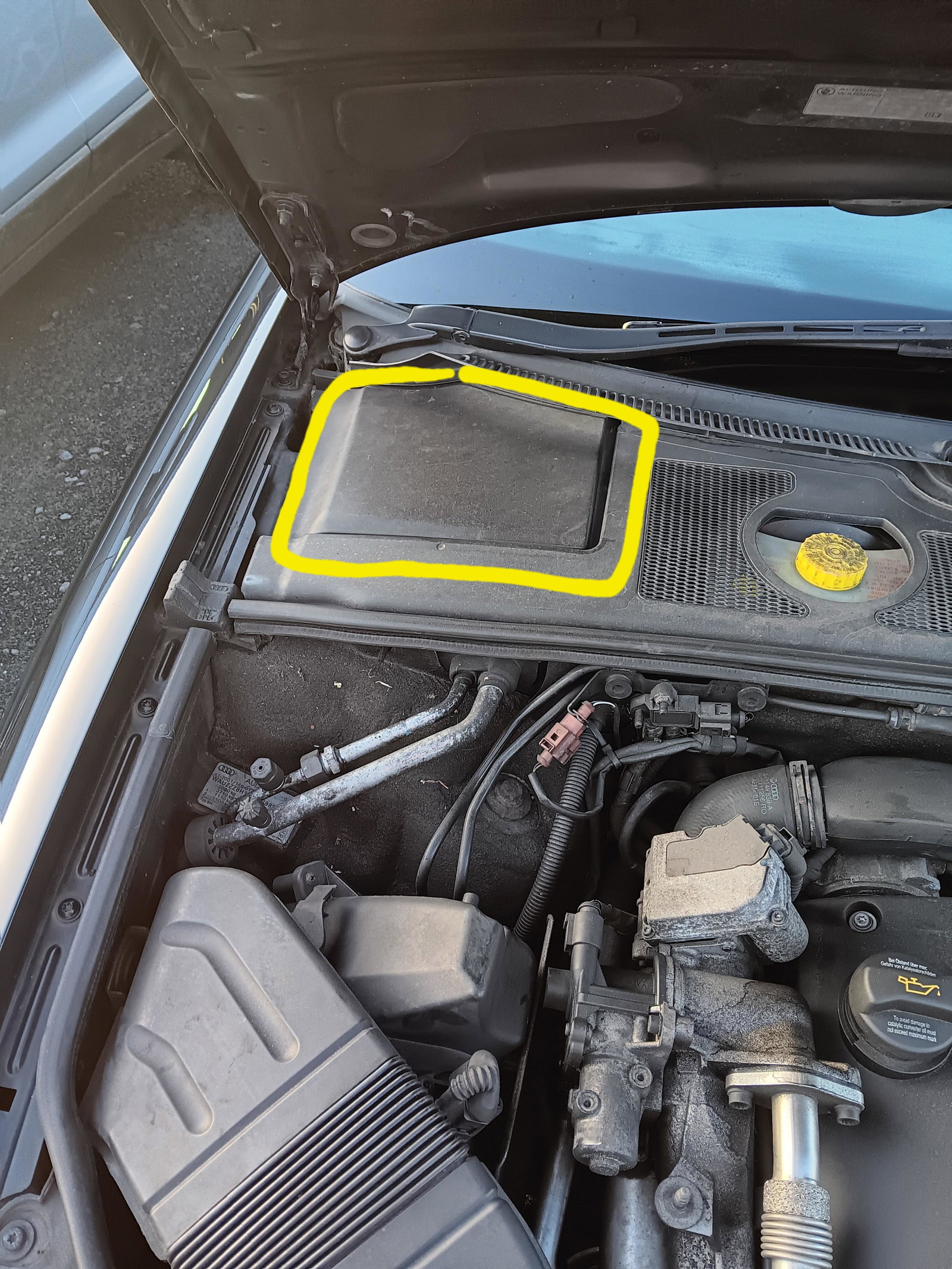
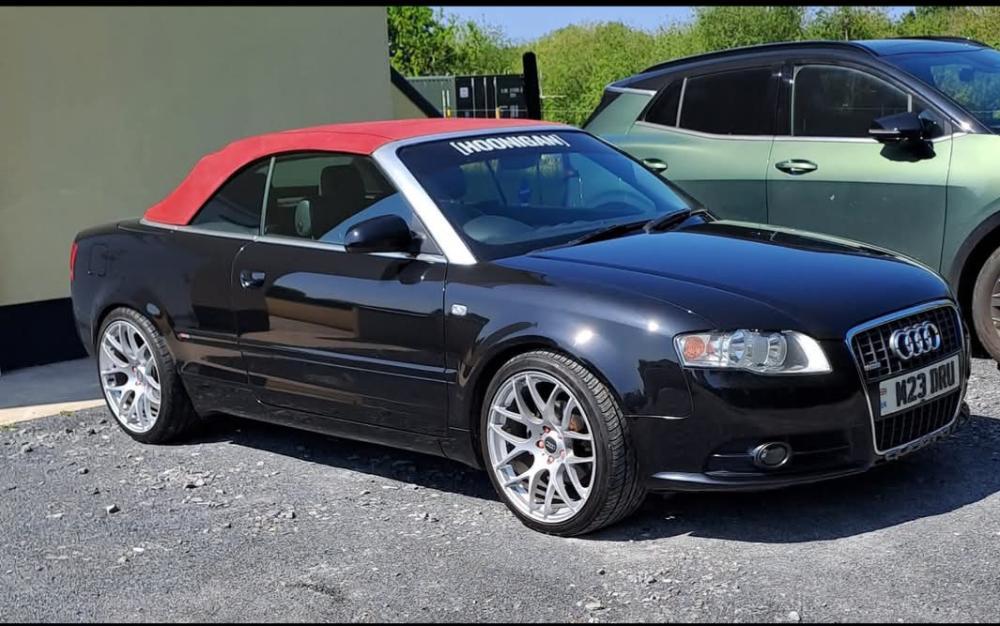
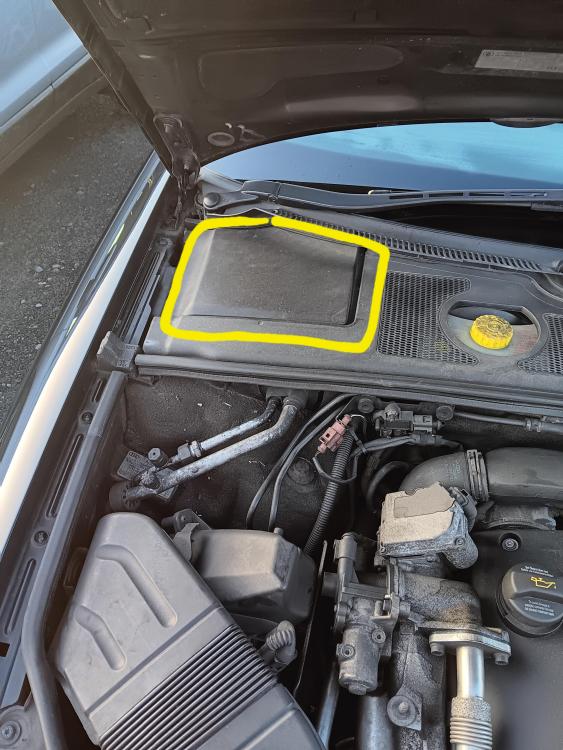
Hi people, I'm new on here and looking for some sort of help, it won't be easy though, because I have the motoring knowledge of a carrot. I'm currently driving a 2007 A4 convertible and have a very intermittent problem, sometimes when I turn on the ignition and the dashboard lights come on, my ESP symbol stays on, and then the car will not start, it will turn over, but it won't start, it's almost like it has an immobiliser. This is where it will get complicated. Under the bonnet, in the top left hand corner, at the bottom of the windscreen, there is what I can only describe as a black box, I've absolutely no idea what it is, or what's in it,but if I hit it several times with the side of my fist, the ESP light goes out, and my car will start, this doesn't happen, first time, every time, and I usually look like a bit of a numpty, punching my engine bay, in Tesco car park ( other supermarkets are available). I have asked a couple of mechanics about this box, but nobody really seems to know what it is, so I thought I'd ask you lot,but please, if you do have an idea, and you are good enough to reply, put it in layman's terms, and don't baffle me with science. Thanks in advance, you lovely bunch !