




Skip to content
View in the app

A better way to browse. Learn more.

Audi Owners Club (UK)

A full-screen app on your home screen with push notifications, badges and more.

To install this app on iOS and iPadOS
  1. Tap the Share icon in Safari
  2. Scroll the menu and tap Add to Home Screen.
  3. Tap Add in the top-right corner.
To install this app on Android
  1. Tap the 3-dot menu (⋮) in the top-right corner of the browser.
  2. Tap Add to Home screen or Install app.
  3. Confirm by tapping Install.


wacker315

Members
  • Joined

  • Last visited

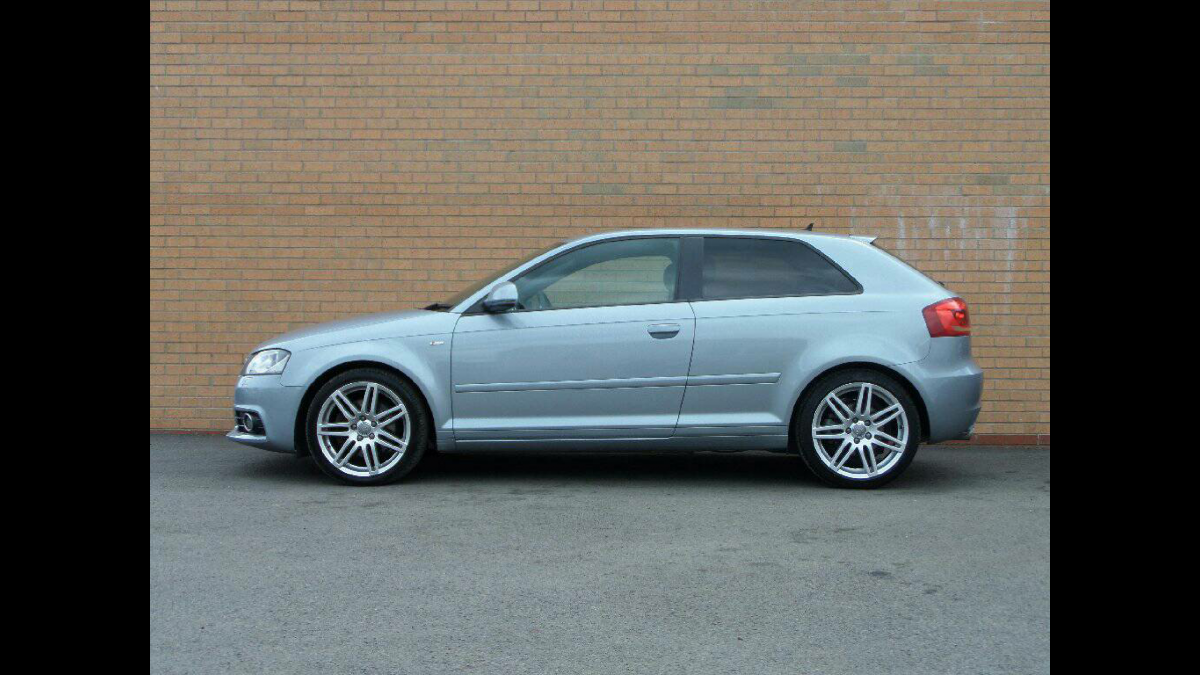
  1. Hi all, Pick up my new A3 quattro tomorrow on a 58 plate with 46k miles and s tronic box. I arent planning on doing a lot to it other than to maybe add some eibach sportline springs, plasti dip(black)the chrome grill surround and the fog light surrounds, change the colour of the wheels to a black/gun metal grey. Is there other modificactions i should consider and anything i should be wary of in my time owning my Audi? Thanks Sean


Background Picker
Customize Layout

Account

Navigation

Search

Search

Configure browser push notifications

Chrome (Android)
  1. Tap the lock icon next to the address bar.
  2. Tap Permissions → Notifications.
  3. Adjust your preference.
Chrome (Desktop)
  1. Click the padlock icon in the address bar.
  2. Select Site settings.
  3. Find Notifications and adjust your preference.