Sudesh
Members
-
Joined
-
Last visited
-
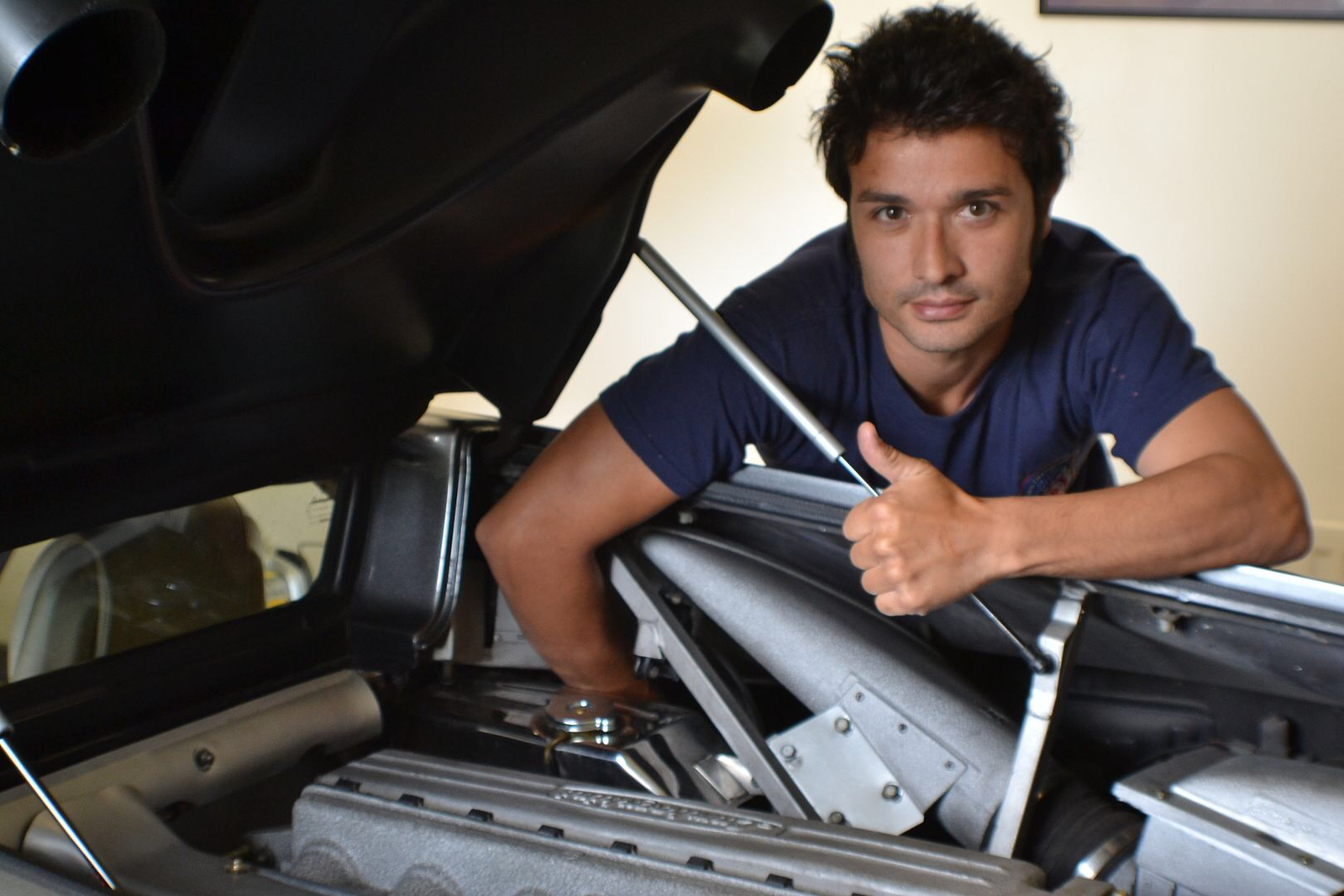
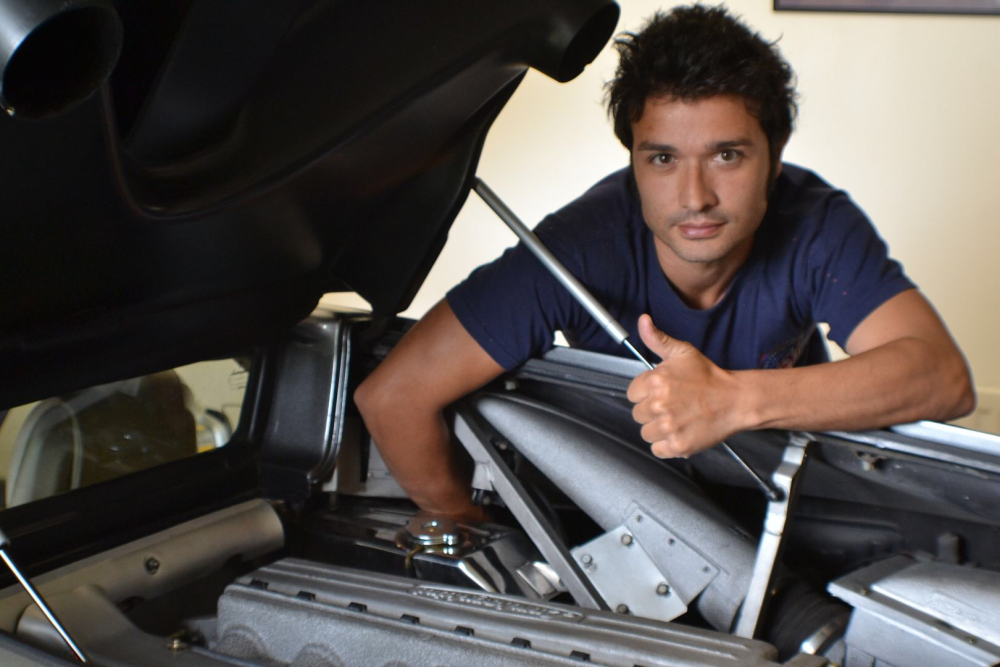
Myself working on the car
-
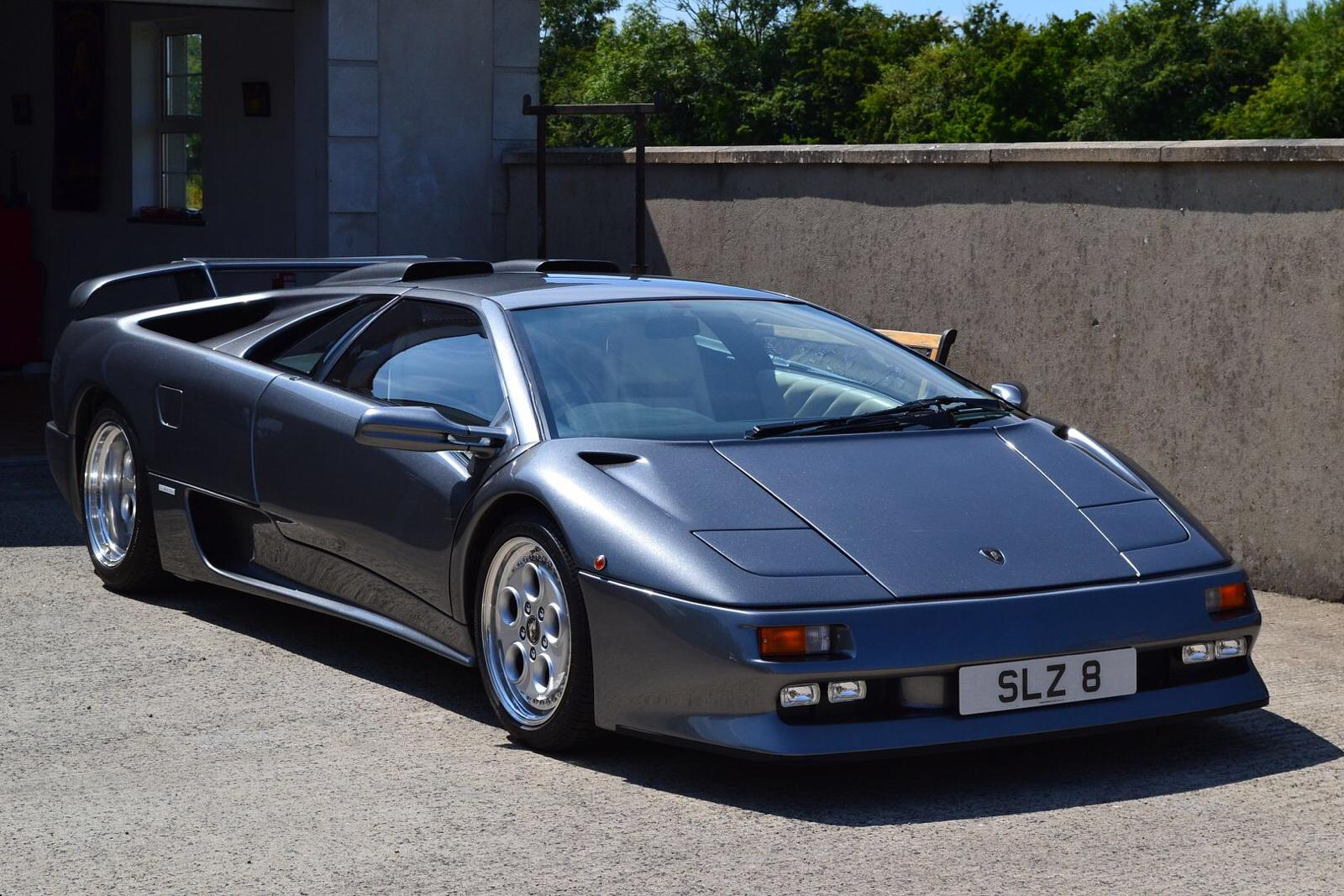
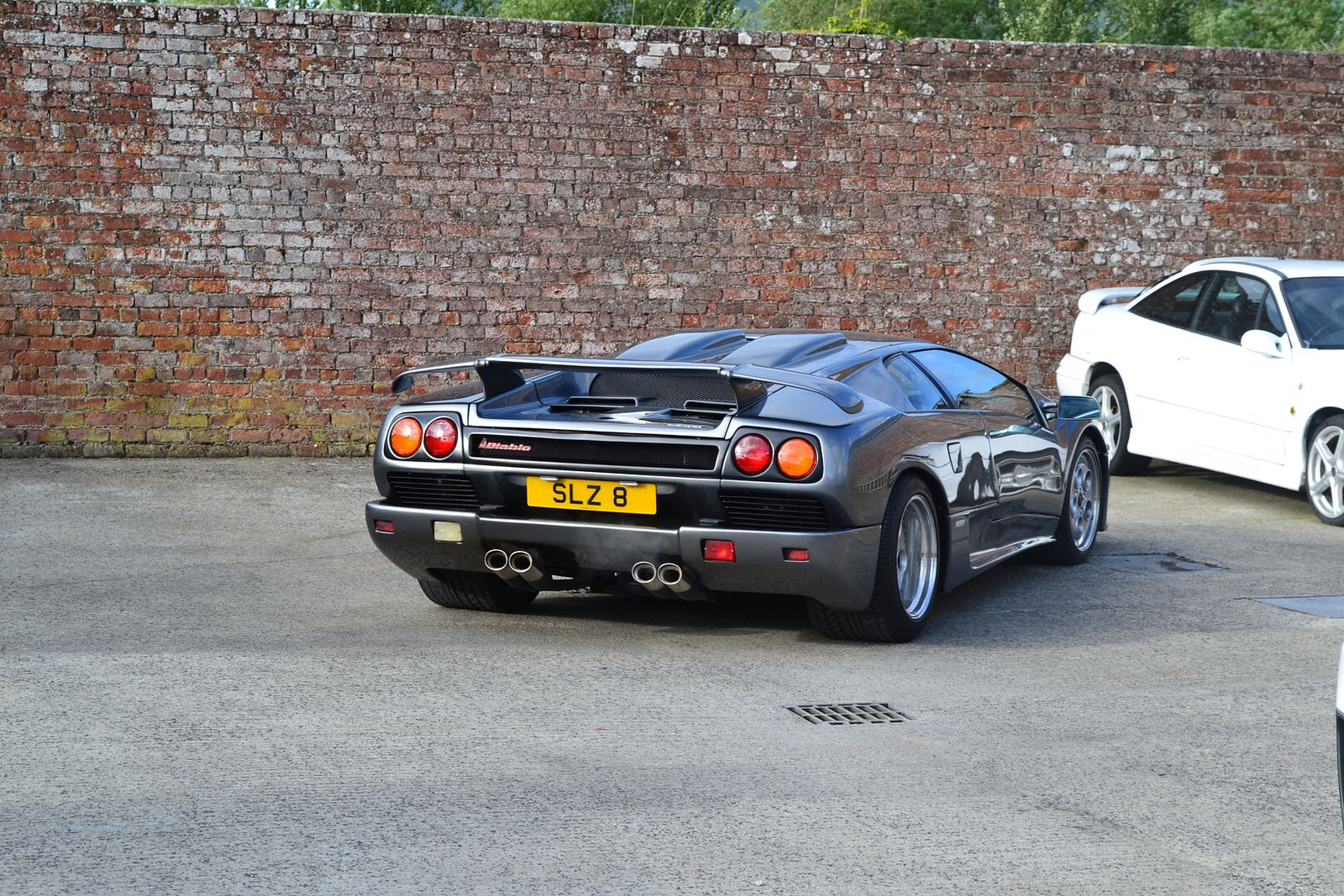
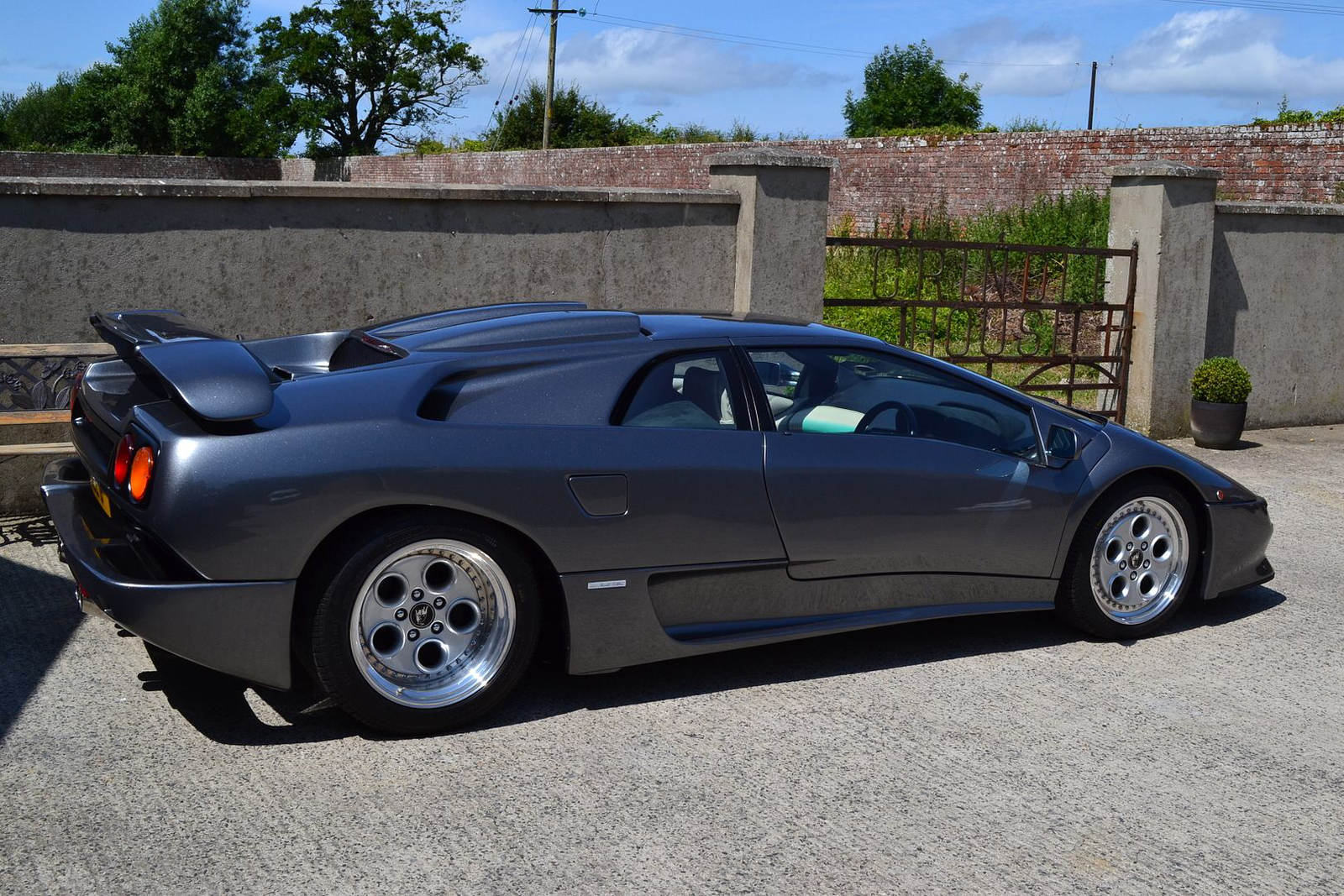
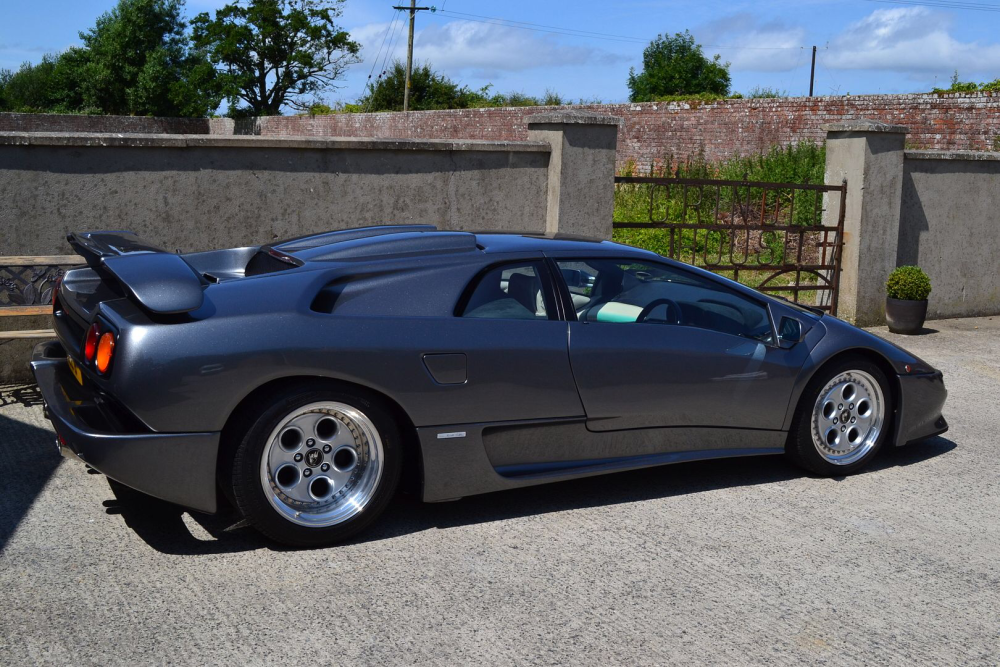
This is one of my other cars
 I was looking for months for one, couldn’t find a single one ☝️. They are posting sending me all details by, email & more photos too. Thanks 🙏 again Spartacus 😉Spartacus, “The one you posted” is 100% the type I’m after. Spoke to them today. As I’m in Northern Ireland so, need to book a flight over to Scotland, then drive the vehicle home all being well. I’ll need to get the ferry home then. Thinking now of what to do, date to go, etc. thanking you kindly of posting that up.I will do many thanks 🙏So “NO” sunroof at all? Now I’m getting excited. Sounds just what I have been; searching for.Yeah, based on Steveq answer at the start. I shall call them tomorrow. That RS6 that Spartacus68 posted, is perfect in every way for me, even like the colour; as my Diablo is the same. I just hope it is a solid roof version.Spartacus the version you showed me, is that just a plain solid roof like what I’m after?My question is. I don’t want “ANY” sunroof or any Panoramic roof. I would just like one “without” them & so far, I cannot find one.Thanks for the reply. I’m based in the uk 🇬🇧. I’ve been checking everywhere so far. I just can’t find an Avant “without” a sunroof or moonroof. I would like a, RS6 Avant “without” them.I’m new to the forum however; a member of other clubs of vehicles I own……Anyway, my first question about the RS6 Avant; is there a solid roof version? I don’t want any sunroof or moonroof. Thank you 🙏 kindly. Sudesh