John Suttie
Members
-
Joined
-
Last visited
-
Hi There, thank you for your reply , I took the car to the paint shop and the people have this device that scans the paint you are trying to match , and brings up the paint code , so if anyone is needing the paint code for Audi Matt Grey it’s LMi7, thanks again for the help much appreciated .
-
Thank you , first Audi and best car I’ve ever owned .
-
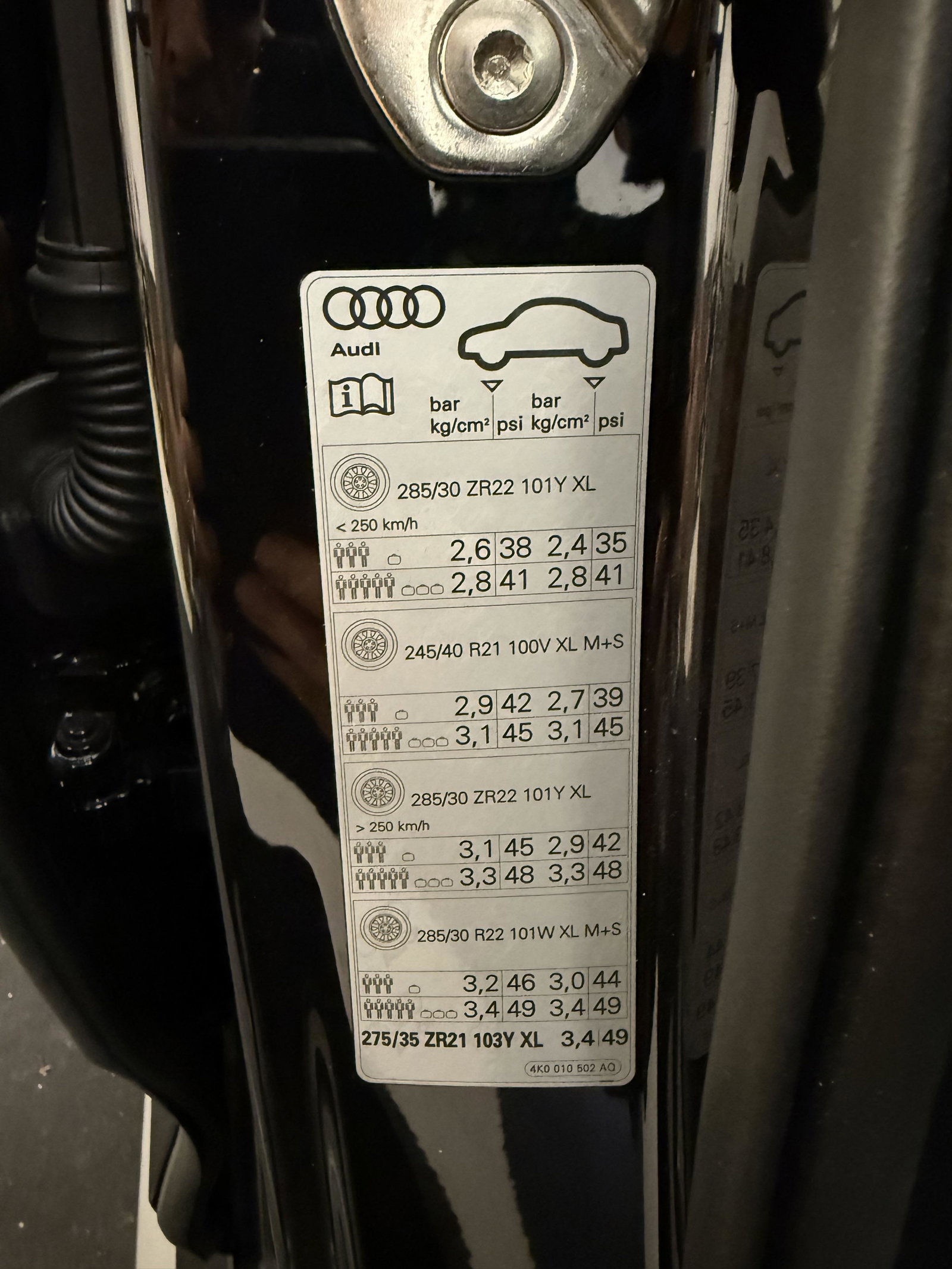
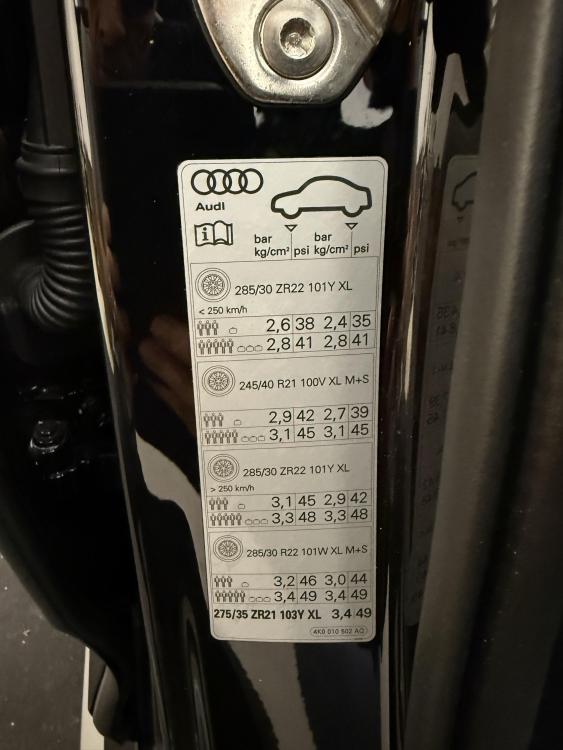
Hi and thank you for your reply , just checked the car and yes there is a sticker inside the pillar , but it’s not the paint code . Thanks again
-
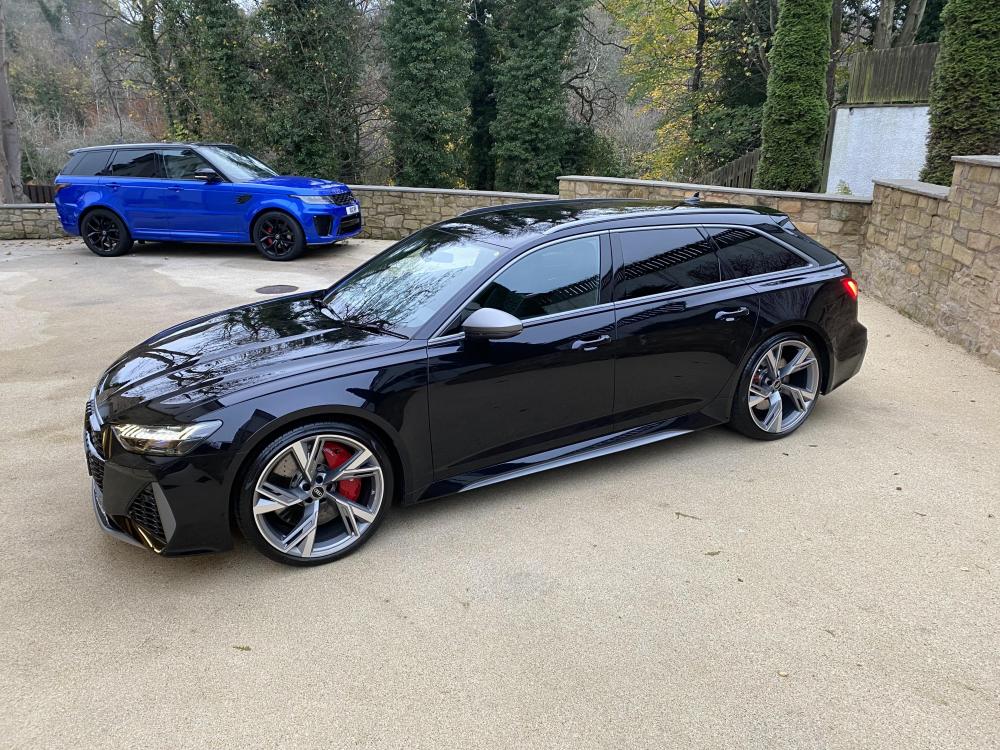
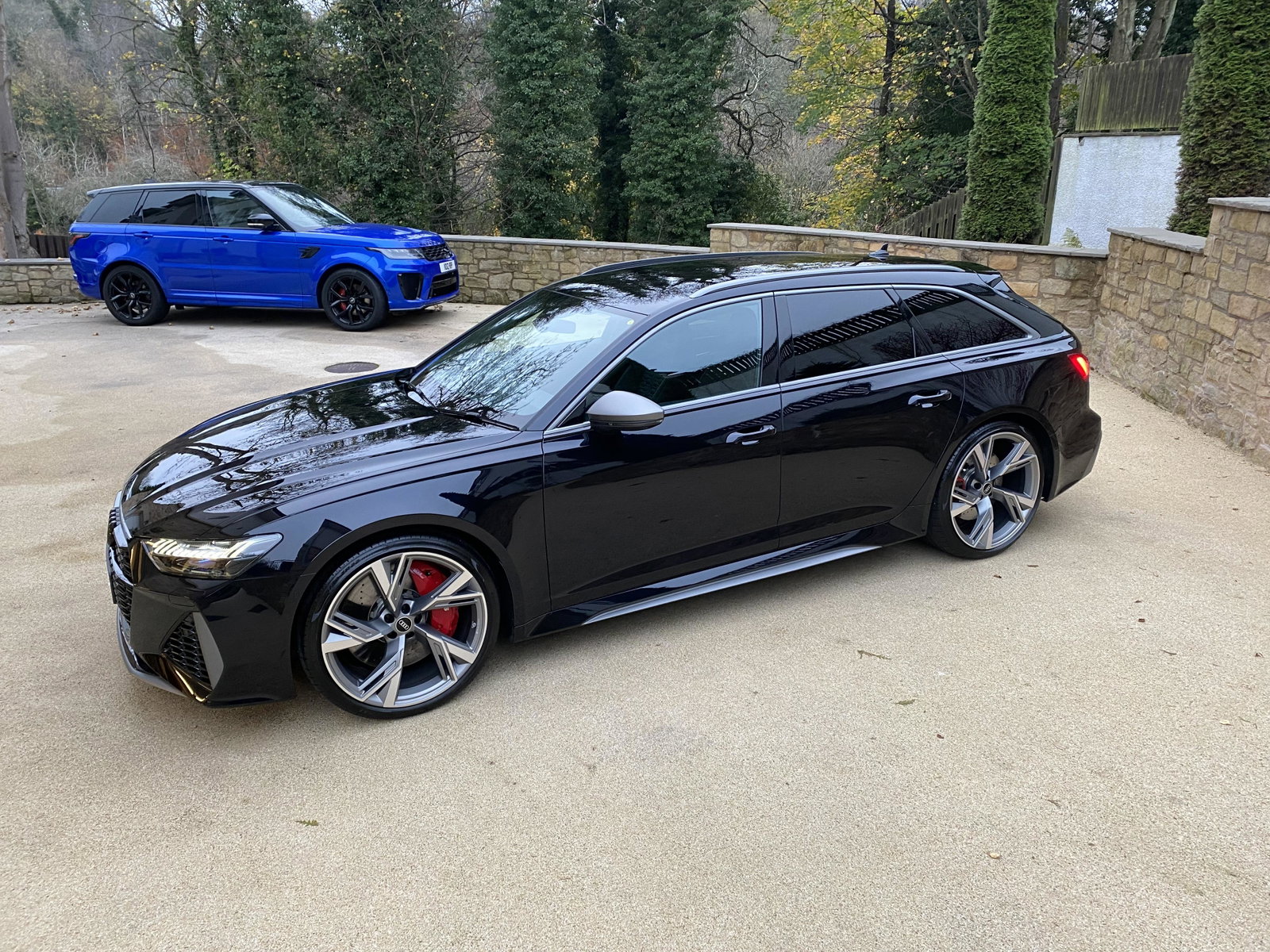
Hi All, I’ve just become a member of the club and bought my first Audi in 2024. I’m looking for some help please , I’m looking to get the correct colour code for Matte Grey that is on my trim of my car so I can get the back emblem rings painted in the same colour. I asked my dealership and they have said that MI7 is the code but contacted a paint shop and they said that’s not an Audi paint code. if anyone can help that would be much appreciated . I’ve added a picture for reference for the trim colour. Thank you .