Skip to content
View in the app

A better way to browse. Learn more.

Audi Owners Club (UK)

A full-screen app on your home screen with push notifications, badges and more.

To install this app on iOS and iPadOS
  1. Tap the Share icon in Safari
  2. Scroll the menu and tap Add to Home Screen.
  3. Tap Add in the top-right corner.
To install this app on Android
  1. Tap the 3-dot menu (⋮) in the top-right corner of the browser.
  2. Tap Add to Home screen or Install app.
  3. Confirm by tapping Install.

JimmyD

Members
  • Joined

  • Last visited

Everything posted by JimmyD

  1. hi thanks for the reply no i cant see anything it goes to at all i will try to get a better picture
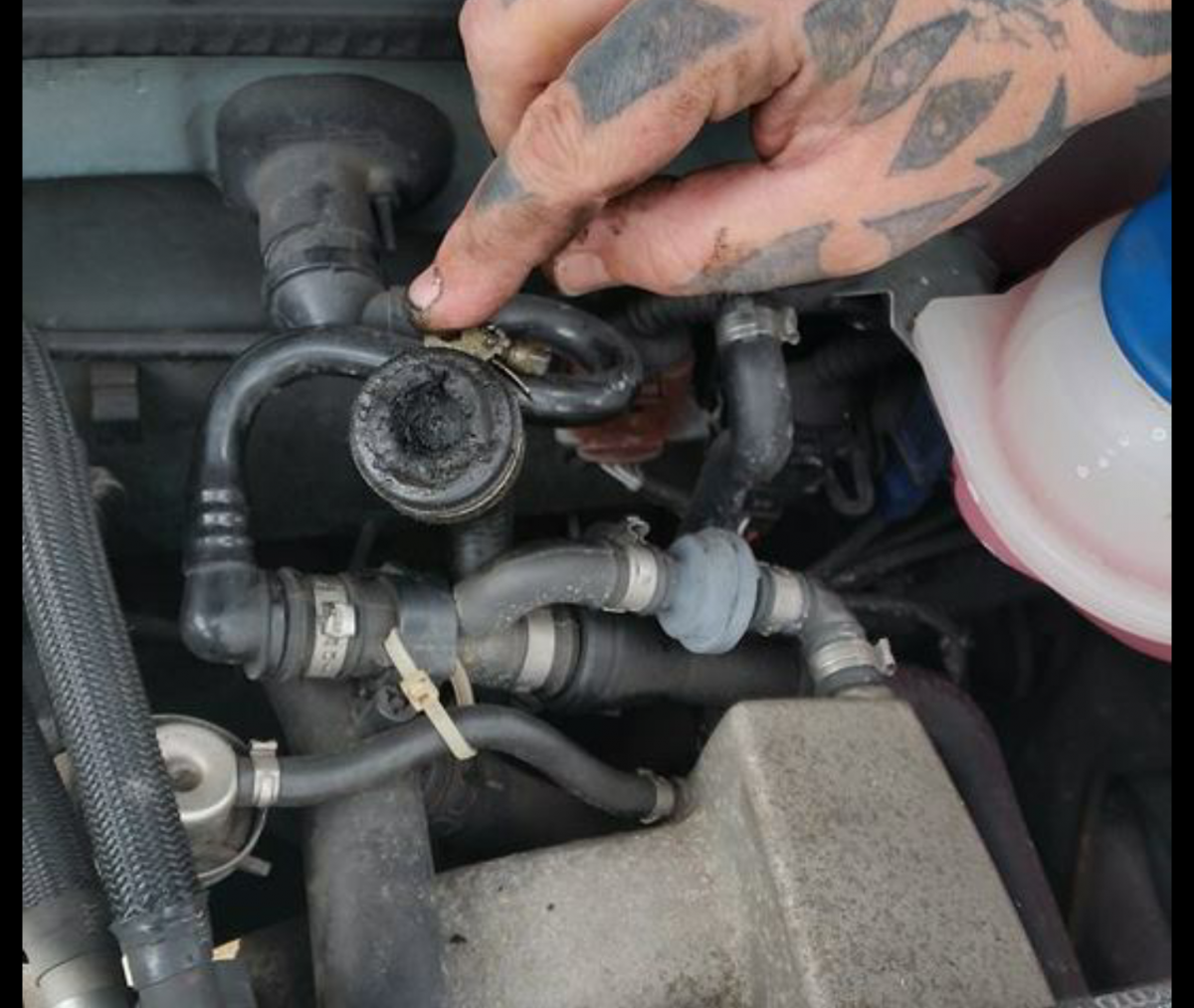
  2. Hi hope this is ok to post as im new to the forums the car is a 2002 a6 1.8t quattro ive got a oil leak so trying to locate were its leaking from i fount the dipstick tube was broken so replaced that but at the back of the engine theres a pipe thats just hanging and looks to be blocked/cap off any input much appreciated trying to add pics


Background Picker
Customize Layout

Account

Navigation

Search

Search

Configure browser push notifications

Chrome (Android)
  1. Tap the lock icon next to the address bar.
  2. Tap Permissions → Notifications.
  3. Adjust your preference.
Chrome (Desktop)
  1. Click the padlock icon in the address bar.
  2. Select Site settings.
  3. Find Notifications and adjust your preference.