Jezzer46
Members
-
Joined
-
Last visited
-
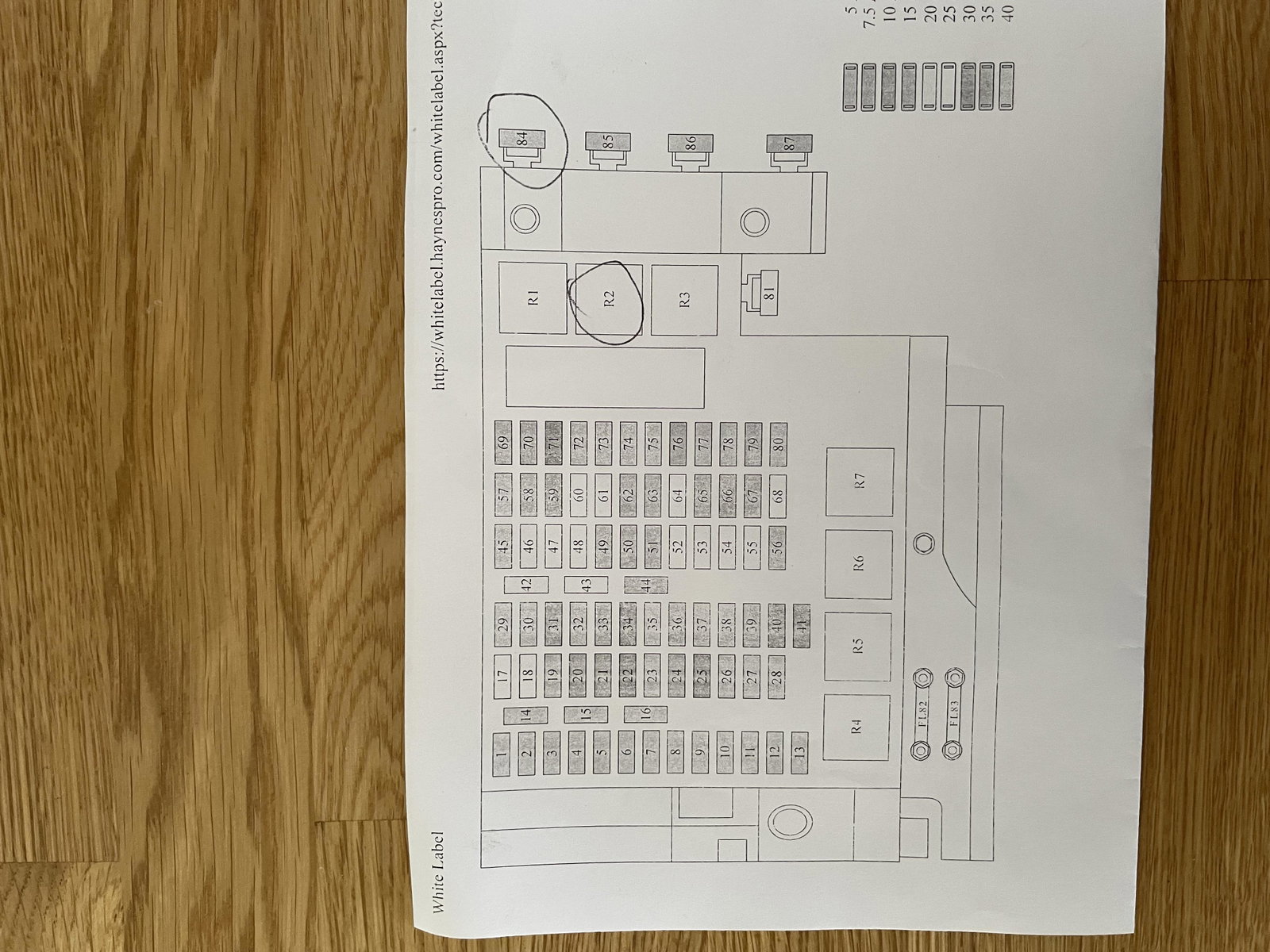
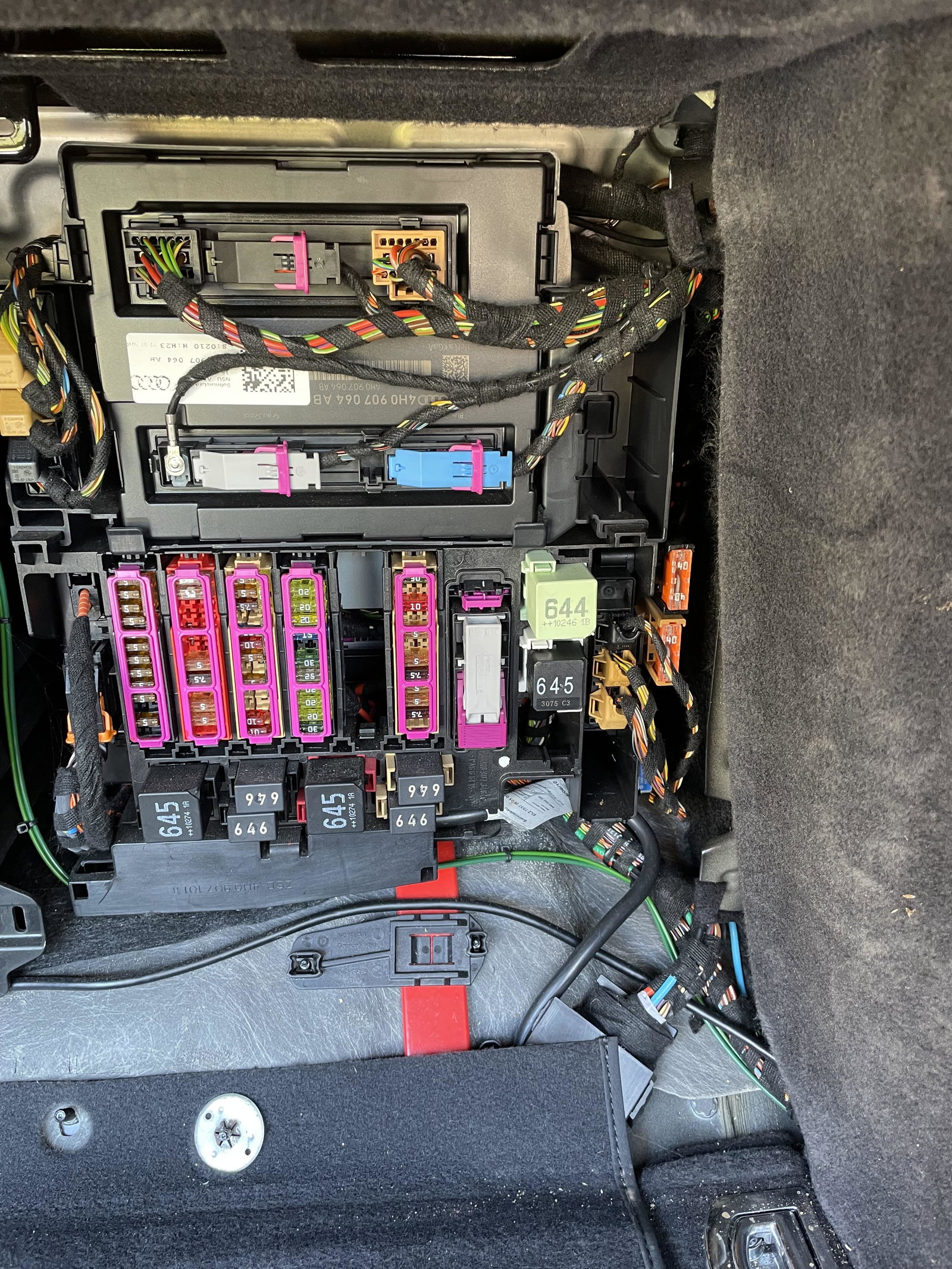
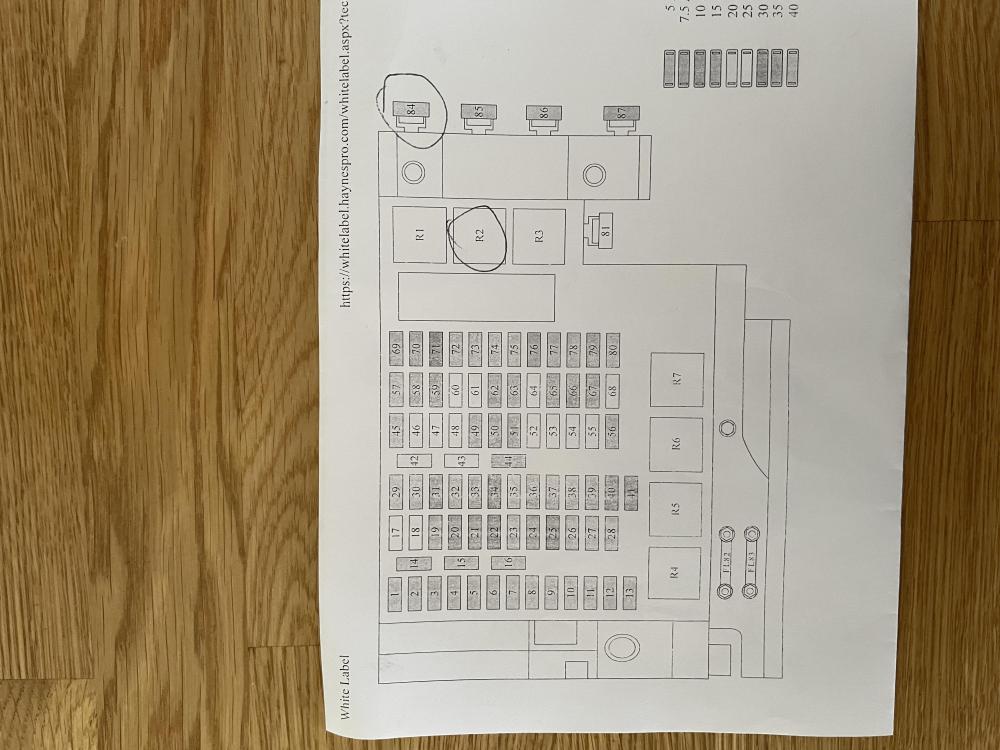
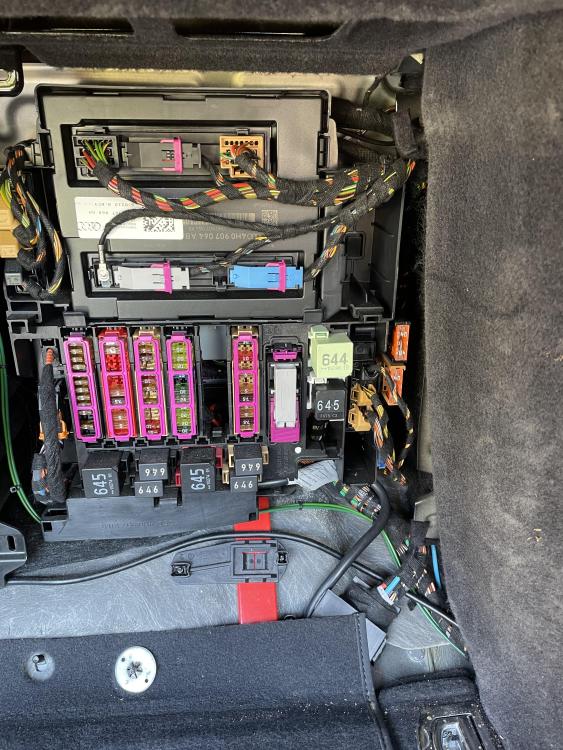
I found out from my trusted local garage who printed out the attached layout (at no cost!) the locations of both the 40amp fuse and the appropriate relay. None of this info is in the owner’s manual. The fuse was OK so relay was the fault.
-
Excellent- will look tomorrow.
-
Thank you - yes I have searched several times through the owners manual and I can find fuses for every other circuit which makes me think there is an error.
-
Gareth I understand that there may be many reasons why the screen has failed but the car is full of fuses and relays for every other circuit for very good reasons but apparently none for the rear screen. If true I find that extraordinary and I just want to know if that is really the case or if my owners manual is missing the clue! Thanks again for responding.
-
Thanks Gareth - so there is no fuse in the circuit. Is that really true? I’m shaking my head in disbelief as I write this!
-
My rear window heater has stopped working although the switch lights up. I assumed there would be a dedicated fuse or relay for this but the handbook doesn’t show one. Is it the case that there is no fuse/relay - I find this very surprising- or is my handbook missing the reference? Any advice please.