




Skip to content
View in the app

A better way to browse. Learn more.

Audi Owners Club (UK)

A full-screen app on your home screen with push notifications, badges and more.

To install this app on iOS and iPadOS
  1. Tap the Share icon in Safari
  2. Scroll the menu and tap Add to Home Screen.
  3. Tap Add in the top-right corner.
To install this app on Android
  1. Tap the 3-dot menu (⋮) in the top-right corner of the browser.
  2. Tap Add to Home screen or Install app.
  3. Confirm by tapping Install.


Warton

Members
  • Joined

  • Last visited

Everything posted by Warton

  1. Thank you both.. hopefully my patience will hold up and I don’t end up breaking the door card clips. Thanks again 👍🏼
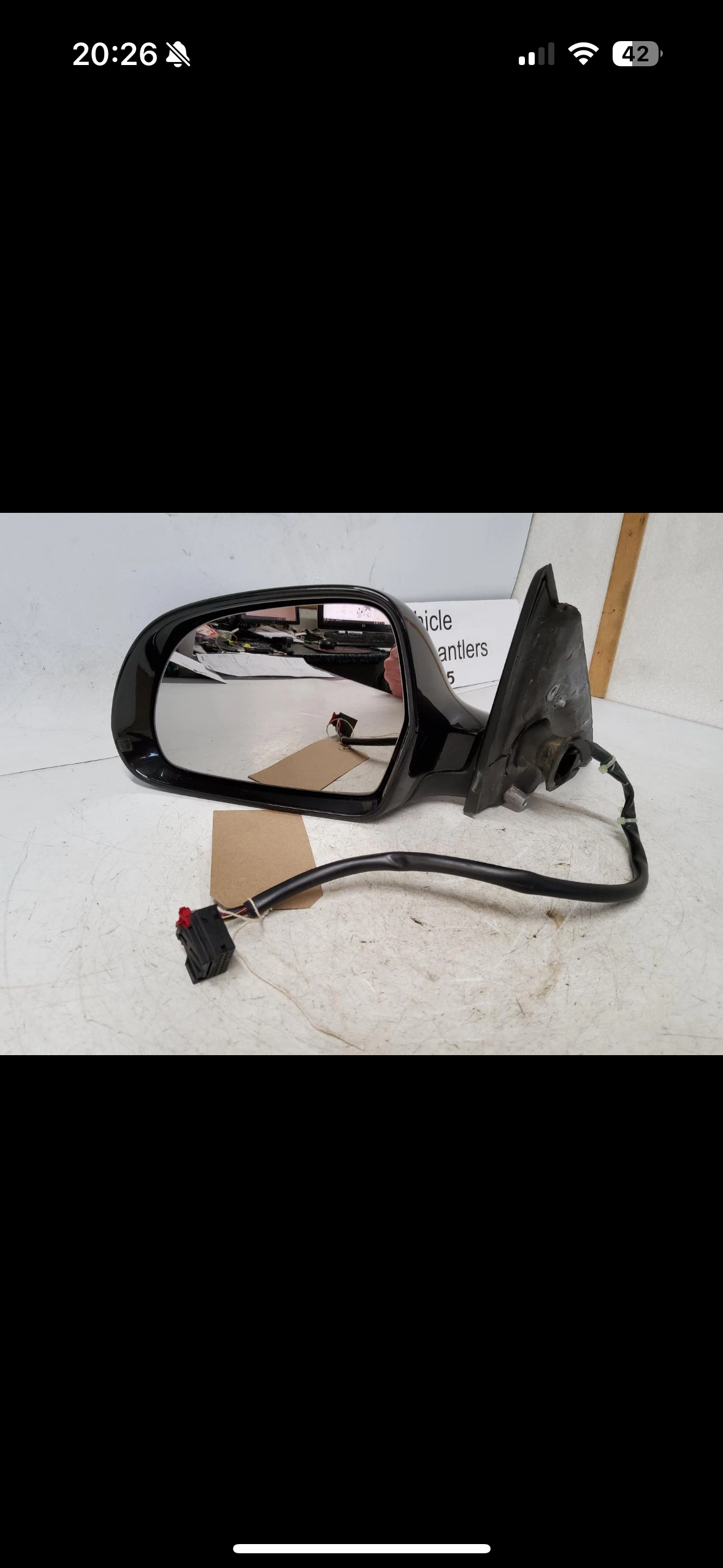
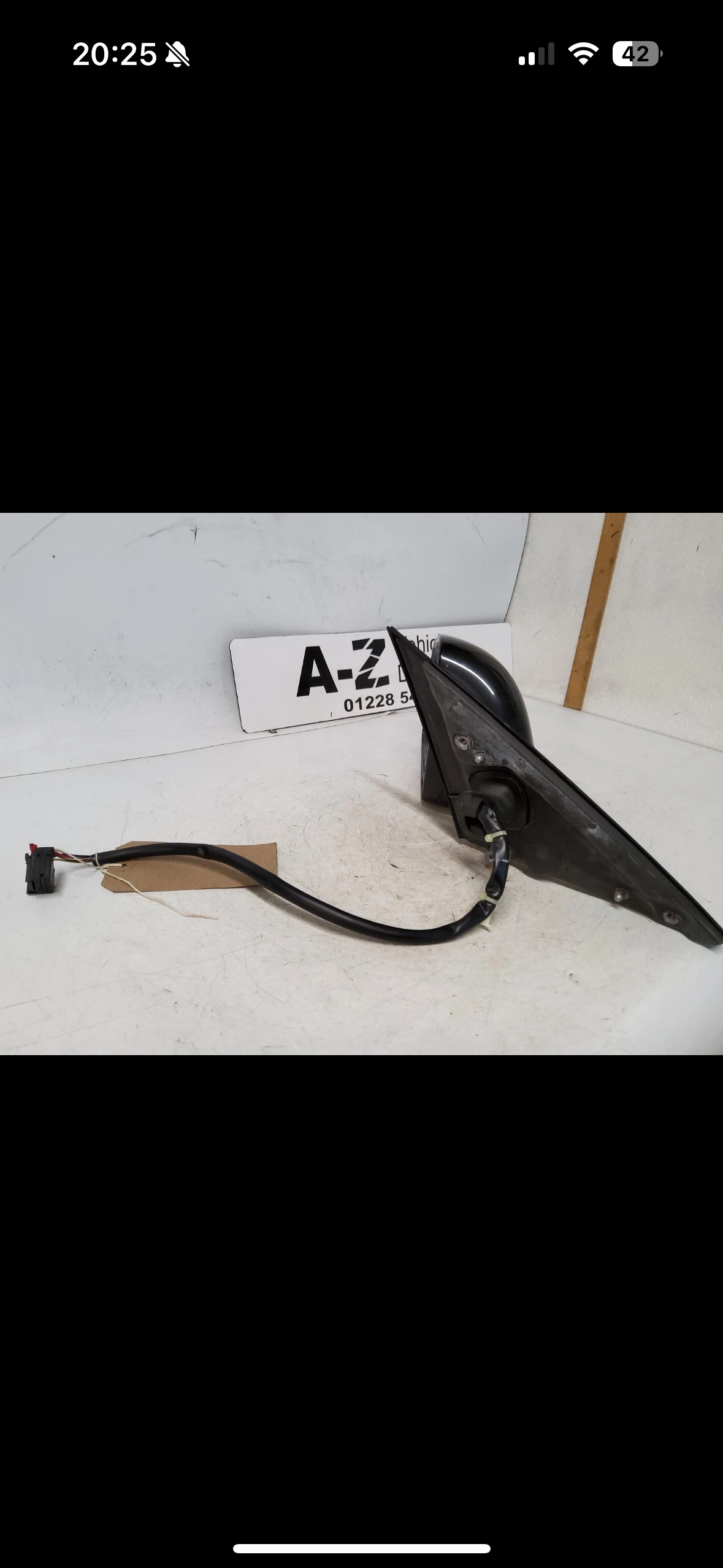
  2. Evening all. I’m new here and would be very grateful for any help advise or pointers. After some vandalism to my A4 I’ve sourced some replacement mirrors for the car. I’ve looked far and wide for tutorials and guide on how to remove the broken mirror units and fit the “new” ones. On the back plate of the mirror mount there are screw holes, but I’ve read online that the whole door card requires removal in order to access these screws holes and to release the plug for heating/electric feature. Can anyone confirm if this is the case or if in fact it’s much easier than what I’ve seen. Any help and advice greatly appreciated. Ian 😊


Background Picker
Customize Layout

Account

Navigation

Search

Search

Configure browser push notifications

Chrome (Android)
  1. Tap the lock icon next to the address bar.
  2. Tap Permissions → Notifications.
  3. Adjust your preference.
Chrome (Desktop)
  1. Click the padlock icon in the address bar.
  2. Select Site settings.
  3. Find Notifications and adjust your preference.