Tdi3332
Members
-
Joined
-
Last visited
-
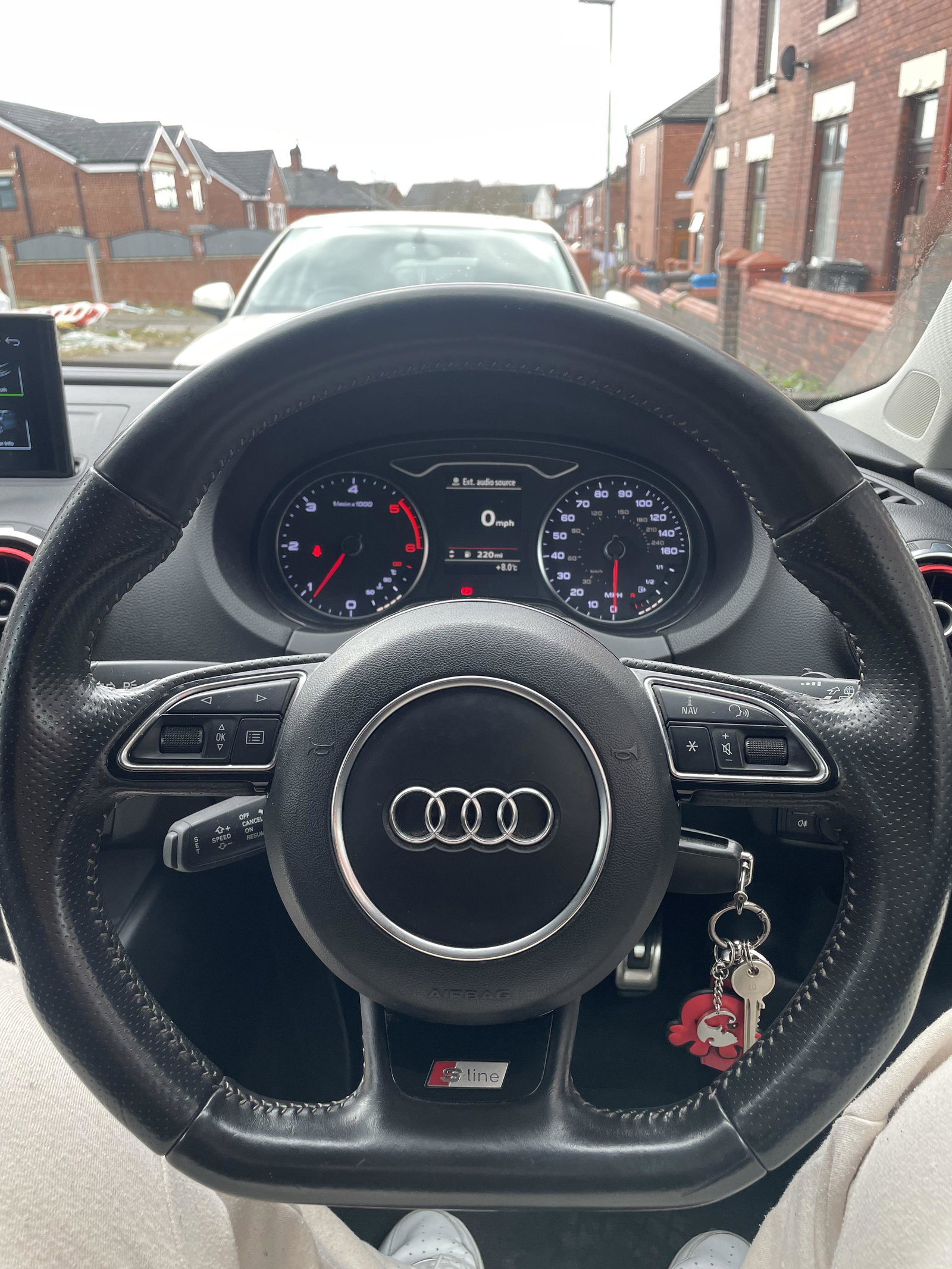
[UPDATE] I made the decision of the purchase and installed it as of today. It was quite frustrating to take the old airbag off, but eventually got there. The installation was a success. It was plug and play as I expected, no additional coding/adaptations were needed for this specific steering wheel/airbag.
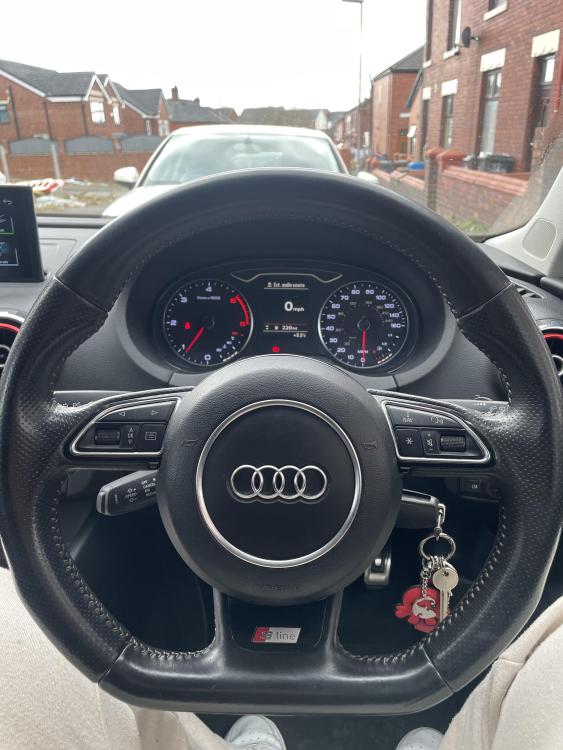
-
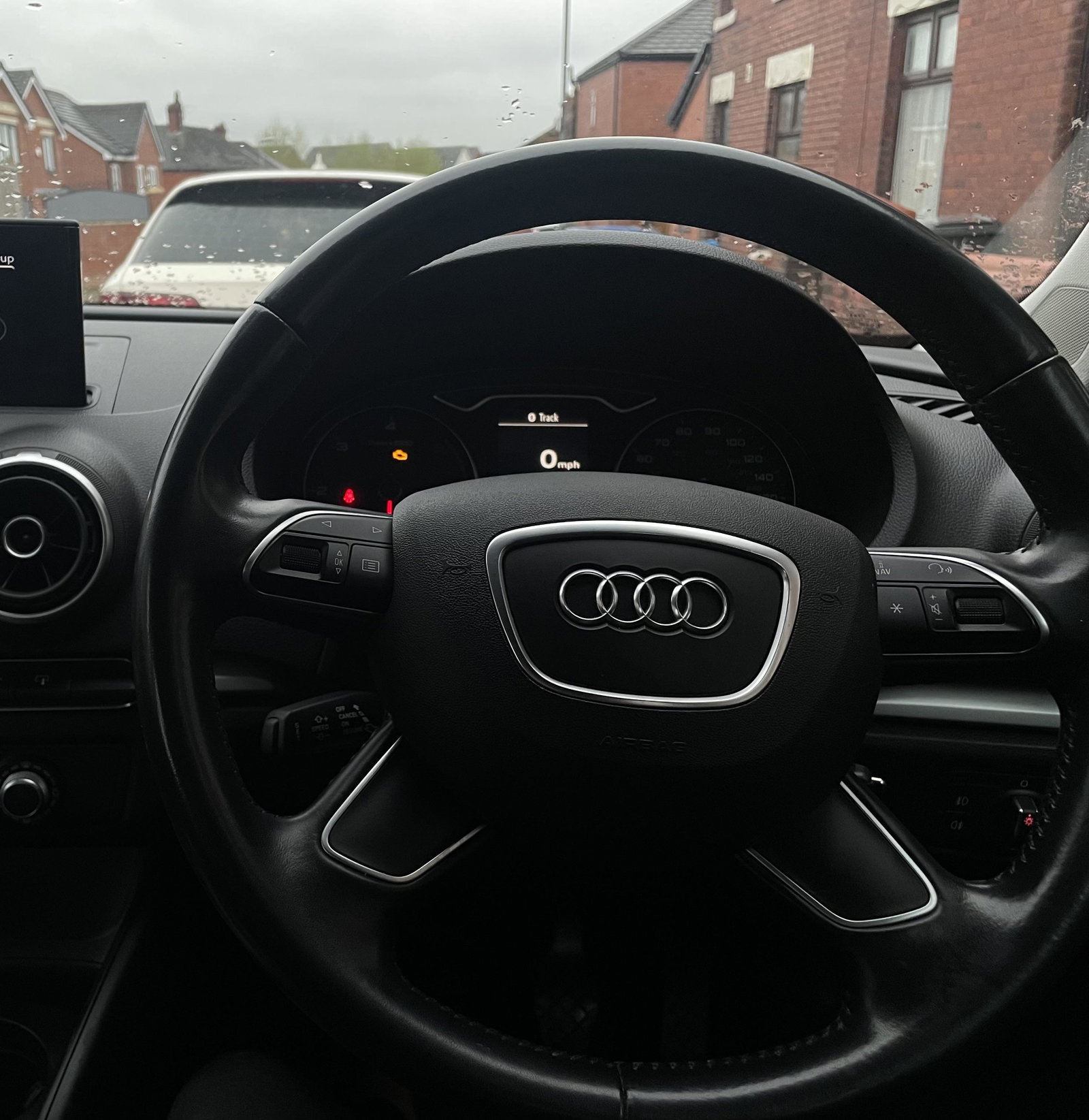
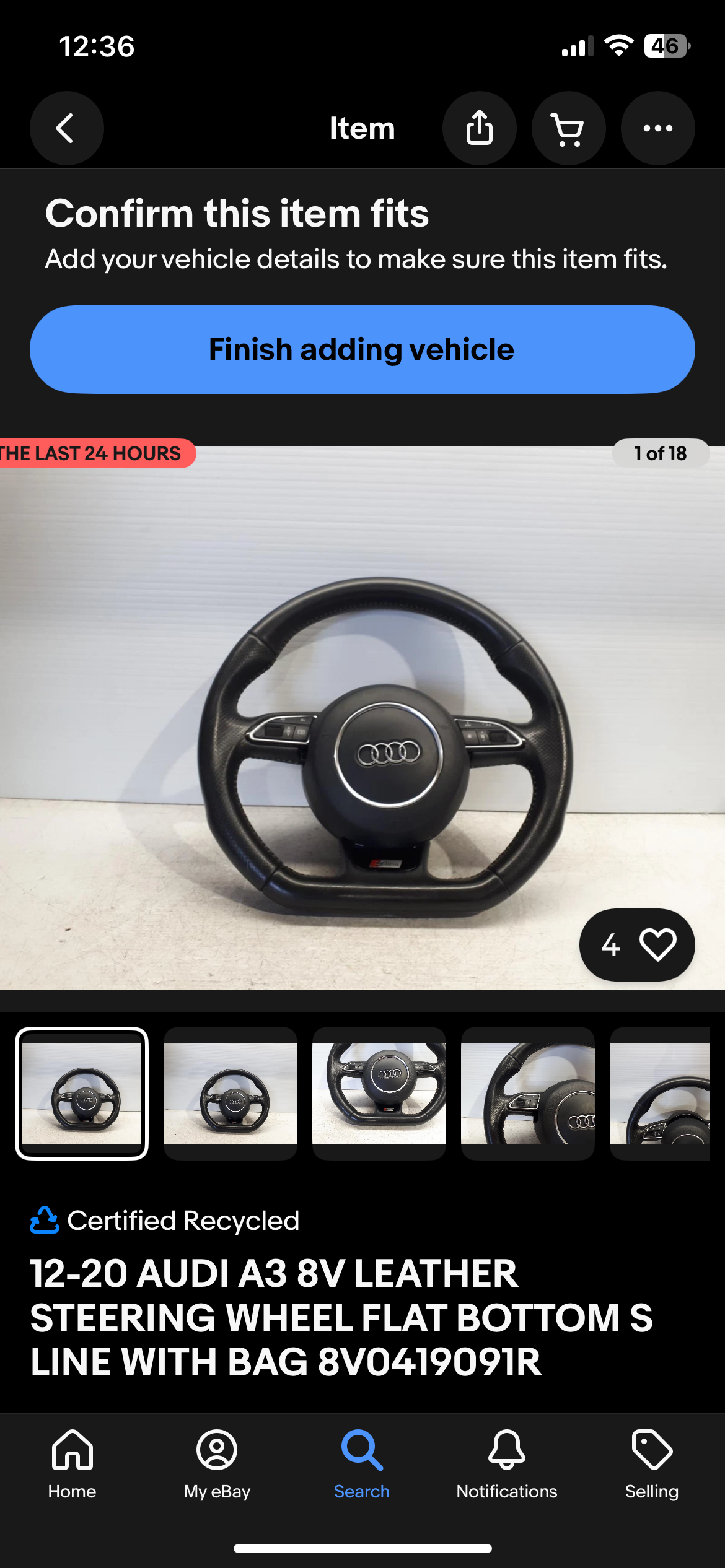
Hi, so I’m thinking of changing my current steering wheel & airbag on my Audi a3 8v pfl (non s-line) to an s-line steering wheel, of course considering that the steering wheel would have to be a pfl model too. Would this be a simple plug and play fit or would I need to make any adaptations/coding to the vehicle? I’ve attached an image of my current steering wheel which is an 2015 Audi a3 8v and the supposed steering wheel that I am currently viewing which seems to be off a 2013 model also pfl. Any help would be much appreciated. Thanks in advance.
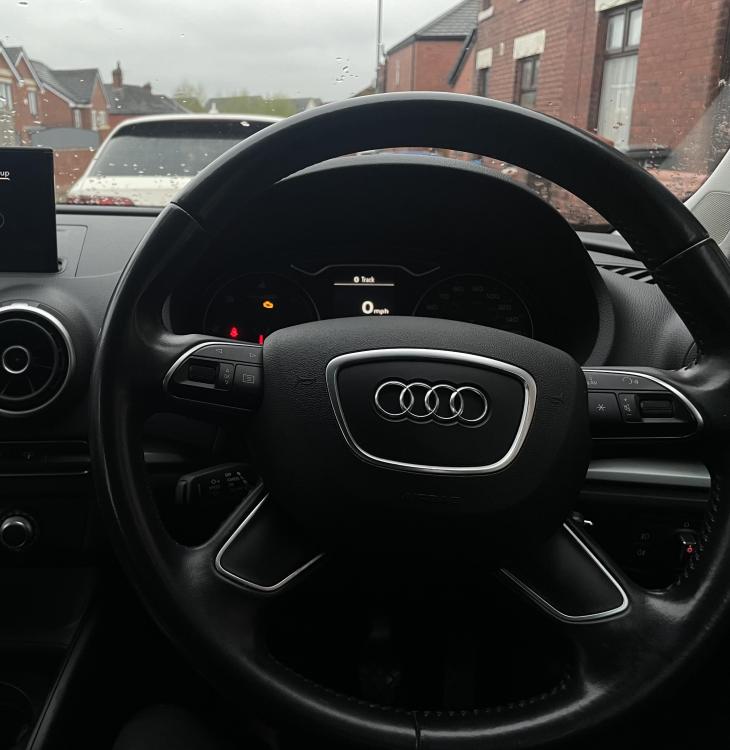
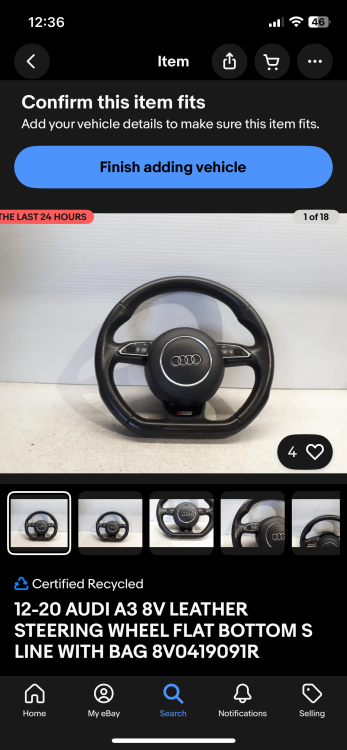
-
-
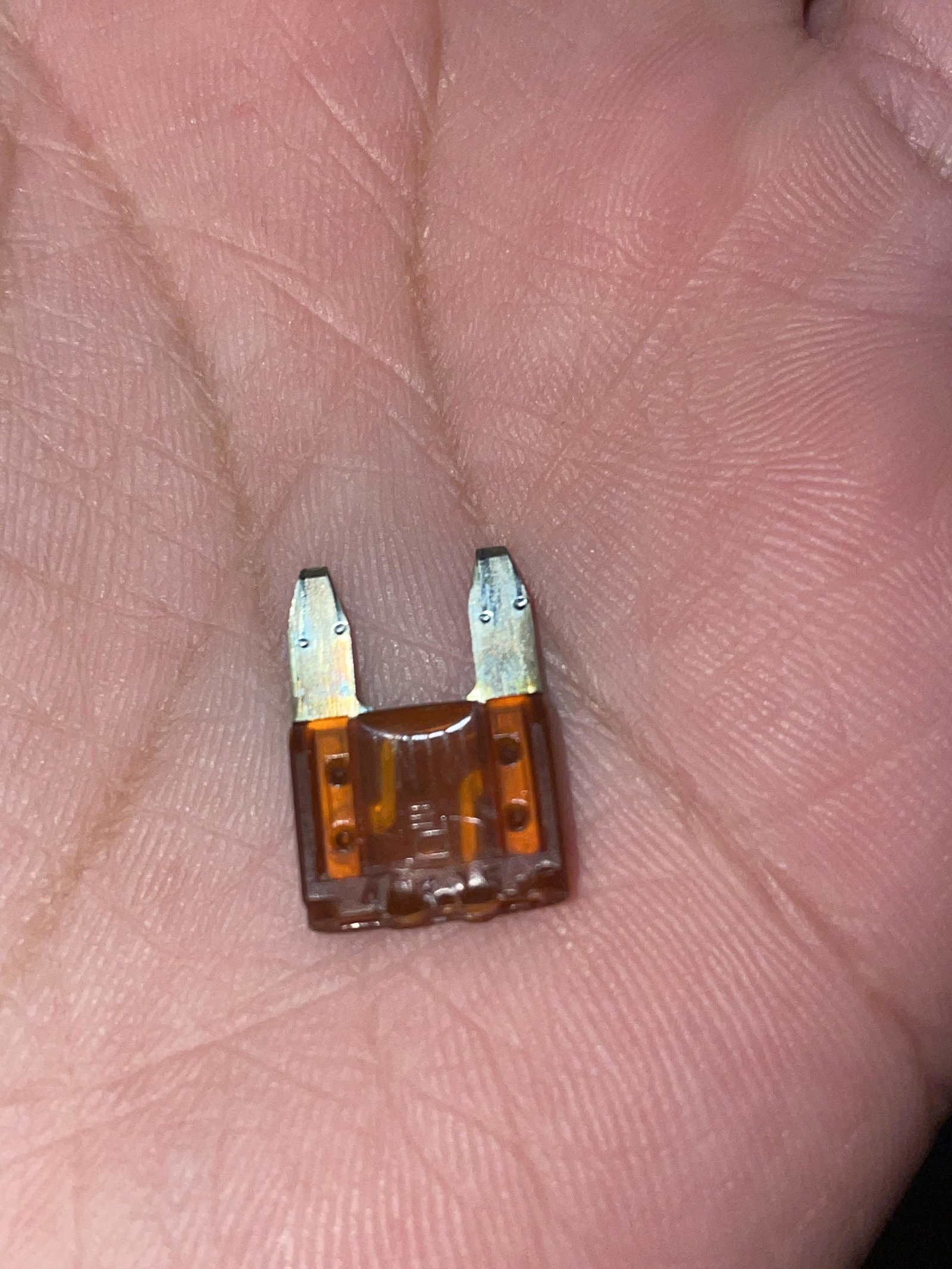
Hi, Yesterday I attempted to install LED lights in place of my current bulbs on my audi a3 8v tdi se technik (interior lighting). I had replaced the bulb in the globe lights, to which I experienced that they have not worked. I attempted to re-install the previous bulb to no avail of the lights working. I’ve checked the boot light and glovebox light and they had stopped working too. I then attempted to scan my vehicle on my OBD11 scanner to which flagged no related issue to what I was experiencing. Any type of help would be appreciated. Thanks in advance.