Mansour
Members
-
Joined
-
Last visited
Everything posted by Mansour
-
Hey it was the relay starter that was going bad, I opened the relay box and it was messed up it was rust on it, I cleaned it and heard a click hopped in the car and it started straight away after days of not starting, these cars are prone to have these electrical issues. But yeah what a journey it’s been did it all myself, felt weird working on my car for the first time but it was fun I learned a lot, I’m not trusting the mechanics anymore, the last one they told me to change the battery😂
-
What is the solution mate because at this moment I’m sitting in my car and it’s not starting because of this problem
-
I coded the battery still the same problem, I think it’s the dynamo
-
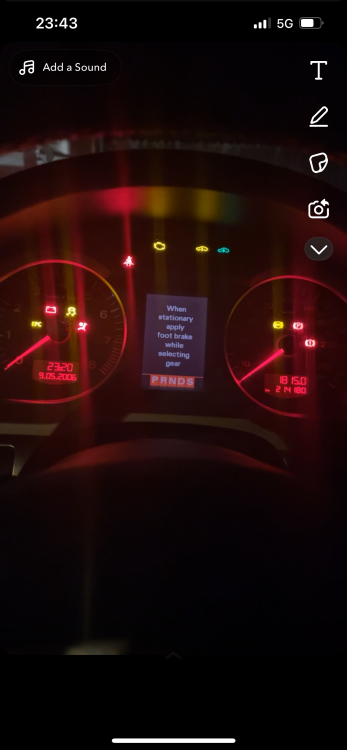
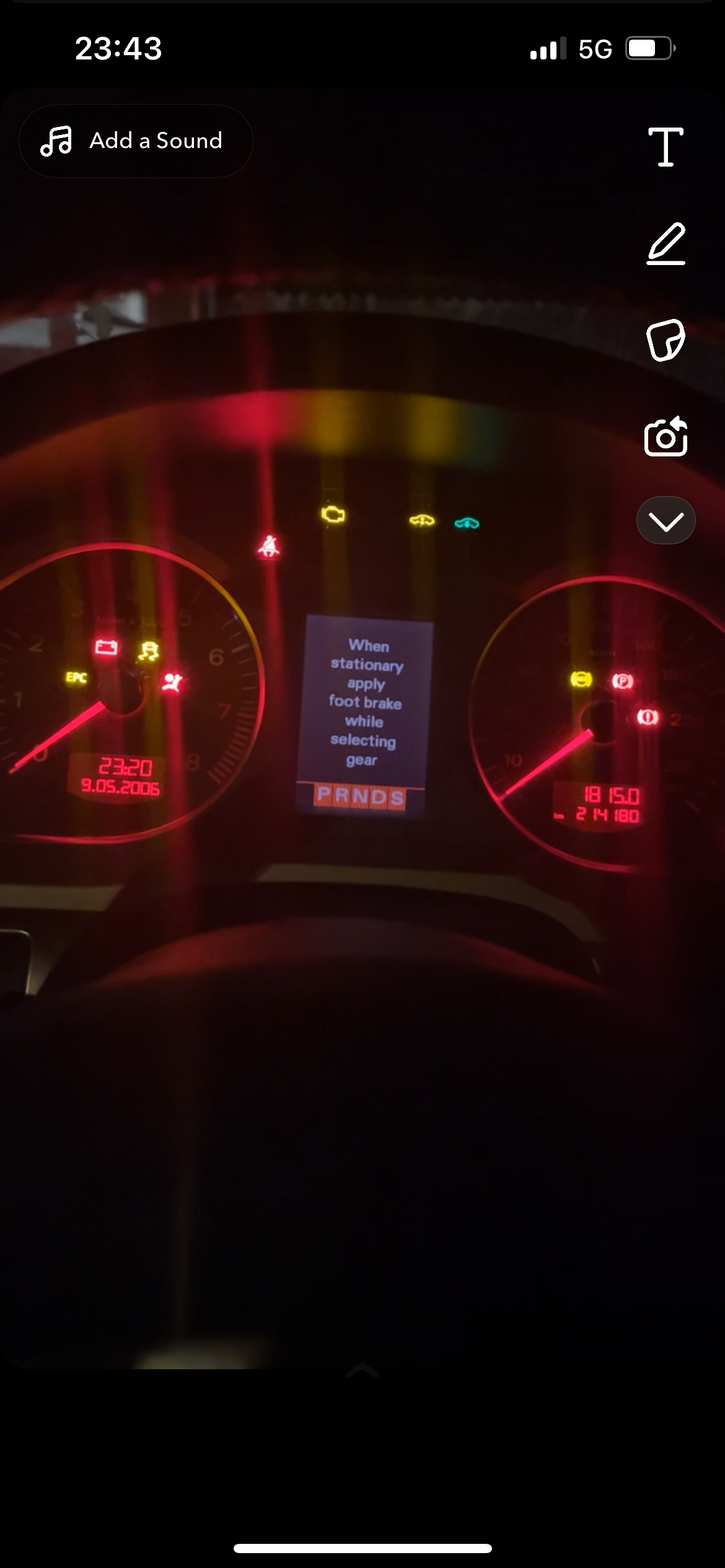
Hello I’ve had this audi a6 for a while it was going good but in the last months I’ve ran into som problems, the car randomly when I want to start it, every light on the dashboard comes on it gives crank but no start, sometimes I have to jumpstart it, I saw someone with the same problem on here. I’ve been told it’s a battery problem but I changed the battery about 2 weeks ago, other say relay, dynamo or fuse box but I don’t know 8A69AD25-6BDA-4A17-AAF0-A06D4890524F.mp4 .