Skip to content
View in the app

A better way to browse. Learn more.

Audi Owners Club (UK)

A full-screen app on your home screen with push notifications, badges and more.

To install this app on iOS and iPadOS
  1. Tap the Share icon in Safari
  2. Scroll the menu and tap Add to Home Screen.
  3. Tap Add in the top-right corner.
To install this app on Android
  1. Tap the 3-dot menu (⋮) in the top-right corner of the browser.
  2. Tap Add to Home screen or Install app.
  3. Confirm by tapping Install.

Romulus101

Members
  • Joined

  • Last visited

  1. Romulus101 changed their profile photo
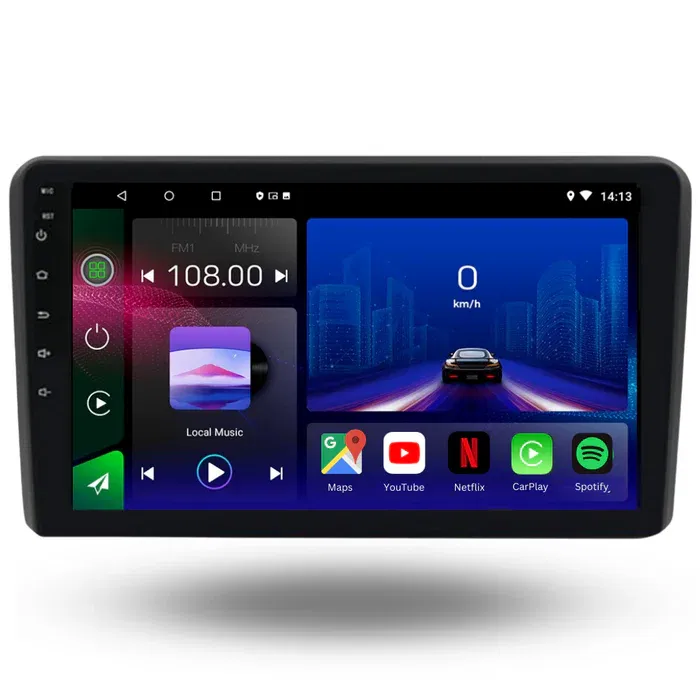
  2. Hi i was wondering if anyone has had any issues fitting one of these units or a unit like it, i have connected everything up as instructed but i have no power going to it from the car wiring 12v ignition wire, i have the continuous power as i bypassed the ignition wire with the continuous supply and it powered up the android unit. I have checked fuses and they seem ok ,Any ideas as being a complete bollock ache to be honest


Background Picker
Customize Layout

Account

Navigation

Search

Search

Configure browser push notifications

Chrome (Android)
  1. Tap the lock icon next to the address bar.
  2. Tap Permissions → Notifications.
  3. Adjust your preference.
Chrome (Desktop)
  1. Click the padlock icon in the address bar.
  2. Select Site settings.
  3. Find Notifications and adjust your preference.