




Skip to content
View in the app

A better way to browse. Learn more.

Audi Owners Club (UK)

A full-screen app on your home screen with push notifications, badges and more.

To install this app on iOS and iPadOS
  1. Tap the Share icon in Safari
  2. Scroll the menu and tap Add to Home Screen.
  3. Tap Add in the top-right corner.
To install this app on Android
  1. Tap the 3-dot menu (⋮) in the top-right corner of the browser.
  2. Tap Add to Home screen or Install app.
  3. Confirm by tapping Install.

Ish91

Members
  • Joined

  • Last visited

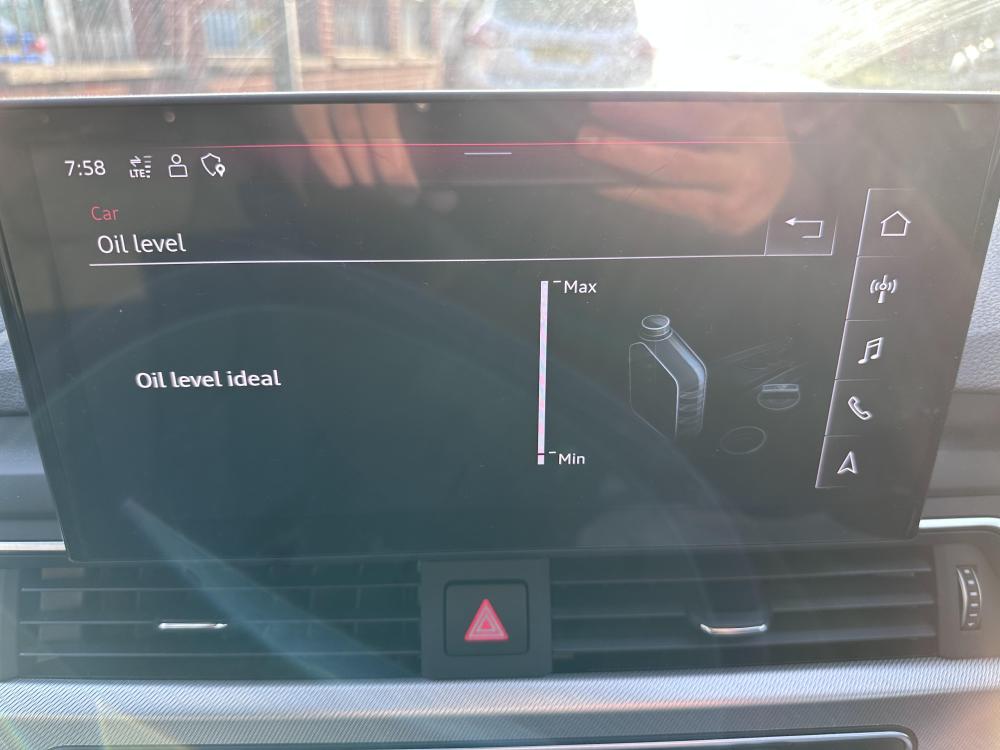
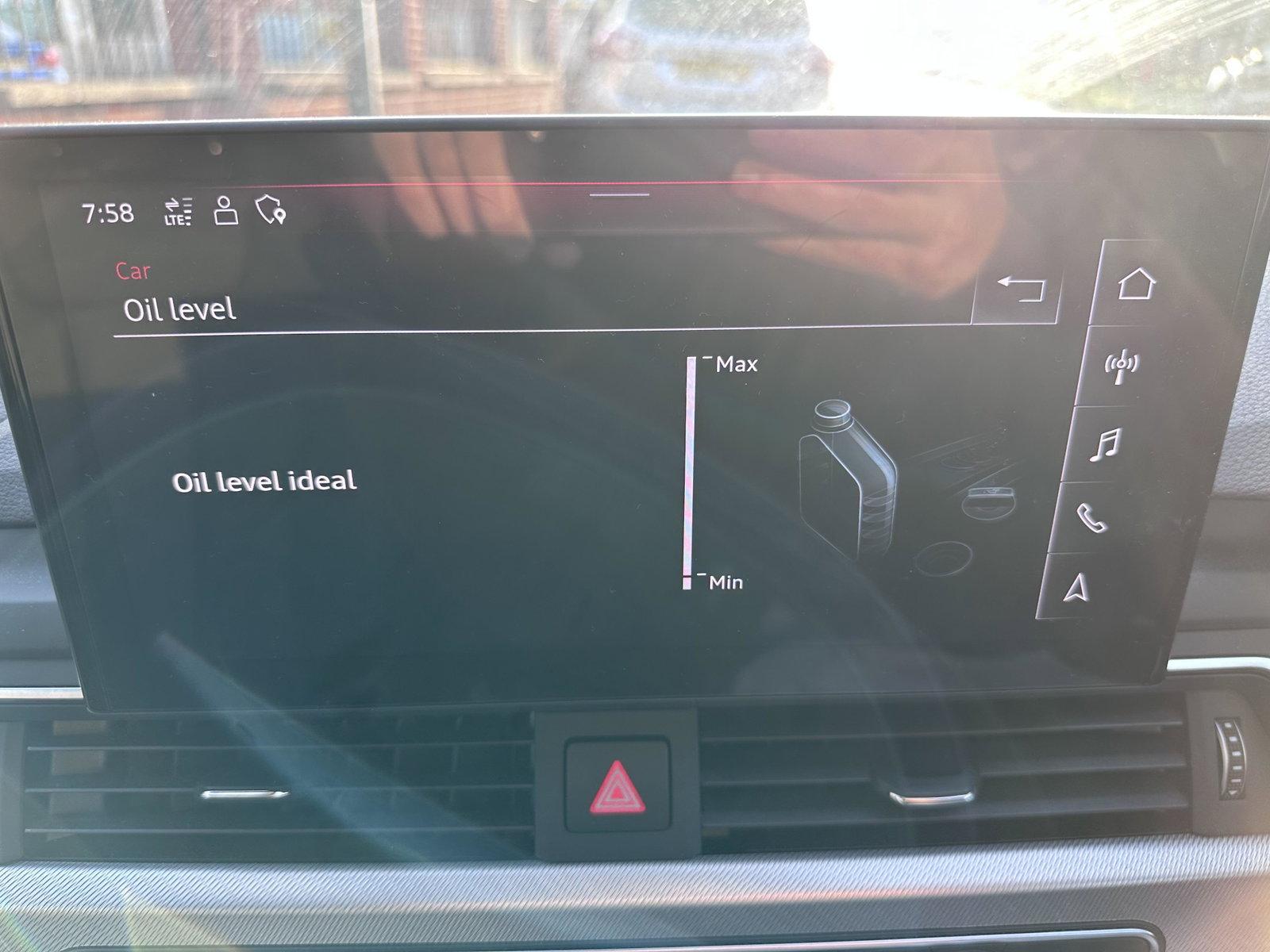
  1. Hi, I have a 2023 Audi A5 2.0 TFSI. I had 2 questions. 1 - when I try to get my Oil reading on the MMI, it shows the below. However even after keeping the car on for over 5 minutes, the bar doesn’t change.. it’s gone from OK to Ideal - so I was expecting the bar to reduce? 2 - When I drive my car, whether it’s a short distance or a long distance, the engine cooling fan turns on once after every journey. It stays on for exactly 5 minutes after I’ve switched the car off, and then turns off. Is this expected? Thanks in advance !


Background Picker
Customize Layout

Account

Navigation

Search

Search

Configure browser push notifications

Chrome (Android)
  1. Tap the lock icon next to the address bar.
  2. Tap Permissions → Notifications.
  3. Adjust your preference.
Chrome (Desktop)
  1. Click the padlock icon in the address bar.
  2. Select Site settings.
  3. Find Notifications and adjust your preference.