Puffin
Members
-
Joined
-
Last visited
Everything posted by Puffin
-
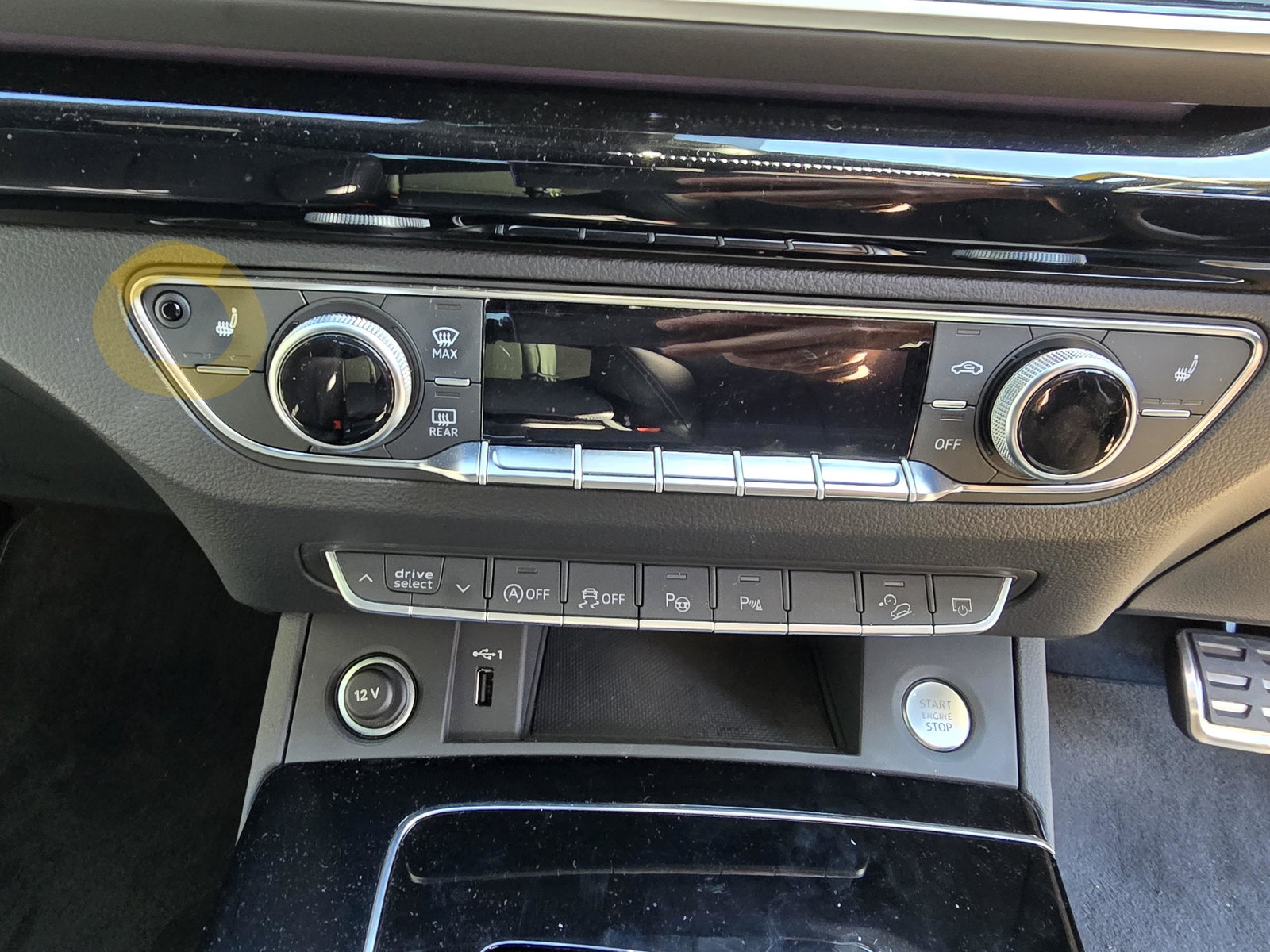
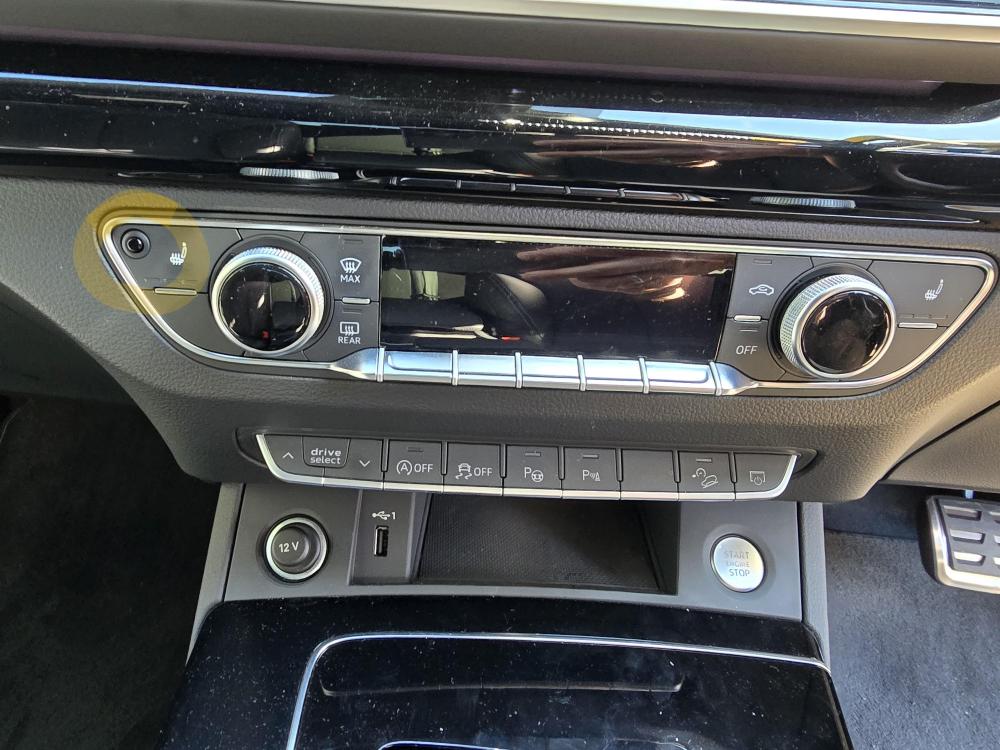
The plastic dome circled top left. Assumed it was a light.
-
Does anyone know what this little light is for on my Audi Q5 ? Nothing seemingly in manual. Thanks.
-
No, just a driveway. Cheers
-
No problem Gareth. Thanks for the reply. Wondered if you or others may know whether the radio signals from the key are deactivated when it is motionless? Sure I read it somewhere
-
Hi- Slightly paranoid new owner of 2024 plate Q5 45 TFSI Quattro Black Edition here. How far should I go to supplement the existing security of the car ? For example, would a Faraday pouch be advisable for the keys or (as I've read somewhere) do modern Audi keys deactivate the radio signals when not being moved ? In addition, would a steering lock be advisable or are the cars already as theft-proof as they come ? Maybe as a physical deterrent if nothing else ? Thanks.